
Uvod
This manual provides essential information for setting up, operating, maintaining, and troubleshooting your TECNO Spark GO 2 smartphone. Please read this guide carefully to ensure optimal performance and longevity of your device.
Setup
1. Raspakivanje i prvi pregled
Carefully remove all items from the packaging. Verify that all components listed in the 'What's in the Box' section are present and undamaged.
2. Umetanje SIM kartice i memorijske kartice
- Pronađite ladicu za SIM karticu sa strane uređaja.
- Umetnite priloženi alat za izbacivanje SIM kartice u mali otvor pored ladice i lagano pritisnite dok ladic ne iskoči.
- Umetnite Nano-SIM karticu(e) i/ili microSD karticu (ako je primjenjivo) u predviđene utore na ladici, pazeći na pravilnu orijentaciju.
- Pažljivo gurnite ladicu natrag u uređaj dok ne klikne na svoje mjesto.
3. Punjenje uređaja
Before first use, fully charge your TECNO Spark GO 2. Connect the provided USB cable to the phone's charging port and the power adapter. Plug the adapter into a wall outlet. The device supports 15W fast charging.

Gotovoview of TECNO Spark GO 2 features, including AI, durability, display, and battery.
4. Uključivanje i početno podešavanje
Press and hold the Power button until the TECNO logo appears. Follow the on-screen instructions to select your language, connect to Wi-Fi, and set up your Google account.
Upravljanje uređajem
1. Osnovna navigacija
The TECNO Spark GO 2 features a responsive touchscreen. Use gestures such as tap, swipe, pinch-to-zoom, and long-press to navigate the interface, open apps, and interact with content.
2. Karakteristike ekrana
Experience smooth visuals on the 6.67-inch Punch-Hole Display with a 120Hz refresh rate. This high refresh rate provides a fluid scrolling and viewing iskustvo.

The 120Hz Dynamic Punch-hole Display offers smooth visuals.
3. Ella AI with Indian Language Support
Your device includes Ella, an AI assistant that supports voice commands in various Indian regional languages. Utilize Ella for productivity tasks and smart interactions.

Ella AI provides support for multiple Indian languages.
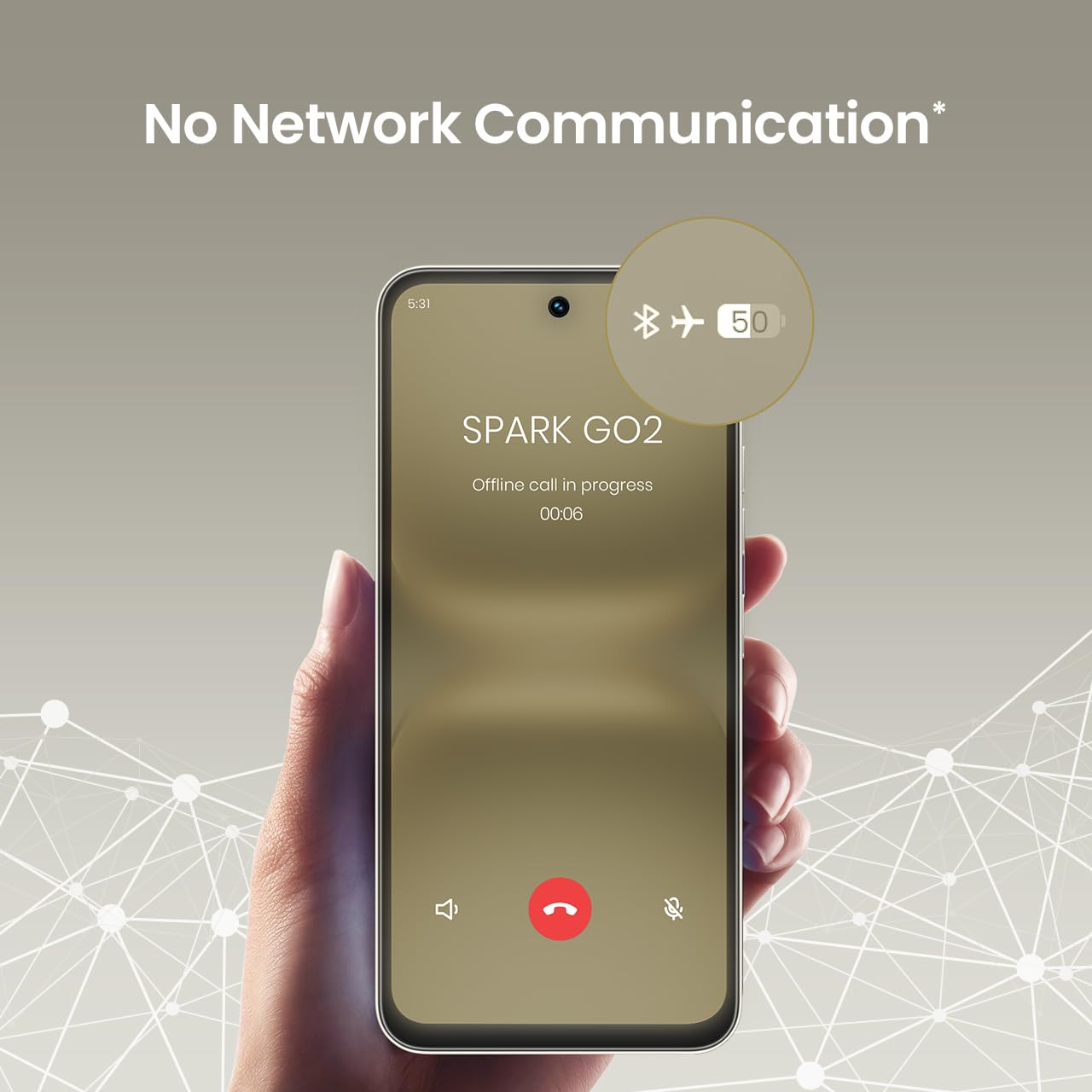
4. No Network Communication Feature
The TECNO Spark GO 2 features a unique 'No Network Communication' capability, allowing certain functions even in areas without cellular signal. Refer to the device's settings for details on how to utilize this feature.

The 'No Network Communication' feature allows limited functionality without cellular service.
5. Upotreba kamere
Your device is equipped with a 13MP main camera and an 8MP front camera. Open the Camera application to capture photos and videos. Explore various modes and settings for different photographic effects.
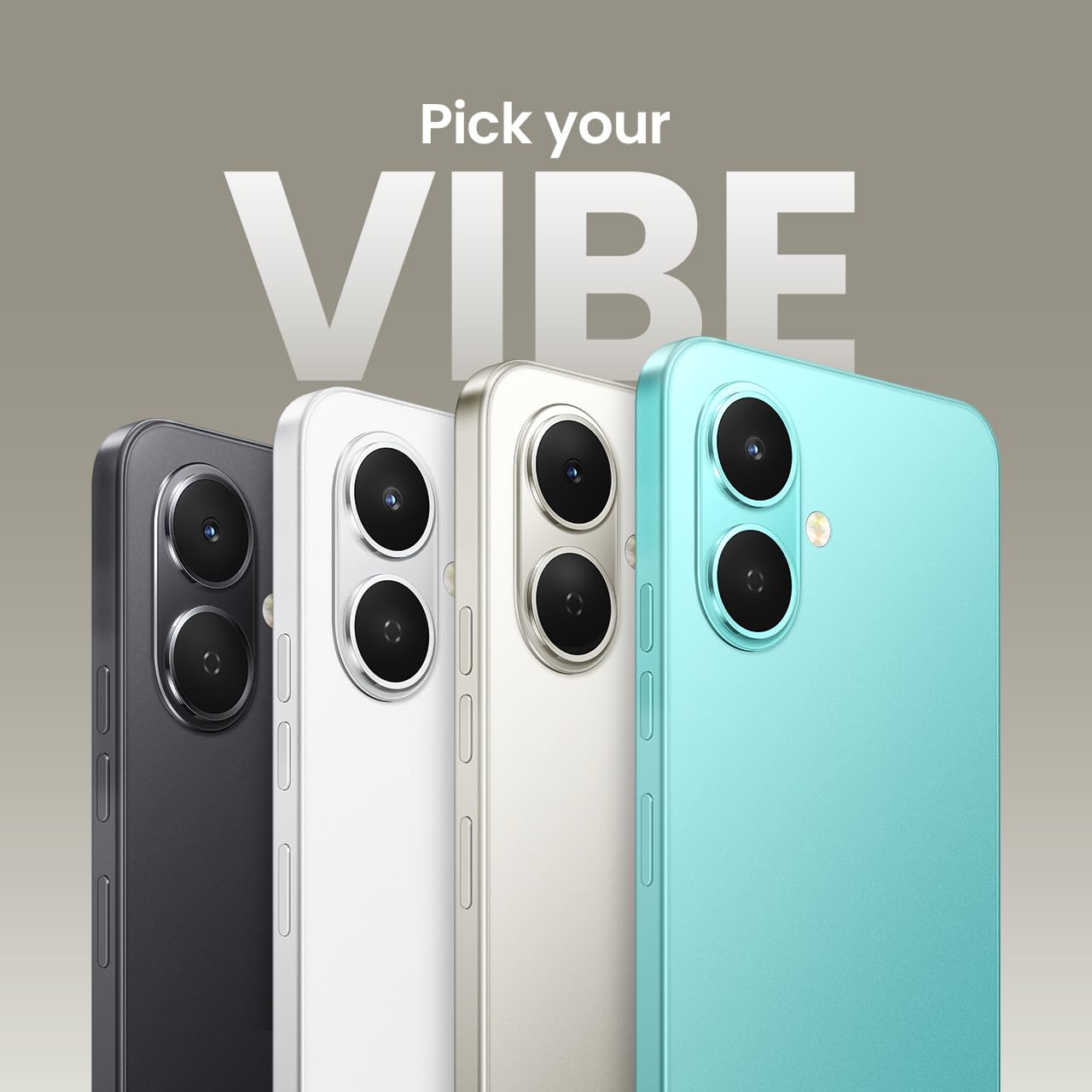
The TECNO Spark GO 2 features a 13MP main camera and an 8MP front camera.
6. AI Active Noise Cancellation
Benefit from AI Active Noise Cancellation during calls to ensure clearer audio by reducing background noise.

AI Active Noise Cancellation enhances call clarity.
Održavanje
1. Izdržljivost i zaštita
The TECNO Spark GO 2 is IP64 rated and SGS certified, offering protection against dust and splashes. While durable, avoid submerging the device in water or exposing it to excessive dust.

The TECNO Spark GO 2 is IP64 rated for dust and splash resistance.
2. Održavanje baterije
To maximize battery life, avoid extreme temperatures. Use only the provided charger and cable. For optimal performance, keep the battery charge between 20% and 80% when possible.
The 5000mAh battery supports 15W fast charging.
3. Ažuriranja softvera
Regularly check for and install software updates to ensure your device has the latest features, security patches, and performance enhancements. This contributes to the promised 4 years of lag-free performance.
4. Čišćenje
Koristite meku krpu koja ne ostavlja dlačice za čišćenje ekrana i kućišta telefona. Izbjegavajte upotrebu jakih hemikalija ili abrazivnih materijala.
Rješavanje problema
1. Uređaj ne reaguje
Ako vaš uređaj prestane reagirati, pritisnite i držite tipku za napajanje otprilike 10-15 sekundi da biste ga prisilno ponovo pokrenuli.
2. Brzo pražnjenje baterije
Check for background apps consuming power. Adjust screen brightness, disable unnecessary features like GPS or Bluetooth when not in use, and ensure your software is up to date.
3. Problemi s mrežnom povezivošću
If you experience issues with cellular or Wi-Fi connectivity, try restarting your device. Verify that your SIM card is correctly inserted and that you are within network coverage. For Wi-Fi, ensure the router is functioning correctly.
4. Kašnjenje performansi
Close unused applications, clear cache, and ensure sufficient storage space. The device is designed for lag-free performance for up to 4 years, supported by its UNISOC T7250 processor and up to 8GB RAM (including virtual RAM).

The TECNO Spark GO 2 is engineered for 4 years of lag-free performance.

The device offers up to 8GB RAM for smooth multitasking.
Specifikacije
| Feature | Detalj |
|---|---|
| Operativni sistem | Android 15 |
| RAM | 4 GB (Up to 8GB with virtual RAM) |
| Interna pohrana | 64 GB |
| Broj modela | KM4 |
| Dimenzije proizvoda | 16.6 x 7.7 x 0.8 cm |
| Težina artikla | 186 g |
| Ocjena snage baterije | 5000 mAh |
| Podrška za punjenje | 15W brzo punjenje |
| Display | 6.67" Punch-Hole Display, 120Hz Refresh Rate, 720 x 1600 Resolution |
| Glavna kamera | 13 MP |
| Prednja kamera | 8 MP |
| Povezivanje | Bluetooth, Infrared, USB, Wi-Fi, 4G Carrier Aggregation 2.0 |
| Audio Jack | 3.5 mm |
| Posebne karakteristike | Ella AI with Indian Language Support, IP64 SGS Certified, No Network Communications, AI Active Noise Cancellation |
| Boja | Titanium Grey |
Šta je u kutiji
The TECNO Spark GO 2 package typically includes the following items:
- TECNO Spark GO 2 Smartphone
- Case za telefon
- Adapter za napajanje
- Izbacivač SIM ležišta
- USB kabel
Garancija i podrška
For warranty information and customer support, please refer to the warranty card included with your product or visit the official TECNO Mobile India website. The manufacturer is G Mobiles India.
For technical assistance or service inquiries, please contact TECNO customer service through their official channels.