
1. Uvod
This instruction manual provides essential information for the proper setup, operation, and maintenance of your YUEHISY 4G 5G WiFi Hotspot Mobile Router. Please read this manual thoroughly before using the device to ensure optimal performance and to prevent damage.
The YUEHISY 4G 5G WiFi Hotspot is a portable device designed to provide high-speed internet access on the go. By simply inserting a 4G/5G SIM card, you can create a personal WiFi network for multiple devices.
2. Sadržaj paketa
Molimo Vas da provjerite paket za sljedeće stavke:
- 1 x YUEHISY 4G 5G WiFi Hotspot Mobile Router
- 1 x USB-C kabl za napajanje
- 1 x Uputstvo za upotrebu
3. Proizvod je gotovview
The YUEHISY 4G 5G WiFi Hotspot is a compact and portable device featuring a Type-C interface for charging, support for 4G/5G high-speed internet, and a 2100mAh battery for extended use.

This device is designed for high performance, offering efficient and low power consumption. Its 2100mAh battery allows for over 10 hours of continuous operation, providing stable and fast internet access whether you are at home or traveling.

The hotspot supports connecting up to 10 devices simultaneously, including smartphones, tablets, and laptops, ensuring a stable connection without significant performance degradation.
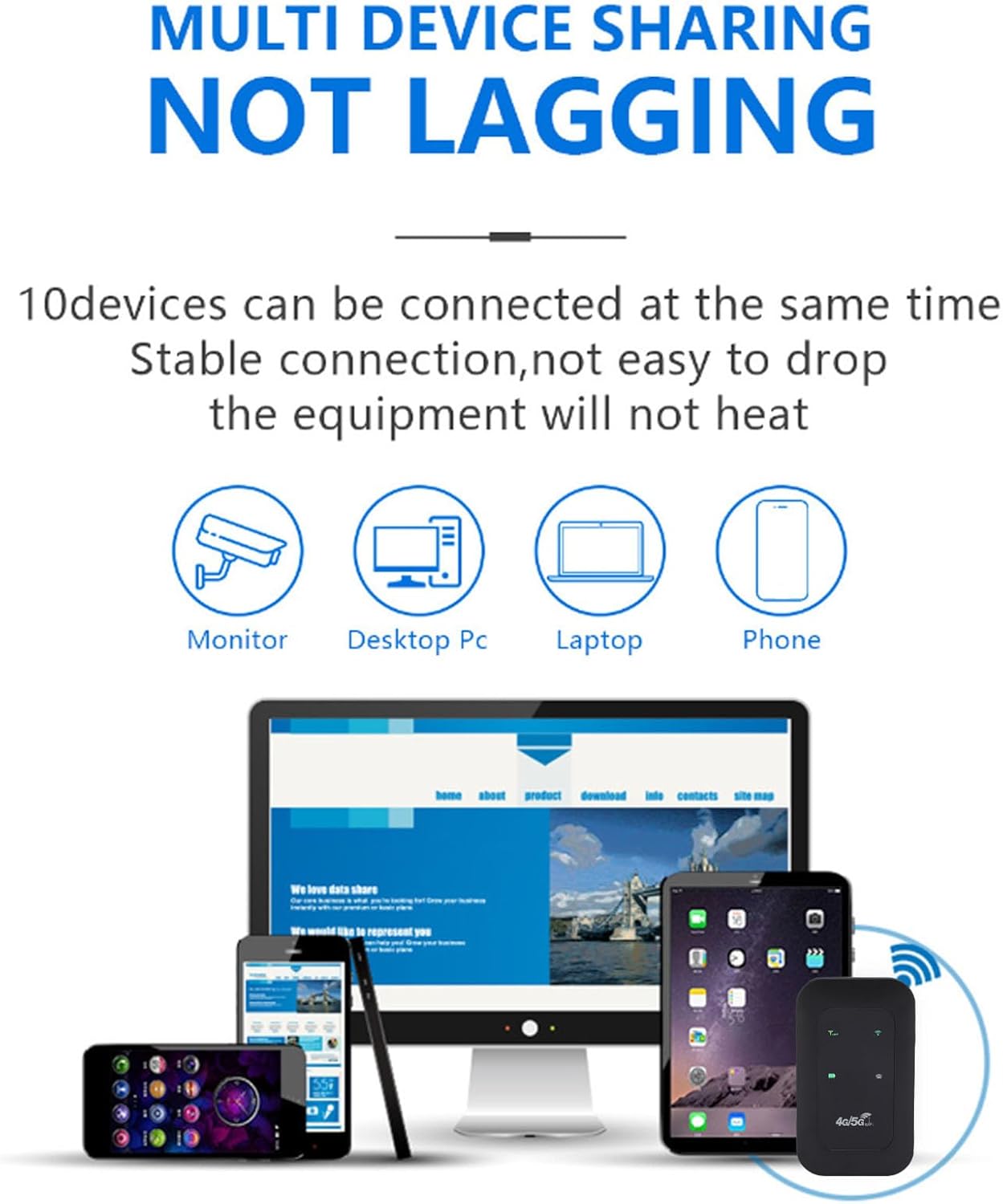
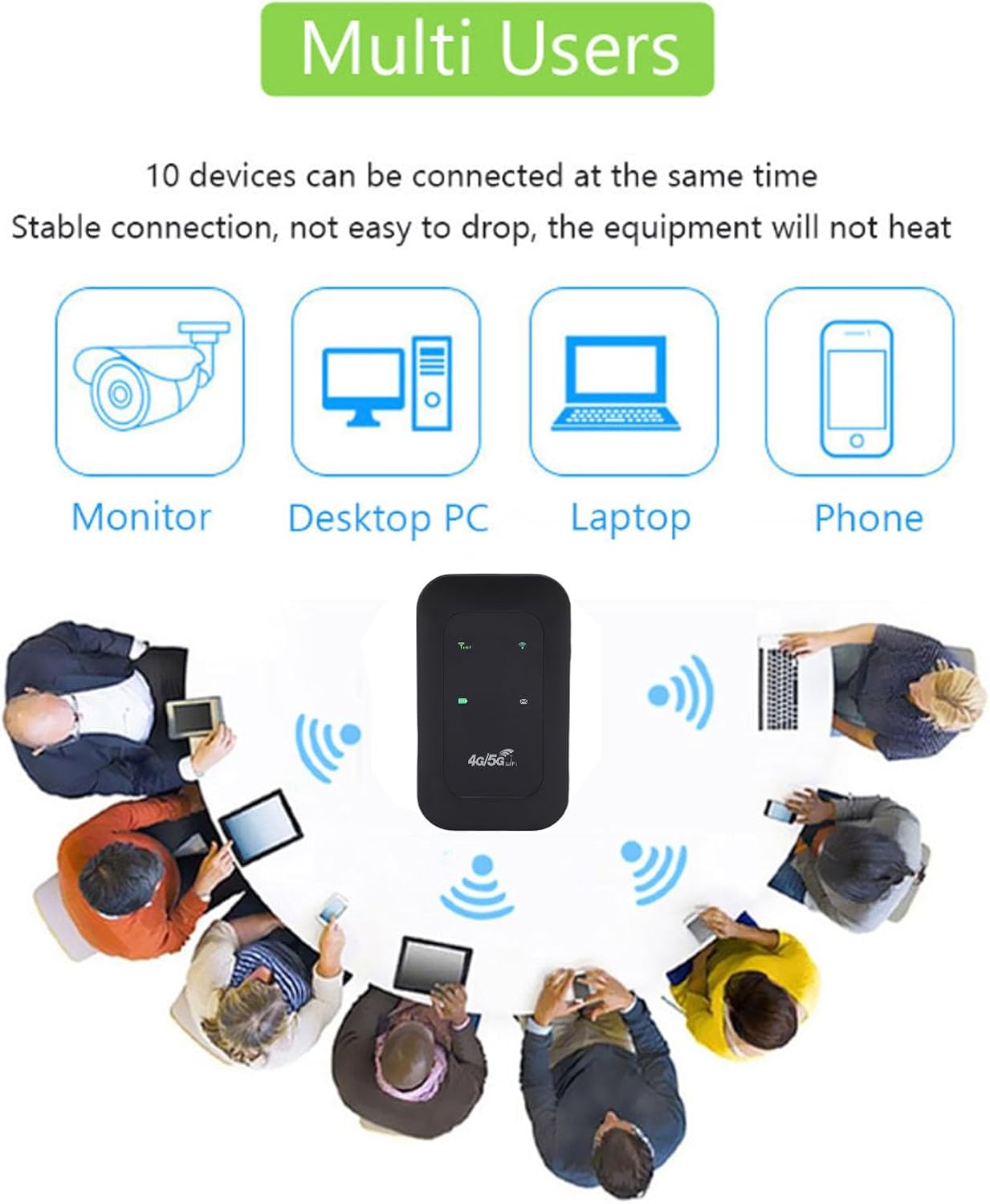
It features accurate reception of high-frequency signals, contributing to smooth network speed.

4. Podešavanje
4.1 Umetanje SIM kartice
- Remove the back cover of the hotspot device.
- Pronađite utor za SIM karticu.
- Insert your 4G/5G SIM card into the designated slot, ensuring proper orientation.
- Vratite zadnji poklopac.
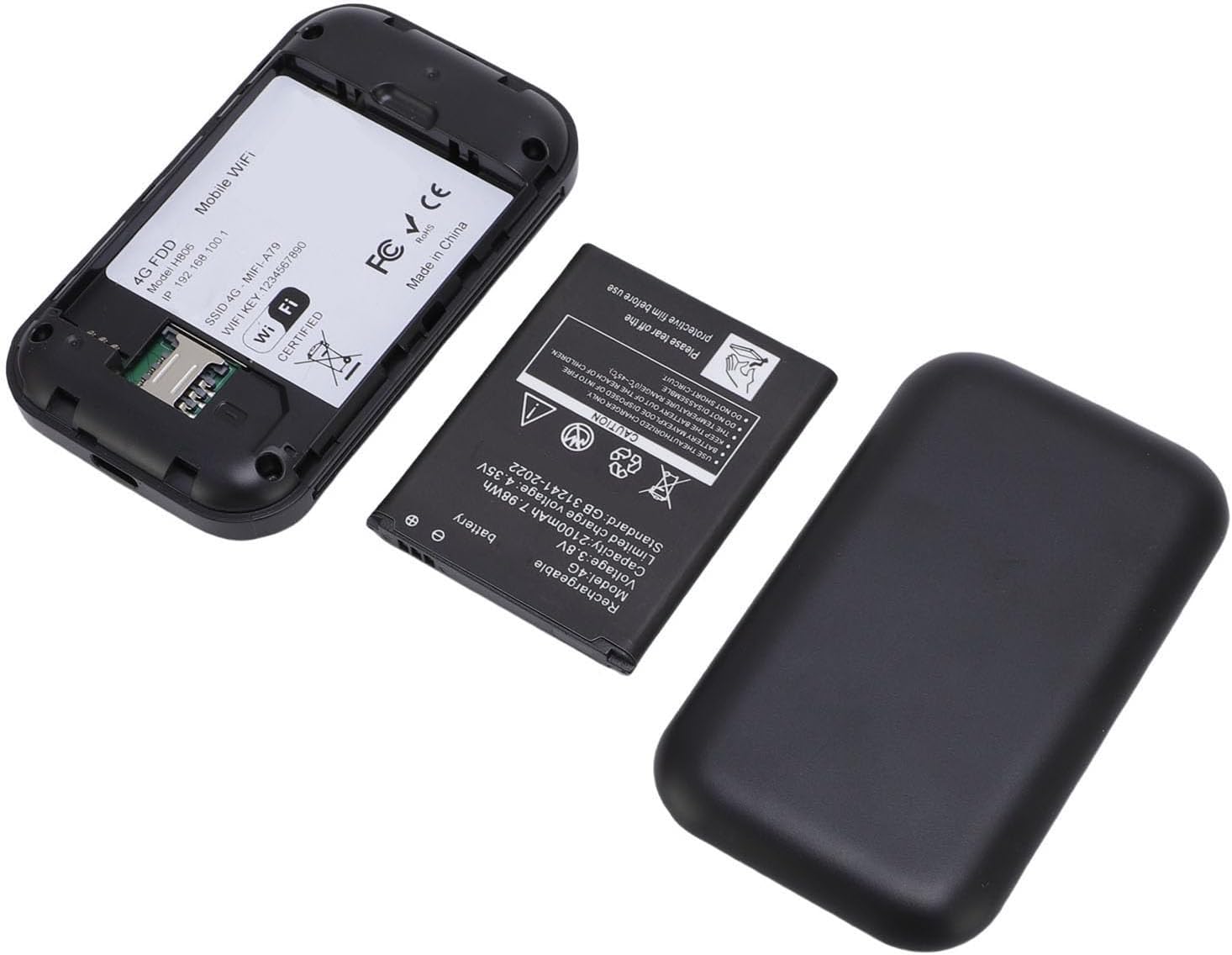
4.2 Punjenje uređaja
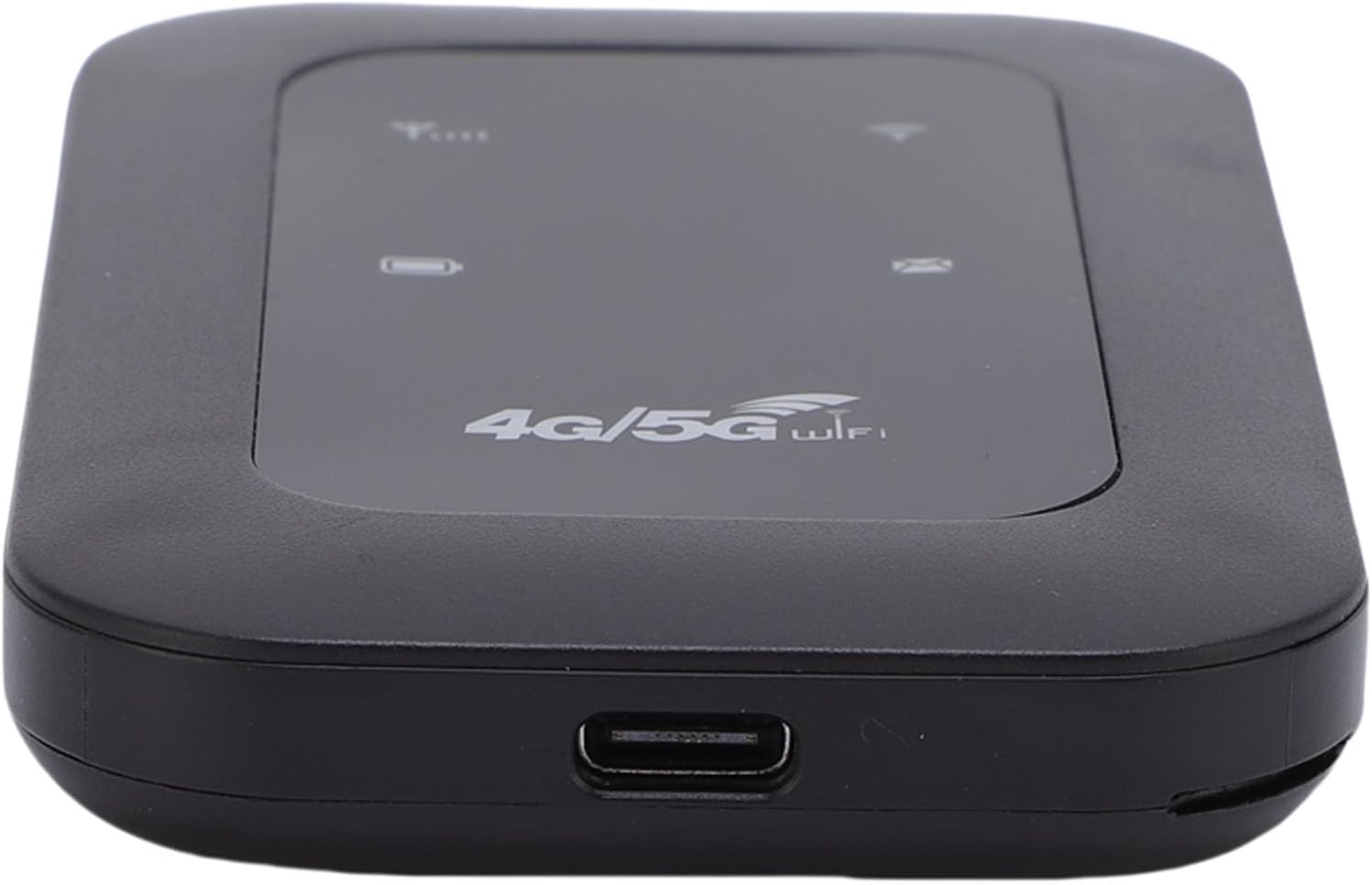
Connect the provided USB-C power cable to the device's USB-C port and plug the other end into a compatible USB power adapter or computer. The LED display will indicate the charging status.

4.3 Uključivanje/isključivanje
To power on the device, press and hold the power button for a few seconds until the LED display illuminates. To power off, press and hold the power button again until the device shuts down.
5. Uputstvo za upotrebu
5.1 Povezivanje na WiFi mrežu
- Ensure the hotspot is powered on and has a working SIM card inserted.
- On your device (smartphone, tablet, laptop), search for available WiFi networks.
- Select the network name (SSID) displayed on the hotspot's LED screen or on the device's label.
- Enter the password (WiFi Key) provided on the hotspot's LED screen or label.
- Vaš uređaj bi sada trebao biti povezan s internetom.
5.2 LED indikatori
The colorful LED screen provides information about the device's status:
- Indikator signala: Shows the strength of the 4G/5G network signal.
- Indikator baterije: Prikazuje trenutni nivo napunjenosti baterije.
- WiFi indikator: Shows if the WiFi network is active.
- Indikator poruke: May indicate new SMS messages (if supported by SIM card).
5.3 Povezivanje više uređaja
The hotspot supports connecting up to 10 devices simultaneously. Follow the steps in section 5.1 for each device you wish to connect.
6. Održavanje
6.1 Čišćenje
Wipe the device with a soft, dry cloth. Do not use liquid cleaners or abrasive materials, as they may damage the device.
6.2 Njega baterija
- Izbjegavajte izlaganje baterije ekstremnim temperaturama.
- Redovno punite uređaj, ali izbjegavajte prekomjerno punjenje tokom dužeg perioda.
- Ako uređaj nećete koristiti duže vrijeme, napunite ga na oko 50% prije skladištenja.
6.3 Skladištenje
Čuvajte uređaj na hladnom i suvom mestu dalje od direktne sunčeve svetlosti i vlage.
7. Otkrivanje problema
7.1 Nema internetske veze
- Provjerite SIM karticu: Provjerite je li SIM kartica ispravno umetnuta i aktivna s podatkovnim planom.
- Mrežni signal: Verify that the device has a strong 4G/5G network signal (check the LED indicator). Move to an area with better reception if needed.
- Ponovo pokrenite uređaj: Isključite hotspot, pričekajte nekoliko sekundi, a zatim ga ponovo uključite.
- APN postavke: In some cases, you may need to manually configure the APN settings. Refer to your SIM card provider's instructions for the correct APN.
7.2 Slow Network Speed or Frequent Disconnections
- Jačina signala: A weak signal can lead to slow speeds. Try moving the hotspot to a location with better signal.
- Broj povezanih uređaja: Too many devices connected simultaneously can reduce speed. Disconnect some devices to see if performance improves.
- Ograničenje podataka: Check if you have exceeded your data plan's high-speed allowance.
- smetnje: Keep the hotspot away from other electronic devices that might cause interference.
7.3 Cannot Connect to WiFi (WLAN Login Not Possible)
- Netačna lozinka: Double-check the WiFi password (WiFi Key). Ensure you are entering it correctly, paying attention to case sensitivity.
- Raspon uređaja: Ensure your connecting device is within the WiFi range of the hotspot.
- Restart Hotspot and Device: Restart both the hotspot and the device you are trying to connect.
8. Specifikacije
| Feature | Specifikacija |
|---|---|
| Vrsta proizvoda | Portable 4G 5G WiFi Hotspot |
| Network Bands (LTE) | B1 / B3 / B5 / B40 |
| Network Bands (WCDMA) | B1 |
| WiFi standard | 802.11 b / g / n |
| Max Speed | Up to 300 Mbps (LTE Cat4) |
| Kapacitet baterije | Litijum-jonski 2100mAh |
| Maksimalni broj povezanih uređaja | 10 |
| Power Input | USB-C |
| Proizvođač | YUEHISY |
| Zemlja porijekla | Kina |
9. Informacije o garanciji
Ovaj proizvod dolazi sa a 2-godišnja garancija proizvođača. Please retain your proof of purchase for warranty claims. The warranty covers defects in materials and workmanship under normal use. It does not cover damage caused by misuse, accidents, unauthorized modifications, or natural disasters.
10. Podrška
If you encounter any issues not covered in this manual or require further assistance, please contact YUEHISY customer support through the retailer where you purchased the product. Please have your product model number (B0FBWNXKQF) and purchase details ready when contacting support.