
KOORUI S2721XO 27-Inch QD-OLED Gaming Monitor User Manual
Model: S2721XO
1. Uvod
This manual provides instructions for the setup, operation, maintenance, and troubleshooting of your KOORUI S2721XO 27-inch QD-OLED Gaming Monitor. Please read this manual thoroughly before using the product to ensure proper function and safety.
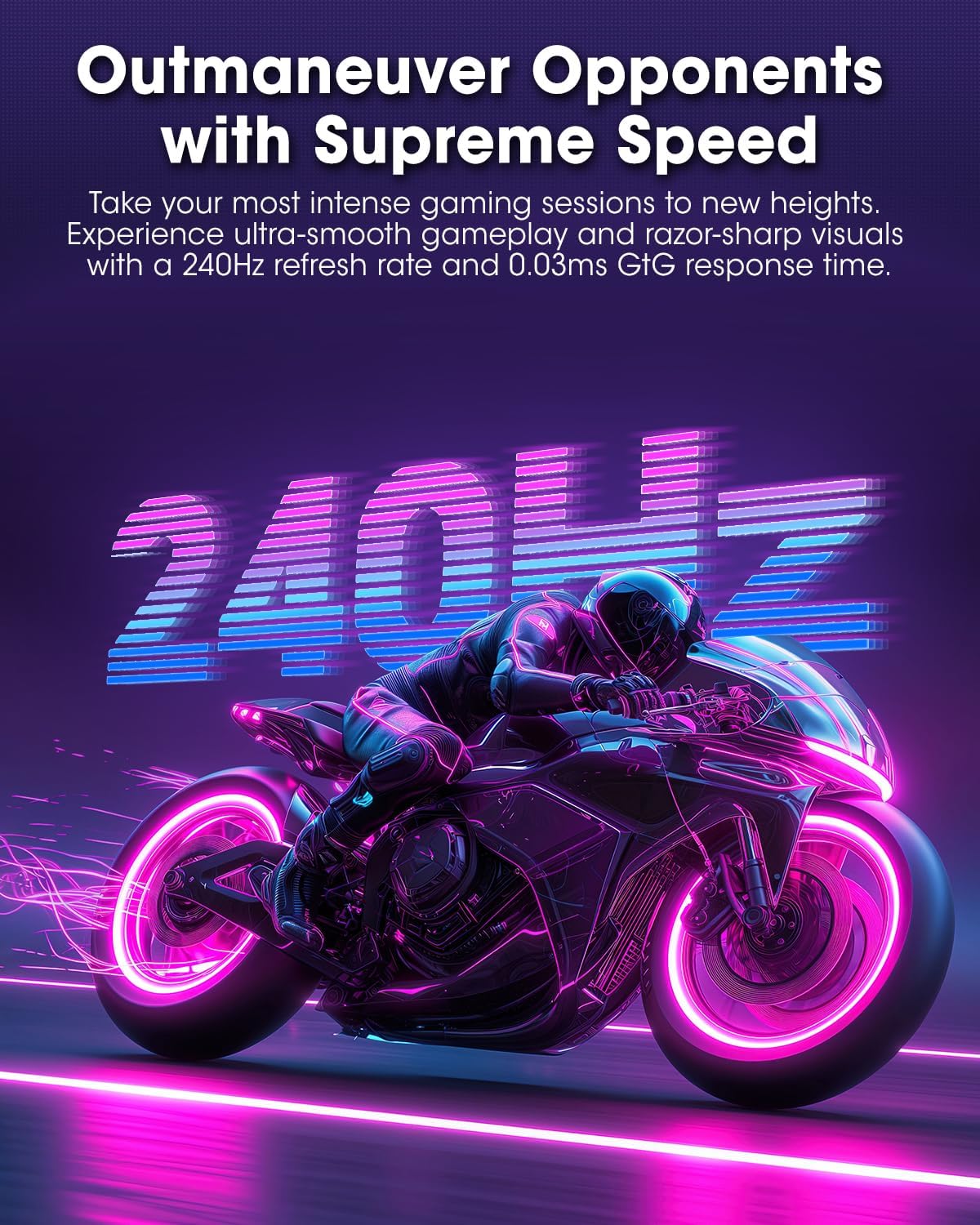
The KOORUI S2721XO monitor features a 27-inch QD-OLED panel with QHD (2560x1440) resolution, a 240Hz refresh rate, and a 0.03ms (GtG) response time. It supports HDR True Black 400 and AdaptiveSync technology for a smooth visual experience. Connectivity options include HDMI 2.1 and DisplayPort 1.4.
2. Sigurnosne informacije
- Osigurajte da je monitor postavljen na stabilnu, ravnu površinu kako biste spriječili slučajne padove.
- Ne izlažite monitor kiši ili vlazi kako biste izbjegli strujni udar.
- Otvore za ventilaciju držite slobodnim kako biste spriječili pregrijavanje.
- Use only the power adapter provided with the monitor.
- Izbjegavajte dodirivanje ekrana oštrim predmetima.
- Isključite kabel za napajanje iz utičnice prije čišćenja ili ako monitor neće biti korišten duži period.
3. Podešavanje
3.1 Sadržaj paketa
Provjerite da li su sve komponente prisutne u paketu:
- KOORUI S2721XO Monitor
- Stalak za monitor (baza i vrat)
- Power Cable
- DisplayPort Cable (1.8m)
- Korisnički priručnik (ovaj dokument)
3.2 Sastavljanje postolja
- Pričvrstite vrat postolja na ploču monitora. Provjerite da li je sigurno uglavljen na svoje mjesto.
- Attach the stand base to the stand neck. Tighten any screws as necessary.
Alternatively, the monitor supports VESA 100x100mm mounting for compatible wall mounts or monitor arms.
Slika 3.2.1: Pozadi view of the monitor with VESA mount and stand attachment.

Slika 3.2.2: Pozadi view monitora sa sastavljenim postoljem.
3.3 Povezivanje na uređaj
The monitor provides multiple input options:
- HDMI2.1: Connect to a PC or gaming console using an HDMI 2.1 cable. The monitor has two HDMI 2.1 ports.
- DisplayPort 1.4: Connect to a PC using a DisplayPort 1.4 cable. A DisplayPort cable is included.
- Audio izlaz: Spojite vanjske zvučnike ili slušalice na 3.5 mm audio priključak.

Slika 3.3.1: Ulazni portovi monitora.
Nakon spajanja video kabela, spojite kabel za napajanje na monitor, a zatim na utičnicu.
4. Operacija
4.1 Uključivanje/isključivanje napajanja
Press the power button (usually located on the back or bottom of the monitor) to turn the monitor on or off. The power indicator light will illuminate when the monitor is on.
4.2 On-Screen Display (OSD) meni
The monitor features a joystick controller for navigating the OSD menu. This allows for easy adjustment of various settings.
- Press the joystick: Otvara OSD meni.
- Move joystick Up/Down: Navigacija kroz opcije menija.
- Move joystick Left/Right: Adjusts values or enters sub-menus.
- Pritisnite ponovo: Confirms selection or exits a sub-menu.
4.3 Postavke ekrana
Adjust the following settings via the OSD menu for optimal performance:
- rezolucija: Set to 2560x1440 (QHD) for the native display resolution.
- Brzina osvježavanja: Select 240Hz for the smoothest motion.
- AdaptiveSync: Enable AdaptiveSync (FreeSync compatible) to eliminate screen tearing and stuttering during gaming.
- HDR True Black 400: Activate HDR for enhanced contrast and color depth in compatible content.
- Raspon boja: Adjust color settings, including DCI-P3 99% and sRGB 100% modes, for accurate color reproduction.
- Svjetlina/kontrast: Fine-tune display brightness (average 280 nits) and contrast levels.
- Image Retention Refresh: This feature helps prevent burn-in on the OLED panel. It is recommended to keep this enabled.
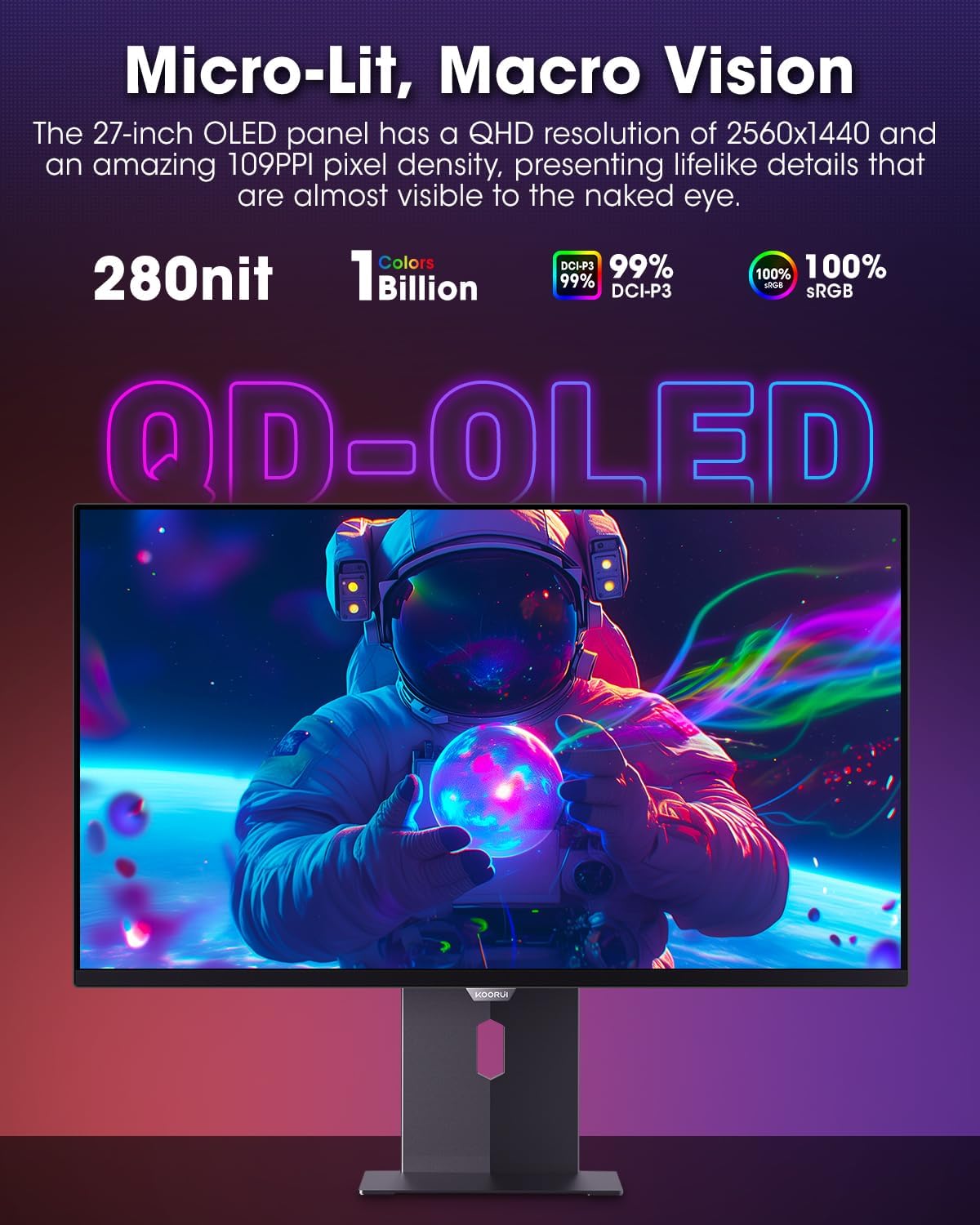
Figure 4.3.1: The QD-OLED panel delivers vivid colors and deep blacks.

Figure 4.3.2: High refresh rate and low response time for smooth gaming.
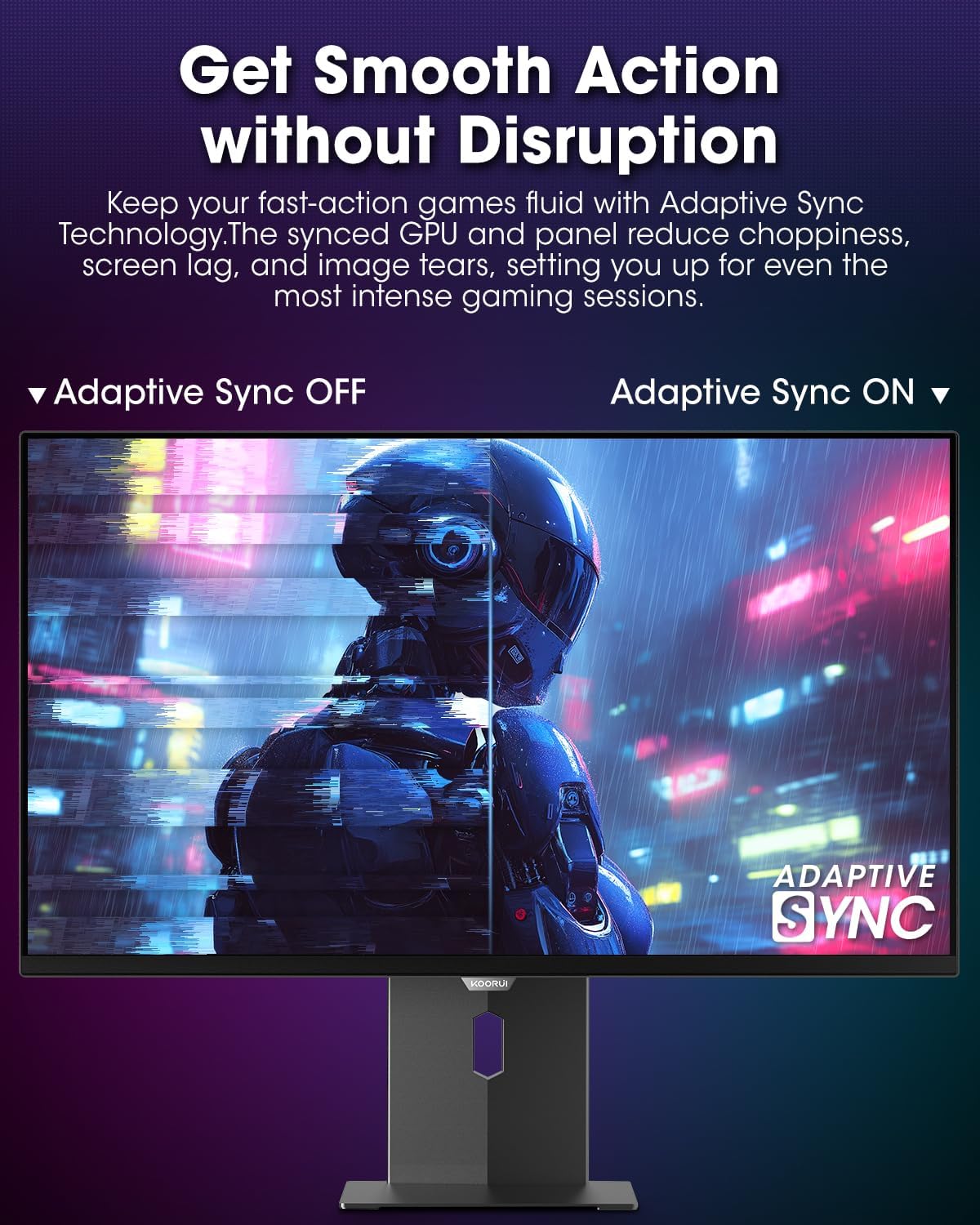
Figure 4.3.3: AdaptiveSync technology prevents screen tearing.
4.4 Ergonomska podešavanja
The monitor stand allows for various adjustments to enhance viewudobnost:
- Podešavanje visine: Podignite ili spustite monitor do nivoa očiju.
- Nagib: Adjust the screen angle forward or backward.
- Okretni: Okrenite monitor horizontalno.
- Pivot: Rotate the monitor vertically (portrait mode).

Slika 4.4.1: Podešavanje nagiba monitora.

Slika 4.4.2: Podešavanje okretanja monitora u portretni režim.
5. Održavanje
- Čišćenje ekrana: Lagano koristite meku krpu koja ne ostavlja dlačice dampOperite vodom ili sredstvom za čišćenje ekrana. Ne prskajte sredstvo za čišćenje direktno na ekran.
- Čišćenje C-aasing: Obrišite monitor casinObrišite mekom, suhom krpom. Izbjegavajte abrazivna sredstva za čišćenje.
- ventilacija: Pazite da ventilacijski otvori monitora nisu blokirani kako biste spriječili pregrijavanje.
- Iskljuciti: Uvijek isključite i iskopčajte monitor iz struje prije čišćenja.
6. Otkrivanje problema
| Problem | Mogući uzrok | Rješenje |
|---|---|---|
| Nema slike na ekranu | Kabl za napajanje isključen; Video kabl isključen; Odabran pogrešan ulazni izvor. | Provjerite priključke kabela za napajanje i video; Odaberite ispravan ulazni izvor putem OSD izbornika. |
| Treperenje ili kidanje slike | AdaptiveSync not enabled; Graphics card driver issues. | Enable AdaptiveSync in OSD menu; Update graphics card drivers. |
| Boje izgledaju netačno | Postavke boja su pogrešno konfigurirane; Neispravan video kabel. | Reset color settings in OSD menu; Try a different video cable. |
| Monitor se ne uključuje | Kabl za napajanje nije priključen; utičnica ne radi. | Ensure power cable is securely connected; Test power outlet with another device. |
7. Specifikacije
| Feature | Detalj |
|---|---|
| Brand | KOORUI |
| Broj modela | S2721XO |
| Veličina ekrana | 27 inča |
| Display Type | QD-OLED |
| Rezolucija | QHD Široki 1440p (2560 x 1440 piksela) |
| Refresh Rate | 240 Hz |
| Vrijeme odgovora | 0.03 Milliseconds (GtG) |
| Kontrast Ratio | 20,000,000:1 |
| Osvetljenost | 350 candela_per_square_meter (average 280 nits) |
| Gamut boja | 99% DCI-P3 |
| HDR podrška | HDR True Black 400 |
| Adaptive Sync | FreeSync kompatibilan |
| Povezivanje | 2x HDMI 2.1, 1x DisplayPort 1.4, 1x audio izlaz |
| Ergonomija | Tilt, Height, Swivel, Pivot Adjustment |
| VESA Mount | 100x100mm |
| Dimenzije proizvoda | 21.58 x 61 x 51.2 cm; 8.96 kg |

Slika 7.1: Dimenzije monitora.
8. Garancija i podrška
8.1 Informacije o garanciji
The KOORUI S2721XO monitor comes with a 1 godine ograničene garancije. Please retain your proof of purchase for warranty claims. For detailed warranty terms and conditions, refer to the official KOORUI websajtu ili kontaktirajte korisničku podršku.
8.2 Korisnička podrška
For technical assistance, troubleshooting, or warranty inquiries, please contact KOORUI customer support. Refer to the contact information provided on the official KOORUI webweb-mjesto ili vašu dokumentaciju o kupovini.
You can also find additional support resources and FAQs on the KOORUI brand store on Amazon: KOORUI Amazon Store
9. Videozapisi proizvoda
KOORUI 4K OLED Gaming Monitor 240Hz (Seller Video)
Ovaj video daje krajview of the KOORUI OLED Gaming Monitor, highlighting its key features such as high refresh rate and OLED display technology. While the title mentions "4K", the video content is generally applicable to high-performance OLED gaming monitors from KOORUI, including the S2721XO model's features like 240Hz refresh rate and fast response time.