
1. Uvod
The AIYATO Smart Tracker is a compact, GPS-enabled device designed to help you locate lost items. It utilizes advanced tracking technology to prevent loss and quickly find your valuables, such as keys, wallets, bags, or other personal belongings. This manual provides detailed instructions for setting up, operating, and maintaining your smart tracker to ensure optimal performance.

Image 1.1: The AIYATO Smart Tracker, a small white oval device with a single button and a loop for attachment.
2. Sadržaj paketa
Molimo Vas da provjerite da li se u paketu nalaze svi artikli:
- AIYATO Smart Tracker Device
- Vodič za brzi početak
- Lanyard (for attachment)

Image 2.1: The AIYATO Smart Tracker packaging, showing the device in its box, the quick start guide, and a white lanyard.
3. Upute za postavljanje
Follow these steps to set up your AIYATO Smart Tracker:
- Uključeno: The device is typically powered on by default or by pressing the central button for a few seconds. Refer to the Quick Start Guide for specific power-on instructions.
- Preuzmite aplikaciju: This device is compatible with the Apple Find My network. Ensure your Apple device (iPhone, iPad, Mac) is running the latest iOS/iPadOS/macOS version. No separate app download is required for Find My compatibility.
- Uparivanje:
- Otvorite aplikaciju "Find My" na svom Apple uređaju.
- Idite na karticu "Stavke".
- Tap "Add Item" and then "Other Supported Item."
- Follow the on-screen instructions to pair your AIYATO Smart Tracker. You may need to press the button on the tracker to initiate pairing.
- Attach to Item: Use the provided lanyard or a suitable attachment method to secure the tracker to the item you wish to track.
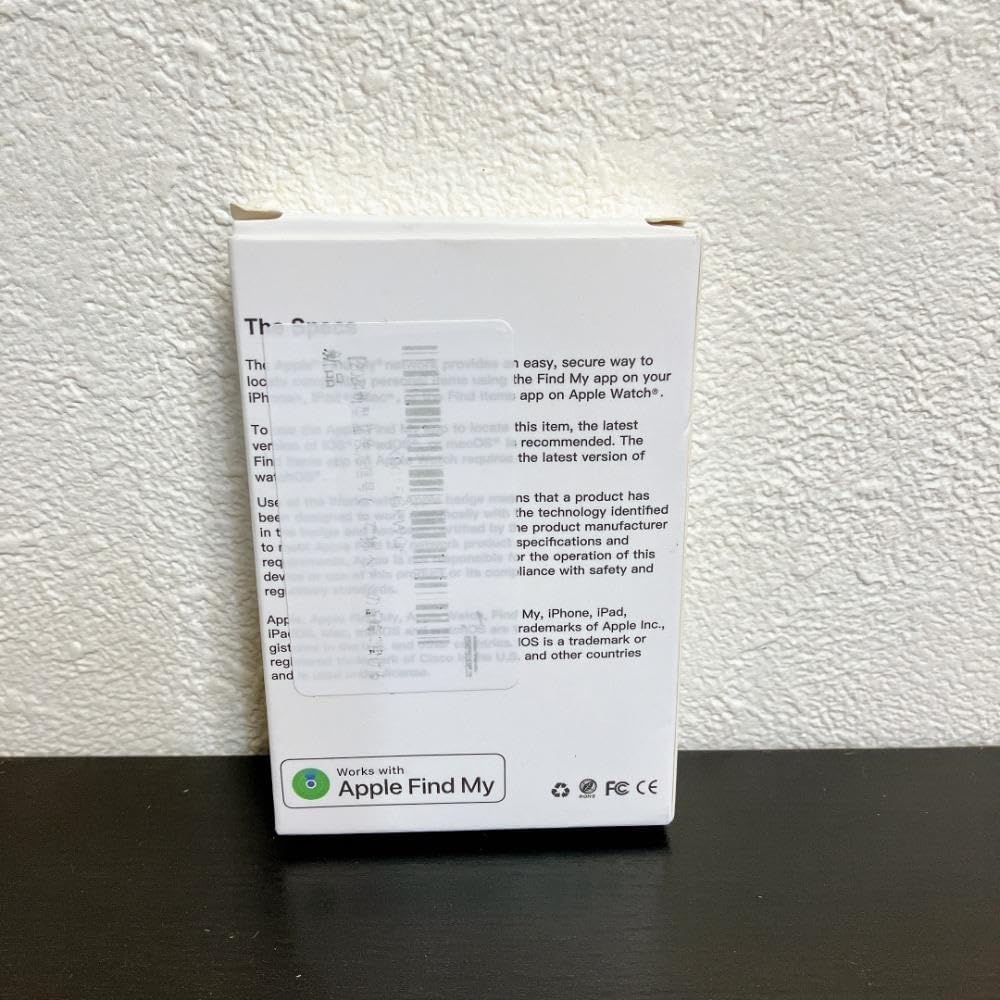
Image 3.1: The back of the AIYATO Smart Tracker packaging, indicating compatibility with the Apple Find My network.
4. Uputstvo za upotrebu
Once paired, you can use your AIYATO Smart Tracker with the Apple Find My app:
- Locate Item: Open the "Find My" app, go to the "Items" tab, and select your AIYATO Smart Tracker. The app will show its last known location on a map.
- Reprodukuj zvuk: If the tracker is within Bluetooth range, you can tap "Play Sound" in the Find My app to make the tracker emit an audible alert, helping you pinpoint its exact location.
- Izgubljeni način rada: If an item is lost and out of range, you can enable "Lost Mode" in the Find My app. If another Apple device user passes by your tracker, you will receive an anonymous update on its location. You can also leave a contact message.
- Obavještenja: Set up "Notify When Left Behind" alerts to receive a notification on your Apple device if you leave your tracked item behind at an unfamiliar location.

Image 4.1: Close-up of the AIYATO Smart Tracker, displaying the brand logo.
5. Održavanje
- baterija: The AIYATO Smart Tracker typically uses a replaceable coin cell battery (e.g., CR2032). When the battery is low, the Find My app will notify you. To replace, carefully open the device casing (refer to the Quick Start Guide for specific instructions) and insert a new battery with the correct polarity.
- čišćenje: Wipe the device with a soft, dry cloth. Avoid using abrasive cleaners or submerging the device in water.
- Skladištenje: Store the tracker in a cool, dry place when not in use for extended periods.
6. Otkrivanje problema
- Uređaj nije pronađen u aplikaciji:
- Ensure the tracker's battery is not depleted.
- Confirm Bluetooth is enabled on your Apple device.
- Make sure the tracker is within Bluetooth range of your Apple device or another device on the Find My network.
- Try resetting the tracker (refer to the Quick Start Guide for reset procedures).
- Nema zvuka iz Trackera:
- Check if the tracker's battery is low.
- Ensure the tracker is within Bluetooth range of your Apple device.
- Verify that the "Play Sound" command was successfully sent from the Find My app.
- Netačna lokacija:
- Location accuracy depends on the proximity to Apple devices on the Find My network. In areas with fewer Apple devices, location updates may be less frequent or precise.
- Ensure your Apple device has a stable internet connection for map updates.
7. Specifikacije
| Brand | AIYATO |
| Broj modela | m69781752534 |
| ASIN | B0F47MW139 |
| Povezivanje | Bluetooth (Find My Network) |
| Izvor napajanja | Replaceable Coin Cell Battery (e.g., CR2032) |
| Kompatibilnost | Apple devices with Find My app (iOS/iPadOS/macOS) |
8. Sigurnosne informacije
Please read and follow these safety guidelines:
- Keep the device out of reach of small children and pets to prevent accidental ingestion of small parts or batteries.
- Ne izlažite uređaj ekstremnim temperaturama, direktnoj sunčevoj svjetlosti ili vlazi.
- Ne pokušavajte rastavljati ili modificirati uređaj, jer to može poništiti garanciju i uzrokovati oštećenje.
- Baterije odložite u skladu sa lokalnim propisima.
9. Garancija i podrška
For warranty information and technical support, please refer to the documentation included with your product or visit the official AIYATO support webSačuvajte račun kao dokaz o kupovini.
Za dodatnu pomoć, možete se direktno obratiti prodavcu putem platforme na kojoj je proizvod kupljen.