
Uvod
Welcome to the user manual for your new DIALN X65 Unlocked Smartphone. This guide provides essential information to help you set up, operate, maintain, and troubleshoot your device. Please read this manual carefully to ensure optimal performance and longevity of your smartphone.
The DIALN X65 features a 6.5-inch display, runs on Android 13, and offers 32GB of internal storage, expandable via microSD. It is equipped with a 13MP camera and a 4500mAh battery.
Šta je u kutiji
Upon unboxing your DIALN X65, verify that all items are present:
- DIALN X65 Smartphone
- Kabel za punjenje
- Korisnički priručnik (ovaj dokument)
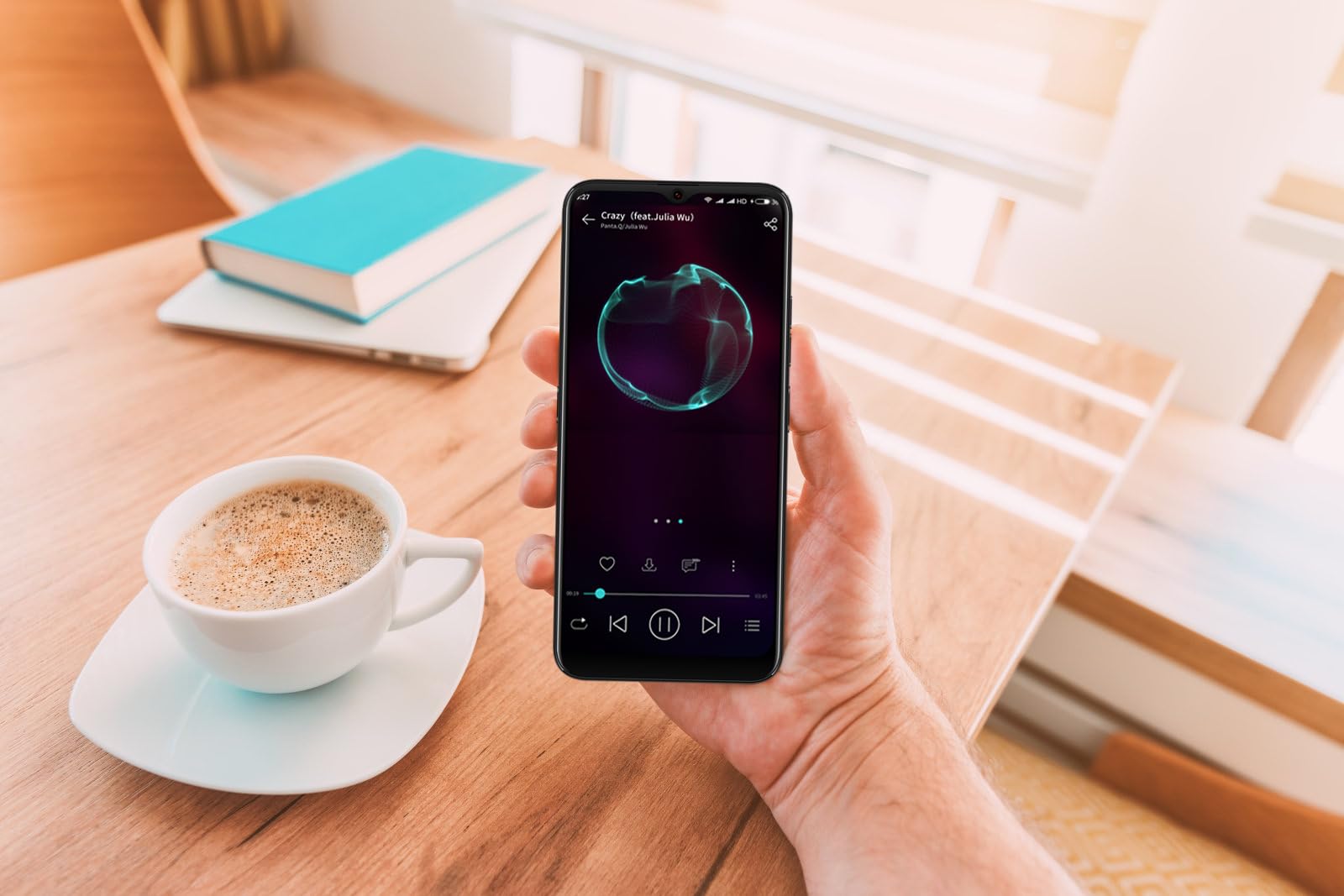
Image: The DIALN X65 smartphone displayed with its charging cable and user manual, as typically found in the product packaging.
Setup
1. Insert SIM Card and MicroSD Card (Optional)
- Pronađite ladicu za SIM karticu sa strane telefona.
- Insert the SIM ejector tool (not included, a paperclip can be used) into the small hole on the tray to open it.
- Umetnite Nano-SIM karticu(e) i/ili microSD karticu u utor sa zlatnim kontaktima okrenutim prema dolje, pazeći da su ispravno orijentirani.
- Lagano gurnite nosač nazad u telefon dok ne klikne na svoje mjesto.
2. Početno punjenje
Before first use, it is recommended to fully charge your DIALN X65. Connect the charging cable to the phone's charging port and plug the other end into a power adapter (not included) or a USB port. The battery indicator on the screen will show charging progress. A full charge typically takes approximately 2 hours.
3. Uključivanje/isključivanje
- Za uključivanje: Press and hold the Power button (located on the right side) until the DIALN logo appears on the screen.
- Za isključivanje: Pritisnite i držite dugme za napajanje dok se ne pojavi meni sa opcijama napajanja. Dodirnite 'Isključivanje' i potvrdite.
- Za ponovno pokretanje: Press and hold the Power button until the power options menu appears. Tap 'Restart' and confirm.
4. Čarobnjak za početno podešavanje
The first time you power on your phone, you will be guided through an initial setup process. Follow the on-screen prompts to:
- Odaberite svoj jezik.
- Povežite se na Wi-Fi mrežu.
- Prijavite se sa svojim Google računom ili kreirajte novi.
- Postavite zaključavanje ekrana (PIN, uzorak, lozinka ili otključavanje licem).
- Review i prihvatite uslove i odredbe.
Operating Your DIALN X65
1. Osnovna navigacija
- dodir: Dodirnite ikonu da biste otvorili aplikaciju ili odabrali stavku.
- Prevucite: Prevucite prstom preko ekrana da biste se pomicali ili kretali između ekrana.
- štipanje: Koristite dva prsta za zumiranje ili smanjivanje fotografija i web stranice.
- Početni ekran: The central hub for your apps and widgets. Swipe left or right to access additional home screens.
- Panel sa obavještenjima: Prevucite prstom prema dolje s vrha ekrana da biste pristupili obavještenjima i brzim postavkama.
2. Pozivi i kontakti
- Pozivanje: Otvorite aplikaciju 'Telefon', unesite broj i dodirnite ikonu za poziv.
- Odgovaranje na poziv: Swipe up on the green phone icon when a call comes in.
- Upravljanje kontaktima: Open the 'Contacts' app to add, edit, or delete contacts.
3. Razmjena poruka
Open the 'Messages' app to send and receive SMS/MMS messages. Tap the '+' icon to compose a new message, enter the recipient's number or select from contacts, and type your message.
4. Internet i povezivanje
- Wi-Fi: Idite na Postavke > Mreža i internet > Wi-Fi. Uključite Wi-Fi i odaberite željenu mrežu.
- Bluetooth: Idite u Postavke > Povezani uređaji > Postavke veze > Bluetooth. Uključite Bluetooth da biste uparili uređaj s drugim uređajima.
- Mobilni podaci: Idite u Postavke > Mreža i internet > Mobilna mreža. Provjerite jesu li mobilni podaci omogućeni za pristup internetu putem vaše SIM kartice.
5. Kamera
Open the 'Camera' app to capture photos and videos. Tap the shutter button to take a photo. Swipe left or right to switch between photo, video, and other modes. Use the front camera for selfies.
6. Otključavanje licem
To set up Face Unlock, go to Settings > Security & privacy > Device unlock > Face unlock. Follow the on-screen instructions to register your face. Once set up, you can unlock your phone by looking at the front camera.
7. Upravljanje skladištem
Your DIALN X65 comes with 32GB of internal storage. You can expand this up to 256GB using a microSD card. To check storage usage, go to Settings > Storage. Regularly clear unnecessary filei aplikacije za održavanje optimalnih performansi.
Održavanje
1. Čišćenje uređaja
Use a soft, lint-free cloth to clean the screen and body of your phone. Avoid using harsh chemicals or abrasive materials, as these can damage the display and finish. Do not expose the phone to excessive moisture.
2. Ažuriranja softvera
Regularly check for and install software updates to ensure your phone has the latest features, security patches, and performance improvements. Go to Settings > System > System update to check for available updates.
3. Održavanje baterije
- Izbjegavajte ekstremne temperature, jer mogu smanjiti vijek trajanja baterije.
- Ne dozvolite da se baterija često potpuno isprazni.
- Use the provided charging cable or a compatible, certified charger.
- Unplug the charger once the battery is full to prevent overcharging.
4. Optimizacija skladištenja
To keep your phone running smoothly, regularly review and delete unused apps, old photos, videos, and downloaded fileRazmotrite premještanje velikih medija filena microSD karticu ili u pohranu u oblaku.
Rješavanje problema
Uobičajeni problemi i rješenja:
- Telefon se ne uključuje: Provjerite je li baterija napunjena. Spojite je na punjač najmanje 15 minuta, a zatim pokušajte ponovo uključiti uređaj.
- Slab signal/Nema mreže: Check if your SIM card is properly inserted. Ensure mobile data is enabled in settings. Try restarting the phone. If issues persist, contact your network provider.
- Rušenje/zamrzavanje aplikacija: Close and reopen the app. Clear the app's cache (Settings > Apps > [App Name] > Storage & cache > Clear cache). If the problem continues, uninstall and reinstall the app.
- Baterija se brzo prazni: Reduce screen brightness, disable unused features like Bluetooth or GPS, close background apps, and check for apps consuming excessive power in battery settings.
- Ekran na dodir ne reaguje: Restart the phone. If the issue persists, a factory reset might be necessary (see below).
Vraćanje na tvorničke postavke (brisanje podataka)
Vraćanje telefona na fabričke postavke će izbrisati sve podatke sa vašeg telefona i vratiti ga na originalne fabričke postavke. Napravite sigurnosnu kopiju svih važnih podataka prije nego što nastavite.
- Idite na Postavke > Sistem > Opcije resetiranja.
- Dodirnite 'Izbriši sve podatke (vraćanje na fabričke postavke)'.
- Potvrdite svoju odluku i unesite PIN/uzorak/lozinku ako se to od vas zatraži.
- Telefon će se ponovo pokrenuti i započeti proces resetovanja.
Specifikacije
| Feature | Specifikacija |
|---|---|
| Naziv modela | X65 |
| Operativni sistem | Android 13.0 |
| Veličina ekrana | 6.5 inča |
| Rezolucija | 1280 x 720 |
| Procesor | Quad Core 2.26GHz (MediaTek) |
| RAM | 3 GB |
| Interna pohrana | 32 GB (Expandable up to 256GB via microSD) |
| Glavna kamera | 13 MP |
| Kapacitet baterije | 4500 mAh |
| Povezivanje | 4G LTE, Wi-Fi, Bluetooth |
| Posebne karakteristike | Expandable Storage, Face Unlock, Built-in GPS |
| Dimenzije | 6.5 x 3 x 6.5 inča |
| Težina | 6.5 unce |
Garancija i podrška
Your DIALN X65 Smartphone is covered by a limited manufacturer's warranty. Please refer to the warranty card included with your product for specific terms and conditions, including warranty period and coverage details. For technical support, service, or further inquiries, please visit the official DIALN website or contact customer service through the contact information provided on the product packaging or official website.