
Uvod
Nero Platinum Unlimited is a comprehensive software suite designed for backup, media management, photo organization, video editing, and PC optimization. This manual provides detailed instructions for installing and utilizing the various features of the software.
Podešavanje i instalacija
To begin using Nero Platinum Unlimited, follow these steps for installation and initial setup:
- Receive Activation Card: You will receive an activation card containing the download link and your unique activation code.
- Preuzmite softver: Navigate to the provided download link and download the Nero Platinum Unlimited installation file.
- Pokrenite instalacijski program: Execute the downloaded installer and follow the on-screen prompts.
- Unesite aktivacijski kod: During the installation process, you will be prompted to enter your activation code from the card.
- Sistemski zahtjevi: Ensure your PC meets the minimum requirements for Windows 11, Windows 10, Windows 8, or Windows 7.

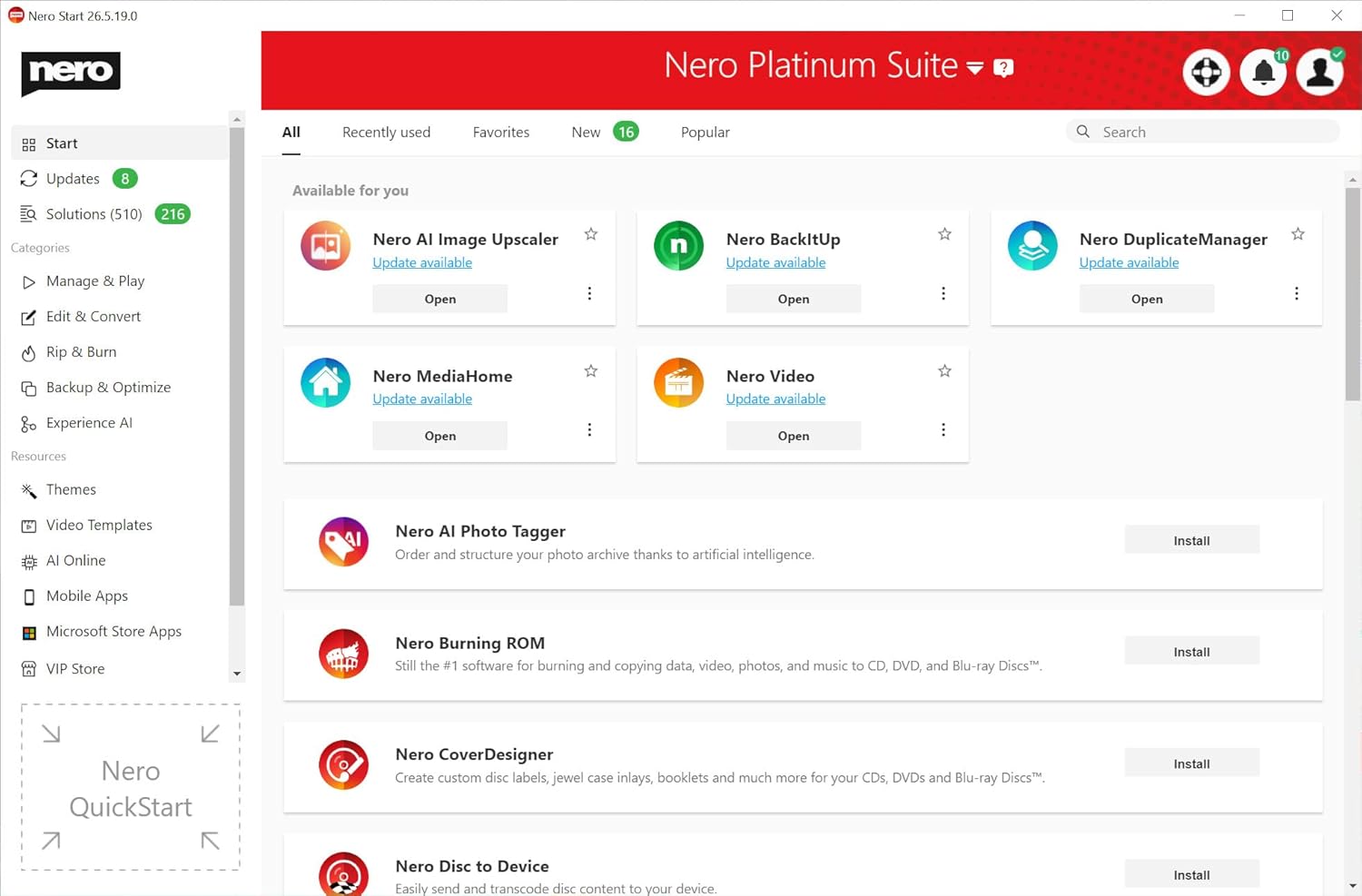
After successful installation, launch the Nero Start application to access the various tools within the suite.
Smart Backup & Restore
Nero Platinum Unlimited offers robust backup and restore functionalities to protect your valuable data.
- Automatska sigurnosna kopija: Configure automatic backups for your photos, documents, videos, and music to various destinations such as local drives, USB devices, or cloud storage.
- Integracija u oblak: Seamlessly back up and restore data from popular cloud services.


For a visual guide on backing up and restoring data, refer to the video below:
Video 1: Krajview of Nero Platinum 2019 features, including backup capabilities.
AI-Organized Media & Photo Management
Organize and manage your photo and video libraries efficiently with AI-powered tools.
- AI Photo Organization: Sort photos by faces, objects, and locations for easy retrieval.
- Duplicate Removal: Quickly identify and remove duplicate images to free up storage space.
- Image Upscaling: Enhance image quality and resolution using AI-powered upscaling.
- Face Beautifier: Apply enhancements to faces in your photos.



Video 2: Demonstrating photo editing and retouching capabilities.
Convert, Rip & Burn Media
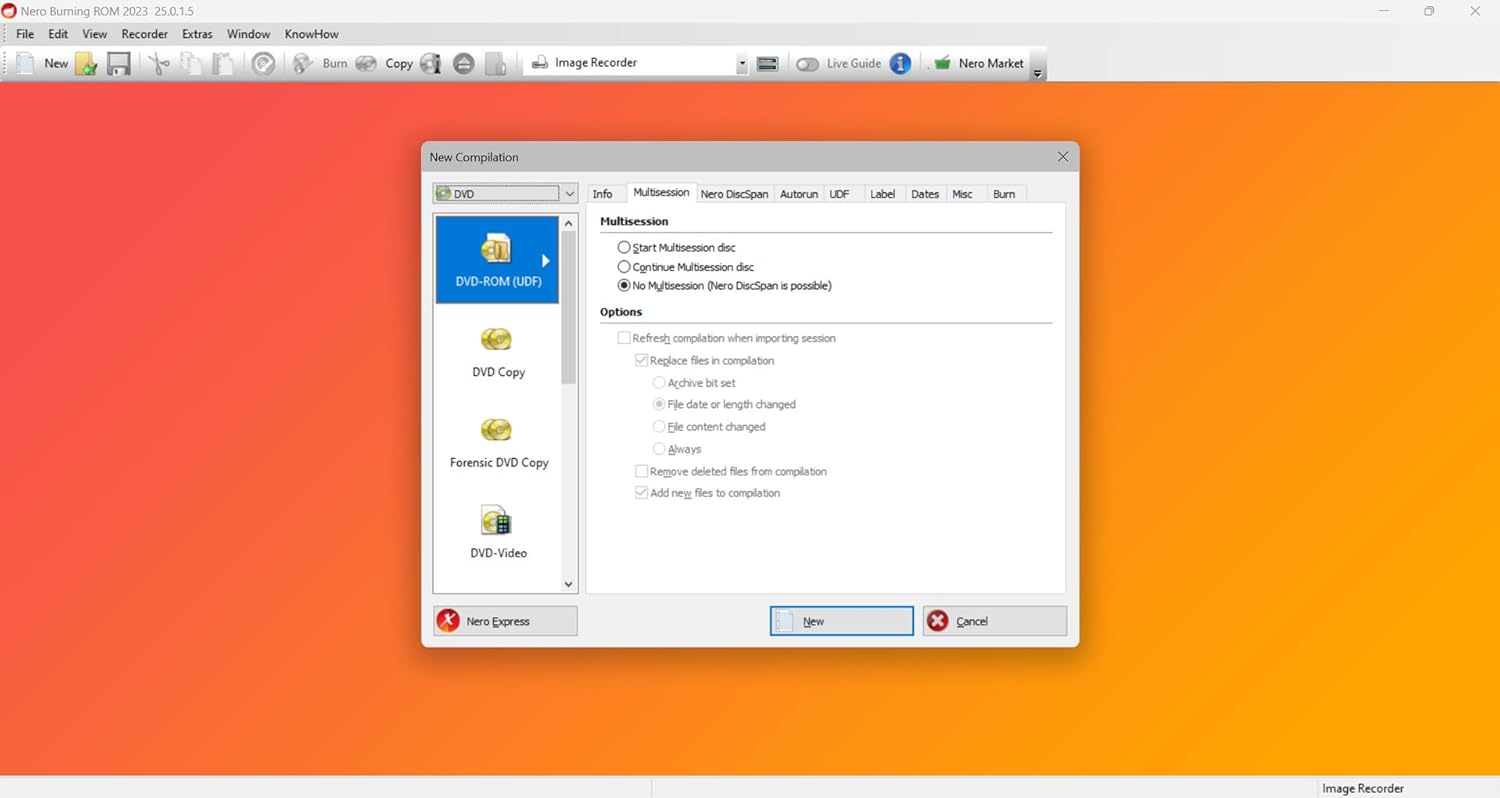
Nero Platinum Unlimited provides tools for converting media files, ripping audio CDs and DVDs, and burning data or media to discs.
- Media Conversion: Convert video and audio files to various formats compatible with different devices.
- Disc Ripping: Rip audio CDs and DVDs to your hard drive.
- Disc Burning: Burn data, video, and audio to CDs, DVDs, and Blu-ray discs for storage or sharing.
Video & Music Tools
Edit and enhance your home videos and manage your music collection with dedicated tools.
- Uređivanje videa: Edit home videos, apply effects, and create professional-looking movies.
- Praćenje kretanja: Utilize motion tracking for dynamic effects in your videos.
- Upravljanje zvukom: Cut audio, record sound, and manage various music formats.



Video 3: Demonstrating AI-powered video editing features.
PC Cleaning & Speed Boost
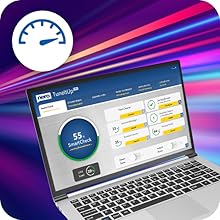
Optimize your PC's performance with integrated cleaning and tuning tools.
- Upravljanje prostorom na disku: Free up disk space by identifying and removing unnecessary files.
- Junk File Uklanjanje: Clean junk files and temporary data to improve system efficiency.
- Startup Optimization: Enhance PC startup times by managing startup programs.

Rješavanje problema
If you encounter any issues while using Nero Platinum Unlimited, consider the following general troubleshooting steps:
- Provjerite sistemske zahtjeve: Verify that your computer meets all the minimum system requirements for the software.
- Ažurirajte softver: Ensure your Nero Platinum Unlimited suite is updated to the latest version. Updates often include bug fixes and performance improvements.
- Restart Application/PC: A simple restart of the application or your computer can resolve many temporary issues.
- Consult Online Resources: Visit the official Nero support webstranica za često postavljana pitanja, članke baze znanja i forume zajednice.
- Kontaktirajte podršku: If the issue persists, contact Nero customer support for further assistance.
Specifikacije
| Feature | Detalj |
|---|---|
| Dimenzije proizvoda | 4.88 x 3.5 x 0.08 inča; 0.63 unci |
| Datum prve dostupnosti | 11. marta 2025 |
| Proizvođač | Nero Inc. |
| ASIN | B0F13YNP32 |
| Kompatibilnost operativnog sistema | Windows 11/10/8/7 |
| Vrsta licence | Lifetime License (1 PC) |
Garancija i podrška
Nero Platinum Unlimited comes with a standard warranty as per the manufacturer's terms. For detailed warranty information and technical support, please refer to the official Nero webweb-mjesto ili dokumentaciju koja je priložena uz vašu kupovinu.
- Zvanična podrška: Za najnovije resurse podrške posjetite Nero official website.
- Registracija proizvoda: Register your product online to ensure access to all support services and updates.