
reMarkable Paper Pro
An In-Depth Guide for reMarkable Paper Pro
A Comprehensive Manual for Harnessing the Power of Your ReMarkable Paper Pro
Introduction to reMarkable Paper Pro
The reMarkable Paper Pro is a cutting-edge digital paper tablet designed to enhance productivity and creativity. This device offers a unique paper-like writing experience, combining the tactile feel of traditional paper with the versatility of a digital platform. Its development focused on providing a distraction-free environment for note-taking, reading, and sketching, setting it apart from conventional tablets.
This manual serves as your comprehensive guide to understanding and utilizing all the features of your reMarkable Paper Pro, from initial setup to advanced functionalities.

Image: Front cover of the reMarkable Paper Pro user guide. The image displays the reMarkable Paper Pro device with a handwritten "Project Milestones" note on its screen, alongside a smaller, darker reMarkable device. The title "An In-Depth Guide for reMarkable Paper Pro" is prominently displayed at the top.
Podešavanje i početna konfiguracija
Before you begin using your reMarkable Paper Pro, it is essential to complete the initial setup process. This section guides you through connecting your device and configuring basic settings.
1. Device Activation and Account Creation
- Uključeno: Press and hold the power button until the reMarkable logo appears.
- Odabir jezika: Pratite upute na ekranu da biste odabrali željeni jezik.
- Wi-Fi veza: Connect your device to a stable Wi-Fi network. This is crucial for updates and cloud synchronization.
- Create reMarkable Account: You will be prompted to create or log in to your reMarkable account. This account is necessary for cloud services and device management.
2. Sigurnosne karakteristike
Protect your data by setting up a passcode for your device.
- Navigirajte do Postavke > Sigurnost.
- Odaberite Postavite šifru and follow the instructions to create a secure four-digit passcode.
3. Managing Connect Subscription
The Connect service enables seamless integration with cloud services, allowing for document synchronization across devices and unlimited cloud storage. You can manage your subscription directly from your reMarkable account online.
- Posjetite my.remarkable.com na a web pretraživač.
- Log in with your reMarkable account credentials.
- Pristupite Pretplata odjeljak do view or modify your Connect plan.
Operating Your reMarkable Paper Pro
This section details the core functionalities and advanced features of your reMarkable Paper Pro, helping you maximize its potential for note-taking, reading, and organization.
Basic Navigation and Writing Tools
- Navigacija pokretima:
- Swipe from left edge: Vratite se na prethodni ekran.
- Dodirnite: Select items or open menus.
- Prstima za zumiranje: Podesite view in documents.
- Alati za pisanje:
The toolbar provides various writing instruments:
- olovka: Standard writing tool with various tips (ballpoint, fine-liner, marker, pencil).
- Marker: For emphasizing text.
- gumica: Remove strokes or areas.
- Selection Tool: Move, resize, or copy content.
- Prilagođavanje postavki: Access device settings via the menu to adjust display, battery, storage, and more.
Notebooks and Organization
- Creating Notebooks: From the home screen, tap the 'New Notebook' icon to start a new blank notebook. Choose from various templates.
- Koristeći Tags: Organize your notes efficiently by adding tags. Dodirnite tag icon within a notebook or document to assign relevant keywords.
- Converting Handwritten Notes to Text: Select the desired handwritten text using the selection tool, then tap the 'Convert to Text' option. The device will process and convert your handwriting into editable text.
Advanced Features and Integrations
- Syncing with Mobile and Desktop Apps: Install the reMarkable app on your smartphone or computer to seamlessly sync documents and notes across all your devices.
- File Transfer: Easily transfer PDF, EPUB, and other supported files to your reMarkable Paper Pro via the desktop app or the web interfejs (my.remarkable.com).
- Cloud Integrations: Utilize integrations with services like Google Drive, Dropbox, and Microsoft OneDrive to access and save documents directly from your reMarkable device.
- Customizing Ebook Settings: When reading EPUB files, adjust font size, line spacing, and margins for a personalized reading experience.
- Using Layers: For complex sketches or notes, utilize the layers feature to organize different elements of your work, allowing for easier editing and manipulation.
Održavanje i njega
Proper maintenance ensures the longevity and optimal performance of your reMarkable Paper Pro.
- Čišćenje ekrana: Koristite meku krpu koja ne ostavlja dlačiceampisprati vodom. Izbjegavajte jake hemikalije ili abrazivne materijale.
- Stylus Nibs: The Marker's nibs wear down over time. Replace them when they become too short or feel rough to maintain the paper-like writing experience. Replacement nibs are available from reMarkable.
- Ažuriranja softvera: Regularly check for and install software updates to ensure you have the latest features and security enhancements. Updates are typically downloaded automatically when connected to Wi-Fi.
- Skladištenje: Store your device in a protective sleeve or cover to prevent scratches and damage. Avoid exposing it to extreme temperatures or direct sunlight.
Rješavanje uobičajenih problema
This section addresses common problems you might encounter with your reMarkable Paper Pro and provides solutions.
- Uređaj ne reagira: If the device is frozen, perform a hard reset by holding the power button for about 15 seconds until the device restarts.
- Problemi sa sinhronizacijom: Ensure your device is connected to Wi-Fi and your reMarkable Connect subscription is active. Check the reMarkable app on your other devices for sync status.
- Marker Not Writing: Check if the Marker nib is worn out and needs replacement. Ensure the Marker is properly charged if it's a reMarkable Marker Plus.
- Baterija se brzo prazni: Reduce screen brightness, disable Wi-Fi when not needed, and ensure no background processes are consuming excessive power.
- Software Recovery: In rare cases of software corruption, you may need to perform a factory reset. Upozorenje: Ovo će izbrisati sve podatke na vašem uređaju. Back up your notes to the cloud before proceeding. Instructions for factory reset can be found in the device settings under "About" or "Storage".
Specifikacije
Key technical specifications for the reMarkable Paper Pro.
| ASIN | B0DVGZ9TKT |
| Izdavač | Nezavisno objavljeno |
| Datum objave | 29. januara 2025 |
| Jezik | engleski |
| Dužina štampanja | 147 stranice |
| ISBN-13 | 979-8308786634 |
| Težina artikla | 9.9 unce |
| Dimenzije | 6 x 0.34 x 9 inča |
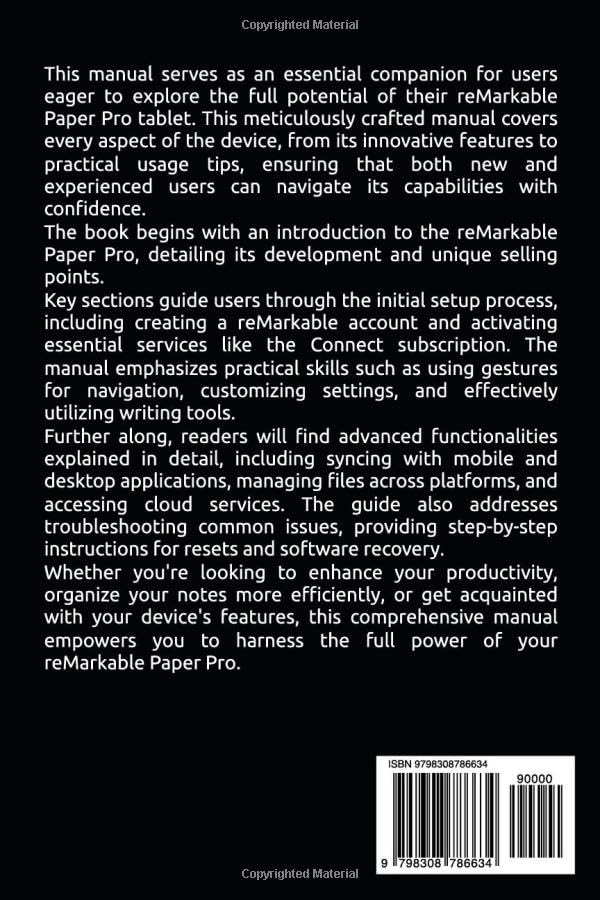
Image: Back cover of the reMarkable Paper Pro user guide. The image features a barcode with the ISBN 979-8308786634 and text indicating "Copyrighted Material".
Garancija i podrška
Information regarding warranty coverage and customer support for the reMarkable Paper Pro is typically provided by the manufacturer, reMarkable. Please refer to the official reMarkable website or the documentation included with your device for the most current warranty terms and support contact details.
For direct support, visit the official reMarkable support page: support.remarkable.com
Ask a question about this manual
Ask about setup, troubleshooting, compatibility, parts, safety, or missing instructions. Manuals+ will review the question and use this page’s manual context to help answer it.