
1. Uvod
Thank you for choosing the Netzu Alarm Clock 6206ZD. This digital alarm clock is designed to provide a reliable wake-up experience, especially for heavy sleepers and individuals with hearing impairments, through its powerful vibrating bed shaker, loud alarm, and bright wake-up light. This manual will guide you through the setup, operation, and maintenance of your new alarm clock.
2. Sigurnosne informacije
- Provjerite je li adapter za napajanje priključen na odgovarajuću utičnicu.
- Ne izlažite uređaj vodi ili prekomjernoj vlazi.
- Držite uređaj dalje od izvora topline i direktne sunčeve svjetlosti.
- Koristite samo isporučeni adapter za napajanje.
- For battery backup, insert 2 AAA batteries (not included) correctly, observing polarity.
- Ne pokušavajte sami rastaviti ili popraviti uređaj. Obratite se korisničkoj podršci za pomoć.
3. Sadržaj paketa
Molimo Vas da provjerite paket za sljedeće stavke:
- Netzu Alarm Clock (Model 6206ZD)
- Vibrating Bed Shaker
- Adapter za napajanje
- Uputstvo za upotrebu

Slika 3.1: Komponente proizvoda
4. Proizvod je gotovview
Familiarize yourself with the main components of your Netzu Alarm Clock:
- Prednji ekran: Large RGB LED time display.
- Gornja ploča: Snooze button, light bar, control buttons (Time Set, Alarm Set, Brightness, Color, Volume, DST).
- Zadnji panel: Power input port, bed shaker port, battery compartment.
- Vibrating Bed Shaker: Connects to the alarm clock for silent or combined wake-up.
5. Podešavanje
5.1 Priključak za napajanje
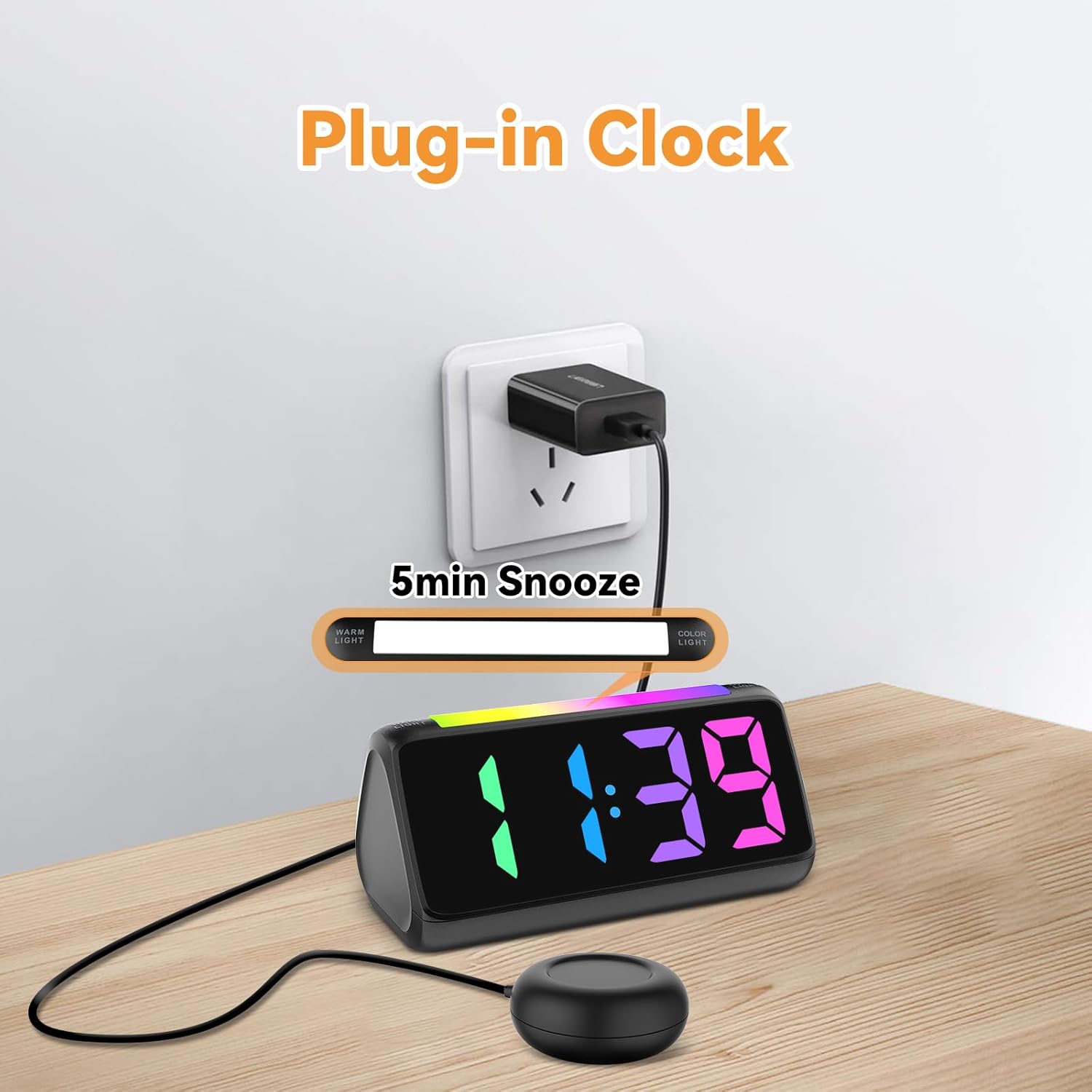
- Spojite priloženi adapter za napajanje na DC ulazni priključak na stražnjoj strani budilnika.
- Uključite adapter za napajanje u standardnu električnu utičnicu. Ekran će se upaliti.
Slika 5.1: Power Connection
5.2 Battery Installation (for Power Loss Memory)
Za zadržavanje postavki vremena i alarma tokom nestanka strujetage, install backup batteries:
- Open the battery compartment cover on the bottom of the alarm clock.
- Insert 2 new AAA batteries (not included), ensuring correct polarity (+ and -).
- Čvrsto zatvorite poklopac odeljka za baterije.
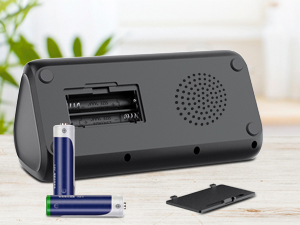
Slika 5.2: Pretinac za baterije
5.3 Connecting the Bed Shaker
Plug the cable of the vibrating bed shaker into the dedicated port on the back of the alarm clock. Place the shaker under your pillow or mattress for optimal vibration.
6. Uputstvo za upotrebu
6.1 Postavljanje vremena
- Pritisnite i držite TIME SET button (usually located on the top or back) until the hour digits flash.
- Koristite +/- buttons (or similar adjustment buttons) to set the hour. Pay attention to AM/PM indicators if in 12-hour format.
- Pritisnite TIME SET ponovo da biste potvrdili sat i prešli na minute.
- Koristite +/- dugmad za postavljanje minuta.
- Pritisnite TIME SET one last time to save the time.
- To switch between 12-hour and 24-hour display, briefly press the TIME SET button when not in setting mode.
- To adjust for Daylight Saving Time (DST), long press the DST button to add or subtract an hour.
Slika 6.1: Prikaz formata vremena
6.2 Postavljanje alarma
The alarm clock offers three wake-up modes: Ring Only, Vibration Only, or Ring + Vibration.
- Pritisnite i držite ALARM SET dugme dok cifre sati alarma ne zatrepću.
- Koristite +/- dugmad za podešavanje željenog sata alarma.
- Pritisnite ALARM SET ponovo da biste potvrdili sat i prešli na minute.
- Koristite +/- dugmad za podešavanje željenih minuta alarma.
- Pritisnite ALARM SET again to select the wake-up mode: Ring Only, Vibration Only, or Ring + Vibration. An icon on the display will indicate the selected mode.
- Pritisnite ALARM SET one last time to save the alarm settings.
- To adjust alarm volume (4 levels, up to 110 dB), use the VOLUME button (or +/- during alarm setting).

Slika 6.2: Three Wake-up Modes
6.3 Funkcija odgode
Kada se oglasi alarm, pritisnite veliko dugme SNOOZE button on the top of the clock to temporarily silence the alarm for 5 minutes. The alarm will sound again after the snooze period.
6.4 Adjusting Display Brightness and Color
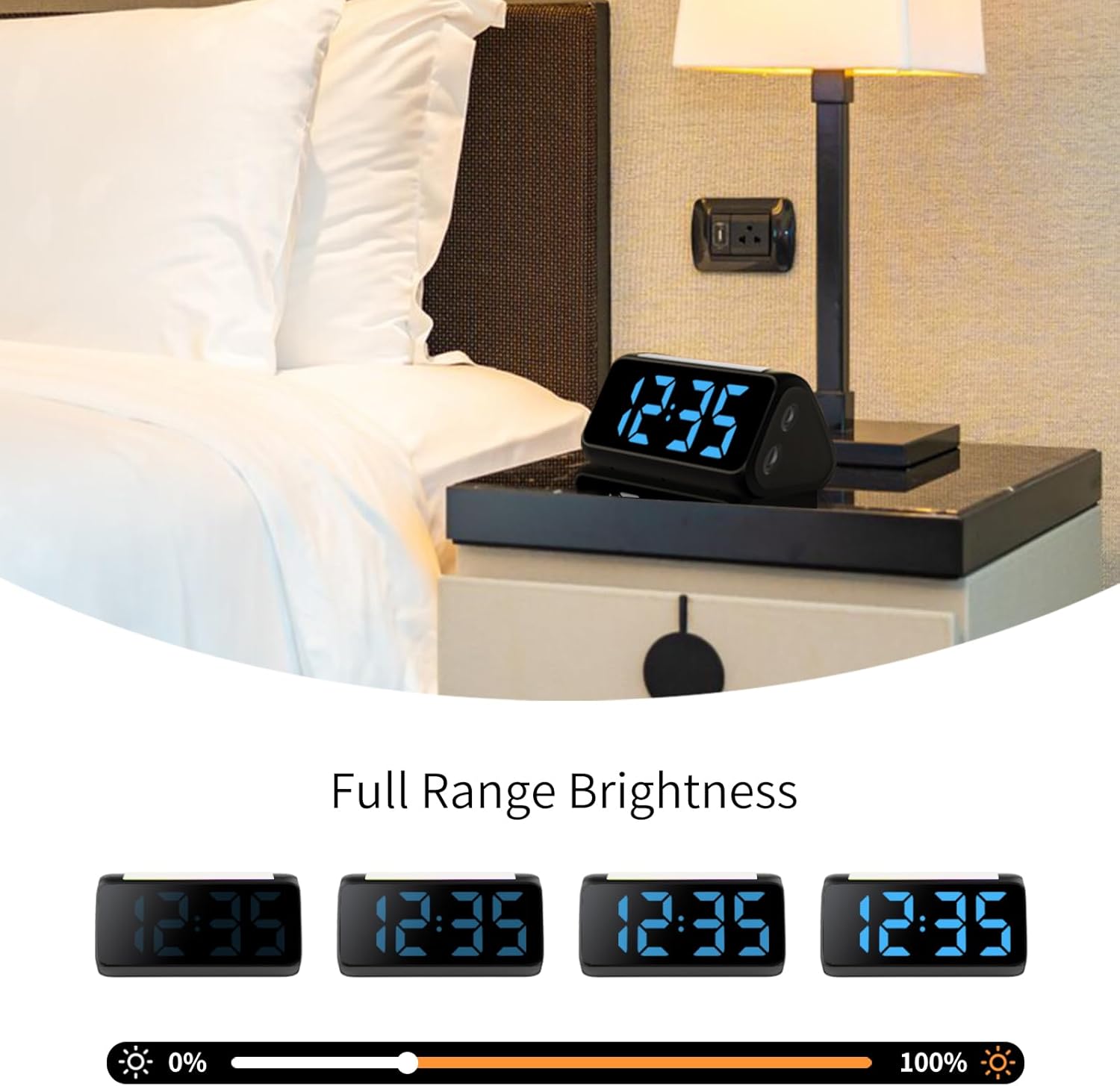
The alarm clock features an RGB display with 11 color options and adjustable brightness (10%-100%).
- Pritisnite SVJETLOST button (or a dedicated dimmer button) to cycle through brightness levels for the time display.
- Pritisnite COLOR button to cycle through the 11 available display colors.
Slika 6.3: Colorful Display Options
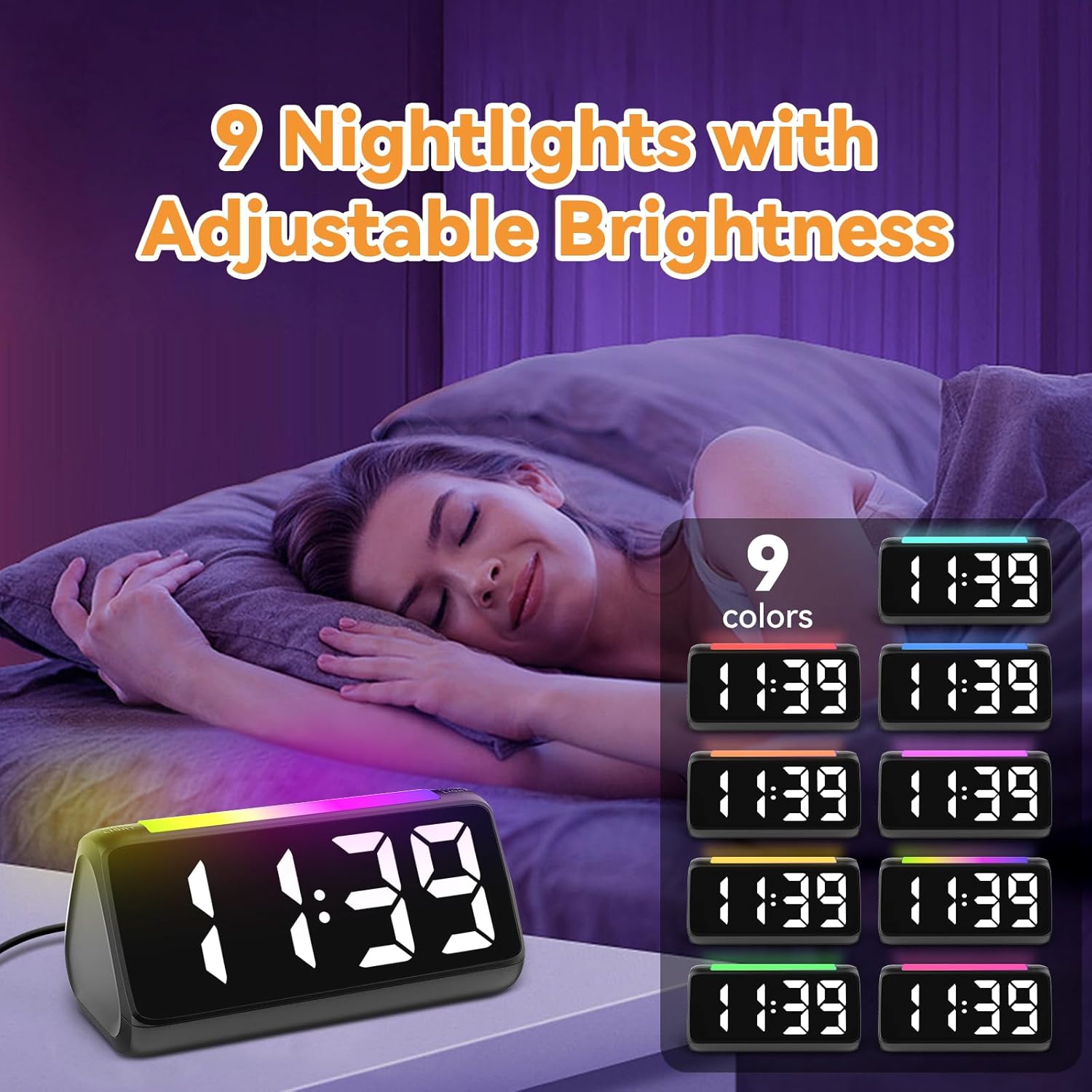
6.5 Korištenje noćnog svjetla
The integrated light bar offers 9 color modes and adjustable brightness, functioning as a calming night light.
- Pritisnite NIGHT LIGHT button (or a dedicated light bar button) to turn the night light on/off and cycle through color modes.
- Koristite +/- buttons (or a separate brightness control for the night light) to adjust its brightness.

Slika 6.4: Night Light with Adjustable Brightness
7. Održavanje
To ensure the longevity and proper functioning of your alarm clock:
- Uređaj čistite mekom, suhom krpom. Ne koristite abrazivna sredstva za čišćenje ili rastvarače.
- Keep the bed shaker clean and free from dust.
- If not using the clock for an extended period, remove the AAA backup batteries to prevent leakage.
8. Otkrivanje problema
| Problem | Mogući uzrok | Rješenje |
|---|---|---|
| Prikaz sata je isključen. | Nema struje ili strujetage. | Ensure the power adapter is securely plugged in. Check the power outlet. If using battery backup, ensure batteries are fresh and correctly installed. |
| Alarm se ne oglašava/ne vibrira. | Alarm not set, incorrect mode, or volume too low. | Verify alarm time and mode (Ring Only, Vibration Only, or Ring + Vibration) are correctly set. Increase alarm volume. Ensure the bed shaker is properly connected. |
| Ekran je previše svijetao/tamn. | Potrebno je podesiti postavku svjetline. | Pritisnite SVJETLOST button to cycle through brightness levels. |
| Vrijeme je netačno. | Time not set or DST not adjusted. | Follow instructions in Section 6.1 to set the correct time. Adjust DST if applicable. |
| Noćno svjetlo ne radi. | Night light is off or brightness is too low. | Pritisnite NIGHT LIGHT button to turn it on and cycle through modes. Adjust its brightness. |
9. Specifikacije
| Feature | Detalj |
|---|---|
| Brand | Netzu |
| Broj modela | 6206ZD |
| Display Type | Digital LED (RGB) |
| Izvor napajanja | Corded Electric |
| Battery Backup | 2 AAA baterije (nisu uključene) |
| Jačina alarma | 4 nivoa, do 110 dB |
| Trajanje odgode | 5 minuta |
| Display Colors | 11 opcija |
| Noćne boje | 9 načina rada |
| Dimenzije proizvoda | 6.3 cm Š x 3.15 cm V |
| Materijal | Plastika |
| Težina artikla | 13.7 unce |
10. Garancija i podrška
Netzu products are designed for reliability and performance. For warranty information or technical support, please refer to the contact details provided with your purchase or visit the official Netzu website. Please have your model number (6206ZD) ready when contacting support.