
1. Uvod
This manual provides detailed instructions for the MESWAO 15.6 Inch Pro Android 14 Tablet, Model MES-B3. Please read this manual carefully before using your device to ensure proper operation and to maximize its lifespan. Keep this manual for future reference.

Figure 1: MESWAO 15.6 Inch Pro Android 14 Tablet
2. Sadržaj paketa
Provjerite da li se u paketu vašeg proizvoda nalaze sve dolje navedene stavke:
- 1 x MESWAO 15.6 inch Android Tablet
- 1 x adapter za napajanje
- 1 x Type-C kabel
- 1 x Korisnički priručnik (ovaj dokument)
- 1 x Type-C na USB adapter
- 1 x SIM Ejector Tool (Stuck pin)
3. Device Overview
The MESWAO MES-B3 tablet features a large 15.6-inch display and a sleek design. Familiarize yourself with the physical components of your tablet:
- Prednja kamera: Located at the top center of the screen when held horizontally.
- Prikaz: 15.6-inch Full HD IPS screen.
- Dugme za napajanje: Typically located on the side or top edge.
- Dugmad za jačinu zvuka: Pored dugmeta za napajanje.
- USB Type-C port: Za punjenje i prijenos podataka.
- Utor za microSD karticu: Za proširivu pohranu.
- Četverostruki zvučnici: Positioned for enhanced audio output.
- Rear Camera with Flashlight: Nalazi se na zadnjoj ploči.
4. Podešavanje
4.1 Početno uključivanje
- Pritisnite i držite Dugme za napajanje until the MESWAO logo appears.
- Pratite upute na ekranu da biste odabrali svoj jezik i regiju.
4.2 Wi-Fi veza
- During initial setup, select your preferred Wi-Fi network from the list.
- Unesite mrežnu lozinku ako se to od vas zatraži i dodirnite Povežite se.
- To connect later, go to Postavke > Mreža i internet > Wi-Fi.
4.3 Postavljanje Google računa
Sign in with your Google account to access the Google Play Store, Gmail, YouTube, and other Google services. If you do not have an account, you can create one during this step.
4.4 Sigurnosna podešavanja
Set up a screen lock (PIN, pattern, or password) to protect your device and data. You may also configure biometric security options if available.
5. Uputstvo za upotrebu
5.1 Prikaz
The tablet features a 15.6-inch Full HD (1920 x 1080 pixels) IPS display, providing clear visuals and wide viewing angles. Adjust display settings such as brightness, wallpaper, and sleep duration in Postavke > Prikaz.
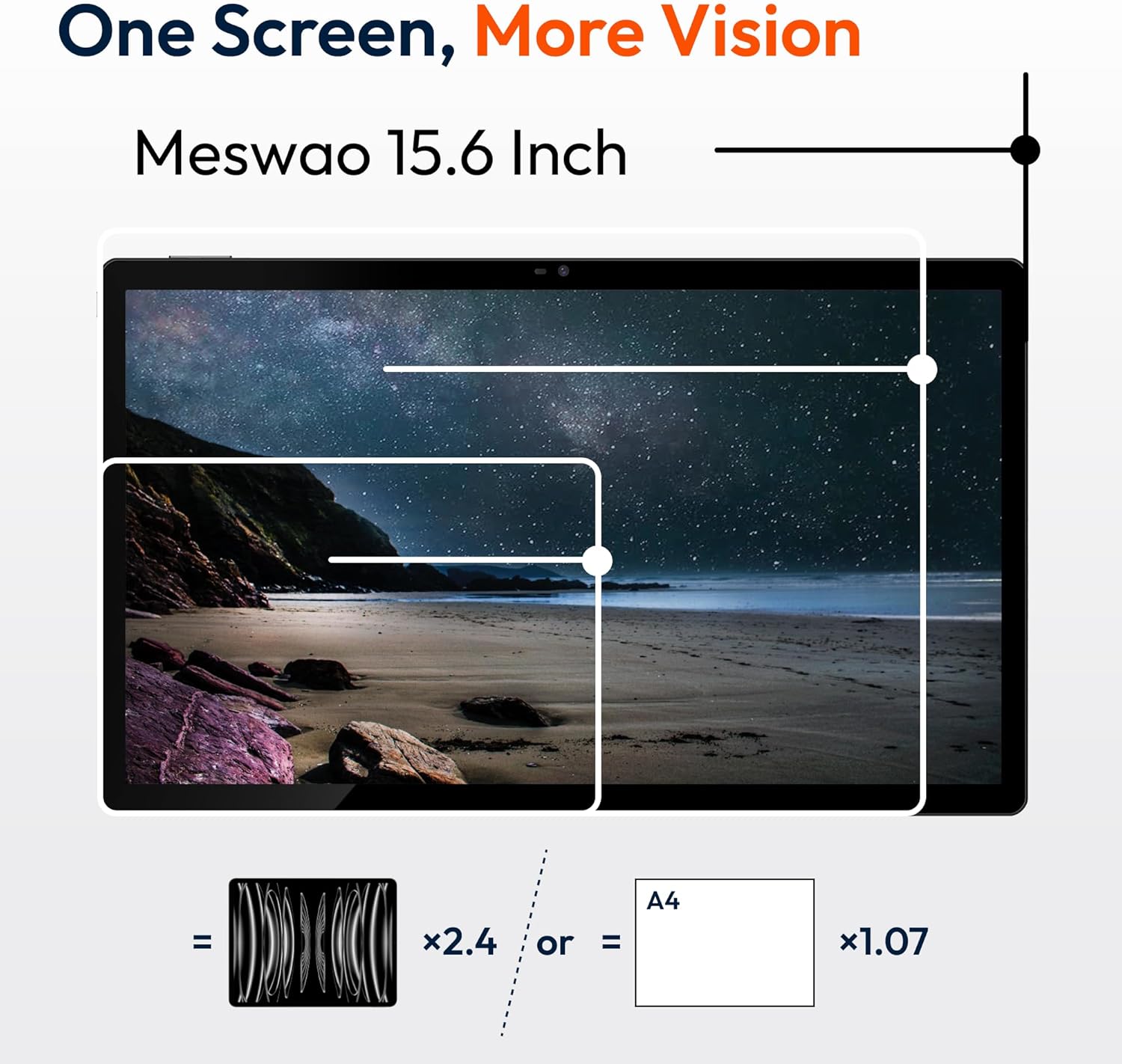
Figure 2: Large 15.6-inch FHD IPS Display
5.2 Performanse i pohrana
Powered by a Helio G99 Octa-Core processor and 8GB of RAM, the tablet is designed for efficient multitasking and application performance. It includes 256GB of internal storage, expandable up to 1TB using a MicroSD card (sold separately).
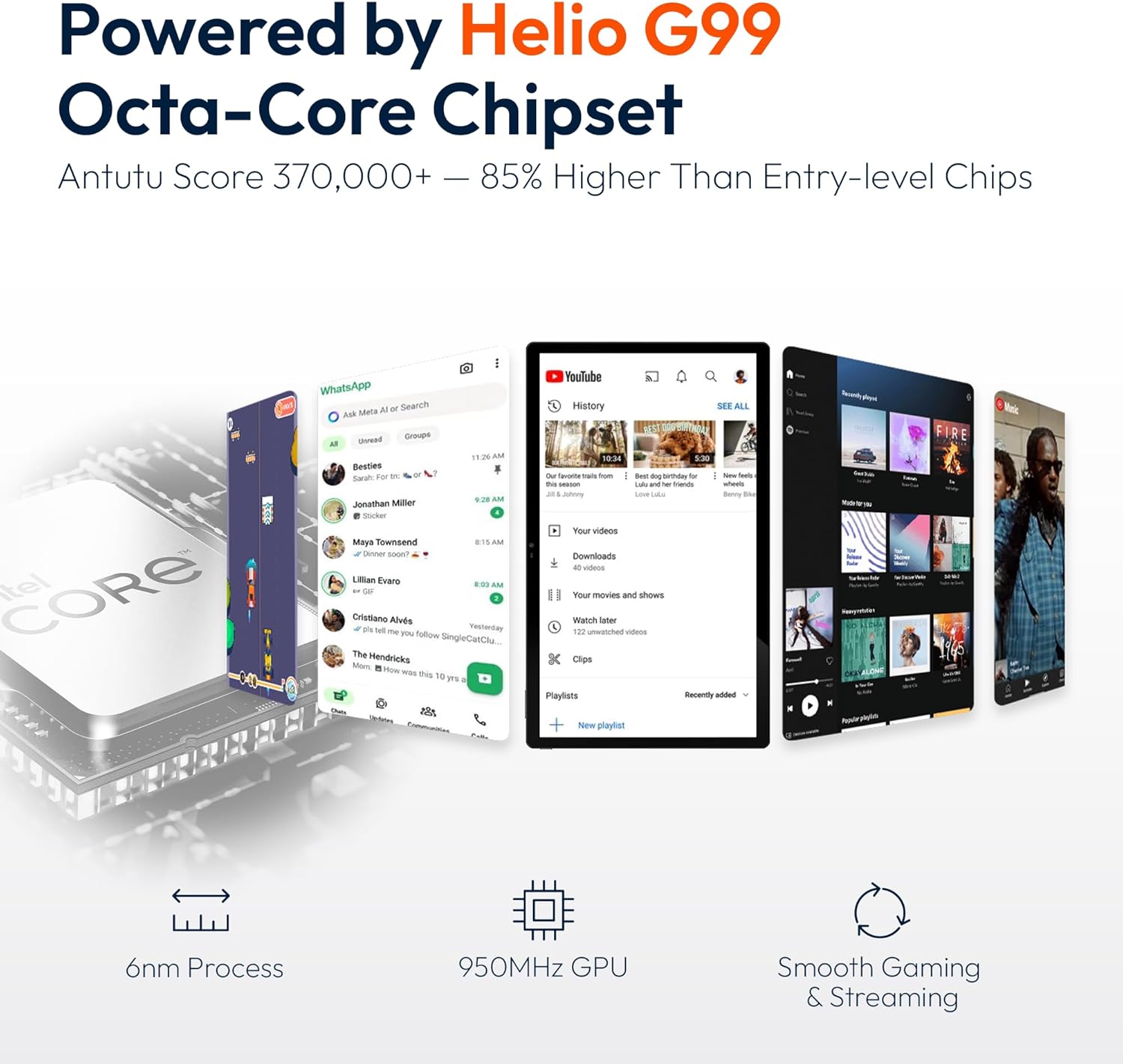
Figure 3: Helio G99 Octa-Core Processor

Figure 4: 256GB ROM with 1TB Expandable Storage
5.3 Audio
The tablet is equipped with quad speakers for clear audio output. Audio settings can be adjusted in Postavke > Zvuk i vibracija. Multiple audio options are supported, including Bluetooth headphones, USB-C audio, and 3.5mm via adapter.

Figure 5: Quad Speakers and Connectivity Options
5.4 Baterija i punjenje
The tablet features a 12000mAh battery, providing approximately 12 hours of average use. It supports 30W fast charging, allowing a full charge in about 3.5 hours. Use the provided power adapter and Type-C cable for optimal charging.

Figure 6: 30W Fast Charging and 12000mAh Battery
5.5 kamere
The tablet includes a 32MP rear camera with a flashlight and a 5MP front camera, suitable for video calls and capturing images. Access the camera application from the home screen or app drawer.
5.6 Povezivanje
The device supports dual-band Wi-Fi (2.4GHz and 5GHz) for stable internet connection and Bluetooth for connecting wireless accessories.
5.7 Softver (Android 14)
The tablet runs on Android 14, offering a user-friendly interface. Key features include:
- Upravljanje aplikacijama: Install and uninstall applications from the Google Play Store.
- roditeljska kontrola: Configure settings to manage usage for children.
- Poboljšana privatnost: Control app permissions and data access.
- Multitasking: Utilize split-screen mode for running multiple applications simultaneously.

Slika 7: Interfejs operativnog sistema Android 14
5.8 Zvanični video proizvoda
Watch this video for a visual demonstration of the MESWAO 15.6 inch Tablet (MES-B3 Pro) and its features.
Video: MESWAO 15.6 inch Tablet (MES-B3 Pro) Overview
6. Održavanje
- čišćenje: Za čišćenje ekrana i kućišta koristite meku krpu koja ne ostavlja dlačice. Izbjegavajte abrazivna sredstva za čišćenje ili rastvarače.
- Ažuriranja softvera: Redovno provjeravajte i instalirajte ažuriranja sistema kako biste osigurali optimalne performanse i sigurnost. Idite na Postavke > Sistem > Ažuriranje sistema.
- Upravljanje skladištem: Povremeno brišite nepotrebne filei aplikacije za oslobađanje prostora za pohranu.
- Održavanje baterije: Izbjegavajte ekstremne temperature i često potpuno pražnjenje baterije kako biste produžili njen vijek trajanja.
7. Otkrivanje problema
| Problem | Mogući uzrok | Rješenje |
|---|---|---|
| Tablet se ne uključuje | Slaba baterija; Pad sistema | Punite tablet najmanje 30 minuta. Pritisnite i držite dugme za napajanje 10-15 sekundi da biste ga prisilno ponovo pokrenuli. |
| Nije moguće povezati se na Wi-Fi | Netačna lozinka; Problem s ruterom; Wi-Fi je onemogućen | Verify password. Restart router. Ensure Wi-Fi is enabled in Settings. |
| Spore performanse | Previše pokrenutih aplikacija; Malo prostora za pohranu | Close background apps. Clear cache. Uninstall unused apps. |
| Baterija se brzo prazni | Visoka svjetlina ekrana; Aplikacije u pozadini; Stara baterija | Reduce screen brightness. Close unused apps. Check battery usage in Settings. |
| Problemi s punjenjem | Faulty cable/adapter; Dirty port | Try a different cable/adapter. Clean the charging port carefully. |
8. Specifikacije
| Feature | Detalj |
|---|---|
| Model | MES-B3 |
| Veličina ekrana | 15.6 inča |
| Rezolucija ekrana | 1920 x 1080 piksela (FHD IPS) |
| Operativni sistem | Android 14 |
| Procesor | Helio G99 Octa-Core (MediaTek) |
| Grafički koprocesor | Mali-G75 |
| RAM | 8GB |
| Interna pohrana | 256GB |
| Proširiva pohrana | Do 1TB (MicroSD) |
| Kapacitet baterije | 12000mAh |
| Punjenje | 30W brzo punjenje |
| Prosječno trajanje baterije | 12 sata |
| Zadnja kamera | 32MP sa bljeskalicom |
| Prednja kamera | 5MP |
| Bežično povezivanje | Dual-Band Wi-Fi (802.11a/b/ac/ad/ax), Bluetooth |
| Dimenzije (DxŠxV) | 14.49 x 8.66 x 0.39 inča |
| Težina artikla | 4.55 funte |
| Boja | Crna |
9. Garancija i podrška
MESWAO provides the following support for your tablet:
- 12-mesečna garancija: Full coverage against manufacturing defects.
- 24-satna korisnička podrška: Naš tim za podršku vam je na raspolaganju.
- Local After-sales Centers: Service centers are available in the EU, US, and Japan for local care.
- Responsive Replacement & Repair Policy: Issues reported are typically addressed with a team response within 24 hours, leading to problem resolution or replacement.
Figure 8: MESWAO Customer Support
For further assistance, please refer to the contact information provided on the MESWAO official webweb-mjesto ili vašu dokumentaciju o kupovini.