
1. Uvod
This manual provides essential information for the safe and efficient use of your MESWAO 15.6 Inch Pro Android 14 Tablet. Please read this manual thoroughly before operating the device and retain it for future reference.
2. Sigurnosne informacije
- Ne izlažite tablet ekstremnim temperaturama, direktnoj sunčevoj svjetlosti ili visokoj vlažnosti.
- Izbjegavajte ispuštanje ili izlaganje tableta jakim udarcima.
- Use only the provided power adapter and Type-C cable for charging.
- Držite tabletu dalje od vode i drugih tekućina.
- Ne pokušavajte sami rastavljati ili popravljati tablet. Za pomoć se obratite korisničkoj podršci.
- Ensure proper ventilation when using the tablet for extended periods.
3. Sadržaj paketa
Provjerite da li su sve stavke prisutne u paketu:
- 1 x MESWAO 15.6 inch Android Tablet
- 1 x adapter za napajanje
- 1 x kabel tipa C
- 1 x Uputstvo za upotrebu
- 1 x Type-C na USB adapter
- 1 x Stuck pin
4. Device Overview
Familiarize yourself with the physical components of your MESWAO tablet.
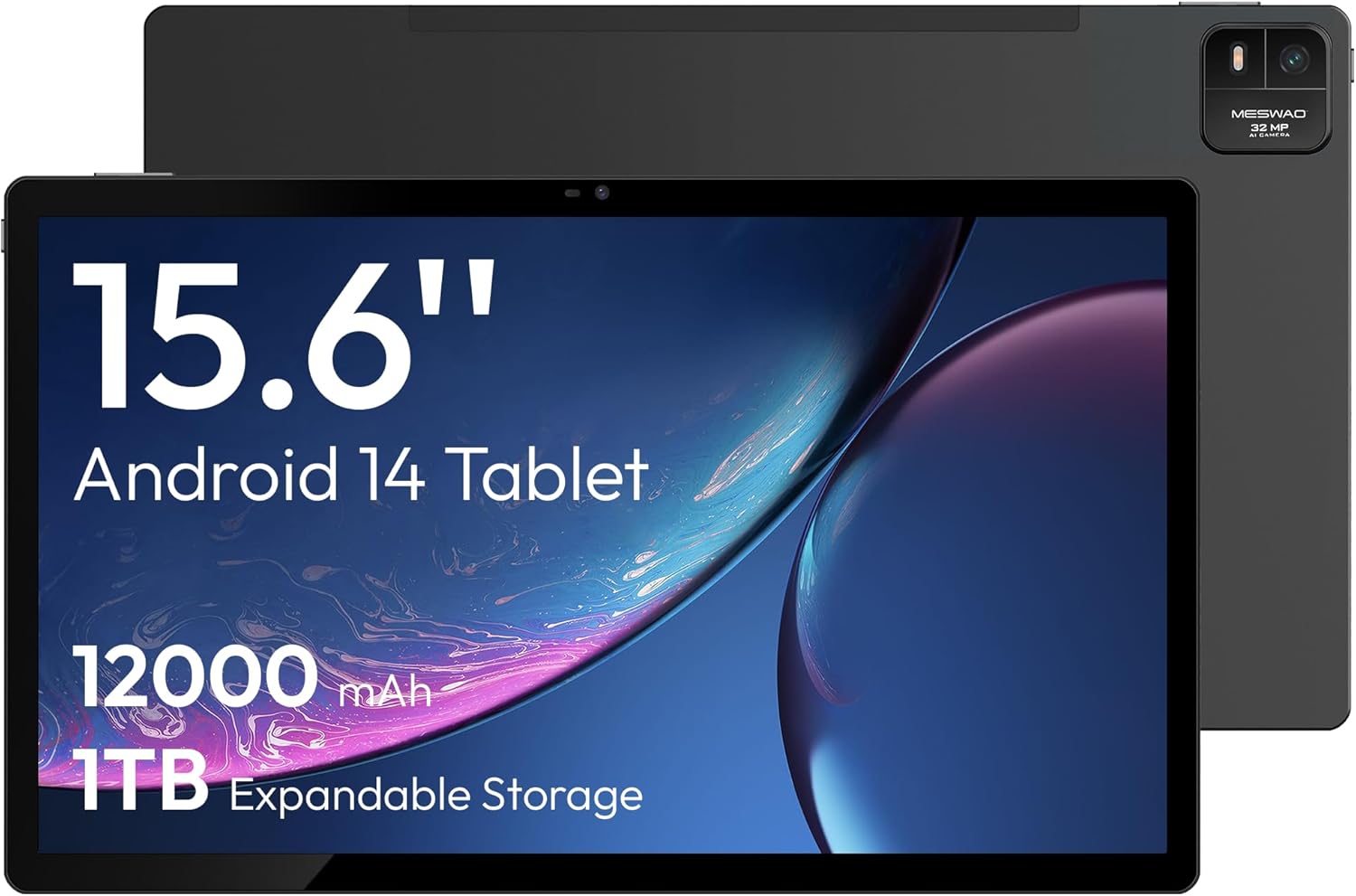
Slika 4.1: Front view of the MESWAO 15.6-inch Android 14 Tablet, highlighting the large display and key specifications such as 12000mAh battery and 1TB expandable storage.
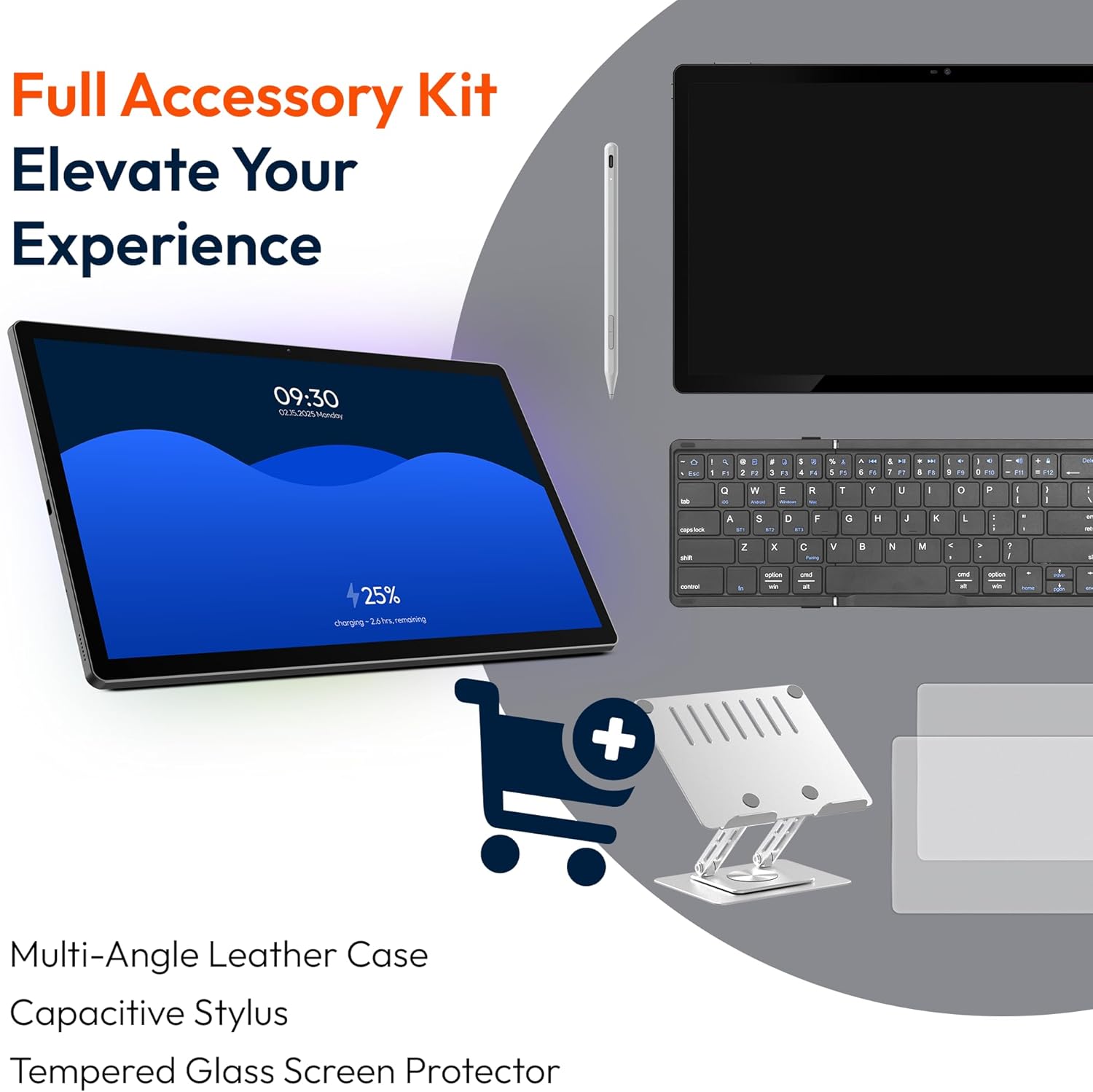
Slika 4.2: Bočno i pozadi view of the tablet, indicating the location of the quad speakers, Type-C port, TF card slot, power button, volume controls, and front/rear cameras.
Ključne komponente:
- 15.6-inčni FHD IPS ekran: Large screen for immersive viewing.
- Prednja kamera: Za video pozive i selfije.
- Zadnja kamera (32MP): Za snimanje fotografija i videa.
- Dugme za napajanje: Za uključivanje/isključivanje tableta ili njegovo stavljanje u stanje mirovanja.
- Dugmad za jačinu zvuka: Za podešavanje nivoa zvuka.
- Port tipa C: Za punjenje i prijenos podataka.
- Utor za TF karticu: Za proširivu memoriju (MicroSD kartica).
- Četverostruki zvučnici: Za audio izlaz.
5. Podešavanje
5.1 Početno punjenje
Before first use, fully charge the tablet. Connect the provided Type-C cable to the tablet's Type-C port and the power adapter to a wall outlet. The tablet supports 30W fast charging.

Slika 5.1: The tablet connected to its charger, showing the charging indicator on the screen.
5.2 Uključivanje/isključivanje napajanja
- Za uključivanje: Pritisnite i držite tipku za uključivanje / isključivanje dok se zaslon ne uključi.
- Za isključivanje: Pritisnite i držite dugme za napajanje, a zatim odaberite "Isključivanje" iz opcija na ekranu.
- Za spavanje/buđenje: Kratko pritisnite dugme za uključivanje.
5.3 Početna konfiguracija
Upon first power-on, follow the on-screen prompts to set up your Android 14 operating system. This includes selecting your language, connecting to Wi-Fi, and signing in with your Google account.
5.4 Wi-Fi veza
- Idi na Postavke > Mreža i internet > Wi-Fi.
- Uključi/isključi Wi-Fi On.
- Odaberite željenu mrežu s popisa.
- Unesite lozinku ako se to od vas zatraži i dodirnite Povežite se. The tablet supports dual-band Wi-Fi (2.4GHz and 5GHz).
5.5 Umetanje MicroSD kartice
To expand storage up to 1TB, insert a MicroSD card:
- Pronađite utor za TF karticu sa strane tableta.
- Use the provided stuck pin to gently press into the small hole next to the slot to eject the tray.
- Stavite MicroSD karticu u utor sa zlatnim kontaktima okrenutim prema dolje.
- Carefully reinsert the tray into the tablet.

Slika 5.2: Illustration of the tablet's internal storage and the option for expandable storage via MicroSD card.
6. Upravljanje tabletom
6.1 Osnovna navigacija
The Android 14 operating system uses touch gestures for navigation:
- Dodirnite: Odaberite stavku ili otvorite aplikaciju.
- Prevucite: Skrolajte kroz ekrane ili liste.
- štipanje: Uvećavanje ili smanjivanje slika i web stranice.
- Dugi pritisak: Pristupite kontekstualnim menijima ili premjestite ikone.
6.2 Karakteristike ekrana
The 15.6-inch FHD IPS display offers a resolution of 1920 x 1080 pixels, providing clear and vibrant visuals for various applications.
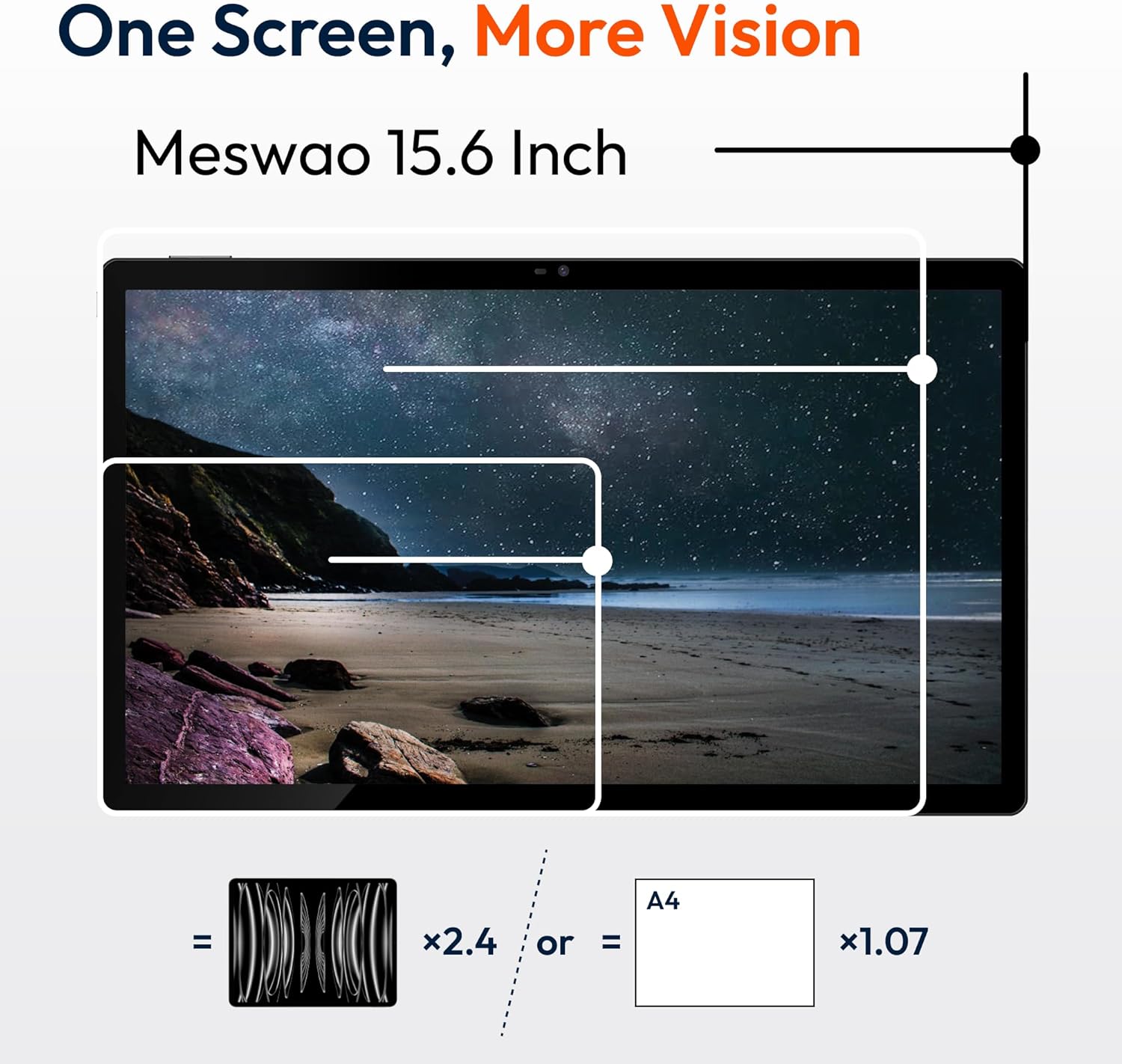
Slika 6.1: Comparison of the MESWAO 15.6-inch display size to an A4 sheet of paper and a smaller tablet, emphasizing its expansive viewing area.
6.3 Performanse
Powered by the Helio G99 octa-core processor and 8GB RAM, the tablet delivers efficient performance for multitasking, gaming, and media consumption.
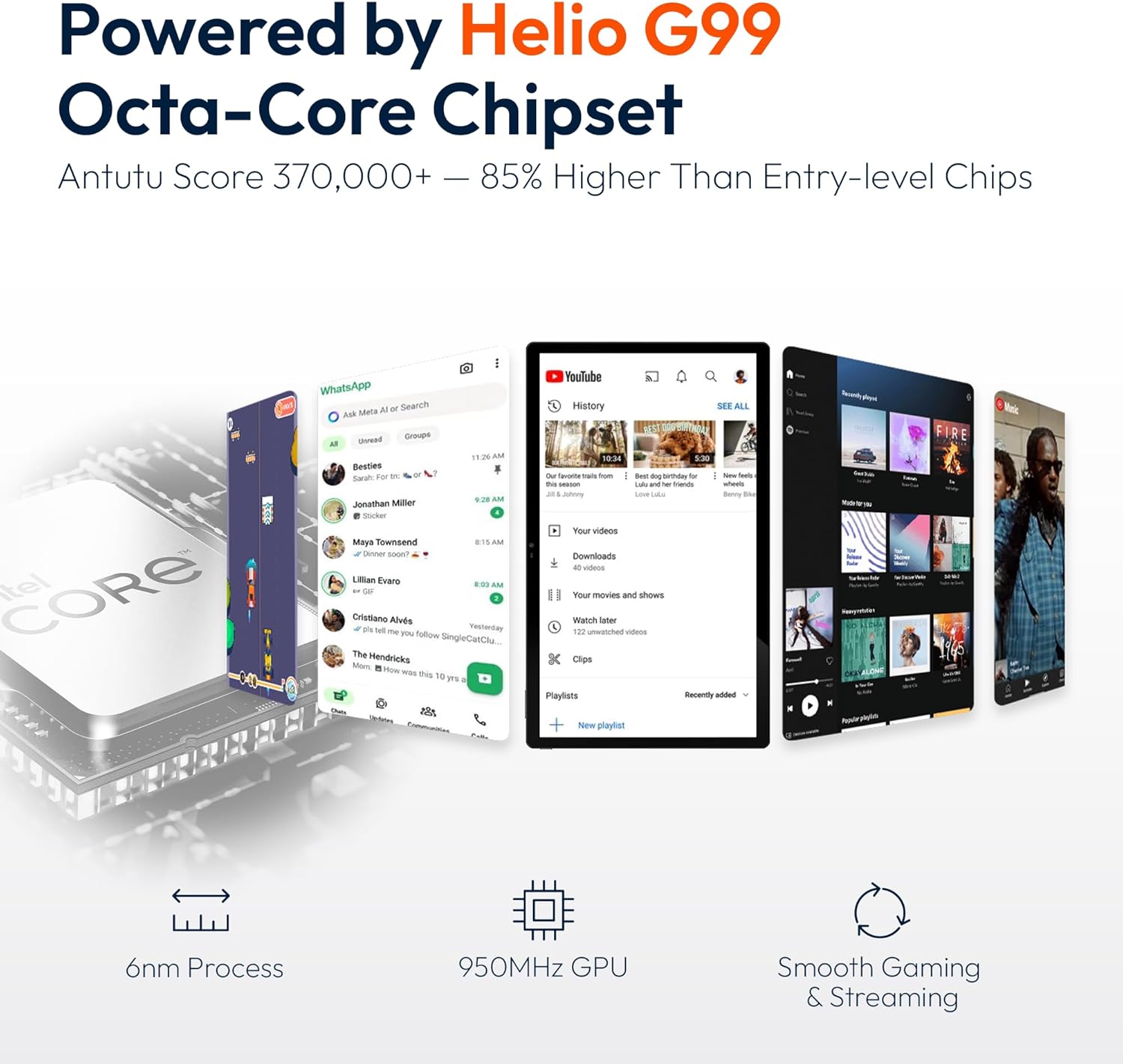
Slika 6.2: An illustration of the Helio G99 Octa-Core chipset, detailing its technical specifications and performance benefits.
6.4 Korištenje kamere
The tablet features a 32MP rear camera and a 5MP front camera. Open the Camera app to capture photos and videos.
6.5 Audio
The quad speakers provide clear audio. You can connect Bluetooth headphones or use the Type-C port for audio output with a suitable adapter.
6.6 Funkcije Androida 14
The tablet runs on Android 14, offering features such as:
- Smooth Multitasking: Efficiently switch between applications.
- roditeljska kontrola: Manage content and usage for children.
- Enhanced Privacy & UI: Improved security and user interface experience.

Slika 6.3: The Android 14 operating system interface, showcasing various applications and system features.
7. Održavanje
7.1 Čišćenje uređaja
Za čišćenje ekrana i kućišta tableta koristite meku krpu koja ne ostavlja dlačice. Izbjegavajte upotrebu jakih hemikalija ili abrazivnih materijala.
7.2 Ažuriranja softvera
Redovno provjeravajte ažuriranja sistema kako biste osigurali optimalne performanse i sigurnost. Idite na Postavke > Sistem > Ažuriranje sistema.
7.3 Njega baterija
Da produžite vijek trajanja baterije:
- Izbjegavajte često potpuno pražnjenje baterije.
- Do not expose the tablet to high temperatures.
- Isključite punjač kada se baterija napuni.
8. Otkrivanje problema
8.1 Tablet se ne uključuje
- Provjerite je li baterija napunjena. Spojite punjač i pričekajte nekoliko minuta prije nego što pokušate uključiti uređaj.
- Pritisnite i držite dugme za napajanje najmanje 10-15 sekundi da biste prisilno ponovo pokrenuli računar.
8.2 Problemi s Wi-Fi vezom
- Ponovo pokrenite svoj Wi-Fi ruter.
- Zaboravite mrežu u postavkama tableta i ponovo se povežite.
- Provjerite je li tablet unutar dometa Wi-Fi signala.
8.3 Spore performanse
- Zatvorite nepotrebne pozadinske aplikacije.
- Obrišite podatke keš memorije za aplikacije.
- Osigurajte dovoljno slobodnog prostora za skladištenje.
8.4 Ekran ne reaguje
- Ponovo pokrenite tablet.
- Provjerite je li ekran čist i bez prljavštine.
9. Specifikacije
| Feature | Specifikacija |
|---|---|
| Naziv modela | MES-B3 |
| Operativni sistem | Android 14 |
| Veličina ekrana | 15.6 inča |
| Rezolucija ekrana | 1920 x 1080 piksela (FHD) |
| Procesor | MediaTek Helio G99 Octa-Core |
| Grafički koprocesor | Mali-G75 |
| RAM | 8GB |
| Interna pohrana (ROM) | 256GB |
| Proširiva pohrana | Do 1TB putem MicroSD kartice |
| Zadnja kamera | 32MP |
| Prednja kamera | 5MP |
| Kapacitet baterije | 12000mAh |
| Punjenje | 30W brzo punjenje |
| Bežično povezivanje | Dual-Band Wi-Fi (802.11a/b/ac/ad/ax), Bluetooth |
| Težina artikla | 4.55 funte |
| Dimenzije proizvoda | 14.49 x 8.66 x 0.39 inča |
10. Garancija i podrška
10.1 Informacije o garanciji
Your MESWAO tablet comes with a 12-mjesečna garancija covering manufacturing defects. Please retain your proof of purchase for warranty claims.
10.2 Korisnička podrška
For technical assistance, troubleshooting, or warranty inquiries, please contact MESWAO customer support. Our support team is available to assist you.
- 24-satna korisnička podrška: Pomoć je dostupna non-stop.
- Local After-sales Centers: Service centers are available in regions including the US, Germany, Japan, and more.
- Quick Response Flow: Issues reported receive a team response within 24 hours, aiming for prompt problem resolution or replacement.