
1. Uvod
This manual provides instructions for the installation, operation, and maintenance of your ADATA Legend 860 PCIe Gen4 x4 M.2 2280 Solid State Drive (SSD). The Legend 860 is designed to offer high-speed storage performance for compatible desktop computers, laptops, and Sony PlayStation 5 consoles.

Slika 1.1: Prednja strana view of the ADATA Legend 860 M.2 SSD, showing the ADATA logo and model name on the heat spreader.
2. Sadržaj paketa
Provjerite da li vaš paket sadrži sljedeće stavke:
- ADATA Legend 860 PCIe Gen4 x4 M.2 2280 SSD (Solid State Drive NVMe)
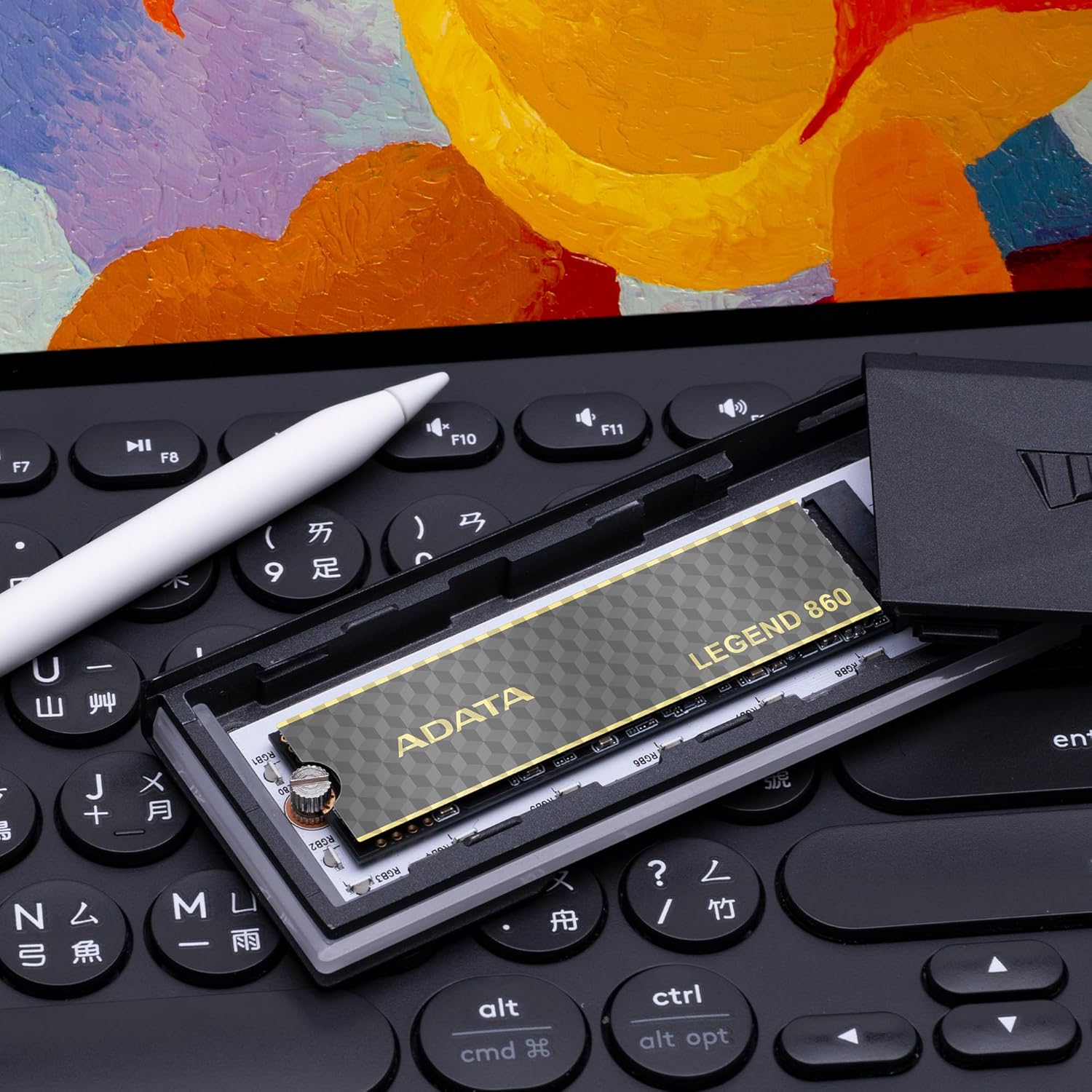
Image 2.1: Retail packaging for the ADATA Legend 860 SSD, displaying the product and its capacity.
3. Postavljanje i instalacija
Before installation, ensure your system is powered off and disconnected from the power source. It is recommended to wear an anti-static wrist strap to prevent electrostatic discharge (ESD) damage.
3.1. Desktop/Laptop Installation
- Pronađite M.2 utor: Identify an available M.2 slot on your motherboard. The Legend 860 is a 2280 form factor SSD, requiring a compatible M.2 2280 slot.
- Umetnite SSD: Gently insert the ADATA Legend 860 SSD into the M.2 slot at a 30-degree angle. Ensure the gold contacts are fully seated.
- Sigurni SSD: Press the SSD down until it is parallel with the motherboard. Secure it with the M.2 screw provided with your motherboard or system.
- Zatvori sistem: Reassemble your computer and reconnect the power.

Image 3.1: The ADATA Legend 860 SSD correctly installed in an M.2 slot on a computer motherboard.
3.2. PlayStation 5 (PS5) Installation
The ADATA Legend 860 is compatible with the PlayStation 5 console for storage expansion. Refer to the official PlayStation 5 user guide for detailed instructions on how to open the console and access the M.2 expansion slot. Ensure the SSD meets all PS5 requirements, including physical dimensions and performance specifications.
- Prepare PS5: Power off your PS5 console and disconnect all cables. Allow it to cool down.
- Uklonite poklopac: Carefully remove the PS5 console cover to expose the expansion slot.
- Pristup M.2 utoru: Unscrew and remove the expansion slot cover.
- Umetnite SSD: Insert the ADATA Legend 860 SSD into the expansion slot. Align the notch on the SSD with the ridge on the expansion slot.
- Sigurni SSD: Secure the SSD with the screw and spacer provided with your PS5 console.
- ponovo sastaviti: Replace the expansion slot cover and the PS5 console cover. Reconnect all cables and power on the console.
- Format SSD-a: Follow the on-screen prompts on your PS5 to format the newly installed SSD.
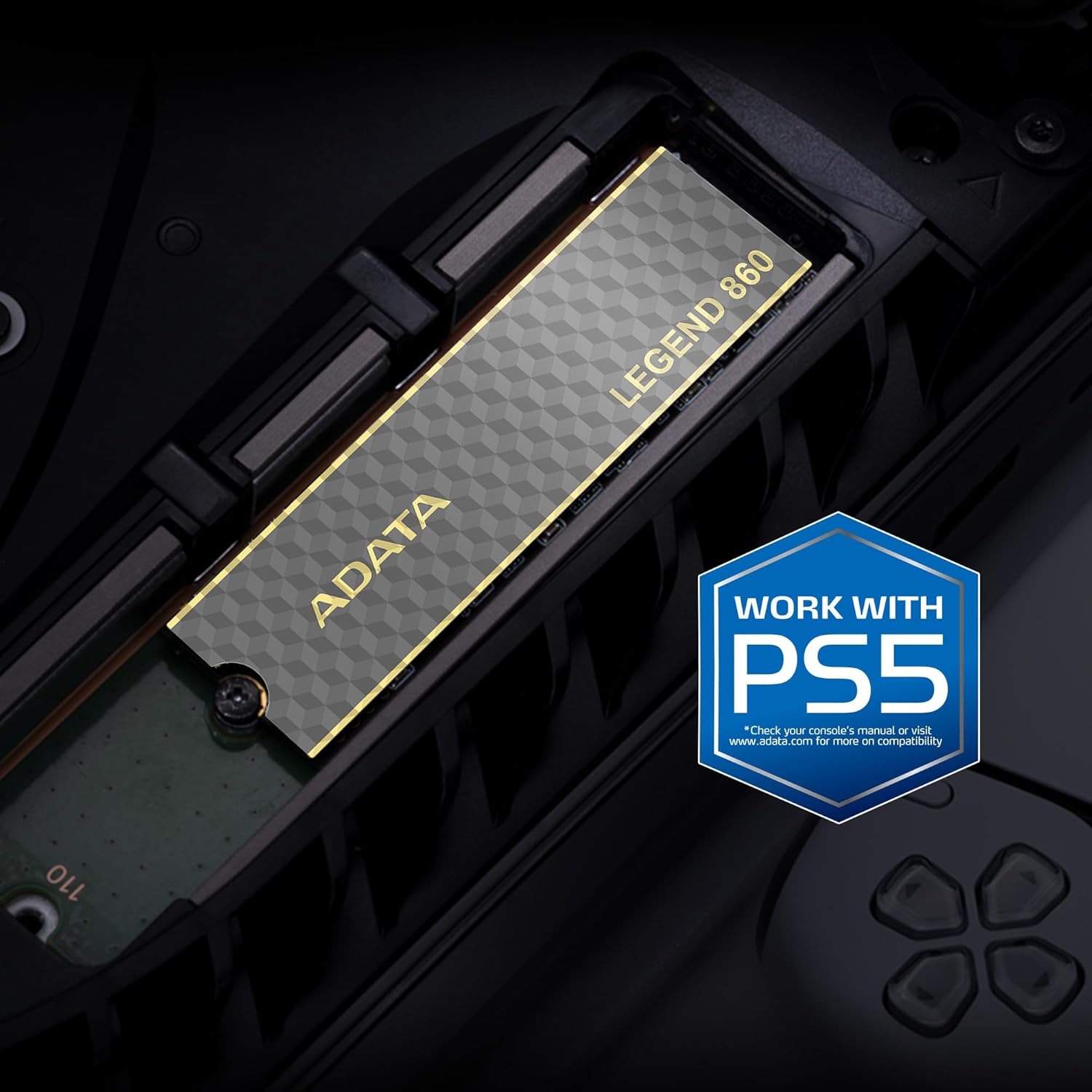
Image 3.2: The ADATA Legend 860 SSD installed within the M.2 expansion slot of a PlayStation 5 console.
4. Rad sa SSD-om
After successful installation, your operating system (Windows, macOS, Linux) or PlayStation 5 console should detect the new storage device. You may need to initialize and format the SSD before it can be used for data storage.
4.1. Initializing and Formatting (Windows)
- Otvorite Upravljanje diskovima: Desnim klikom miša na dugme Start odaberite "Upravljanje diskovima".
- Inicijalizacija diska: Locate your new SSD (it may appear as "Disk 1" or similar and be marked as "Unallocated"). Right-click on the disk number and select "Initialize Disk." Choose GPT (GUID Partition Table) for modern systems.
- Kreiraj novi jednostavni volumen: Right-click on the "Unallocated" space on your new SSD and select "New Simple Volume." Follow the wizard to assign a drive letter and format the drive (NTFS is recommended for Windows).
4.2. Performance Considerations
The ADATA Legend 860 utilizes PCIe Gen4 x4 interface for high-speed data transfer. Actual performance may vary depending on your system's hardware, software, and usage patterns. Ensure your motherboard supports PCIe Gen4 for optimal speeds. The SSD also features SLC caching and Host Memory Buffer (HMB) for improved responsiveness.
5. Održavanje
To ensure the longevity and optimal performance of your ADATA Legend 860 SSD, consider the following maintenance practices:
- Ažuriranja firmvera: Periodically check the official ADATA webStranica za ažuriranja firmvera za vaš SSD. Ažuriranja firmvera mogu poboljšati performanse, stabilnost i kompatibilnost.
- TRIM naredba: Ensure your operating system has TRIM enabled. TRIM helps maintain the performance of SSDs over time by allowing the operating system to inform the SSD which data blocks are no longer in use and can be wiped.
- Izbjegavajte puni kapacitet: While SSDs perform well even when nearly full, maintaining some free space (e.g., 10-15%) can help sustain optimal performance and extend lifespan.
- Sigurnosna kopija podataka: Redovno pravite sigurnosne kopije važnih podataka na drugi uređaj za pohranu. Iako su SSD diskovi pouzdani, nijedan uređaj za pohranu nije imun na kvarove.
- LDPC Data Protection: The Legend 860 incorporates Low Density Parity Check (LDPC) error correction, which enhances data integrity and transmission accuracy.
6. Otkrivanje problema
If you encounter issues with your ADATA Legend 860 SSD, refer to the following common troubleshooting steps:
- SSD nije otkriven:
- Provjerite je li SSD ispravno postavljen u M.2 utor.
- Provjerite BIOS/UEFI postavke vaše matične ploče kako biste potvrdili da je M.2 utor omogućen i ispravno konfiguriran (npr. PCIe način rada).
- Verify that your motherboard supports M.2 NVMe SSDs.
- For PS5, ensure the console cover is properly reattached and the SSD is secured.
- Spore performanse:
- Confirm your system's M.2 slot supports PCIe Gen4 speeds. If it's a Gen3 slot, the SSD will operate at Gen3 speeds.
- Ensure your operating system is up-to-date and TRIM is enabled.
- Check for background processes that might be consuming disk I/O.
- Pazite da SSD nije prepun.
- Oštećenje podataka/Greške:
- Run a disk check utility (e.g., CHKDSK on Windows).
- Update SSD firmware.
- Ensure proper system cooling to prevent overheating, which can affect SSD stability.
7. Specifikacije
| Feature | Specifikacija |
|---|---|
| Naziv modela | LEGENDA 860 |
| Broj modela | SLEG-860-2000GCS |
| Digital Storage Capacity | 2000 GB (2 TB) |
| Hard Disk Interface | PCIe Gen4 x4 |
| Form Factor | M.2 2280 |
| Brzina čitanja (maks.) | Do 6000 MB/s |
| Brzina pisanja (maks.) | Do 5000 MB/s |
| NAND Flash | 3D NAND |
| Error Correction | LDPC (Low Density Parity Check) |
| Karakteristike | SLC Caching, Host Memory Buffer (HMB), Shock Resistant |
| Kompatibilni uređaji | Desktop PCs, Laptops, Sony PlayStation 5 |
| Dimenzije (D x Š x V) | 5.51" x 1.57" x 0.31" (približno 140 mm x 40 mm x 7.9 mm) |
| Težina artikla | 11 grama |
8. Garancija i podrška
ADATA Technology Co., Ltd. provides a limited warranty for its products. For specific warranty terms, conditions, and duration applicable to your ADATA Legend 860 SSD, please refer to the warranty information included with your product packaging or visit the official ADATA website.
For technical support, driver downloads, firmware updates, or further assistance, please visit the official ADATA support webstranica:
ADATA Official Support Website
When contacting support, please have your product model number (SLEG-860-2000GCS) and proof of purchase readily available.