
1. Uvod
The myCharge Power + Plug Max 20K is a compact portable power bank designed to provide extended battery life for your electronic devices. It features a built-in USB-C cable and a folding wall plug for convenient recharging. This device is capable of charging two devices simultaneously, offering up to 120 hours of additional battery life.
Ključne karakteristike:
- Interna baterija od 20,000 mAh: Provides substantial power for multiple charges.
- Ugrađeni USB-C kabel: Integrated cable for direct device charging.
- Foldable Wall Plug: Allows for direct wall charging of the power bank without extra adapters.
- Dodatni USB-C priključak: Enables simultaneous charging of a second device.
- Kompaktan i lagan dizajn: Easy to carry for travel.
- Ekološki prihvatljiv: Built-in features reduce the need for extra adapters and cables, minimizing e-waste.
2. Proizvod je gotovview
Familiarize yourself with the components of your myCharge Power + Plug portable charger.

Slika 2.1: Front view of the myCharge Power + Plug portable charger, showing the sleek black design and the integrated USB-C charging cable.

Slika 2.2: The portable charger demonstrating its built-in foldable wall plug, shown both extended and plugged into a wall outlet for convenient recharging.

Slika 2.3: The power bank actively charging an iPhone via its built-in cable, illustrating its compatibility with various Apple and Android devices including smartphones, tablets, earbuds, headphones, and speakers.
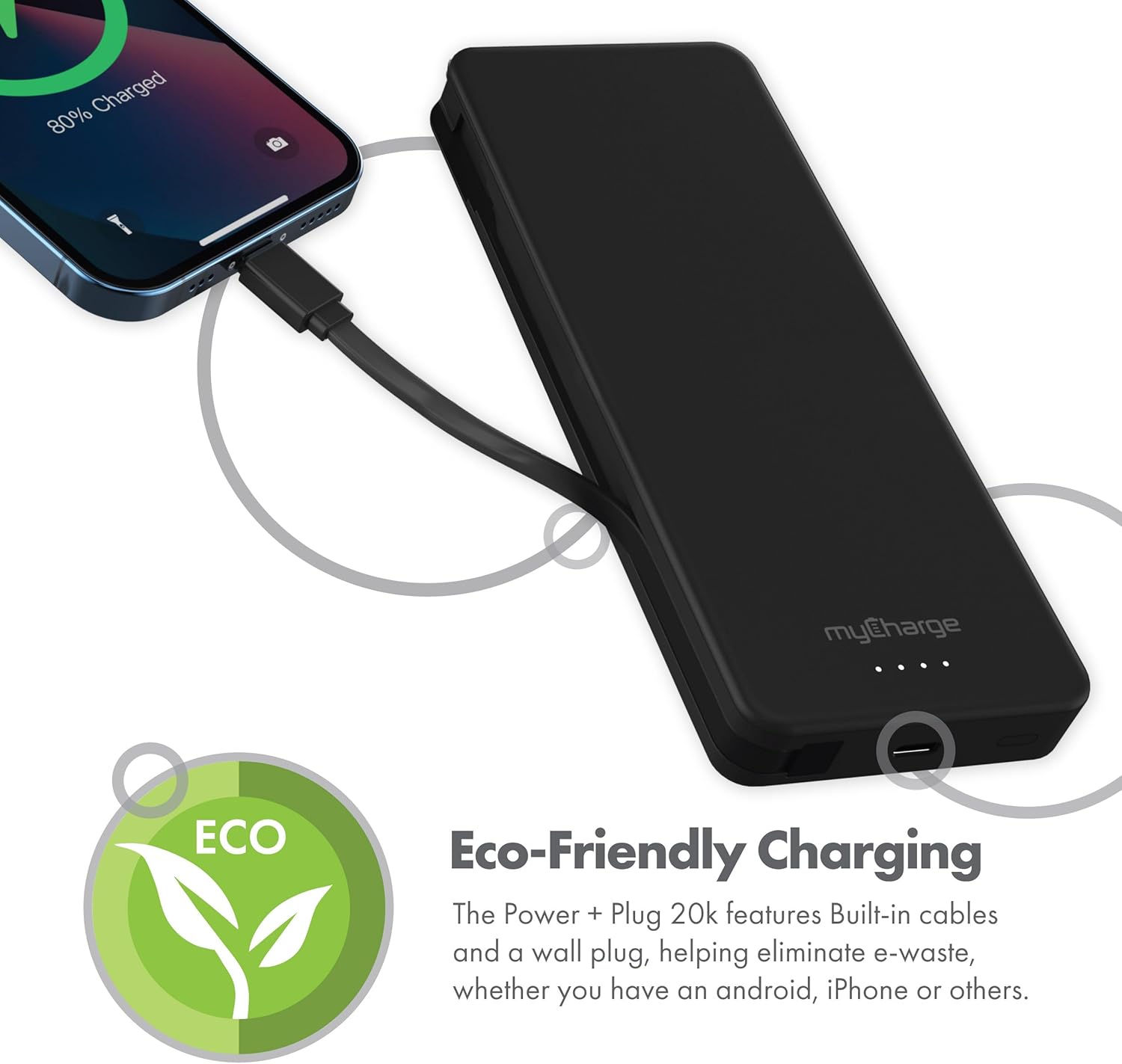
Slika 2.4: The device charging an iPhone, highlighting its eco-friendly design with built-in cables and wall plug to reduce electronic waste.
3. Podešavanje
3.1 Početno punjenje Power Bank-a
- Locate the foldable wall plug on the back of the power bank.
- Flip down the prongs of the wall plug.
- Plug the power bank directly into a standard wall outlet.
- The LED indicator lights on the front of the power bank will illuminate to show the charging status. All four lights will be solid when fully charged.
3.2 Razumijevanje LED indikatora
The myCharge Power + Plug features four LED lights on its front surface to indicate the remaining battery life and charging status:
- Četiri stalna svjetla: 75-100% charged.
- Tri stalna svjetla: 50-75% charged.
- Dva stalna svjetla: 25-50% charged.
- Jedno stalno svjetlo: 0-25% charged.
- Trepćuća svjetla: Indicates the power bank is actively charging.
4. Uputstvo za upotrebu
4.1 Punjenje jednog uređaja
- For devices with a USB-C port, extend the built-in USB-C cable from the side of the power bank.
- Connect the USB-C cable directly to your device's charging port.
- Power bank će automatski početi puniti vaš uređaj.
4.2 Istovremeno punjenje dva uređaja
- Connect your first device using the built-in USB-C cable as described above.
- For your second device, use your own USB-C to USB-C or USB-C to Lightning cable.
- Plug one end of your cable into the additional USB-C port on the power bank.
- Connect the other end of your cable to your second device.
- Both devices will charge simultaneously.
4.3 Zvanični video proizvoda
Watch this official video from myCharge for a visual guide on using the Power + Plug 20K:
Klip 4.1: An official product video from myCharge demonstrating the features and usage of the myCharge Power + Plug 20K portable charger, including its built-in cables and wall plug.
5. Održavanje
- čišćenje: Za čišćenje vanjske strane power bank-a koristite meku, suhu krpu. Izbjegavajte upotrebu jakih hemikalija ili abrazivnih materijala.
- Skladištenje: Power bank čuvajte na hladnom i suhom mjestu, dalje od direktne sunčeve svjetlosti i ekstremnih temperatura.
- Održavanje baterije: Da biste produžili vijek trajanja baterije, potpuno napunite power bank barem jednom svaka tri mjeseca, čak i ako ga ne koristite redovno.
- Izbjegnite oštećenja: Do not drop, puncture, or disassemble the device. Keep it away from water and high humidity.
6. Otkrivanje problema
| Problem | Mogući uzrok | Rješenje |
|---|---|---|
| Power bank se ne puni | Wall plug not fully extended or not properly seated in outlet. Outlet is not active. | Ensure the wall plug is fully extended and securely plugged into a working wall outlet. Try a different outlet. |
| Uređaj se ne puni iz power banke | Power bank battery is depleted. Cable is not properly connected. Device is not compatible. | Recharge the power bank. Ensure cables are securely connected to both the power bank and the device. Verify device compatibility with USB-C charging. |
| Sporo punjenje | Using a non-optimal cable or adapter. Device drawing high power. | Ensure you are using the built-in USB-C cable or a high-quality USB-C cable. Close unnecessary applications on your device. |
| LED indikatori ne rade | Power bank je potpuno ispražnjen. | Plug the power bank into a wall outlet and allow it to charge for a few minutes. The lights should eventually illuminate. |
7. Specifikacije
| Broj modela | AP20K |
| Kapacitet baterije | 20,000 mAh |
| Vrsta baterije | Litijum polimer (2 uključen) |
| Dimenzije proizvoda | 5.9 x 2.84 x 1 inča |
| Težina artikla | 1.06 funte |
| Tip konektora | Built-in USB-C cable & additional USB-C port |
| Boja | 20000 mAh - Black |
| Proizvođač | myCharge |
| Zemlja porijekla | Kina |
8. Garancija i podrška
The myCharge Power + Plug portable charger is covered by a 1 godine garancije od datuma kupovine. Ova garancija pokriva nedostatke u materijalu i izradi pri normalnoj upotrebi.
For warranty claims, technical support, or any inquiries regarding your product, please visit the official myCharge webweb-mjesto ili kontaktirajte njihovu službu za korisnike. Sačuvajte dokaz o kupovini radi potvrde garancije.
Note: Warranty terms may vary. Please refer to the official myCharge website or product packaging for the most current and detailed warranty information.