
1. Uvod
Thank you for choosing the wegear MW2 Wireless Bluetooth Mouse. This compact and portable mouse is designed for comfort and precision, offering seamless connectivity and adjustable sensitivity for various tasks. Please read this manual carefully to ensure proper setup and optimal performance.
2. Sigurnosne informacije
- Držite uređaj dalje od vode i drugih tekućina kako biste spriječili strujni udar ili oštećenje.
- Avoid exposing the mouse to extreme temperatures or direct sunlight.
- Ne pokušavajte sami rastavljati ili popravljati uređaj. Za pomoć se obratite kvalifikovanom servisnom osoblju.
- Odložite baterije u skladu s lokalnim propisima. Ne spaljujte.
3. Sadržaj paketa
- wegear MW2 Wireless Bluetooth Mouse
- 1 x AA baterija (unaprijed instalirana ili uključena)
- USB Receiver (stored in battery compartment)
- Uputstvo za upotrebu
4. Proizvod je gotovview
Familiarize yourself with the components of your wegear MW2 Wireless Bluetooth Mouse:

Slika: Donja strana view of the wegear MW2 mouse, highlighting the power on/off switch, Bluetooth pairing button, DPI button, battery compartment, and the storage slot for the USB receiver.
- Lijevi/Desni klik: Standard mouse buttons for interaction.
- Točak za pomicanje: Za vertikalno skrolovanje.
- DPI dugme: Located on the bottom, cycles through 800, 1200, and 1600 DPI settings.
- Prekidač za uključivanje/isključivanje: Located on the bottom, to conserve battery life.
- Dugme za Bluetooth uparivanje: Located on the bottom, used to initiate Bluetooth pairing.
- USB Receiver Slot: Located inside the battery compartment for convenient storage.
5. Podešavanje
5.1. Umetnite bateriju
- Remove the battery compartment cover from the bottom of the mouse.
- Umetnite jednu AA bateriju, pazeći na ispravan polaritet (+/-).
- Vratite poklopac odeljka za baterije.
For a visual guide on battery insertion and initial setup, please refer to the video below:
Video: Demonstrates the process of inserting the AA battery and initial power-on for the wegear Wireless Mouse.
5.2. Uključite napajanje
Slide the Power On/Off switch on the bottom of the mouse to the 'ON' position. A light indicator will illuminate.
5.3. Povežite se putem Bluetootha
- Uvjerite se da je miš uključen.
- Long press the Bluetooth Pairing Button on the bottom of the mouse for 3 seconds. The LED indicator will flash green, indicating it's in pairing mode.
- On your computer (PC, Mac, etc.), open your Bluetooth settings.
- Traži new devices and select "Bluetooth MS" (or similar name) from the list to connect.
- Nakon povezivanja, LED indikator će prestati treptati.
For a visual guide on Bluetooth pairing, please refer to the image below:
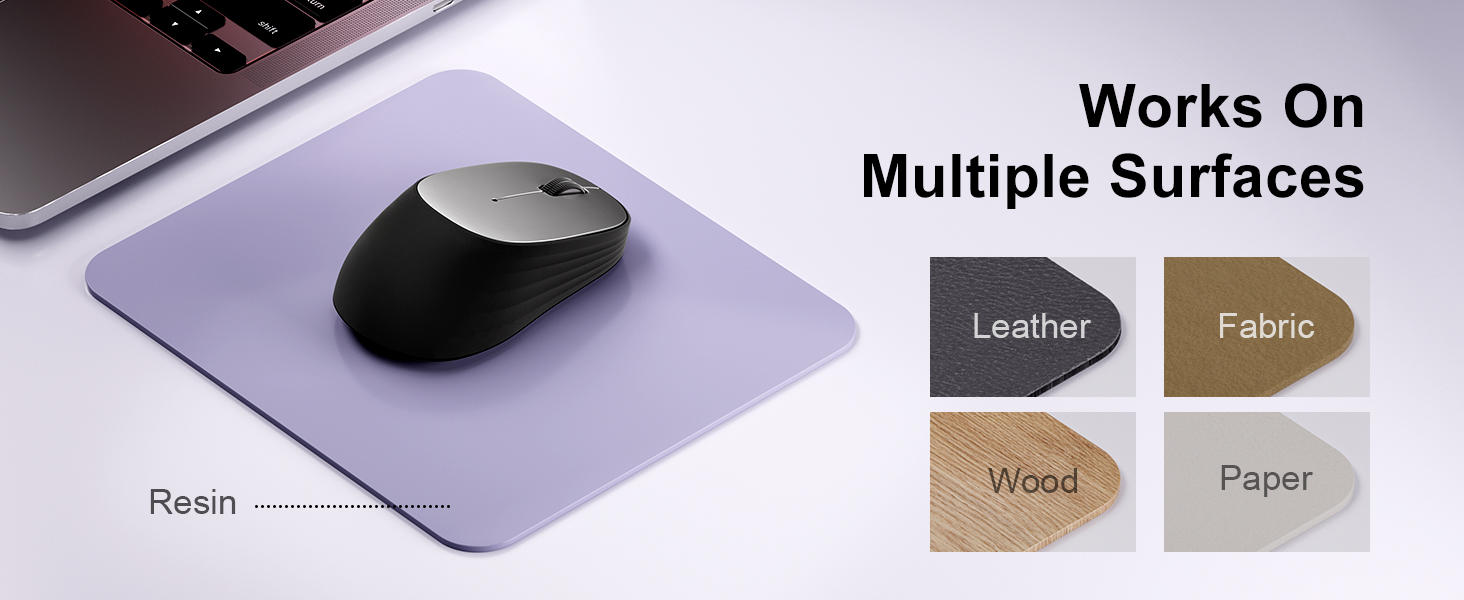
Image: A laptop screen displays a Bluetooth pairing prompt, indicating a new device (Bluetooth mouse) is found. The wegear mouse is shown nearby with a '10M' range indicator, illustrating its Bluetooth 5.0 connectivity.
5.4. Connect via USB Receiver (2.4G Wireless)
If your device does not support Bluetooth or you prefer a 2.4G wireless connection:
- Locate the USB receiver inside the battery compartment of the mouse.
- Uključite USB prijemnik u slobodan USB port na vašem računaru.
- The mouse should automatically connect to your device. No additional pairing is required.
6. Upravljanje mišem
6.1. DPI podešavanje
The wegear MW2 mouse features 3 adjustable DPI levels (800, 1200, 1600) for customized cursor sensitivity. To change the DPI:
- Press the DPI button on the bottom of the mouse.
- Each press will cycle through the DPI settings. The cursor speed will change accordingly.
For a visual representation of DPI levels, please refer to the image below:
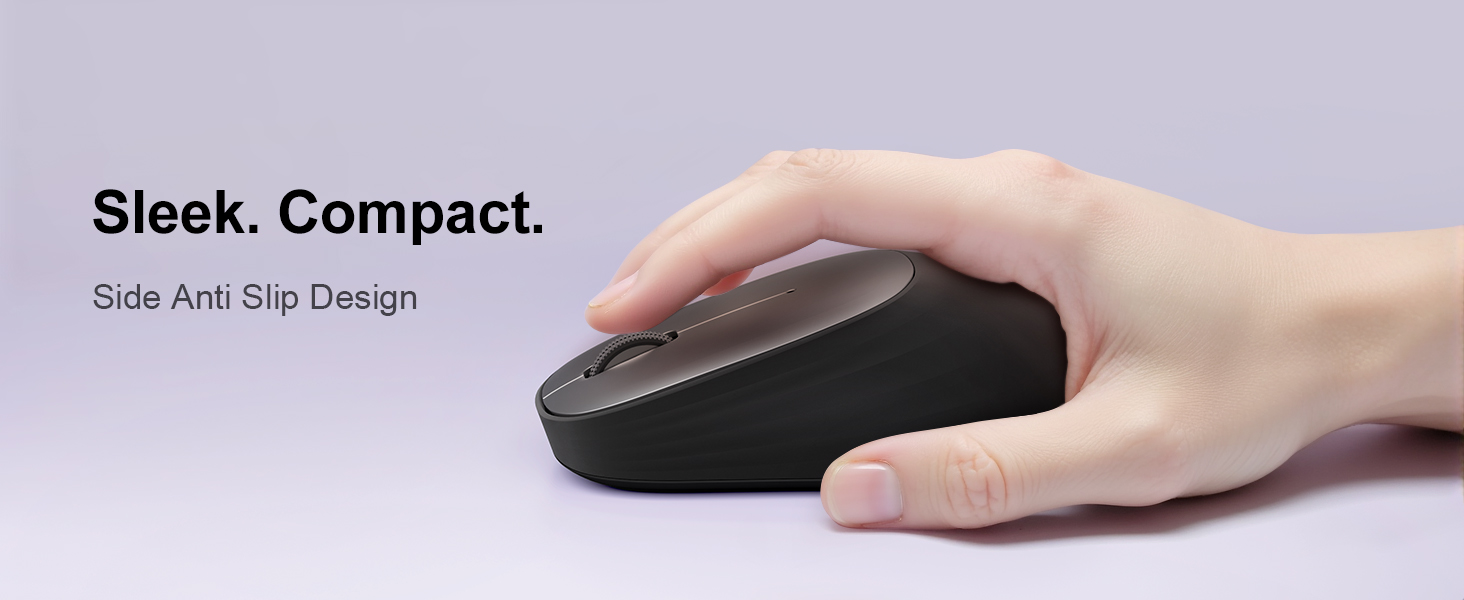
Image: The wegear MW2 mouse is depicted with three distinct visual arcs, each labeled with a DPI setting (800, 1200, 1600), illustrating the adjustable sensitivity levels for smooth navigation.
6.2. Silent Clicks
The mouse is designed with silent click buttons, providing a quiet user experience suitable for various environments without disturbing others.
6.3. Režim uštede energije
To conserve battery life, the mouse automatically enters a sleep mode after 10 seconds of inactivity. Simply move the mouse to wake it up and resume operation.
For more details on power saving, please refer to the image below:
Image: A user is shown working on a laptop with the wegear MW2 mouse. An overlay text explains that the mouse enters power-saving mode after 10 seconds of inactivity and can be woken by moving it.
7. Održavanje
7.1. Trajanje baterije
The wegear MW2 mouse is designed for long-lasting performance, offering up to 12 months of battery life with a single AA battery, especially when utilizing the automatic sleep mode and manually turning off the mouse when not in use.
7.2. Čišćenje
To clean your mouse, gently wipe its surface with a soft, dry cloth. Avoid using harsh chemicals or abrasive materials that could damage the finish.
8. Otkrivanje problema
- Miš se ne povezuje:
- Provjerite je li miš uključen.
- Check if the battery is inserted correctly and has sufficient charge.
- For Bluetooth connection, ensure your device's Bluetooth is enabled and the mouse is in pairing mode.
- For USB receiver connection, ensure the receiver is securely plugged into a USB port. - Kursor je nepravilan ili ne reaguje:
- Očistite optički senzor na donjoj strani miša.
- Ensure you are using the mouse on a suitable surface (non-reflective, non-transparent). - Kratko trajanje baterije:
- Make sure to turn off the mouse using the Power On/Off switch when not in use for extended periods.
9. Specifikacije
| Feature | Detalj |
|---|---|
| Broj modela | MW2 |
| Tehnologija povezivanja | Bluetooth 5.0, 2.4G Wireless (via USB receiver) |
| Tehnologija detekcije pokreta | Optički |
| Podesivi DPI | 800, 1200, 1600 |
| Vrsta baterije | 1 x AA baterija |
| Procijenjeni vijek trajanja baterije | Do 12 mjeseci |
| Posebna karakteristika | Portable, Compact Design, Silent Clicks, Automatic Sleep Mode |
| Težina artikla | 4.2 unce |
| Dimenzije paketa | 4.25 x 3.27 x 1.73 inča |
10. Garancija i podrška
The wegear MW2 Wireless Bluetooth Mouse comes with a standard manufacturer's warranty. For detailed warranty information, product support, or technical assistance, please refer to the contact information provided on the product packaging or visit the official wegear website.
We are committed to providing high-quality products and excellent customer service. If you encounter any issues or have questions, please do not hesitate to reach out to our support team.