
eppfun LS003
eppfun Open Ear Bluetooth Headphones User Manual
Model: LS003
Uvod
This manual provides detailed instructions for the eppfun Open Ear Bluetooth Headphones, Model LS003. These headphones feature an open-ear design for comfort, Bluetooth 5.4 connectivity, and a built-in microphone with noise cancellation for clear calls. Please read this manual thoroughly before using the product to ensure proper operation and maintenance.
Sadržaj paketa
Before proceeding, please verify that all items are present in the package:
- eppfun Open Ear Bluetooth Headphones (Model LS003)
- Kabl za punjenje (magnetni)
- Korisnički priručnik (ovaj dokument)

Image: eppfun Open Ear Bluetooth Headphones (LS003) with its magnetic charging cable.
Setup
1. Punjenje slušalica
Before first use, fully charge the headphones. The headphones utilize a magnetic charging cable.
- Connect the magnetic end of the charging cable to the charging port on the headphones.
- Spojite USB-A kraj kabla na kompatibilan USB izvor napajanja (npr. USB priključak računara, USB adapter za zid).
- A full charge takes approximately 1.5 hours. The LED indicator will change color to indicate charging status (refer to LED indicator section for details).
- The headphones provide up to 12 hours of playtime on a full charge.
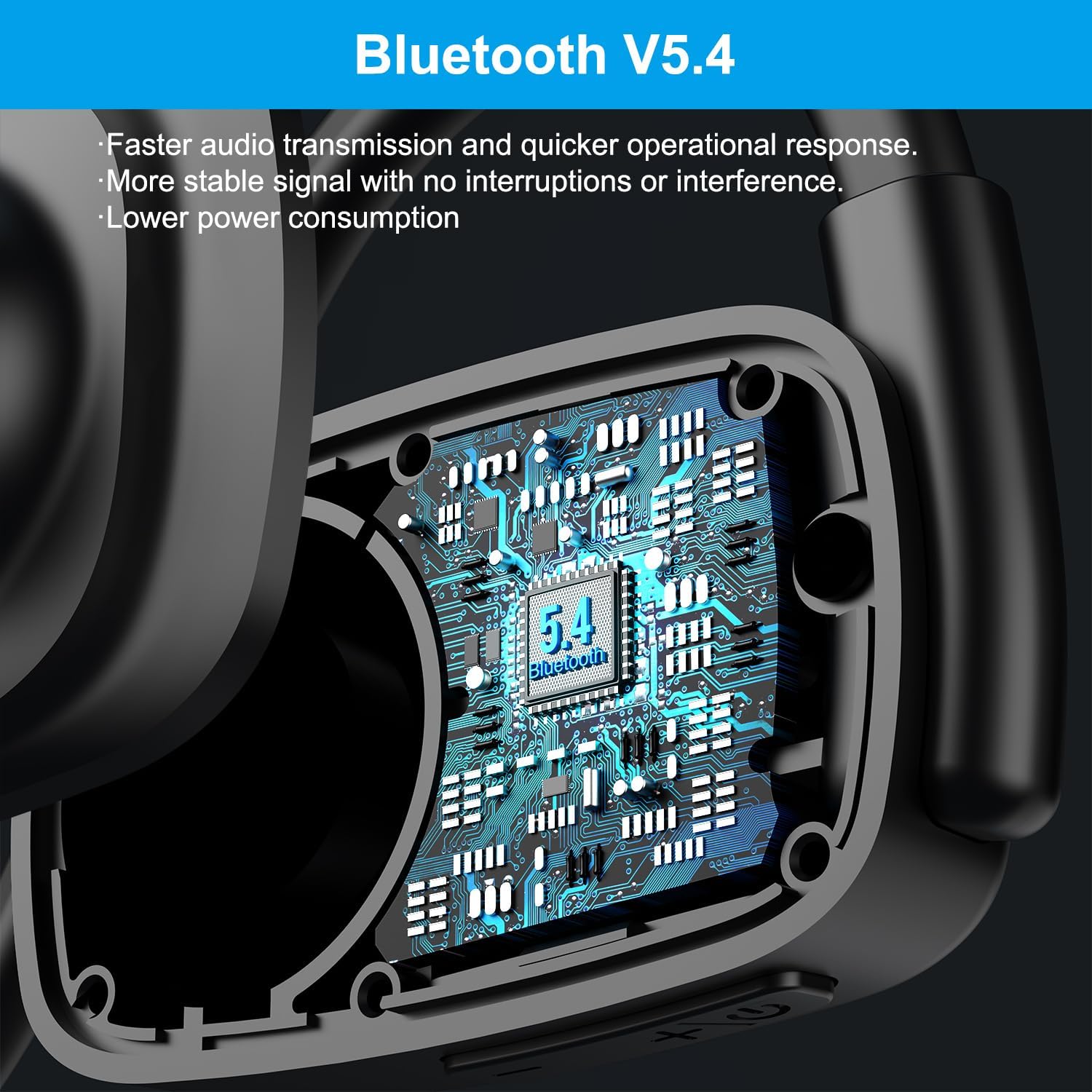
Image: Visual representation of charging time (1.5 hours) and playtime (12 hours) for the headphones.

Slika: Detaljna view of the magnetic charging interface and battery life indicators.
2. Uparivanje sa Bluetooth uređajem
The headphones use Bluetooth 5.4 for stable and efficient wireless connection.
- Provjerite jesu li slušalice napunjene i isključene.
- Pritisnite i držite višenamjenski taster (obično taster za napajanje) dok LED indikator ne zatreperi crveno i plavo, što označava režim uparivanja.
- Na svom uređaju (pametnom telefonu, tabletu, laptopu) omogućite Bluetooth i potražite dostupne uređaje.
- Select "eppfun LS003" or a similar name from the list of found devices.
- Nakon povezivanja, LED indikator će svijetliti stalno plavo ili će se ugasiti, ovisno o modelu.

Image: Illustration of the Bluetooth 5.4 chip inside the headphones, emphasizing faster transmission and lower power consumption.
3. Multipoint Connection
These headphones support multipoint connections, allowing them to be connected to two Bluetooth devices simultaneously.
- Uparite slušalice s prvim uređajem kao što je gore opisano.
- Isključite Bluetooth na prvom uređaju. Slušalice će ponovo ući u način rada za uparivanje.
- Uparite slušalice sa drugim uređajem.
- Ponovo omogućite Bluetooth na prvom uređaju. Slušalice bi se trebale automatski povezati s oba uređaja.
- Zvuk će se reproducirati s uređaja koji aktivno prenosi zvuk.
Uputstvo za upotrebu
Kontrole prekoview
The headphones feature intuitive controls for various functions:
| Funkcija | Akcija |
|---|---|
| Uključivanje/isključivanje | Pritisnite i držite višenamjenski gumb. |
| Pusti/pauziraj muziku | Jednom pritisnite višenamjenski gumb. |
| Volume Up | Pritisnite dugme za jačinu zvuka +. |
| Utišavanje zvuka | Pritisnite dugme za jačinu zvuka (-). |
| Next Track | Press and hold Volume + button. |
| Previous Track | Press and hold Volume - button. |
| Odgovori/Završi poziv | Jednom pritisnite višenamjenski gumb. |
| Odbiti poziv | Pritisnite i držite višenamjenski gumb. |
| Isključi mikrofon | Press the dedicated mute button on the microphone arm. |
Call Management and Noise Cancellation
The extended microphone design and Environmental Noise Cancellation (ENC) technology enhance call clarity.
- ENC tehnologija: The headphones are equipped with ENC to reduce ambient noise during calls, making your voice clearer to the recipient. This technology can block up to 90% of ambient noise.
- Funkcija isključivanja zvuka: A dedicated mute button on the microphone arm allows for quick muting and unmuting during calls or online meetings.
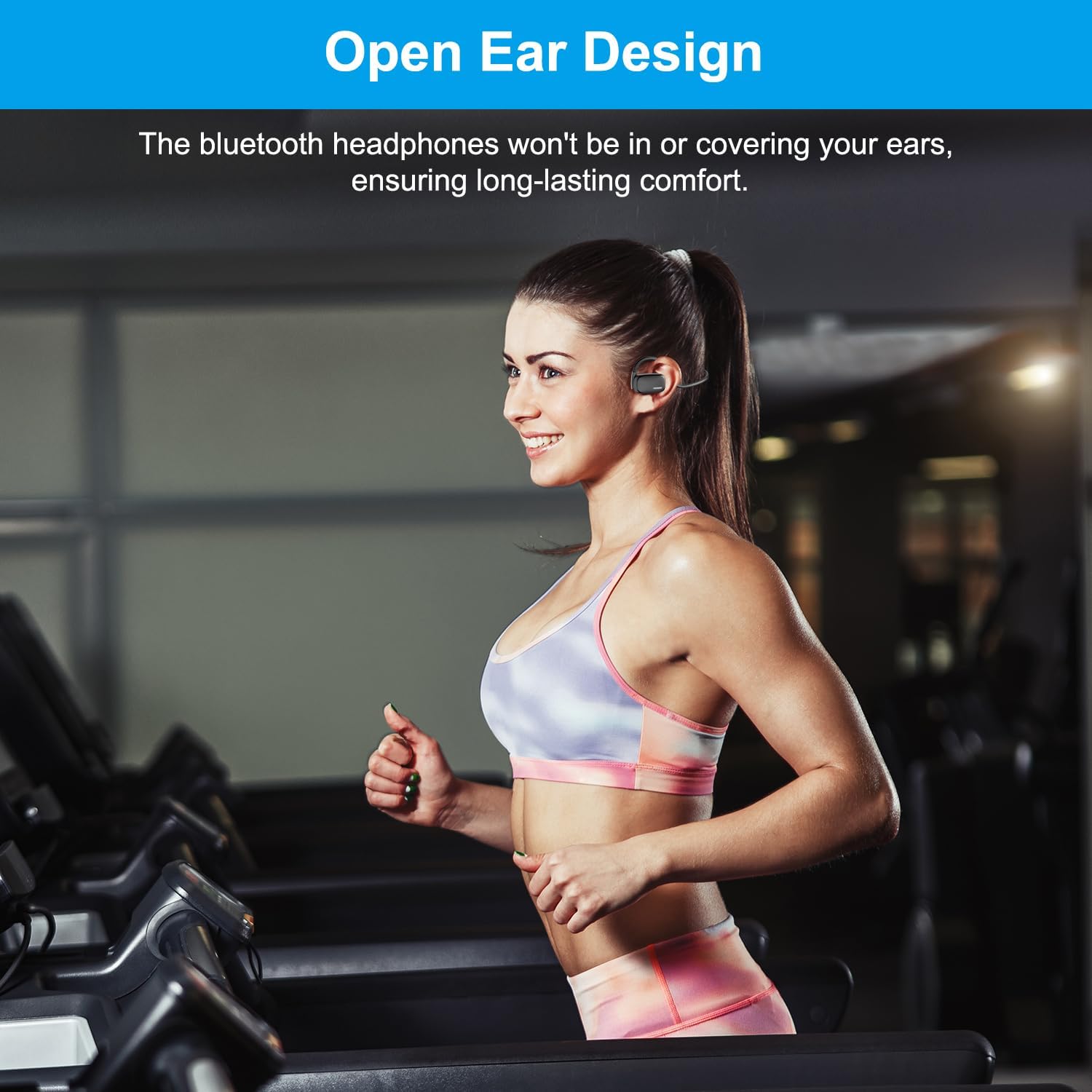
Image: Demonstrates the effect of ENC noise cancellation and the location of the mute button on the microphone arm.

Image: Illustrates the use of headphones in a video conference setting, highlighting the ENC feature.
Nositi slušalice
The open-ear design ensures comfort and situational awareness.
- Place the headphones over your ears, ensuring the ear hooks rest comfortably behind your ears.
- The speaker units should sit just outside your ear canals, allowing you to hear both audio and your surroundings.

Image: Demonstrates the open-ear design being worn during physical activity, highlighting comfort.
Kvalitet zvuka
The headphones are equipped with 15.4mm diaphragm drivers for enhanced audio performance, including heavy bass.

Image: Illustrates the 15.4mm diaphragm drivers responsible for audio output.
Održavanje
- čišćenje: Wipe the headphones with a soft, dry cloth. Do not use abrasive cleaners or immerse in water.
- Skladištenje: Slušalice čuvajte na hladnom i suhom mjestu, dalje od direktne sunčeve svjetlosti i ekstremnih temperatura.
- Punjenje: Use only the provided magnetic charging cable. Avoid using damaged cables or chargers.
- Otpornost na vodu: Ove slušalice su ne water resistant. Avoid exposure to rain, sweat, or other liquids.
Rješavanje problema
| Problem | Mogući uzrok / rješenje |
|---|---|
| Slušalice se ne uključuju. | Battery is low. Charge the headphones fully. |
| Nije moguće uparivanje s uređajem. |
|
| Nema zvuka ili je jačina zvuka niska. |
|
| Loš kvalitet poziva. |
|
Specifikacije
| Feature | Detalj |
|---|---|
| Naziv modela | Cutemeet 310 (LS003) |
| Tehnologija povezivanja | bežični (Bluetooth) |
| Bluetooth verzija | 5.4 |
| Bluetooth domet | 10 metara |
| Kontrola buke | Active Noise Cancellation (ENC for microphone) |
| Veličina audio drajvera | 15.4 milimetara |
| Trajanje baterije | Do 12 sati |
| Vrijeme punjenja | Pribl. 1.5 sati |
| Charging Type | Magnetic |
| Oblik slušalice | Ear hook or wing (Open Ear) |
| Materijal | Plastika |
| Težina artikla | 4.6 unce |
| Nivo vodootpornosti | Nije vodootporan |
Garancija i podrška
For warranty information and customer support, please refer to the official eppfun webweb-mjesto ili direktno kontaktirajte njihovu korisničku službu. Sačuvajte račun za kupovinu u slučaju reklamacije.
Proizvođač: eppfun
Datum prve dostupnosti: 12. jul 2024
Za dalju pomoć posjetite eppfun Store on Amazon.
Ask a question about this manual
Ask about setup, troubleshooting, compatibility, parts, safety, or missing instructions. Manuals+ will review the question and use this page’s manual context to help answer it.