
Uvod
Thank you for choosing the TECKNET TK-MS317 Bluetooth Wireless Mouse. This manual provides detailed instructions for setting up, operating, and maintaining your mouse to ensure optimal performance. Please read this manual thoroughly before use and retain it for future reference.
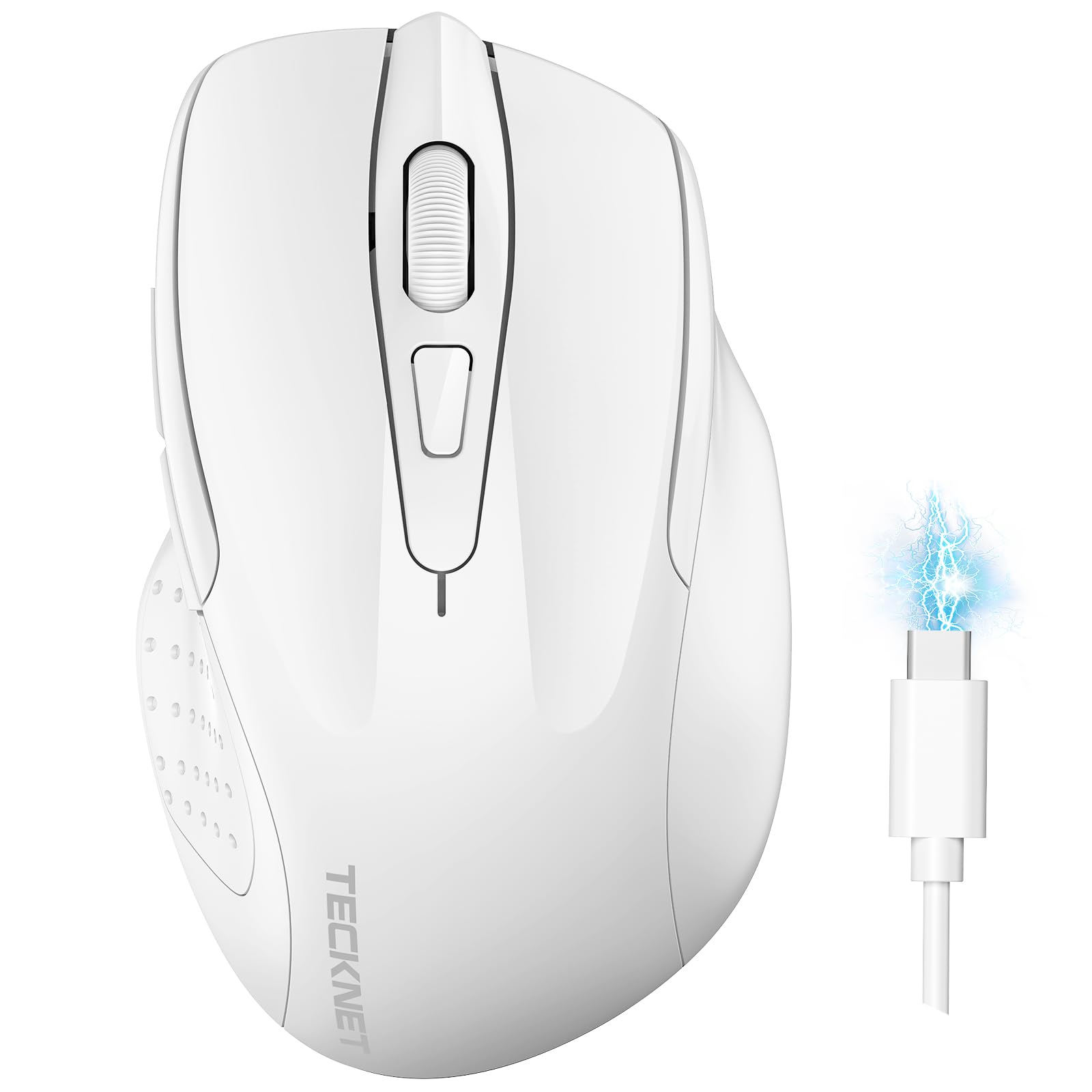
Image: The TECKNET TK-MS317 Bluetooth Wireless Mouse, showcasing its ergonomic design and sleek white finish.
Karakteristike proizvoda
- Trostruki načini povezivanja: Supports Bluetooth 5.0, Bluetooth 3.0, and 2.4GHz wireless connectivity, allowing seamless switching between up to two devices.
- Podesivi DPI: Six adjustable DPI levels (800/1200/1600/2400/3200/4800) for precise control and adaptability to various tasks.
- Punjiva baterija: Equipped with a 700 mAh rechargeable battery, providing extended usage on a single charge. Can be used while charging via USB-C.
- Tihi klikovi: Designed for quiet operation, reducing click noise by 90% for a focused work environment.
- Ergonomski dizajn: Contoured shape fits comfortably in the palm, reducing hand fatigue during prolonged use.
- Ušteda energije: Features a key-wake function and automatic sleep mode to conserve battery life.
- Univerzalna kompatibilnost: Compatible with Windows 11/10/8/7/XP/Vista, Mac OS, Linux, Android, and iOS (BT 5.0 for iOS 10.4+).

Image: Illustration highlighting the silent click feature of the mouse, showing a quiet work environment.

Image: Diagram illustrating the ergonomic curvature of the TECKNET TK-MS317 mouse, designed for comfortable hand fit.
Uputstva za postavljanje
1. Punjenje miša
Before first use, or when the battery is low, connect the mouse to a power source using the provided USB-C cable. The charging indicator light will illuminate. A full charge typically takes about two hours and can last for 1 to 2 months of intensive use.

Image: The TECKNET TK-MS317 mouse connected via a USB-C cable for charging, highlighting its 700mAh battery capacity.
2. Povezivanje putem bežične mreže od 2.4 GHz
- Pronađite USB 2.4G prijemnik, koji se obično nalazi u odjeljku na donjoj strani miša.
- Uključite USB prijemnik u dostupan USB-A priključak na računaru.
- Switch the mode selector on the bottom of the mouse to the "2.4G" position.
- The mouse should automatically connect to your computer. If not, try moving the mouse or restarting your computer.
3. Povezivanje putem Bluetootha (BT5.0 / BT3.0)
- Switch the mode selector on the bottom of the mouse to either "BT5.0" or "BT3.0" position.
- Press and hold the Bluetooth pairing button (usually located near the mode switch) for 3-5 seconds until the indicator light starts flashing, indicating pairing mode.
- Na vašem uređaju (računaru, laptopu, tabletu, pametnom telefonu) idite na postavke Bluetootha.
- Traži new devices. You should see "TECKNET Mouse" or a similar name appear in the list.
- Select the mouse to pair. Once connected, the indicator light on the mouse will stop flashing.
- To switch between paired Bluetooth devices or to the 2.4G mode, simply use the mode selector switch on the bottom of the mouse.

Image: Diagram showing the three connection modes (2.4G, Bluetooth 5.0, Bluetooth 3.0) of the TECKNET TK-MS317 mouse, connecting to a laptop and a tablet.
Uputstvo za upotrebu
1. DPI podešavanje
The mouse features a DPI button, typically located behind the scroll wheel. Press this button to cycle through the six available DPI settings: 800, 1200, 1600, 2400, 3200, and 4800. Select the DPI that best suits your task and preference for cursor speed and precision.

Image: Visual representation of the TECKNET TK-MS317 mouse highlighting its 6 levels of adjustable DPI, up to 4800 DPI.
2. Promena načina rada
Use the physical switch on the underside of the mouse to select your desired connection mode: 2.4G, BT5.0, or BT3.0. This allows you to quickly switch between different devices without re-pairing.
3. Režim uštede energije
The mouse will automatically enter sleep mode after a period of inactivity to conserve battery. To wake the mouse, simply move it or click any button.
Održavanje
1. Čišćenje
Za čišćenje miša koristite meku, suhu krpu. Za tvrdokornu prljavštinu, koristite laganoamp cloth with mild soap can be used, ensuring no liquid enters the mouse. Avoid using harsh chemicals or abrasive materials.
2. Održavanje baterije
- Izbjegavajte često potpuno pražnjenje baterije.
- Čuvajte miša na hladnom i suhom mjestu kada ga ne koristite duži period.
- Za punjenje koristite samo priloženi USB-C kabel ili njegov certificirani ekvivalent.
Rješavanje problema
- Miš ne reaguje:
- Provjerite je li miš napunjen.
- Check if the mode switch is set correctly (2.4G, BT5.0, or BT3.0).
- For 2.4G mode, ensure the USB receiver is securely plugged in.
- Za Bluetooth način rada, provjerite je li Bluetooth omogućen na vašem uređaju i je li miš uparen. Pokušajte ponovo upariti ako je potrebno.
- Pokušajte spojiti miš na drugi USB priključak ili uređaj kako biste isključili probleme s priključkom/uređajem.
- Povremena veza:
- Move the mouse closer to the receiver/device.
- Izbjegavajte korištenje miša na metalnim površinama, koje mogu ometati bežične signale.
- Provjerite da u blizini nema drugih jakih izvora bežičnih smetnji.
- Kretanje kursora je nepravilno:
- Očistite optički senzor na donjoj strani miša.
- Try using the mouse on a different surface or a mouse pad.
- Adjust the DPI setting to a lower value.
Specifikacije
| Broj modela | TK-MS317 |
| Brand | TECKNET |
| Načini povezivanja | 2.4GHz bežična veza, Bluetooth 5.0, Bluetooth 3.0 |
| DPI nivoi | 800, 1200, 1600, 2400, 3200, 4800 |
| Broj dugmadi | 6 |
| Vrsta baterije | Built-in 700 mAh Rechargeable Lithium Battery |
| Port za punjenje | USB-C |
| Težina | 150 grama |
| Kompatibilnost | Windows 11/10/8/7/XP/Vista, Mac OS, Linux, Android, iOS (10.4+ for BT 5.0) |
Garancija i podrška
TECKNET offers a 36-month warranty for registered users of this product. If you encounter any issues with your TECKNET TK-MS317 Bluetooth Wireless Mouse, please do not hesitate to contact our professional customer service team for assistance.
Za reklamacije ili tehničku podršku, molimo Vas da posjetite službenu stranicu TECKNET-a. webweb-mjesto ili pogledajte kontakt informacije koje se nalaze na pakovanju vašeg proizvoda.