
1. Važne informacije o sigurnosti
Please read these safety instructions carefully before operating your TV and retain them for future reference. Always follow basic safety precautions to reduce the risk of fire, electric shock, and injury.
- Snaga: Connect the TV to an AC power outlet only. Do not overload wall outlets. Ensure the power cord is not damaged or pinched.
- ventilacija: Do not block ventilation openings. Install the TV in a location with adequate airflow.
- čišćenje: Isključite televizor iz struje prije čišćenja. Koristite meku, suhu krpu. Ne koristite tekuća sredstva za čišćenje ili aerosolne sprejeve.
- Voda i vlaga: Ne izlažite TV kiši ili vlazi. Ne stavljajte predmete napunjene tekućinom na TV.
- Stabilnost: Ensure the TV is placed on a stable surface or securely mounted to prevent it from falling.
2. Šta je uključeno
Provjerite da li su sve komponente prisutne u pakovanju:
- LG 55QNED85T 55-inch 4K QNED Smart TV
- Base (Stand)
- Odvojivi kabel za napajanje
- Magic Remote (MR 24Y)
- AA baterije x 2
3. Podešavanje
3.1 Raspakivanje
Carefully remove the TV and all accessories from the packaging. It is recommended to keep the packaging materials for future transport or service needs.
3.2 Instalacija postolja
Za postavljanje TV stalka:
- Postavite televizor licem prema dolje na meku, ravnu površinu kako biste spriječili oštećenje ekrana.
- Poravnajte komponente postolja sa odgovarajućim utorima na donjoj strani televizora.
- Pričvrstite postolje pomoću priloženih vijaka. Provjerite da li su svi vijci čvrsto zategnuti.

Front view of the LG 55QNED85T 55-inch 4K QNED Smart TV with its stand installed.

Side view of the LG 55QNED85T 55-inch 4K QNED Smart TV showing its slim profile i stajati.
3.3 Montiranje na zid (opciono)
If you choose to wall mount your TV, refer to the instructions provided with your wall mount bracket. Ensure the bracket is compatible with VESA standards for your TV model and installed by a qualified professional.
3.4 Povezivanje perifernih uređaja
Connect external devices such as set-top boxes, gaming consoles, or sound systems to the TV's ports. The TV features HDMI, USB, Ethernet, Bluetooth, and Wi-Fi connectivity.

Pozadi view of the LG 55QNED85T 55-inch 4K QNED Smart TV showing various input and output ports.
3.5 Priključak za napajanje
After connecting all desired devices, plug the detachable power cable into the TV's power input and then into a wall outlet.
3.6 Početno podešavanje
Upon first power-on, the TV will guide you through the initial setup process. This includes selecting your language, connecting to a network (Wi-Fi or Ethernet), and scanning for channels.
4. Upravljanje televizorom
4.1 Magic Remote (MR 24Y)
The LG Magic Remote allows for intuitive control of your TV. It functions like an air mouse, allowing you to point and click. It also features a dedicated AI button for smart functions.

The LG AI Magic Remote offers dedicated buttons and features for AI functions, including AI Chatbot, AI Concierge, AI Search, AI Picture Wizard, AI Voice ID, and AI Sound Wizard.
4.2 WebPametne funkcije OS 24
Vaš LG QNED TV radi na webOS 24, offering a smart and user-friendly interface. Key features include:
- LG ThinQ AI: Integrated artificial intelligence for enhanced control and personalization.
- Ugrađena Amazon Alexa: Use voice commands for various TV functions and smart home control.
- Intelligent Voice Recognition: Control your TV and search for content using your voice.
- App Remote Control (LG ThinQ): Control your TV from your smartphone using the LG ThinQ app.
- AI konsijerž: Provides personalized keyword suggestions and recommendations based on your viewistorije.

The AI Concierge feature provides personalized keyword suggestions and recommendations based on your search and viewistorije.
- AI pretraga: Offers personalized recommendations for your queries and additional solutions with Microsoft Copilot.

AI Search provides personalized recommendations for your queries and can integrate with Microsoft Copilot for additional solutions.
- Identifikacija glasa umjetne inteligencije: Recognizes each user's vocal signature and offers personalized recommendations as you speak.

AI Voice ID recognizes individual user voices to provide personalized content recommendations.
4.3 Postavke slike
Your QNED TV combines Quantum Dot and NanoCell technologies for vibrant and accurate colors. The α8 AI Processor Gen 2 optimizes picture quality.
- QNED Dynamic Colors: LG's wide color gamut technology provides enhanced color reproduction.
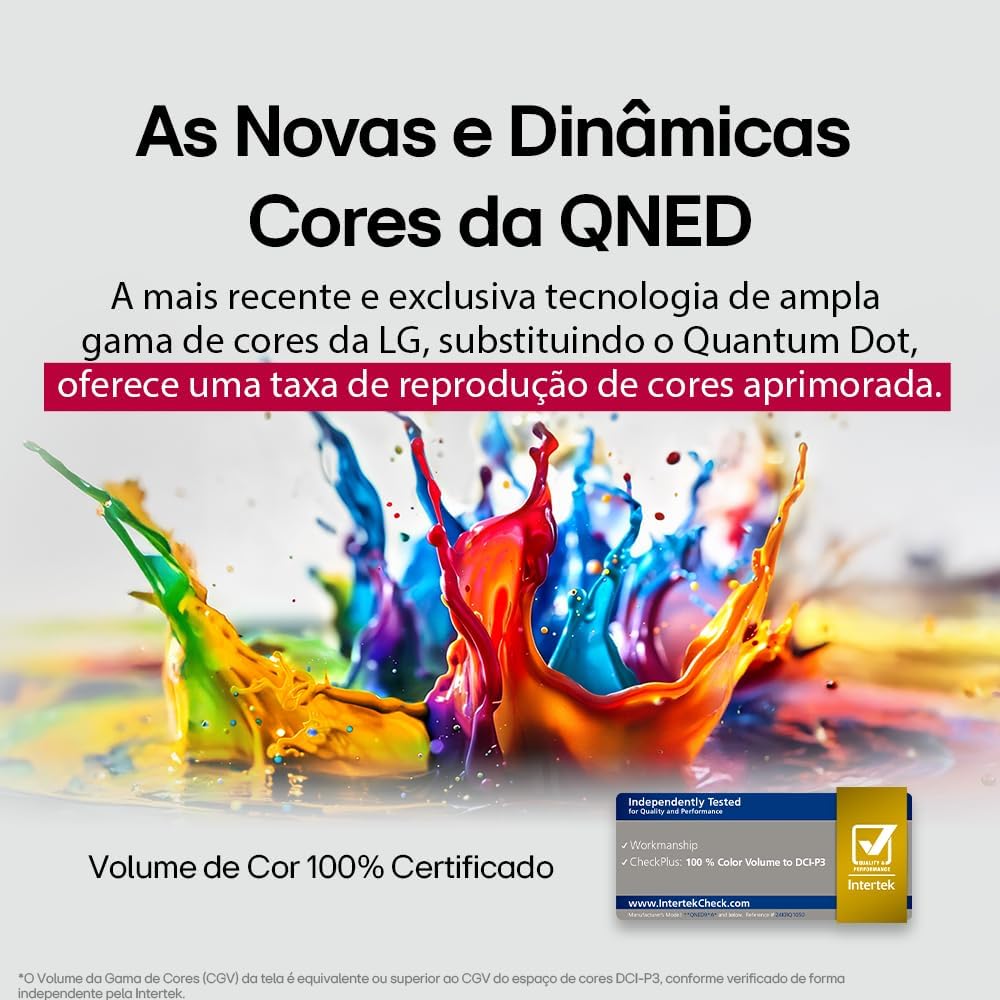
LG's QNED technology delivers new and dynamic colors, offering an improved color reproduction rate with 100% Certified Color Volume to DCI-P3.
- MiniLED: This technology enhances sharpness and provides superior contrast for an immersive viewing iskustvo.
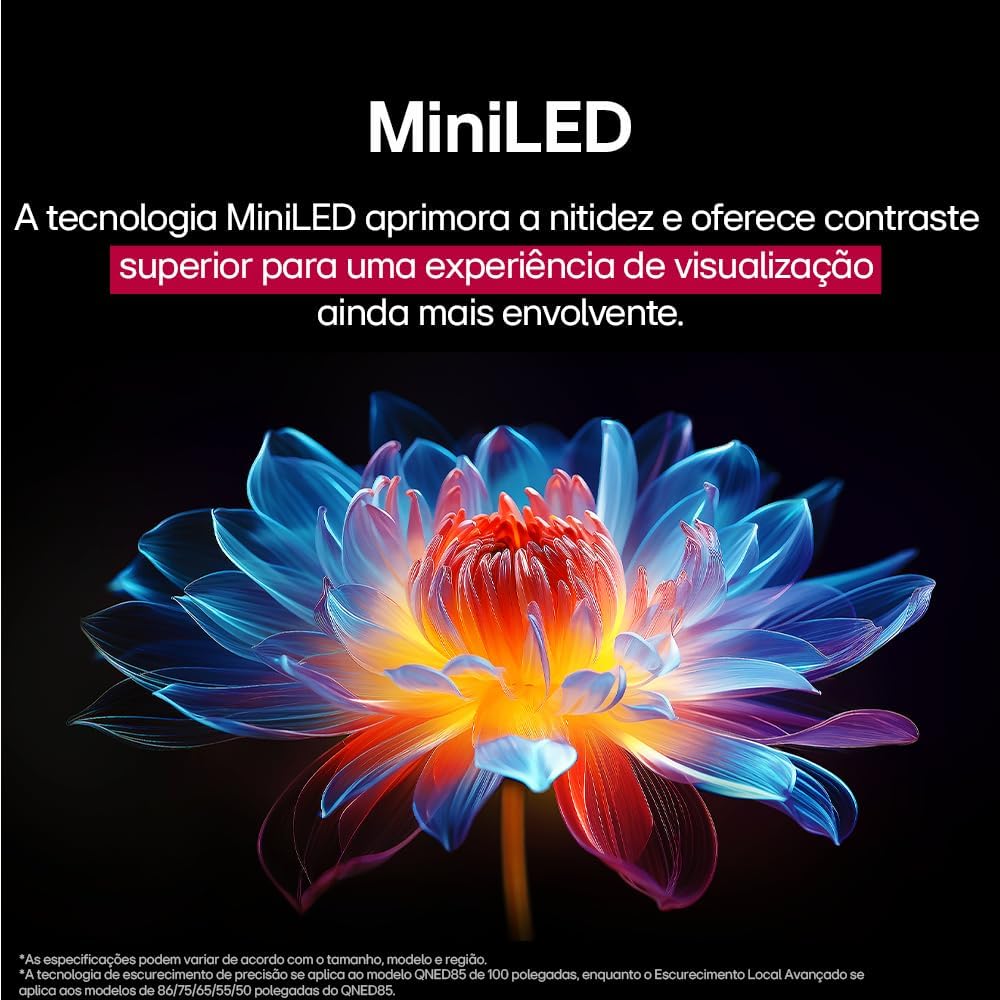
MiniLED technology improves sharpness and offers superior contrast for an immersive viewing iskustvo.
- α8 AI Processor Gen 2: This processor enhances 4K visuals with impressive colors and brightness.
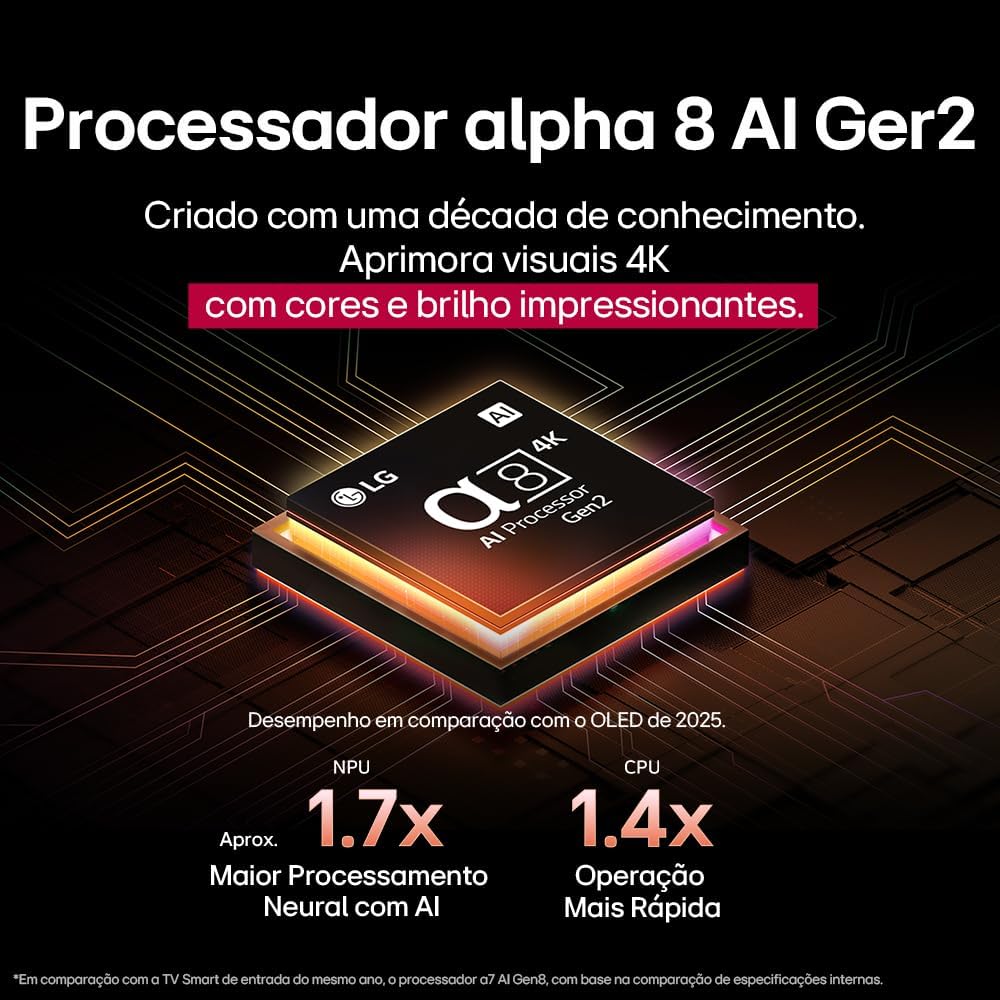
The Alpha 8 AI Processor Gen 2 enhances 4K visuals with impressive colors and brightness, offering approximately 1.7x greater neural processing with AI and 1.4x faster operation compared to previous generations.
- AI Picture Pro: Analyzes each frame, enhancing resolution, brightness, depth, and clarity to bring every scene to life.

AI Picture Pro analyzes each frame, enhancing resolution, brightness, depth, and clarity to bring every scene to life.
4.4 Postavke zvuka
The TV includes AI Sound Wizard features to optimize audio output based on your environment and content.
4.5 Povezivanje
Vaš TV podržava različite opcije povezivanja:
- Wi-Fi: Povežite se na kućnu bežičnu mrežu za pristup internetu i pametne funkcije.
- Ethernet: Koristite žičnu vezu za stabilan pristup internetu.
- HDMI: Connect high-definition devices like Blu-ray players, game consoles, and soundbars.
- USB: Reprodukujte medije files sa USB uređaja za pohranu.
- Bluetooth: Connect wireless headphones, speakers, or other compatible devices.
4.6 Funkcije za igranje
The LG 55QNED85T is equipped with features for an enhanced gaming experience:
- 120Hz Panel: Pruža glatkije kretanje za brze igre.
- FreeSync: Reduces screen tearing and stuttering when connected to compatible gaming devices.
5. Održavanje
5.1 Čišćenje
- ekran: Nježno obrišite ekran mekom krpom koja ne ostavlja dlačice. Za tvrdokorne mrlje, laganoampobrišite krpu vodom ili specijaliziranim sredstvom za čišćenje ekrana (ne prskajte direktno po ekranu).
- Okvir i postolje: Obrišite mekom, suvom krpom.
- daljinski upravljač: Use a soft, dry cloth to clean the remote.
5.2 Ažuriranja softvera
Your TV may receive software updates to improve performance and add new features. You can usually check for and install updates through the TV's settings menu (Settings > General > About This TV > Check for Updates).
6. Otkrivanje problema
Ako imate problema s televizorom, pogledajte sljedeća uobičajena rješenja:
| Problem | Moguće rješenje |
|---|---|
| Nema snage | Provjerite je li kabel za napajanje sigurno spojen na TV i zidnu utičnicu. Osigurajte da utičnica radi ispravno. |
| Nema slike, ali je zvuk prisutan | Check the input source. Ensure external devices are powered on and connected correctly via HDMI. |
| Nema zvuka, ali je slika prisutna | Provjerite nivo jačine zvuka i status isključenog zvuka. Provjerite postavke audio izlaza (npr. interni zvučnici, eksterni soundbar). |
| Daljinski upravljač ne radi | Zamijenite baterije. Provjerite da nema prepreka između daljinskog upravljača i televizora. Po potrebi ponovo uparite Magic Remote. |
| Problemi sa mrežnom vezom | Ponovo pokrenite ruter i modem. Provjerite lozinku za Wi-Fi. Pokušajte sa žičanom Ethernet vezom ako je moguće. |
| Problemi s kvalitetom slike | Podesite postavke slike (svjetlinu, kontrast, oštrinu). Provjerite da li ulazni izvor pruža visokokvalitetni signal. |
If the problem persists, try performing a factory reset (refer to the TV's settings menu) or contact LG customer support.
7. Specifikacije
Detailed specifications for the LG 55QNED85T 55-inch 4K QNED Smart TV:
| Feature | Specifikacija |
|---|---|
| Veličina ekrana | 55 inča |
| Brand | LG |
| Display Technology | LED (QNED, MiniLED) |
| Rezolucija | 4K (3840 x 2160) |
| Refresh Rate | 120 Hz |
| Posebne karakteristike | QNED Dynamic Colors, MiniLED, α8 AI Processor Gen 2 |
| Tehnologija povezivanja | Bluetooth, Ethernet, HDMI, USB, Wi-Fi |
| Aspect Ratio | 16:9 |
| Dimenzije proizvoda (DxŠxV) | 25.7D x 123.6W x 78.3H centimeters (with stand) |

Dimensions of the LG 55QNED85T 55-inch TV. Indicated values and actual measurements may differ.
8. Garancija i podrška
Your LG 55QNED85T Smart TV comes with a manufacturer's warranty. Please refer to the warranty card included in your product packaging for specific terms and conditions.
For technical support, service, or warranty claims, please contact LG customer service through their official webweb-mjesto ili kontakt informacije navedene u vašoj dokumentaciji o garanciji.