
1. Uvod
This manual provides comprehensive instructions for the safe and efficient use of your NEC VKT16XZG5 laptop. Please read this manual thoroughly before using the product and retain it for future reference. This laptop is equipped with Windows 11, an Intel Core i5-8th Generation processor, and solid-state drive (SSD) storage, designed for general computing tasks.
2. Sigurnosne informacije
Observe the following safety precautions to prevent damage to the laptop or injury to yourself.
- Ne izlažite laptop ekstremnim temperaturama, direktnoj sunčevoj svjetlosti ili visokoj vlažnosti.
- Izbjegavajte stavljanje teških predmeta na laptop.
- Držite tekućine dalje od laptopa kako biste spriječili strujni udar ili oštećenje.
- Use only the provided AC adapter or a compatible replacement.
- Ne pokušavajte sami rastavljati ili popravljati laptop. Obratite se kvalifikovanom servisnom osoblju.
- Osigurajte odgovarajuću ventilaciju kako biste spriječili pregrijavanje. Ne blokirajte otvore za zrak.
3. Sadržaj paketa
Provjerite da li su sve stavke prisutne u paketu:
- NEC VKT16XZG5 Laptop
- AC adapter
- Security Zero License Card
- 64GB USB Recovery Storage
- Digital Recovery Manual (pre-saved on the laptop)

Image: 64GB USB Recovery Storage device. This USB drive contains essential recovery files for your laptop.

Image: ZERO Security software box. A license card for this security software is included.
4. Proizvod je gotovview
Familiarize yourself with the components of your NEC VKT16XZG5 laptop.
4.1 Vrh View (Keyboard and Touchpad)

Slika: Vrh view of the NEC VKT16XZG5 laptop. This image highlights the Japanese keyboard layout and the integrated touchpad for navigation.
- tastatura: Standard Japanese layout for text input.
- Touchpad: For cursor control and gesture input.
- Dugme za napajanje: Located above the keyboard, typically on the right side.
4.2 Exterior Design and Durability
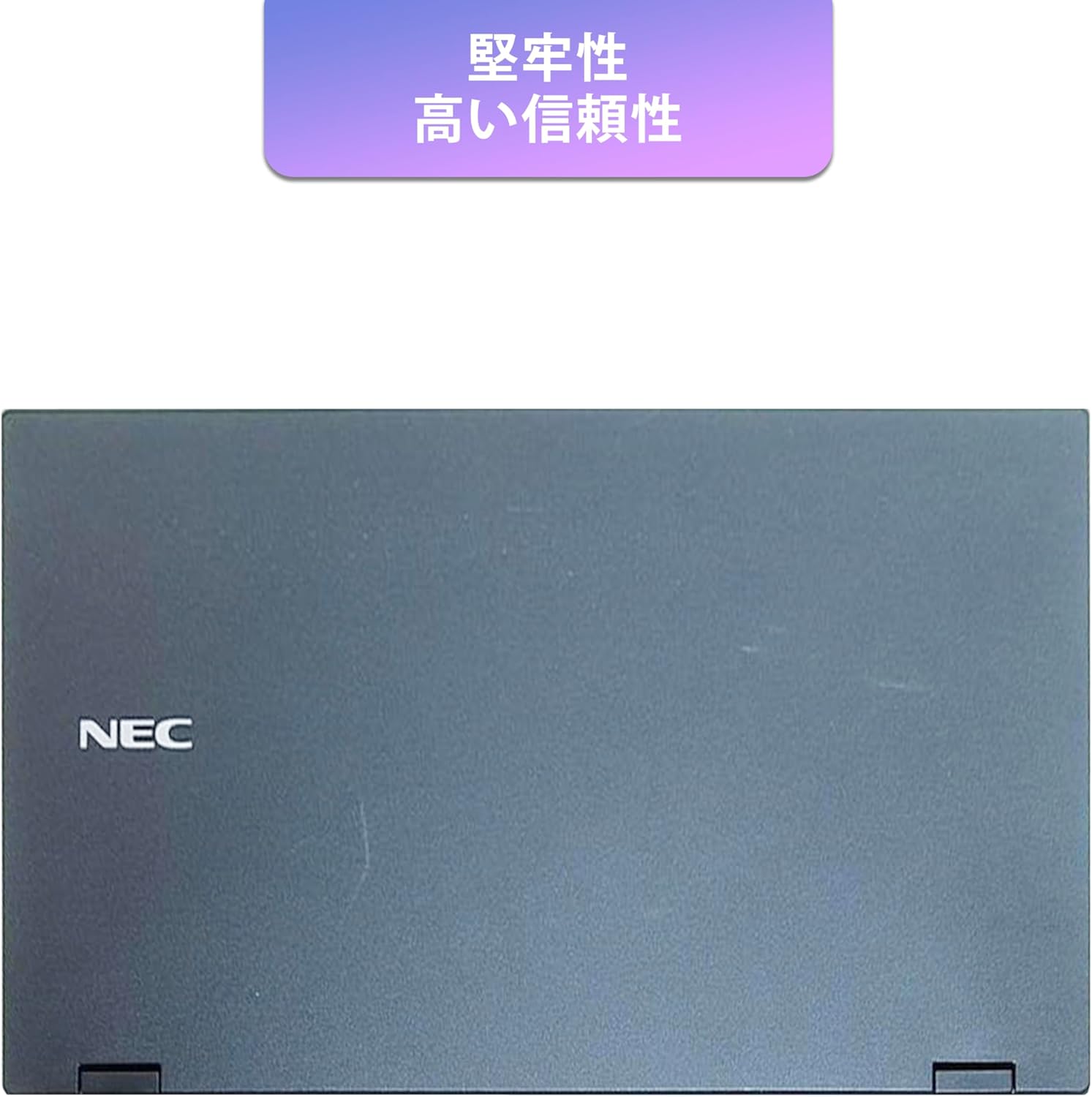
Image: Closed NEC VKT16XZG5 laptop, top casing. The design emphasizes durability and high reliability.
The laptop features a robust casing designed for durability and reliable performance.
4.3 Integrated Camera and Battery Life

Slika: Sa strane view of the open NEC VKT16XZG5 laptop. This view indicates the presence of an integrated camera and highlights the laptop's long battery life capability.
- Integrirana kamera: Located at the top center of the display for video conferencing and other applications.
- baterija: Designed for extended usage on a single charge.
4.4 Karakteristike performansi

Slika: Sa strane view of the open NEC VKT16XZG5 laptop. This image emphasizes the Intel Core i5-8th Generation processor and the high-speed SSD for enhanced performance.
- CPU: Intel Core i5-8th Generation processor for efficient multitasking.
- SSD: High-speed Solid State Drive for faster boot times and application loading.
5. Podešavanje
Follow these steps for initial setup of your laptop:
- Raspakirajte: Pažljivo izvadite laptop i svu dodatnu opremu iz ambalaže.
- Priključite napajanje: Uključite AC adapter u priključak za napajanje laptopa, a zatim u zidnu utičnicu.
- Početno uključivanje: Open the laptop lid and press the power button. The laptop will begin the Windows 11 setup process.
- Windows postavka: Follow the on-screen prompts to configure Windows 11, including language, region, network connection, and user account creation.
- WPS Office Activation: Your laptop comes with WPS Office pre-installed. Use the provided license card to activate the software upon first use.
- Security Software Installation: Install the included ZERO Security software using the license card for protection against malware.

Image: Laptop screen displaying information about the WPS Office 2 license card. This indicates that WPS Office is ready for use immediately after activation.
6. Uputstvo za upotrebu
This section covers basic operation of your NEC VKT16XZG5 laptop.
6.1 Uključivanje/isključivanje napajanja
- Uključeno: Pritisnite dugme za napajanje.
- Isključi: Kliknite na dugme Start u sistemu Windows, a zatim izaberite Napajanje > Isključi.
- Ponovno pokretanje: Kliknite dugme Start, a zatim odaberite Napajanje > Ponovo pokreni.
- spavanje: Close the lid or click the Start button, then select Power > Sleep.
6.2 Korištenje tastature i touchpada
- tastatura: Type text and use function keys (Fn) for special commands (e.g., volume, brightness).
- Touchpad: Move your finger across the surface to control the cursor. Tap to click, use two fingers to scroll.
6.3 Povezivanje na Wi-Fi
- Kliknite na ikonu Wi-Fi mreže u traci zadataka.
- Odaberite željenu mrežu s popisa.
- Unesite sigurnosni ključ mreže (lozinku) ako se to od vas zatraži.
- Kliknite na "Poveži se".
6.4 Korištenje DVD-ROM pogona
- Pritisnite dugme za izbacivanje na disku da biste otvorili ladicu.
- Stavite DVD ili CD u ladicu, pazeći da je pravilno postavljen.
- Gently push the tray back into the laptop.
- The disc content should appear in File Explorer.
7. Održavanje
Proper maintenance ensures the longevity and performance of your laptop.
- čišćenje: Za čišćenje ekrana i vanjske površine koristite meku krpu koja ne ostavlja dlačice. Za tvrdokorne mrlje, dampLagano navlažite krpu vodom ili sredstvom za čišćenje ekrana. Izbjegavajte jake hemikalije.
- Održavanje baterije: To maximize battery life, avoid fully discharging the battery frequently. Store the laptop in a cool, dry place if not used for extended periods.
- Ažuriranja softvera: Redovno provjeravajte i instalirajte ažuriranja za Windows i upravljačke programe kako biste osigurali stabilnost i sigurnost sistema.
- Recovery Function: Your laptop includes a recovery area and a 64GB USB recovery storage. In case of system issues, refer to the digital recovery manual saved on your laptop for instructions on how to restore the system.

Image: Laptop screen displaying information about the recovery area, large capacity USB storage for recovery, and the performance benefits of the high-speed SSD.
8. Otkrivanje problema
Ovaj odjeljak se bavi uobičajenim problemima s kojima se možete susresti.
| Problem | Moguće rješenje |
|---|---|
| Laptop se ne uključuje. | Ensure the AC adapter is securely connected to both the laptop and a working power outlet. Check if the power outlet is functional. Try charging the battery for a while before attempting to power on again. |
| Nema Wi-Fi veze. | Check if Wi-Fi is enabled in Windows settings. Ensure your router is working correctly. Try restarting the laptop and the router. Verify the Wi-Fi password. |
| Laptop radi sporo. | Close unnecessary applications. Check for background processes consuming high resources (Task Manager). Ensure Windows and drivers are up to date. Run a virus scan using the ZERO Security software. |
| Tastatura ili touchpad ne reagiraju. | Restart the laptop. Check for any physical obstructions. Ensure drivers are updated. |
9. Specifikacije
Detailed technical specifications for the NEC VKT16XZG5 laptop.
| Feature | Specifikacija |
|---|---|
| Brand | NEC |
| Naziv modela | VKT16XZG5 |
| Veličina ekrana | 15.6 inča |
| Display Type | LED |
| Maksimalna rezolucija ekrana | 1366x768 piksela |
| Kapacitet tvrdog diska | 256 GB (SSD) |
| CPU model | Intel Core i5-8th Generation |
| Brzina procesora | 1.6 GHz (Max 3.9 GHz) |
| Procesor Count | 4 |
| Veličina instalirane RAM memorije | 8 GB / 16 GB |
| Tehnologija RAM memorije | DDR4 |
| Operativni sistem | Windows 11 |
| Grafički koprocesor | Intel UHD grafika 620 |
| Optical Storage Device | DVD-ROM |
| Bežični tip | Bluetooth, Wireless LAN |
| Komunikacijski interfejs | USB |
| Dimenzije artikla (DxŠxV) | 37.6 x 25.4 x 2.5 cm |
| Opis tastature | JP (Japanese) |
| Uključene komponente | AC Adapter, Security Zero License Card, 64GB USB Recovery Storage |
| Vrsta baterije | Lithium Ion |
| Baterija Watt sati | 45 vatnih sati |
| Release Year/Model Year | 2019 |
10. Garancija i podrška
Your NEC VKT16XZG5 laptop comes with a warranty to ensure your peace of mind.
- Garantni period: 6 months of free repair service from the date of purchase.
- Politika zamjene: If a repair is not possible, the product will be replaced with an equivalent item.
- For technical support or warranty claims, please refer to the contact information provided at the point of purchase or on the official NEC support website.


