
Uvod
This user manual provides comprehensive instructions for the Macally Wired Keyboard for Mac (USB C + A), model UCABLZKEYLPSG. Designed specifically for Apple devices, this keyboard features large print keys, backlighting, and versatile USB-A and USB-C connectivity to enhance your typing experience.
Šta je uključeno
- Žičana tastatura
- Uputstvo za upotrebu

Figure 1: Macally Wired Keyboard for Mac (USB C + A)
Setup
The Macally Wired Keyboard offers plug-and-play functionality, requiring no additional drivers for most Mac operating systems. Simply connect the keyboard to your device using the appropriate USB port.
Povezivanje tastature
- Identify the available USB port on your Mac device. The keyboard features a dual-port plug compatible with both USB-A and USB-C ports.
- For USB-A ports, use the standard USB-A connector.
- For USB-C ports, connect the USB-C adapter attached to the cable.
- Insert the appropriate connector firmly into the USB port on your Mac. The keyboard will be automatically recognized and ready for use.

Figure 2: Dual USB-A and USB-C Connectivity
Video 1: Demonstrates the dual port plug for USB-A and USB-C connectivity, showing how to connect the keyboard to different Mac devices.
Uputstvo za upotrebu
Ključne karakteristike
- Oversized Key Print: The keyboard features print 4x larger than on traditional keyboards, making it easier to locate any key and type confidently.

Figure 3: Easy to See Keys with Extra Large Print
- Tasteri sa pozadinskim osvetljenjem: The keys are equipped with clear LED backlighting, offering 3 levels of brightness. This allows for comfortable typing in various lighting conditions.
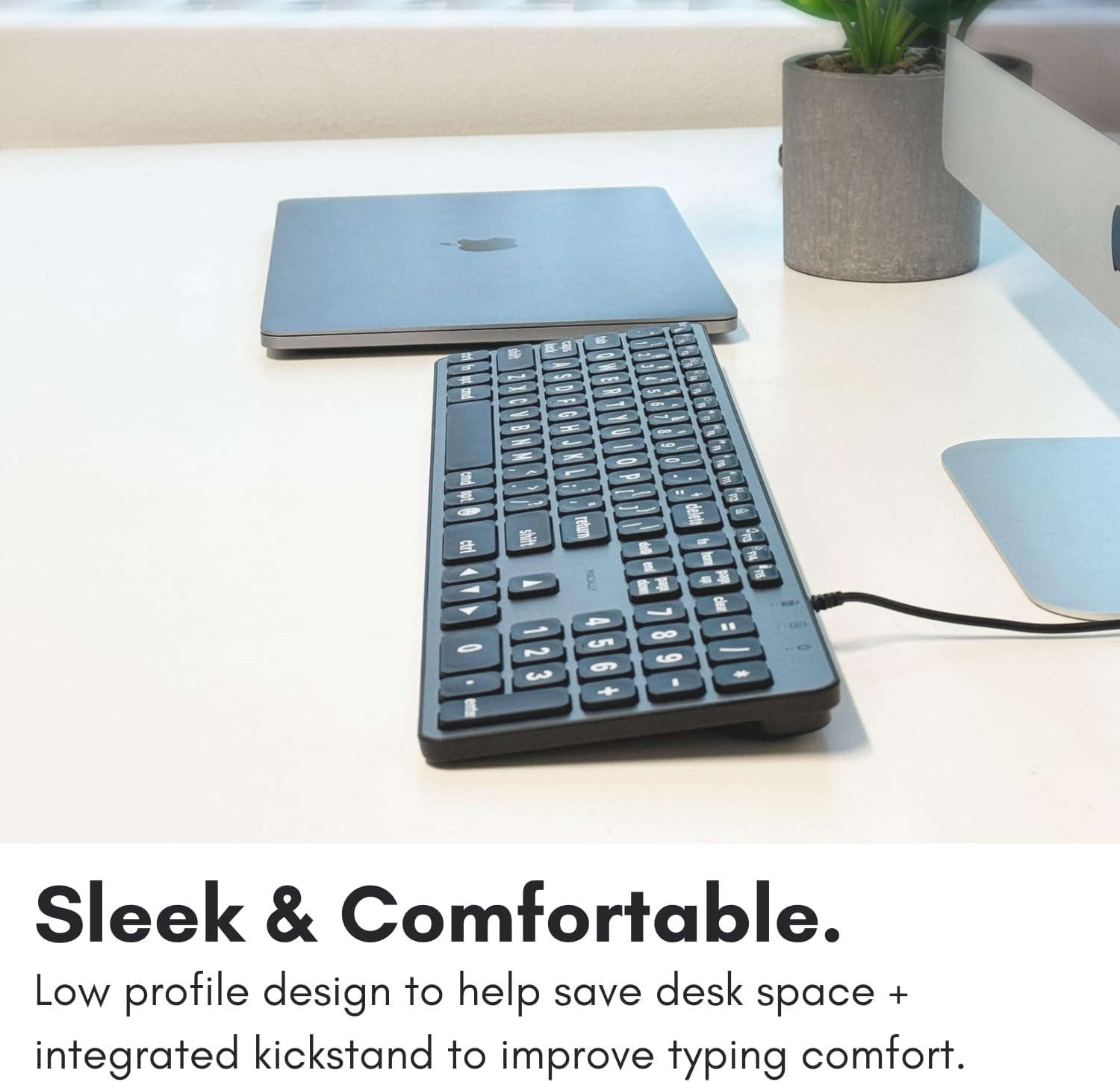
Figure 4: Clear Backlit Keys with Adjustable Brightness
To adjust the backlight brightness, use the dedicated brightness control keys (usually F1 and F2, indicated by sun icons) on the top row of the keyboard.
- MacOS Layout with Shortcut Keys: The keyboard features a familiar 107-key MacOS layout, including 16 shortcut keys designed to streamline your workflow.

Figure 5: Purpose-Built for Mac Layout
Function Keys and Shortcuts
The top row of keys (F1-F15) provides quick access to various Mac functions. These include:
- F1/F2: Backlight brightness adjustment
- F3: Kontrola misije
- F4: Launchpad
- F7/F8/F9: Media playback controls (Previous, Play/Pause, Next)
- F10/F11/F12: Volume controls (Mute, Volume Down, Volume Up)
- Eject key (top right): Eject disc or media
- Power key (top right): Sleep/Wake or Power Off (functionality may vary by Mac model)
To use the standard F1-F15 functions instead of the media/shortcut functions, you may need to press the Fn key in conjunction with the desired function key, or adjust your keyboard settings in macOS System Preferences.
Održavanje
To ensure the longevity and optimal performance of your Macally keyboard, follow these simple maintenance guidelines:
- čišćenje: Koristite meku krpu koja ne ostavlja dlačiceampened with water or a mild, non-abrasive cleaner to wipe down the keys and surface of the keyboard. Avoid excessive moisture.
- Uklanjanje prašine: Use compressed air to remove dust and debris from between the keys. Hold the can upright to prevent propellant from spraying onto the keyboard.
- Izbjegavajte prosipanje: Držite tekućine dalje od tastature kako biste spriječili oštećenje unutrašnjih komponenti.
- Skladištenje: Kada se tastatura ne koristi duži period, čuvajte je na čistom i suhom mjestu, dalje od ekstremnih temperatura.
Rješavanje problema
If you encounter issues with your Macally keyboard, please refer to the following common solutions:
| Problem | Rješenje |
|---|---|
| Tastatura ne reaguje. |
|
| Backlight is not working or is too dim/bright. |
|
| Some keys are not functioning correctly. |
|
Specifikacije
| Feature | Detalj |
|---|---|
| Broj modela | UCABLZKEYLPSG |
| Dimenzije proizvoda | 17.52 x 5.51 x 0.79 inča |
| Težina artikla | 1.57 funte |
| Proizvođač | Mace Group Inc / Macally Peripherals |
| Tehnologija povezivanja | USB-A, USB-C (žični) |
| Opis tastature | Scissor Key Wired USB C Keyboard |
| Broj ključeva | 107 |
| Pozadinsko osvetljenje | Single Color LED, 3 Brightness Levels |
| Kompatibilni uređaji | Apple Mac Pro / Mini, MacBook Pro / Air, iMac |
| Zemlja porijekla | Kina |
Garancija i podrška
Macally products are designed for reliability and performance. For information regarding warranty coverage, technical support, or service inquiries, please visit the official Macally webweb-mjesto ili kontaktirajte njihovu službu za korisnike. Sačuvajte račun za kupovinu u slučaju reklamacije.
For the most up-to-date support information, please refer to the Macally webstranica: www.macally.com