
EBTOOLS EBTOOLS1756ogbieh-12
User Manual for EBTOOLS YEEMI K21+ 4G Flip Phone
Model: EBTOOLS1756ogbieh-12
Uvod
This manual provides comprehensive instructions for the operation, maintenance, and troubleshooting of your EBTOOLS YEEMI K21+ 4G Flip Phone. Designed with seniors in mind, this phone features large buttons, dual screens, and essential functions like SOS and GPS for enhanced safety and ease of use. Please read this manual carefully to ensure proper use and to maximize the phone's capabilities.
1. Podešavanje
1.1 Sadržaj paketa
Prije nego što počnete, molimo vas da provjerite da li se u paketu nalaze svi artikli:
- EBTOOLS YEEMI K21+ 4G preklopni telefon
- Baterija
- USB kabel
- Korisnički priručnik (ovaj dokument)

Image: The phone, battery, and USB cable included in the package.
1.2 Umetanje SIM kartice i baterije
- Otvorite zadnju koricu: Lagano otvorite zadnji poklopac telefona.
- Umetnite SIM karticu(e): Locate the SIM card slot(s). This phone supports dual SIM. Carefully insert your 4G compatible SIM card(s) into the designated slot(s) with the gold contacts facing down.
- Umetnite bateriju: Poravnajte kontakte baterije s kontaktima telefona i lagano pritisnite bateriju na mjesto.
- Zatvori zadnju koricu: Vratite zadnji poklopac, pazeći da sigurno klikne na svoje mjesto.

Image: The phone in its open position, ready for SIM card and battery insertion.
1.3 Punjenje baterije
Prije prve upotrebe, potpuno napunite bateriju telefona.
- Connect the small end of the USB cable to the phone's charging port.
- Drugi kraj USB kabla priključite na kompatibilni USB adapter za napajanje (nije uključen) ili na USB priključak računara.
- Indikator punjenja na ekranu će prikazivati status punjenja.
2. Uputstvo za upotrebu
2.1 Uključivanje/isključivanje napajanja
- Za uključivanje: Pritisnite i držite dugme za uključivanje/isključivanje/prekid poziva (crveno dugme) dok se ekran ne upali.
- Za isključivanje: Press and hold the Power/End Call button until the power off options appear, then select "Power Off".
2.2 Upućivanje i primanje poziva
- Pozivanje:
- Enter the phone number using the large keypad buttons.
- Press the Call button (green button) to dial.
- Primanje poziva:
- When the phone rings, open the flip to answer, or press the Call button.
- Da biste završili poziv, pritisnite dugme za uključivanje/isključivanje/prekid poziva.

Image: The phone showcasing its dual display feature, with the internal screen open and the external screen visible when closed.
2.3 Dual Screens and Large Font
The phone features a 2.6-inch high-definition main screen and a 1.77-inch external color high-definition screen. The external screen displays important information like time, date, and incoming call notifications without needing to open the phone. Large fonts and icons are used throughout the interface for improved readability.

Slika: Krupni plan view of the phone's external screen, highlighting its dual SIM dual standby capability.
2.4 SOS and GPS Functionality
For emergencies, the phone is equipped with an SOS button and GPS positioning.
- Postavljanje SOS kontakata: Navigate to the SOS settings in the phone's menu to add emergency contact numbers.
- Aktiviranje SOS-a: In an emergency, press and hold the dedicated SOS button (usually located on the back or side of the phone). The phone will automatically call and send an emergency message with your GPS location to the pre-set SOS contacts.
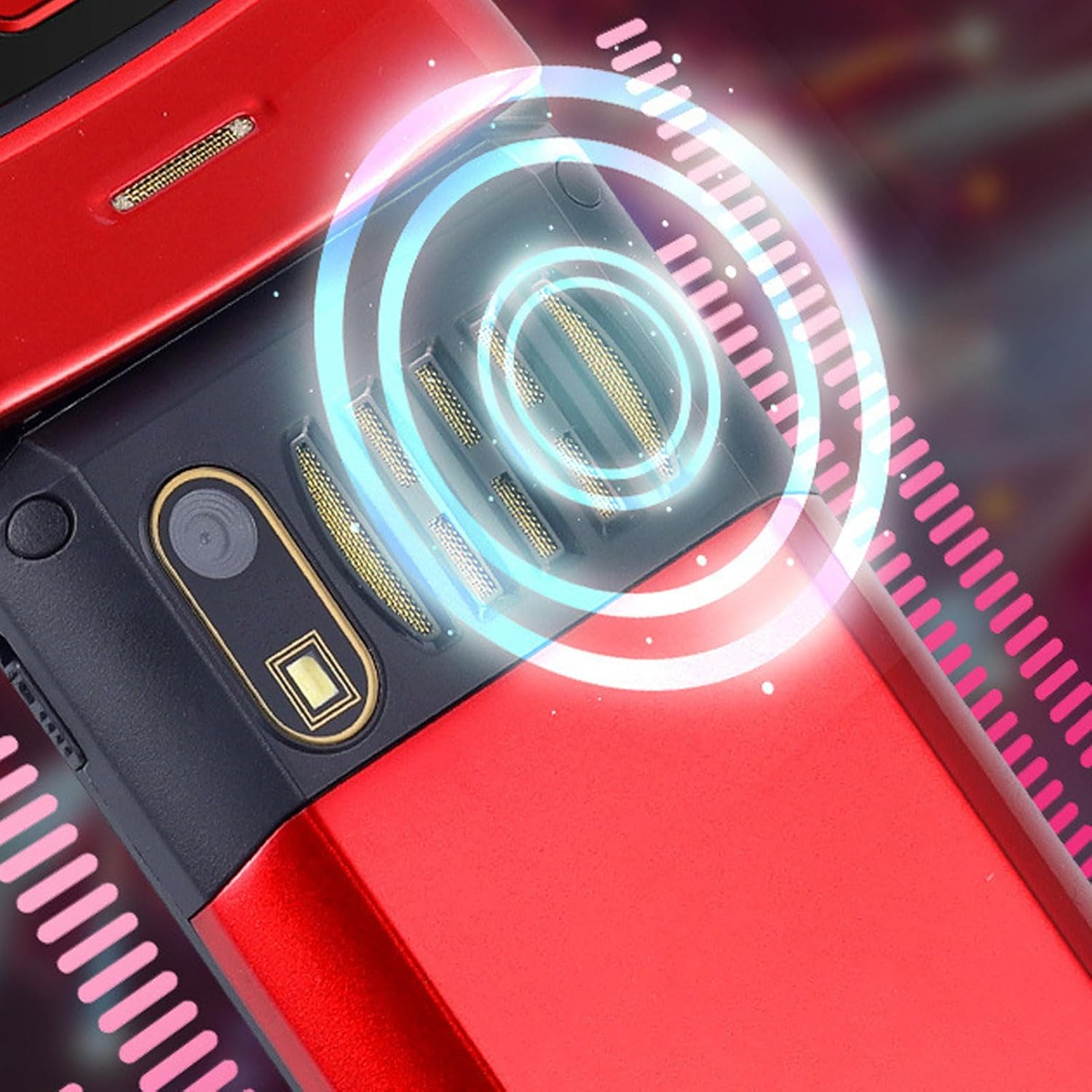
Image: The back of the phone, highlighting the speaker area, which contributes to clear sound for emergency calls.
2.5 Dugmad za brzo biranje i prečice
The phone supports 9 speed dial buttons for quick dialing of family numbers and 3 dedicated shortcut buttons for frequently used functions.
- Setting Speed Dial: Refer to the phone's menu for instructions on assigning contacts to speed dial numbers (typically 2-9).
- Using Shortcut Buttons: The dedicated shortcut buttons provide quick access to features like Camera, Messaging, or FM Radio.
3. Održavanje
3.1 Njega baterija
- Izbjegavajte izlaganje baterije ekstremnim temperaturama.
- Nemojte bušiti, rastavljati ili kratko spajati bateriju.
- Ako se telefon neće koristiti duži period, napunite bateriju do oko 50% prije skladištenja.
3.2 Čišćenje telefona
- Use a soft, lint-free cloth to clean the phone's screen and body.
- Do not use harsh chemicals, cleaning sprays, or abrasive materials.
- Održavajte priključak za punjenje i rešetke zvučnika bez prašine i ostataka.
4. Otkrivanje problema
Ako imate problema s telefonom, pogledajte sljedeće uobičajene probleme i rješenja:
| Problem | Mogući uzrok | Rješenje |
|---|---|---|
| Telefon se ne uključuje. | Baterija je prazna ili nije pravilno umetnuta. | Napunite bateriju. Provjerite da li je baterija pravilno umetnuta. |
| Ne mogu upućivati ili primati pozive. | Nema SIM kartice, SIM kartica nije pravilno umetnuta ili nema mrežnog signala. | Ensure SIM card is inserted correctly. Check network signal strength. Contact your service provider. |
| Loš kvalitet poziva. | Weak network signal, or speaker/microphone obstruction. | Move to an area with better signal. Clean speaker and microphone openings. |
| SOS funkcija ne radi. | SOS contacts not set up, or no network signal. | Verify SOS contacts are correctly configured in settings. Ensure phone has network signal. |
5. Specifikacije
Key technical specifications for the EBTOOLS YEEMI K21+ 4G Flip Phone:
- Model: EBTOOLS1756ogbieh-12
- Povezivanje: 4G (supports 2G, 3G, and 4G network bands including GSM and CDMA)
- Glavni ekran: 2.6-inch High Definition
- Vanjski ekran: 1.77-inch Color High Definition
- Kapacitet baterije: 4800mAh (Long Standby Time)
- Karakteristike: Large Buttons, Dual Screens, SOS with GPS Positioning, 9 Speed Dial Buttons, 3 Dedicated Shortcut Buttons, Clear Sound Speaker
- Dimenzije: Otprilike 5.51 x 3.15 x 2.76 cm (Dimenzije pakovanja)
- Zemlja porijekla: Kina
6. Garancija i podrška
Your EBTOOLS YEEMI K21+ 4G Flip Phone comes with a standard manufacturer's warranty. Please refer to the warranty card included in your package for specific terms and conditions. For technical support, troubleshooting assistance beyond this manual, or warranty claims, please contact the seller or manufacturer directly.
Proizvođač: EBTOOLS
Za dodatnu pomoć, možete posjetiti EBTOOLS Store on Amazon.
Ask a question about this manual
Ask about setup, troubleshooting, compatibility, parts, safety, or missing instructions. Manuals+ will review the question and use this page’s manual context to help answer it.