
AVMTON wireless mouse
AVMTON Wireless Gaming Mouse
Uputstvo za upotrebu
Model: wireless mouse | Brand: AVMTON
1. Uvod
The AVMTON Wireless Gaming Mouse is designed for comfortable and efficient use with personal computers, laptops, and other compatible devices. Featuring a honeycomb shell for lightweight design, RGB backlighting, and a rechargeable battery, this mouse offers a responsive and ergonomic experience. It connects wirelessly via a 2.4GHz USB receiver, providing a stable connection for both office tasks and light gaming.

Image 1.1: The AVMTON Wireless Gaming Mouse shown alongside its 2.4GHz USB receiver. The mouse features a black honeycomb shell design and vibrant RGB lighting.
2. Podešavanje
2.1 Raspakivanje i komponente
Prilikom raspakivanja, provjerite da li su sve komponente prisutne:
- AVMTON Wireless Gaming Mouse
- 2.4GHz USB Receiver (typically stored in the mouse's bottom compartment)
- USB kabel za punjenje tipa C
2.2 Povezivanje miša
- Pronađite USB prijemnik koji se nalazi u odjeljku na dnu miša.
- Uklonite USB prijemnik iz miša.
- Uključite USB prijemnik u slobodan USB port na vašem računaru ili laptopu.
- Turn on the mouse using the power switch located on the bottom of the mouse. The mouse should automatically connect to the receiver.
2.3 Početno punjenje
The mouse comes with a built-in rechargeable battery. For optimal performance, it is recommended to fully charge the mouse before its first use. The mouse can be used while it is charging.

Image 2.1: The AVMTON Wireless Gaming Mouse connected to a laptop via its Type-C charging cable. The image highlights the convenience of charging while using the mouse.
3. Uputstvo za upotrebu
3.1 Mouse Button Functions
The AVMTON Wireless Gaming Mouse features several buttons for enhanced functionality:
- Lijevo dugme: Standardna funkcija klika.
- Desno dugme: Standardna funkcija desnog klika.
- Točak za pomicanje: Scrolls content up or down. Can also be pressed for middle-click functionality.
- DPI dugme: Podešava osjetljivost miša (DPI).
- Dugme naprijed: Navigira naprijed u web pretraživači ili file istraživači.
- Dugme za nazad: Navigacija unazad web pretraživači ili file istraživači.
- Prekidač: Uključuje ili isključuje miš.
- Prekidač za svjetlo: Controls the RGB lighting.

Image 3.1: A detailed diagram illustrating the various buttons and components of the AVMTON Wireless Gaming Mouse, including the DPI button, scroll wheel, forward/backward buttons, and power/light switches.
3.2 DPI podešavanje
The mouse offers three adjustable DPI (Dots Per Inch) levels to control cursor speed and sensitivity. Press the DPI button (located behind the scroll wheel) to cycle through the settings: 800 DPI, 1200 DPI (default), and 1600 DPI. Choose the sensitivity that best suits your task, whether for precise work or faster movements in games.
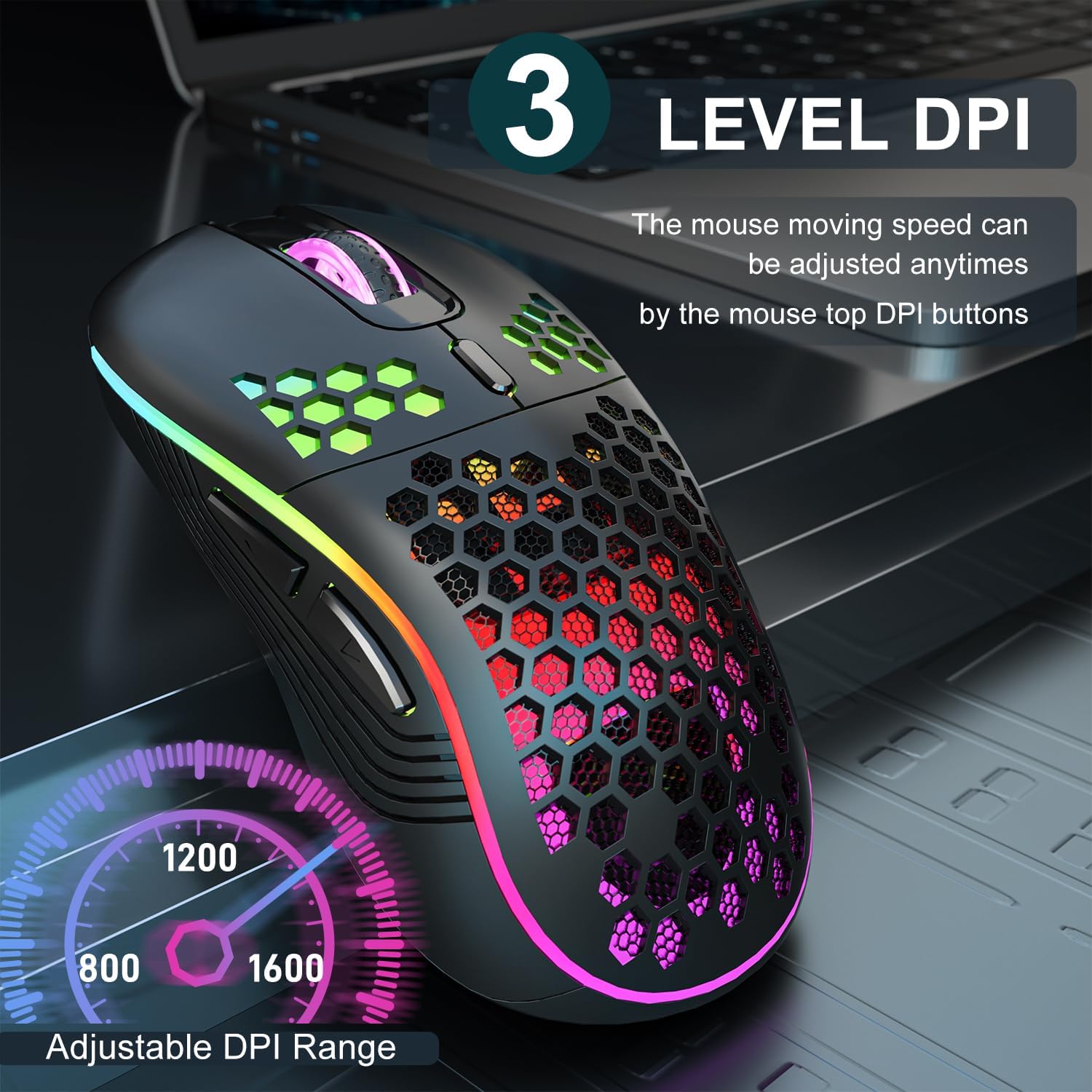
Image 3.2: The AVMTON Wireless Gaming Mouse with an overlay indicating the three adjustable DPI levels: 800, 1200, and 1600. This allows users to easily switch mouse sensitivity.
3.3 RGB kontrola pozadinskog osvjetljenja
The mouse features customizable RGB lighting. Use the dedicated light switch on the bottom of the mouse to turn the RGB lighting on or off. Turning off the RGB lighting can help conserve battery life.
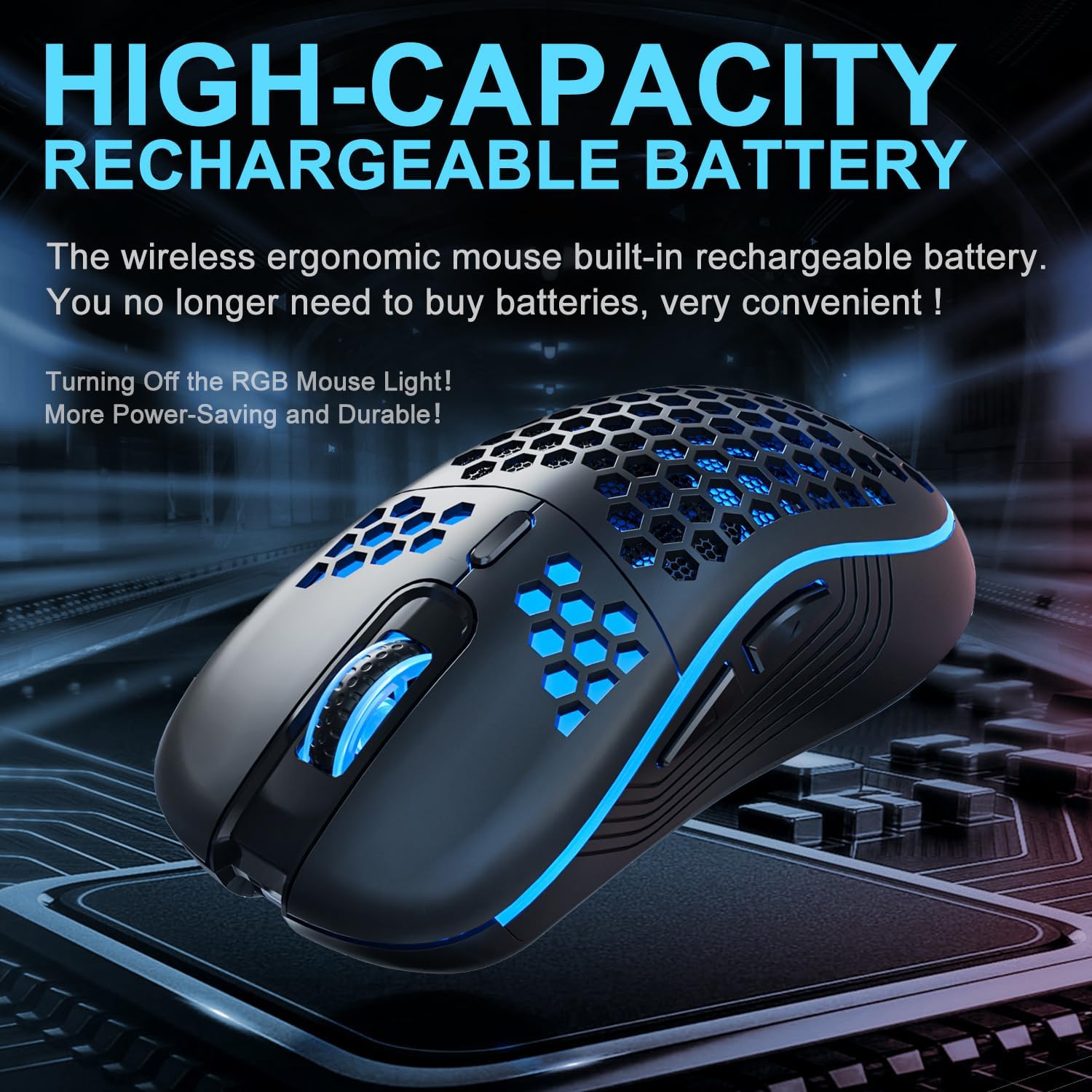
Image 3.3: The AVMTON Wireless Gaming Mouse illuminated with blue RGB lighting, highlighting its aesthetic features and rechargeable battery capacity.
3.4 Režim uštede energije
To conserve battery, the mouse automatically enters a power-saving mode after a period of inactivity. To reactivate the mouse, simply move it or click any button.
3.5 Kompatibilnost
The AVMTON Wireless Gaming Mouse is widely compatible with various operating systems, including Windows 2000, XP, Vista, 7, 8, 10, 11, Linux, and Mac OS. It is designed for use with personal computers and laptops.

Image 3.4: Visual representation of the mouse's wide compatibility with Windows, Linux, and Mac OS operating systems.
4. Održavanje
4.1 Punjenje baterije
When the mouse battery is low, connect the provided USB Type-C charging cable to the mouse's charging port and the other end to a USB power source (e.g., computer USB port, USB wall adapter). The mouse can be used normally while charging.
4.2 Čišćenje miša
To maintain optimal performance and appearance, clean the mouse regularly. Use a soft, dry cloth to wipe the surface. For stubborn dirt, a slightly damp Može se koristiti krpa, pazeći da tekućina ne uđe u miš. Izbjegavajte upotrebu jakih hemikalija ili abrazivnih materijala.
5. Otkrivanje problema
- Miš ne reaguje:
- Ensure the USB receiver is securely plugged into a working USB port.
- Verify that the mouse's power switch is in the 'ON' position.
- Check the battery level and charge the mouse if necessary. - Kretanje kursora je nepravilno ili sporo:
- Adjust the DPI setting using the DPI button.
- Ensure the mouse is used on a clean, non-reflective surface. A mouse pad is recommended.
- Recharge the mouse if the battery is low. - RGB osvjetljenje ne radi:
- Ensure the light switch on the bottom of the mouse is in the 'ON' position.
- The mouse may be in power-saving mode; move or click to wake it up. - Latency during large games:
- This mouse is primarily designed for office scenarios and small games. Large, graphically intensive games may experience some latency due to the wireless connection and mouse specifications.
6. Specifikacije
| Brand | AVMTON |
| Naziv modela | bežični miš |
| Tehnologija povezivanja | USB (2.4 GHz bežični) |
| Tehnologija detekcije pokreta | Optički |
| DPI nivoi | 800 / 1200 (Default) / 1600 |
| Vrsta baterije | Punjiva litijum-polimerska baterija (uključena) |
| Prosječni vijek trajanja baterije | 6 mjeseci (otprilike) |
| Port za punjenje | USB Type-C |
| Posebne karakteristike | Honeycomb Design, RGB Backlight, Lightweight, 6 programmable Buttons |
| Hand Orientation | Ambidextrous |
| Materijal | Plastika |
| Kompatibilan OS | Windows 2000 / XP / Vista / 7 / 8 / 10 / 11, Linux, Mac OS |
| Dimenzije parcele | 13.7 x 8.7 x 4.9 cm |
| Težina artikla | 140 g |
7. Garancija i podrška
Specific warranty details are not provided within this manual. For warranty information, technical support, or any inquiries regarding your AVMTON Wireless Gaming Mouse, please refer to the product packaging or contact AVMTON customer service directly through their official webweb-mjestu ili prodavaču gdje je proizvod kupljen.
Ask a question about this manual
Ask about setup, troubleshooting, compatibility, parts, safety, or missing instructions. Manuals+ will review the question and use this page’s manual context to help answer it.