
Uvod
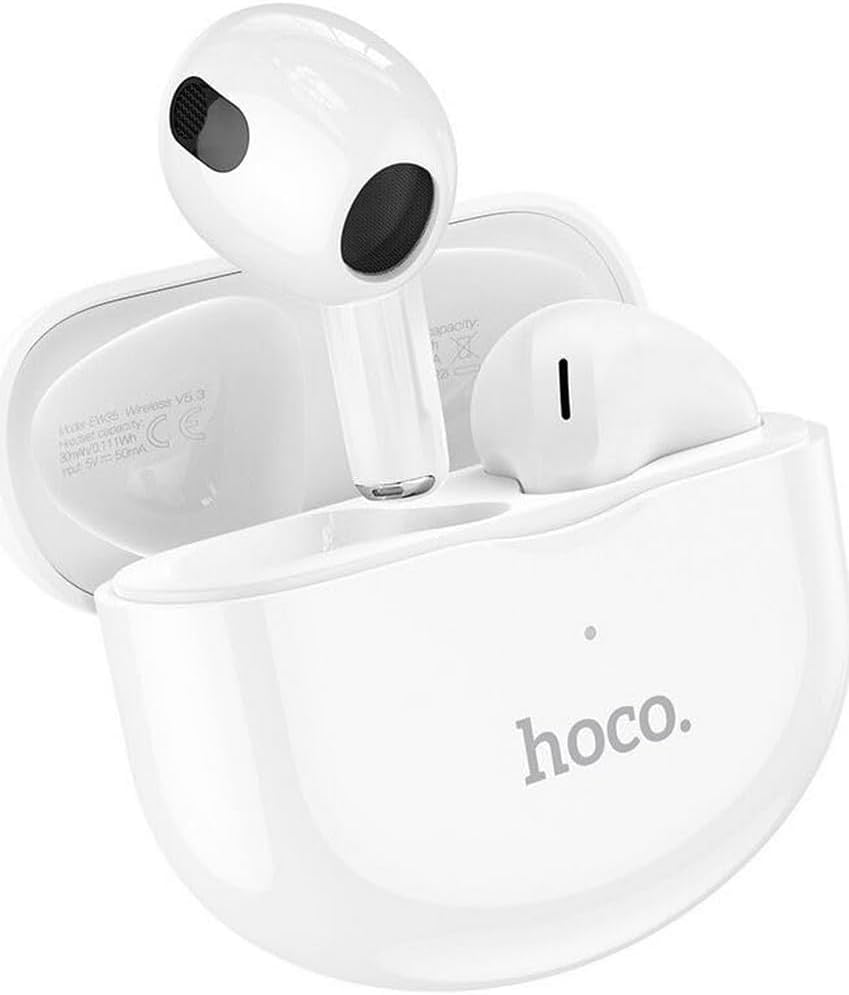
Thank you for choosing the Hoco EW35 Wireless Bluetooth Earphones. These earphones are designed to provide a high-quality audio experience with the convenience of wireless connectivity. Featuring Bluetooth 5.3, touch controls, and an integrated voice assistant, the EW35 offers seamless interaction with your compatible devices. This manual will guide you through the setup, operation, and maintenance of your earphones.
Sadržaj paketa
Molimo Vas da provjerite paket za sljedeće stavke:
- Hoco EW35 Wireless Bluetooth Earphones (Left and Right)
- Futrola za punjenje
- Uputstvo za upotrebu
- Zaštitna torbica

Setup
1. Punjenje slušalica i futrole
Before first use, ensure both the earphones and the charging case are fully charged. The charging case holds multiple charges for the earphones, extending their usage time.
- Place the earphones into the charging case. Ensure they are correctly seated in their respective slots.
- Spojite kućište za punjenje na izvor napajanja pomoću kompatibilnog USB kabela.
- The indicator light on the charging case will show the charging status. Refer to the product's specific LED indicators for full charge notification.

2. Uparivanje sa Bluetooth uređajem
The Hoco EW35 earphones use Bluetooth 5.3 for a stable and efficient connection.
- Otvorite kućište za punjenje. Slušalice će automatski ući u način rada za uparivanje (što je naznačeno trepćućom LED lampicom na slušalicama).
- On your device (smartphone, tablet, laptop, etc.), go to the Bluetooth settings.
- Traži available devices and select "Hoco EW35" from the list.
- Once connected, the earphones will indicate a successful pairing (e.g., a voice prompt or solid LED light).
- Slušalice će se automatski ponovo povezati s posljednjim uparenim uređajem kada se izvade iz futrole, ako je Bluetooth omogućen na uređaju.
Uputstvo za upotrebu
Dodirnite Kontrole
The Hoco EW35 earphones feature intuitive touch controls on each earbud. The specific functions may vary slightly depending on your device and application.
- Pusti/pauza: Jednim dodirom na bilo koju slušalicu.
- Sljedeća pjesma: Dvaput dodirnite desnu slušalicu.
- Prethodni zapis: Dvaput dodirnite lijevu slušalicu.
- Odgovori/Završi poziv: Jednostruki dodir na bilo koju slušalicu tokom dolaznog ili aktivnog poziva.
- odbiti poziv: Pritisnite i držite bilo koju slušalicu 2 sekunde tokom dolaznog poziva.
- Aktivirajte glasovnog asistenta: Triput dodirnite bilo koju slušalicu.
Glasovni asistent
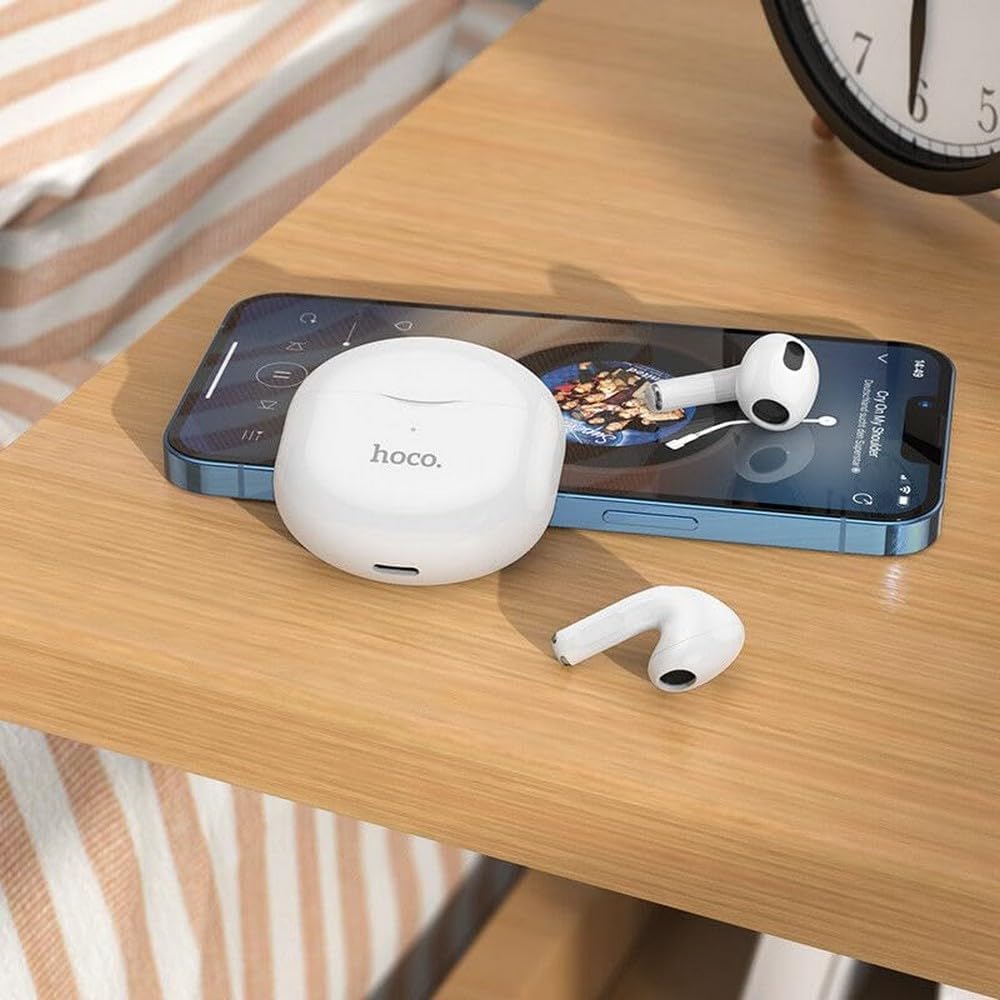
The integrated voice assistant allows you to control your device using voice commands. Triple tap either earbud to activate your device's voice assistant (e.g., Siri, Google Assistant).
Održavanje
Čišćenje
Redovno čišćenje pomaže u održavanju kvalitete zvuka i higijene.
- Koristite meku, suhu krpu koja ne ostavlja dlačice za brisanje slušalica i kućišta za punjenje.
- Za tvrdokornu prljavštinu, lagano dampOperite krpu vodom ili blagim, neabrazivnim sredstvom za čišćenje. Izbjegavajte ulazak tekućine u otvore.
- Ne koristite jake hemikalije, alkohol ili abrazivne materijale.
- Nježno očistite vrhove ušiju i mrežicu zvučnika kako biste uklonili ušni vosak ili nečistoće.
Skladištenje
Kada se ne koriste, slušalice čuvajte u njihovoj kutijici za punjenje kako biste ih zaštitili i održali napunjenima.
- Čuvati na hladnom i suvom mestu, daleko od direktne sunčeve svetlosti i ekstremnih temperatura.
- Avoid exposing the earphones or case to excessive moisture. While the earphones are rated as waterproof, prolonged exposure or submersion is not recommended.
Rješavanje problema
If you encounter issues with your Hoco EW35 earphones, try the following solutions:
- Slušalice se ne uparuju:
- Provjerite jesu li obje slušalice napunjene.
- Isključite Bluetooth na svom uređaju i ponovo ga uključite.
- Forget "Hoco EW35" from your device's Bluetooth list and attempt to pair again.
- Place earphones back in the case, close it, wait a few seconds, then open it again to re-enter pairing mode.
- No sound from one or both earphones:
- Provjerite nivo jačine zvuka na povezanom uređaju.
- Provjerite da li su slušalice pravilno postavljene u uši.
- Ponovo povežite slušalice sa svojim uređajem.
- Očistite svu prljavštinu sa mrežice zvučnika.
- Problemi s punjenjem:
- Provjerite je li kabel za punjenje sigurno spojen i na kućište i na izvor napajanja.
- Pokušajte s drugim kabelom za punjenje ili adapterom za napajanje.
- Očistite kontakte za punjenje i na slušalicama i na kućištu.
- Dodirne kontrole ne reagiraju:
- Pazite da su vam prsti čisti i suhi.
- Try restarting the earphones by placing them in the case and taking them out again.
Specifikacije
| Feature | Detalj |
|---|---|
| Naziv modela | EW35 |
| Brand | Hoco |
| Tehnologija povezivanja | Bežično (Bluetooth 5.3) |
| Postavljanje uha | In-Ear |
| Form Factor | In-Ear |
| Materijal | Plastika |
| Vrijeme reprodukcije | Do 4 sati (po slušalici) |
| Kontrolni metod | Dodir, Glasovna kontrola |
| Posebne karakteristike | Integrated Voice Assistant, Touch Control |
| Nivo vodootpornosti | Vodootporan |
| Poništavanje buke | Nema |
| Kompatibilni uređaji | Smartphones, Tablets, Laptops, Desktops, Smart Speakers, Game Consoles |
| Baterija | 1 litijum-jonska (uključena) |
| Punjiva baterija | Da |

Sigurnosne informacije
Molimo vas da pročitate i slijedite ove sigurnosne smjernice kako biste spriječili oštećenje uređaja ili ozljede:
- Izbjegavajte slušanje na visokim nivoima glasnoće tokom dužeg perioda kako biste spriječili oštećenje sluha.
- Do not use the earphones in situations where inability to hear ambient sounds could be dangerous (e.g., driving, cycling, walking in traffic).
- Keep the earphones and charging case away from extreme temperatures, direct sunlight, and open flames.
- Do not attempt to disassemble, repair, or modify the product. This may void the warranty and cause damage.
- Čuvati van dohvata djece i kućnih ljubimaca. Mali dijelovi mogu predstavljati opasnost od gušenja.
- Dispose of the product and its battery responsibly, following local regulations.
Garancija i podrška
For detailed warranty information, please refer to the warranty card included in your product packaging. If you require further assistance or have questions not covered in this manual, please visit the official Hoco webstranicu ili direktno kontaktirajte njihovu korisničku podršku.
Više informacija i resursa podrške možete pronaći na: www.hoco.com