
1. Uvod
This manual provides essential instructions for setting up and operating your Luoran M4B MP3 Player. Please read this guide thoroughly to ensure proper use and to maximize your device's capabilities. The Luoran M4B is a portable media player designed for music, video, and app playback, featuring a 4.0-inch IPS display, Bluetooth, and Wi-Fi connectivity.
2. Sadržaj paketa
Provjerite da li se sve stavke nalaze u vašem paketu:
- Luoran M4B MP3 Player
- USB-C kabl
- Korisnički priručnik (ovaj dokument)
3. Device Overview

Slika 3.1: Prednja i zadnja strana view of the Luoran M4B MP3 Player, highlighting its 4.0-inch IPS display and metal frame with tempered glass back.
3.1. Fizička dugmad i portovi
- Dugme za napajanje: Located on the side, used to turn the device on/off and wake/sleep the screen.
- Dugmad za jačinu zvuka (+/-): Nalazi se sa strane, koristi se za podešavanje jačine zvuka.
- USB-C priključak: Nalazi se na dnu, koristi se za punjenje i prijenos podataka.
- 3.5 mm priključak za slušalice: Nalazi se na dnu, za spajanje žičanih slušalica.
- Utor za mikro SD karticu: Located on the side, for expanding storage.
4. Getting Started
4.1. Punjenje uređaja
Before first use, fully charge the MP3 player. Connect the provided USB-C cable to the device's USB-C port and the other end to a compatible USB power adapter (not included) or a computer's USB port. The charging indicator will show the charging status.
4.2. Uključivanje / isključivanje napajanja
- Za uključivanje: Pritisnite i držite tipku za uključivanje / isključivanje dok se zaslon ne uključi.
- Za isključivanje: Pritisnite i držite dugme za napajanje, a zatim odaberite "Isključivanje" iz opcija na ekranu.
- Za spavanje/buđenje: Kratko pritisnite dugme za napajanje da biste isključili ili uključili ekran.
5. Osnovni rad
5.1. Navigacija putem ekrana osjetljivog na dodir
The Luoran M4B features a full touchscreen for navigation. Swipe left, right, up, or down to browse menus and content. Tap icons to open applications or select options.
5.2. Povezivanje na Wi-Fi
To access online features and apps, connect your device to a Wi-Fi network:
- Idi na Postavke.
- Odaberite Mreža i Internet.
- Uključi Wi-Fi.
- Odaberite željenu Wi-Fi mrežu s popisa.
- Unesite lozinku ako se to od vas zatraži i dodirnite Povežite se.
5.3. Povezivanje putem Bluetooth-a
Pair your MP3 player with Bluetooth headphones, speakers, or car stereos:
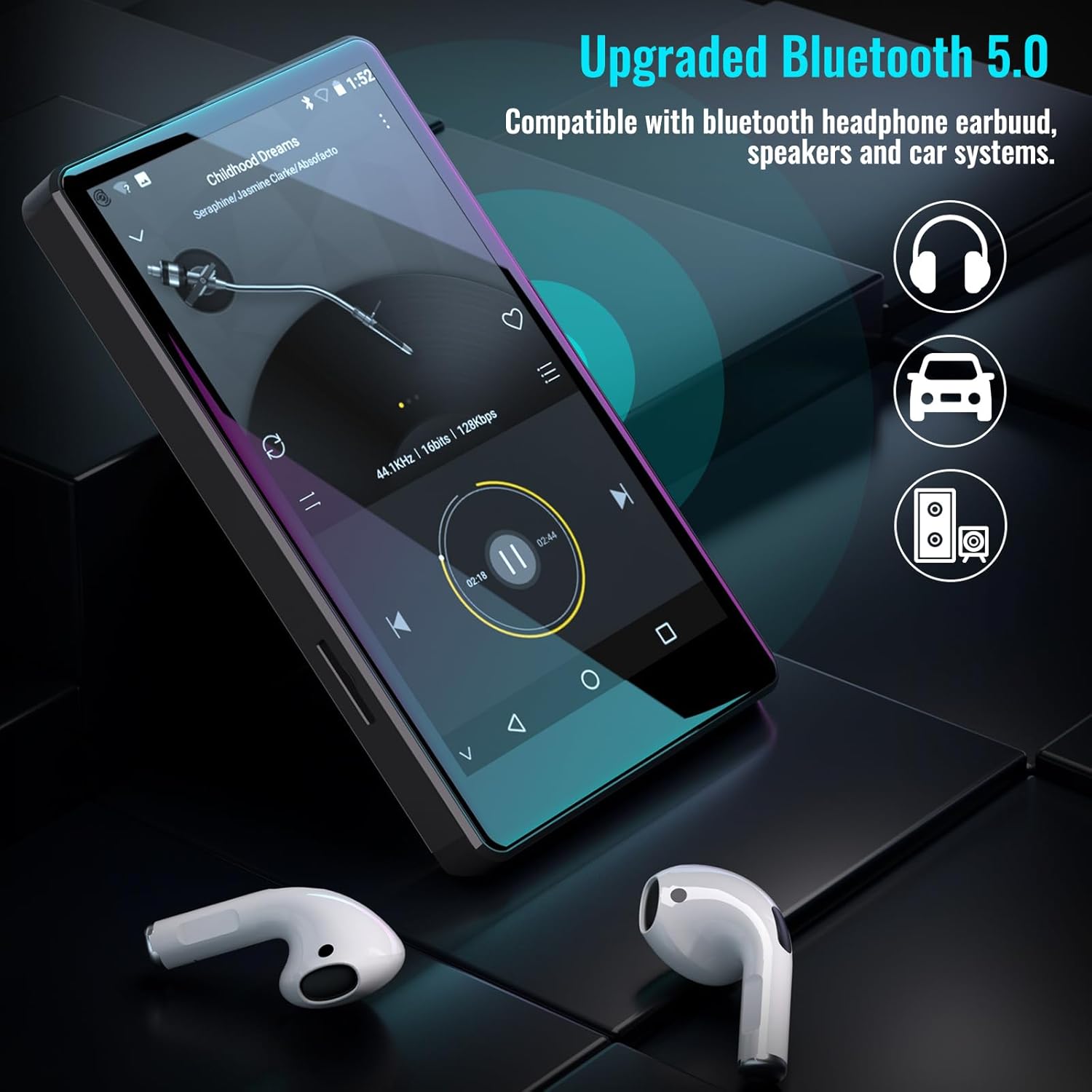
Figure 5.1: The Luoran M4B MP3 Player supports Bluetooth 5.0 for connecting to various audio devices.
- Idi na Postavke.
- Odaberite Povezani uređaji.
- Uključi Bluetooth.
- Provjerite je li vaš Bluetooth dodatak u načinu rada za uparivanje.
- Izaberite dodatnu opremu sa liste dostupnih uređaja za uparivanje.
6. Music and Media Playback
6.1. Supported Music Formats
The device supports a wide range of audio formats, including MP3, WAV, FLAC, APE, OGG, M4A, AAC, WMA, and MP2.
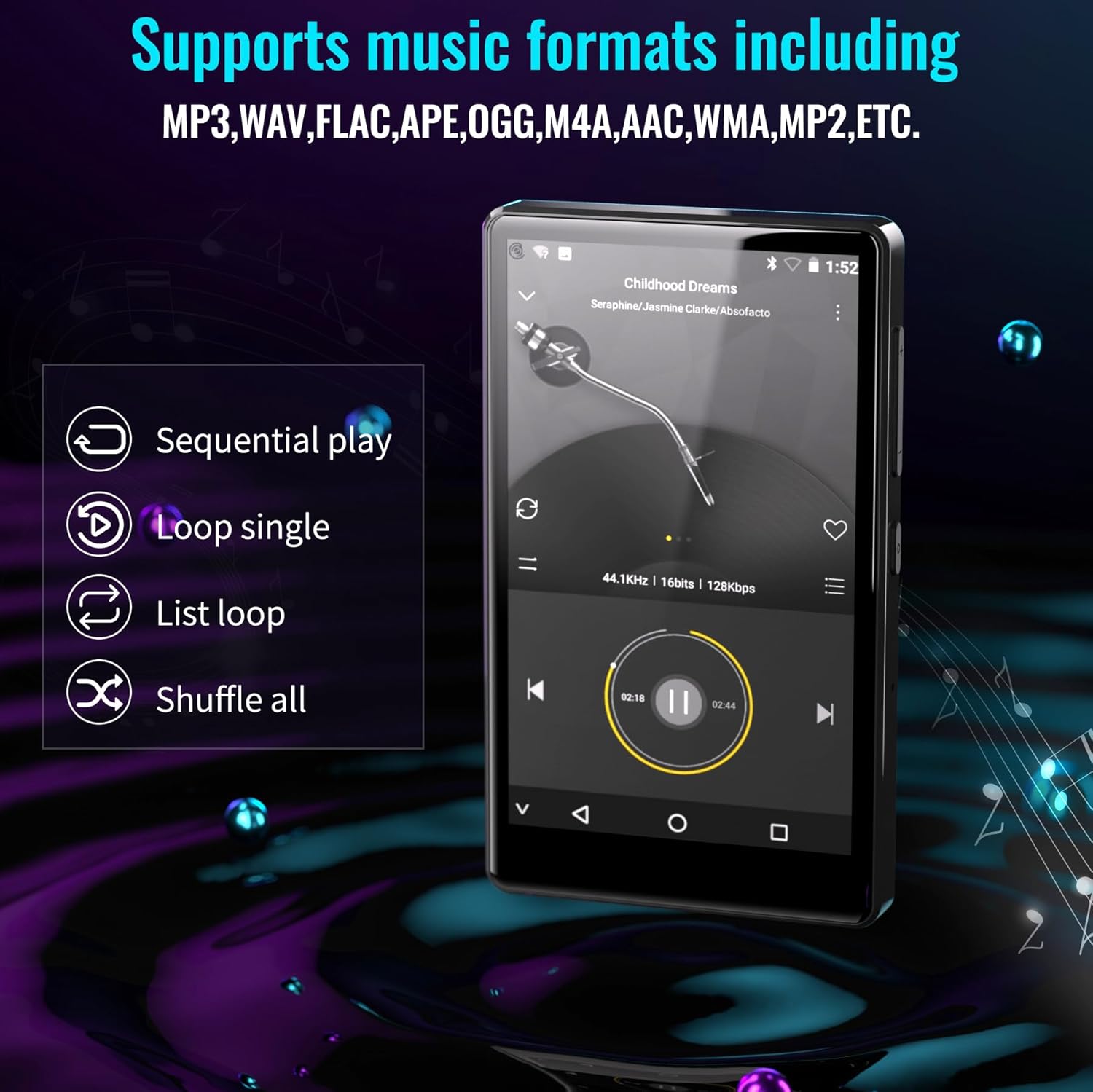
Figure 6.1: The MP3 player's interface showing various playback options and supported music formats.
6.2. Using Pre-installed Applications
The Luoran M4B comes with several popular music and media applications pre-installed, such as Spotify, Spotify Kids, Amazon Music, Audible, and HiBy Music. Access these apps from the home screen to stream or play your content.
6.3. Proširiva pohrana
The device has an internal storage capacity of 8GB. You can expand the storage up to 256GB using a Micro SD card (SDXC, SDHC compatible). Insert the Micro SD card into the dedicated slot on the side of the device.

Figure 6.2: Inserting a Micro SD card to expand the device's memory up to 256GB.
7. Dodatne karakteristike
7.1. Web Browser
A web browser is included for internet access. This browser can be removed if desired, offering a level of content control.

Figure 7.1: The option to uninstall the web browser for content management.
7.2. FM radio
The device includes an FM radio function, allowing you to listen to local radio stations. It may also support recording FM broadcasts.

Figure 7.2: The FM Radio interface on the device.
7.3. Ebook Reader
An Ebook application is available for reading digital books directly on the device's screen.

Figure 7.3: The device's interface for audiobooks or ebooks.
8. Održavanje
8.1. Čišćenje
Za čišćenje uređaja koristite meku, suhu krpu koja ne ostavlja dlačice. Izbjegavajte upotrebu abrazivnih sredstava za čišćenje ili rastvarača.
8.2. Održavanje baterije
To prolong battery life, avoid exposing the device to extreme temperatures. Charge the device regularly, but avoid leaving it fully charged or fully discharged for extended periods.
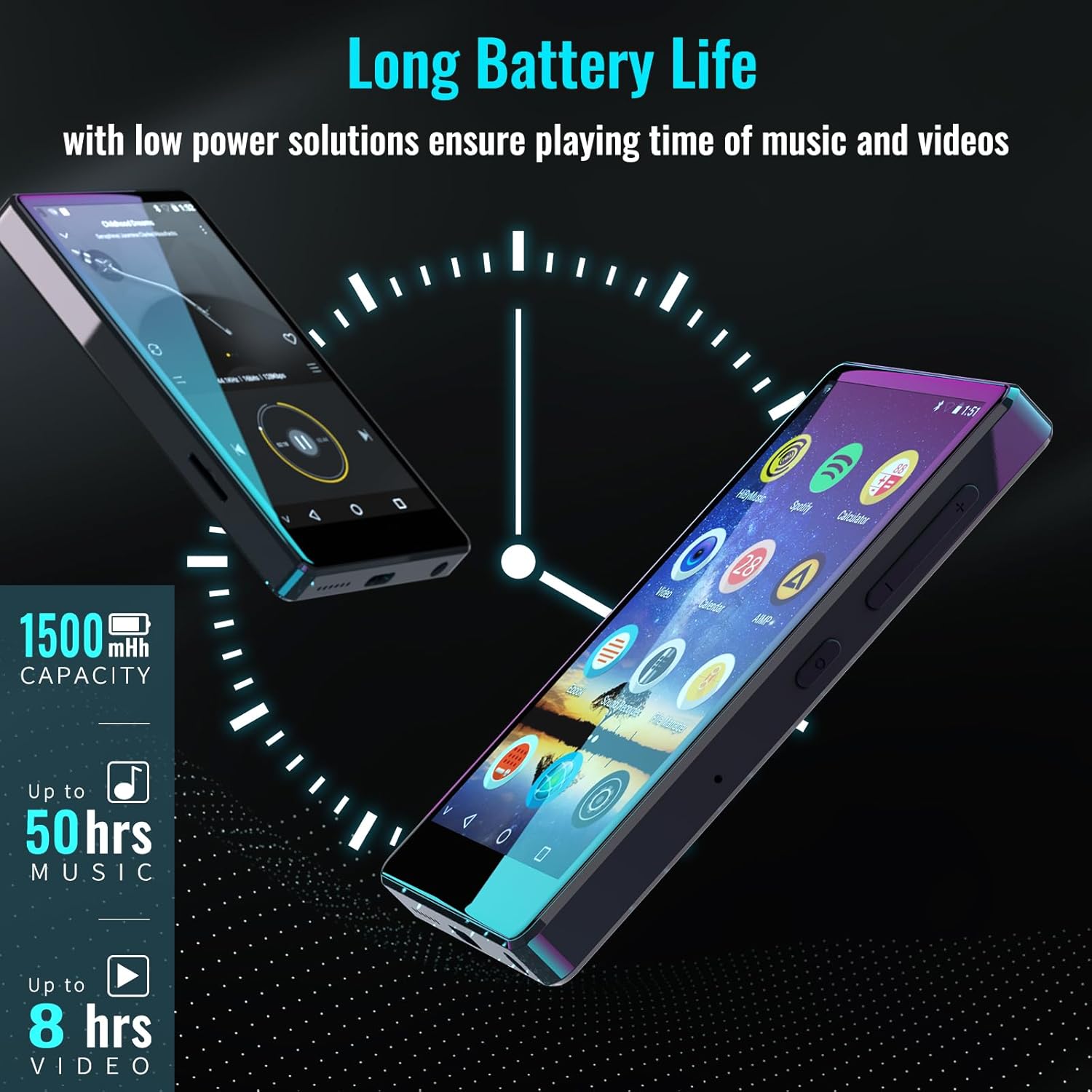
Figure 8.1: The device features a 1500mAh battery, providing up to 50 hours of music playback or 8 hours of video playback.
9. Otkrivanje problema
9.1. Uređaj se ne uključuje
- Ensure the device is sufficiently charged. Connect it to a power source for at least 30 minutes.
- Pritisnite i držite dugme za napajanje 10-15 sekundi da biste izvršili prisilno ponovno pokretanje.
9.2. Cannot Connect to Wi-Fi/Bluetooth
- Verify that Wi-Fi/Bluetooth is enabled in Settings.
- Ensure you are within range of the network/device.
- Check that the Wi-Fi password is correct.
- For Bluetooth, ensure the accessory is in pairing mode.
9.3. App Issues or Missing Apps
If you encounter issues with pre-installed applications or need to install/upgrade specific apps, please contact the Luoran Team for assistance. They can provide APK files and installation steps.
10. Specifikacije
| Brand | Luoran |
| Naziv modela | M4B-C-BLK |
| Tehnologija povezivanja | Bluetooth, WiFi |
| Kapacitet memorije | 8 GB (proširivo do 256 GB putem Micro SD kartice) |
| Veličina ekrana | 4 inča |
| Kompatibilni uređaji | Slušalice, zvučnik |
| Podržana vrsta medija | Memorijska kartica |
| Display Technology | LED |
| Podržani audio standardi | MP3, WAV, FLAC, APE, M4A, AAC, WMA, MP2, etc. |
| Prosječni vijek trajanja baterije | 50 Hours (music playback) |
| Dimenzije artikla (D x Š x V) | 0.4"D x 2.4"Š x 4.2"H |
| UPC | 747783656344 |
11. Garancija i podrška
The Luoran M4B MP3 Player comes with a 12-mjesečna garancija. For technical support, warranty claims, or assistance with app installation/upgrades, please contact the Luoran Team directly. Contact information can typically be found on the manufacturer's webweb-stranice ili putem vaše platforme za kupovinu.