
HOCO Y5 SMART WATCH
HOCO Smart Watch Y5 User Manual
Model: Y5 SMART WATCH
Uvod
This manual provides comprehensive instructions for the setup, operation, and maintenance of your HOCO Smart Watch Y5. Designed for seamless integration into your daily life, the Y5 Smart Watch offers advanced features for connectivity, health monitoring, and convenience.

Slika 1: Prednja strana view of the HOCO Smart Watch Y5 with its display showing health metrics and time.
Šta je u kutiji
Prilikom otvaranja paketa, molimo Vas da provjerite da li su sve komponente prisutne i u dobrom stanju.
- 1 x HOCO Smart Watch Y5 Main Unit
- 1 x Kabl za punjenje
- 1 x Korisnički priručnik (ovaj dokument)
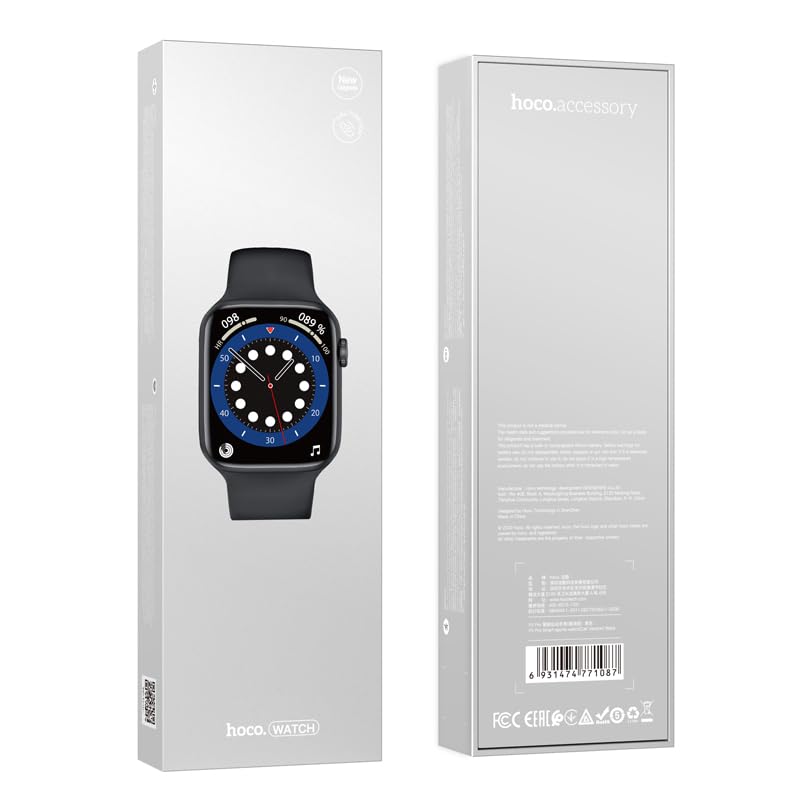
Figure 2: The retail packaging of the HOCO Smart Watch Y5, indicating the product inside.
Vodič za postavljanje
1. Punjenje uređaja
Before initial use, fully charge your HOCO Smart Watch Y5. Connect the provided charging cable to the charging port on the back of the watch and to a USB power source. A full charge takes approximately 1 hour.
The watch boasts a 240mAh battery, providing up to 7 days of usage in single Bluetooth mode or 3-4 days with dual Bluetooth enabled.
2. Instalacija i uparivanje aplikacije
To unlock the full potential of your smartwatch, download the companion application on your smartphone. The HOCO Smart Watch Y5 is compatible with both iOS and Android devices.
- Scan the QR code in the watch's settings or search for the official HOCO smartwatch app in your device's app store (App Store for iOS, Google Play Store for Android).
- Instalirajte aplikaciju i otvorite je.
- Provjerite je li Bluetooth omogućen na vašem pametnom telefonu.
- Follow the in-app instructions to search for and pair with your HOCO Smart Watch Y5. The watch will typically appear as "HOCO Y5" or similar in the Bluetooth device list.
- Potvrdite zahtjev za uparivanje i na satu i na pametnom telefonu.
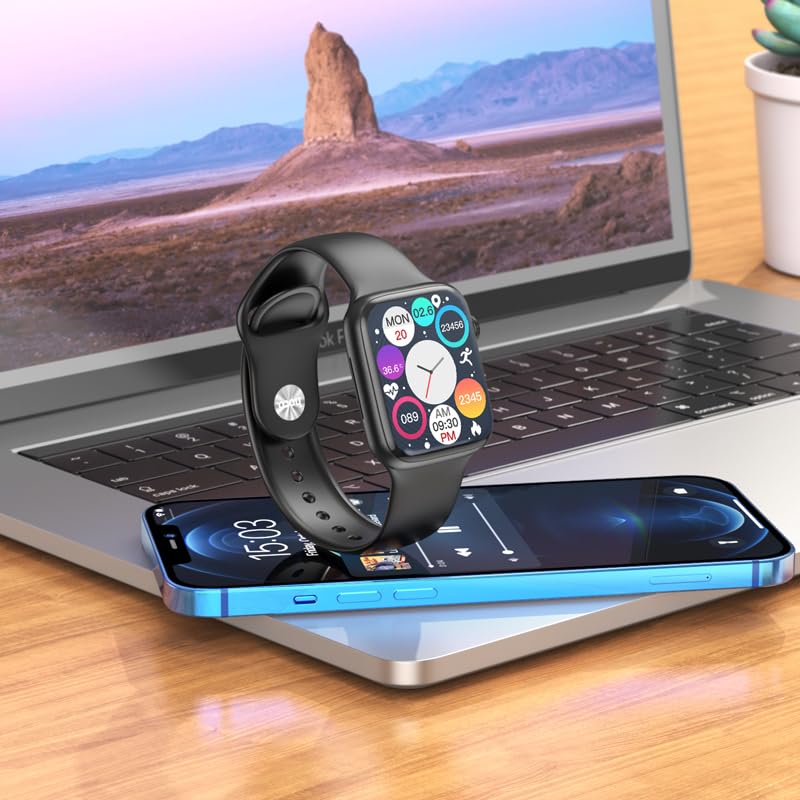
Figure 3: The HOCO Smart Watch Y5 positioned near a laptop and smartphone, demonstrating its compatibility and connectivity with other devices.
Uputstvo za upotrebu
Osnovne kontrole
- Touchscreen: Navigate menus, select options, and interact with apps by swiping and tapping the 1.96-inch AMOLED display.
- Side Button/Dial: Press to wake/sleep the screen, return to the home screen, or access the app menu. Rotate the dial for scrolling through lists or adjusting settings.
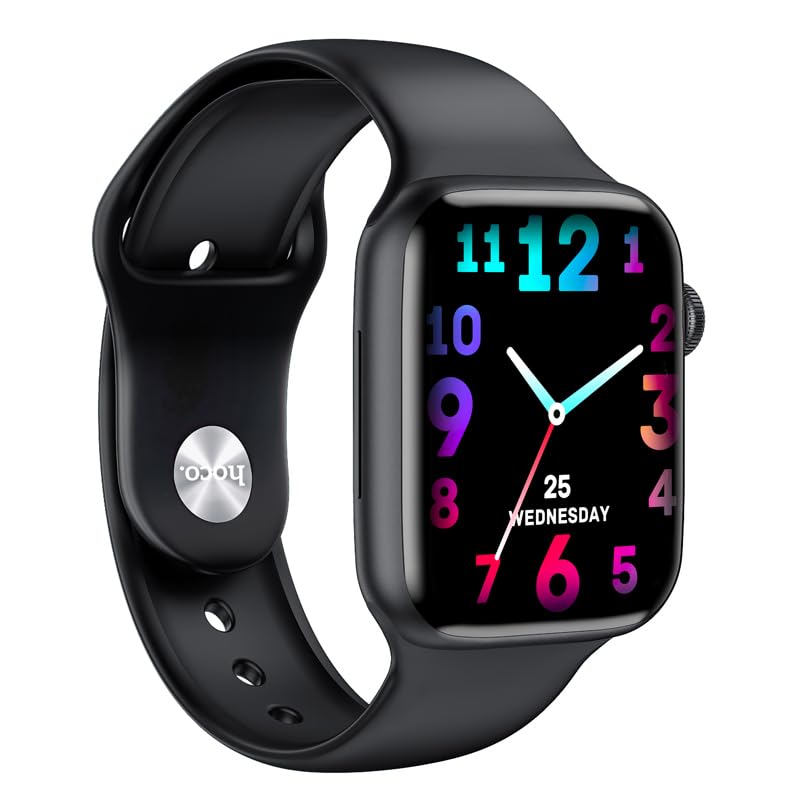
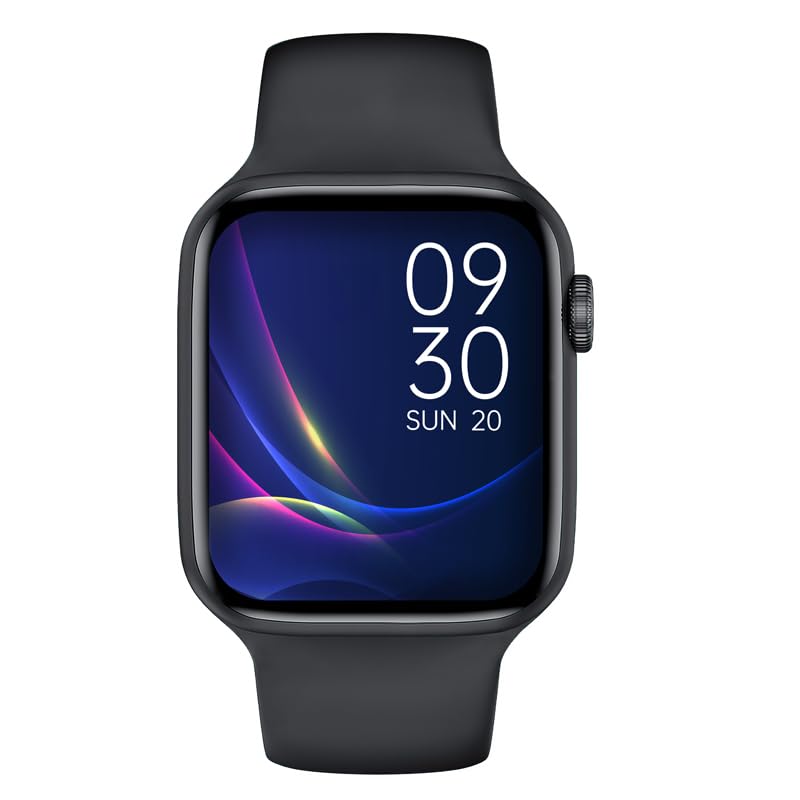
Slika 4: Pramples of customizable watch faces on the HOCO Smart Watch Y5, including digital and analog styles.
Ključne karakteristike i funkcije
- Praćenje zdravlja: Monitor your heart rate, blood oxygen levels, steps taken, calories burned, and sleep patterns. Access detailed reports via the companion app.
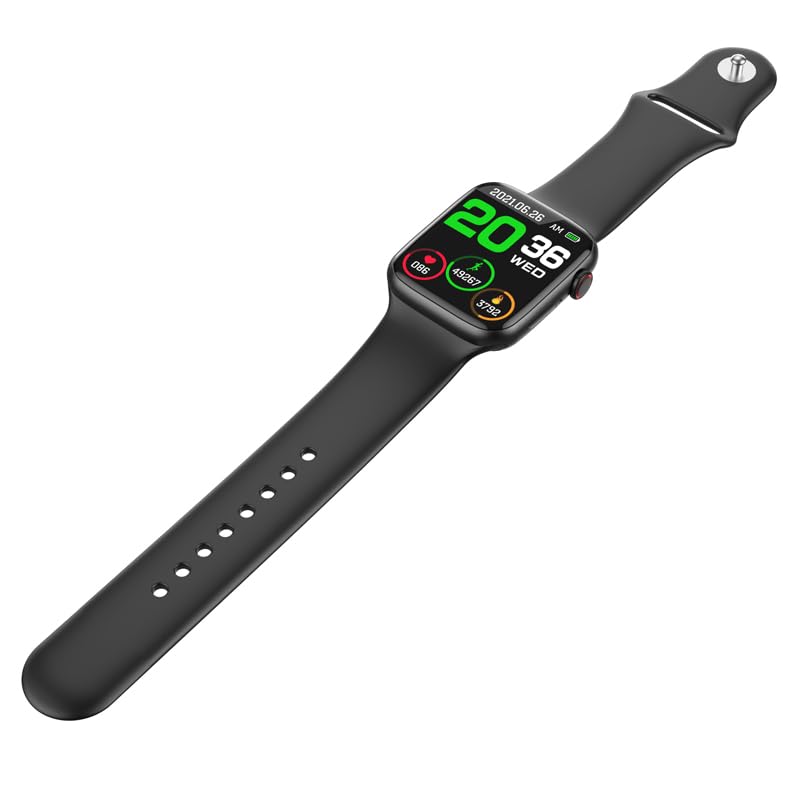
Figure 5: The HOCO Smart Watch Y5 displaying various health metrics, including heart rate and step count.
- Više sportskih modova: Select from various sports modes to accurately track your workouts, including running, walking, cycling, and more.
- Pametna obavještenja: Receive real-time alerts for incoming calls, messages, and social media notifications directly on your wrist.
- Daljinsko fotografisanje: Koristite svoj sat kao daljinski okidač za kameru vašeg pametnog telefona.
- Prikaz na podijeljenom ekranu: Access frequently used functions quickly with the split-screen feature.
- Informacije o vremenu: Get current weather updates directly on your watch.
- Podrška glasovnog asistenta: Interact with Siri or Google Assistant through your watch (requires smartphone connection).
- Personalizirani satovi: Customize your watch's appearance by choosing from a variety of pre-installed watch faces or downloading new ones via the app.
Održavanje
Čišćenje pametnog sata
Redovno čistite svoj sat kako biste osigurali optimalne performanse i higijenu. Koristite meku krpu koja ne ostavlja dlačice za brisanje ekrana i kućišta. Za tvrdokornu prljavštinu, lagano očistiteampIsperite krpu vodom. Izbjegavajte upotrebu jakih hemikalija ili abrazivnih materijala.
Otpornost na vodu i znoj (IP68)
The HOCO Smart Watch Y5 is IP68 rated, meaning it is resistant to dust and can withstand immersion in water up to 1.5 meters for 30 minutes. It is suitable for swimming and showering. However, it is not recommended for diving or high-pressure water activities. Always dry the watch thoroughly after exposure to water, especially the charging contacts.
Battery Care
- Avoid exposing the watch to extreme temperatures (hot or cold) as this can degrade battery life.
- Punite sat samo koristeći priloženi kabel za punjenje.
- Ne ostavljajte sat nenapunjen duži vremenski period.
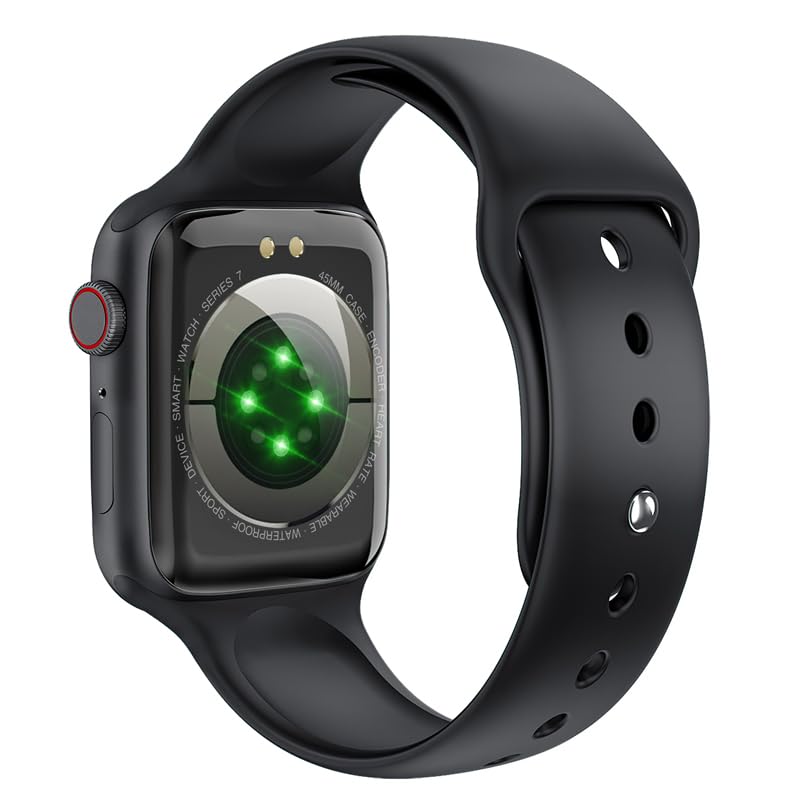
Slika 6: Zadnji dio view of the HOCO Smart Watch Y5, highlighting the optical heart rate sensors and charging contacts.
Rješavanje problema
| Problem | Moguće rješenje |
|---|---|
| Sat se ne uključuje. | Provjerite je li sat potpuno napunjen. Spojite ga na punjač na najmanje 15 minuta. |
| Nije moguće uparivanje sa pametnim telefonom. |
|
| Obavještenja se ne primaju. |
|
| Heart rate/blood oxygen readings are inaccurate. |
|
Specifikacije
| Brand | HOCO |
| Model | Y5 SMART WATCH |
| Display | 1.96 inča AMOLED, rezolucija 240 x 240 |
| Povezivanje | Bluetooth 5.3 |
| Kapacitet baterije | 240 mAh |
| Trajanje baterije | Up to 7 days (single Bluetooth), 3-4 days (dual Bluetooth) |
| Vrijeme punjenja | Otprilike 1 sat |
| Otpornost na vodu | IP68 |
| Kompatibilan OS | iOS, Android |
| Kapacitet memorije | 128 MB |
| Težina artikla | 100 g |
| Dimenzije proizvoda | 20 x 5 x 3 cm |
Garancija i podrška
Your HOCO Smart Watch Y5 comes with a standard manufacturer's warranty. Please refer to the warranty policy provided at the time of purchase for specific terms and conditions. For technical support, troubleshooting assistance, or warranty claims, please contact HOCO customer service through their official webweb stranicu ili kontakt informacije koje ste dobili uz kupovinu.
For more information, visit the official HOCO webstranica: www.hoco.hk
Ask a question about this manual
Ask about setup, troubleshooting, compatibility, parts, safety, or missing instructions. Manuals+ will review the question and use this page’s manual context to help answer it.