
1. Uvod
This manual provides detailed instructions for the operation and maintenance of your VBESTLIFE 8GB USB Stick MP3 Player. Please read this manual thoroughly before using the device to ensure proper function and longevity. Keep this manual for future reference.
2. Proizvod je gotovview
The VBESTLIFE 8GB USB Stick MP3 Player is a compact and portable device designed for high-fidelity lossless music playback. It features 8GB of internal storage, expandable up to 64GB with a memory card, and a built-in rechargeable battery for extended listening.
Ključne karakteristike:
- 8GB interne memorije: Sadrži otprilike 1500 pjesama.
- Proširiva pohrana: Supports memory cards up to 64GB.
- Kvalitet zvuka bez gubitaka: Equipped with a polymer speaker diaphragm for clear and stable audio.
- Više načina reprodukcije: Includes single song play, random play, loop play, continuous play, and folder play.
- Kompaktan i prenosiv: Functions as a USB flash drive for easy data transfer and charging.
- Dug vijek trajanja baterije: Integrated 180mAh lithium battery with support for various charging methods.
Device Layout and Controls:
Familiarize yourself with the buttons and ports on your MP3 player.

slika: Detaljno view of the MP3 player's controls. This image highlights the 'ON/OFF' switch, 'Memory card insert' slot, 'Volume plus' button (long press for random play mode), 'Previous song' button (long press for fast rewind), 'Play or pause' button (long press to switch folder), 'Volume down' button (long press to switch single song loop mode), and 'Next song' button (long press for fast forward).

slika: The pink VBESTLIFE MP3 player with its protective cap removed, revealing the USB connector. Also shown are the included wired headphones and a white lanyard with a pink attachment, demonstrating the complete package contents.
3. Podešavanje
3.1 Punjenje uređaja
Before first use, fully charge the MP3 player. Connect the device directly to a USB port on your computer or a compatible USB wall adapter. The charging indicator (if present) will typically show charging status and turn off or change color when fully charged.
3.2 Prijenos muzike Files
- Provjerite je li MP3 player napunjen.
- Remove the protective cap to expose the USB connector.
- Plug the MP3 player directly into an available USB port on your computer. The device will be recognized as a removable disk (similar to a USB flash drive).
- Open the device folder on your computer.
- Prevucite i ispustite željenu muziku files (MP3, WMA, WAV, etc.) into the device's storage. You can create folders to organize your music.
- Jednom files are transferred, safely eject the device from your computer before unplugging.

slika: A black VBESTLIFE MP3 player connected to a portable power bank, illustrating one method of charging the device.
3.3 Umetanje memorijske kartice (opcionalno)
To expand storage, insert a microSD card (up to 64GB) into the designated memory card slot on the side of the player. Ensure the card is inserted correctly until it clicks into place.
3.4 Povezivanje slušalica
Plug your 3.5mm headphones into the headphone jack located on the device. The device supports standard wired headphones.
4. Uputstvo za upotrebu
4.1 Uključivanje/isključivanje napajanja
- Za uključivanje: Slide the 'ON/OFF' switch to the 'ON' position.
- Za isključivanje: Slide the 'ON/OFF' switch to the 'OFF' position.
4.2 Osnovna reprodukcija
- Pusti/pauza: Press the central 'Play/Pause' button to start or pause playback.
- Sljedeća pjesma: Press the 'Next song' button (usually marked with '>>|' or similar). Long press to fast forward.
- Prethodna pjesma: Press the 'Previous song' button (usually marked with '|<<' or similar). Long press to fast rewind.
- Povećavanje glasnoće: Pritisnite dugme '+'.
- Smanjivanje jačine zvuka: Pritisnite dugme '-'.
4.3 Režimi reprodukcije
The player supports various playback modes to customize your listening experience.
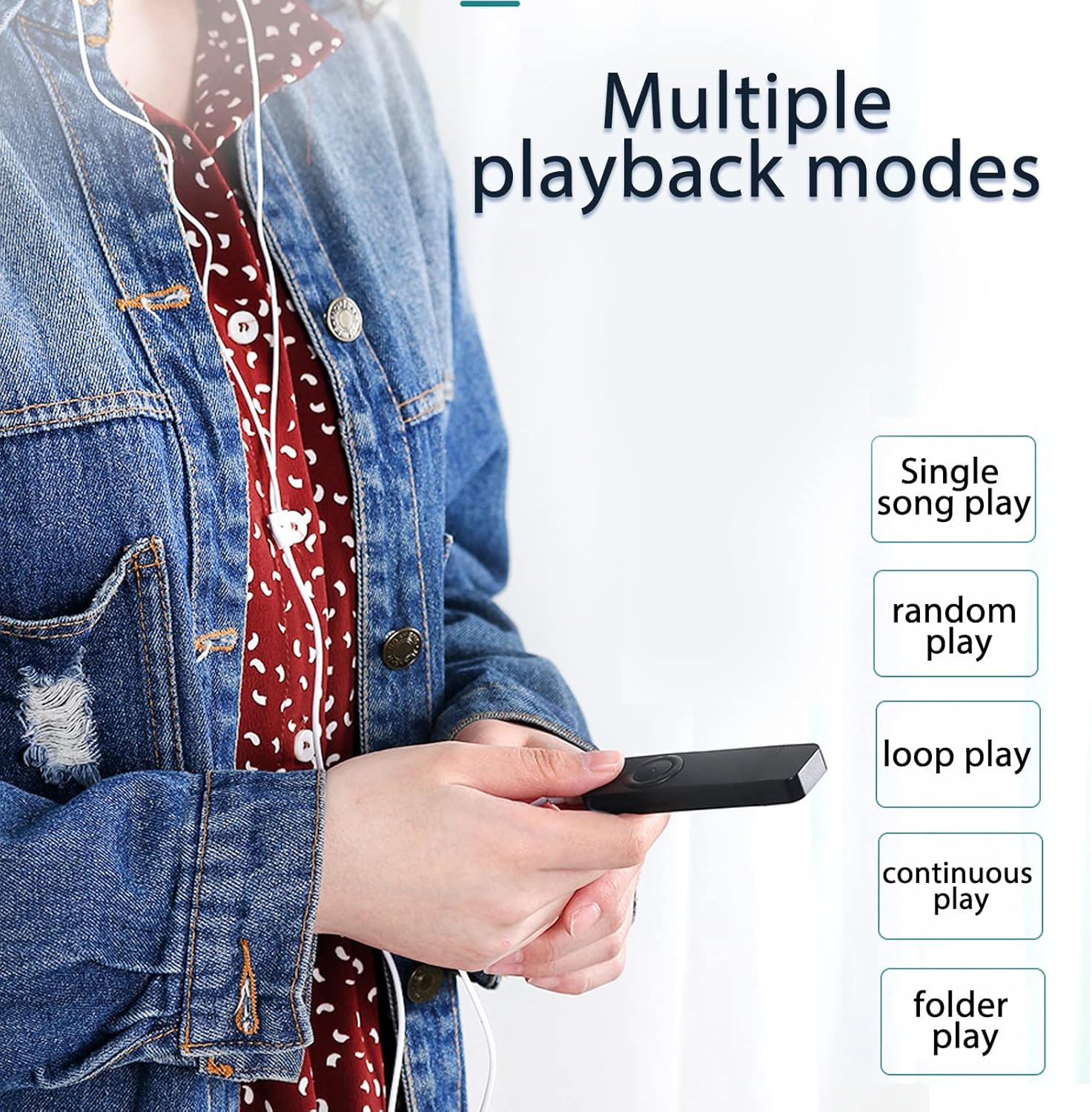
slika: A user holding the MP3 player, demonstrating the availability of multiple playback modes. The image lists options such as single song play, random play, loop play, continuous play, and folder play.
- Single Song Play: Plays the current song and stops. To activate, long press the 'Volume down' button until the mode changes.
- Slučajno igranje: Plays songs in a shuffled order. To activate, long press the 'Volume plus' button until the mode changes.
- Loop Play: Repeats the current song or playlist.
- Kontinuirana igra: Plays all songs in sequence.
- Folder Play: Plays all songs within the current folder. To switch folders, long press the 'Play/Pause' button.
5. Održavanje
- čišćenje: Za čišćenje uređaja koristite meku, suhu krpu. Izbjegavajte upotrebu tečnih sredstava za čišćenje ili rastvarača.
- Skladištenje: MP3 plejer čuvajte na hladnom i suhom mjestu, dalje od direktne sunčeve svjetlosti i ekstremnih temperatura.
- Održavanje baterije: Da biste produžili vijek trajanja baterije, izbjegavajte često potpuno pražnjenje baterije. Redovno punite uređaj, čak i ako ga ne koristite duži period.
- Otpornost na vodu: Ovaj uređaj nije vodootporan. Izbjegavajte izlaganje vodi ili visokoj vlažnosti.
6. Otkrivanje problema
- Uređaj se ne uključuje:
Ensure the battery is charged. Connect the player to a USB power source for at least 30 minutes. Check the 'ON/OFF' switch is in the 'ON' position. - Nema zvuka:
Check if headphones are properly connected. Ensure the volume is not set to minimum or muted. Test with different headphones if possible. - Nije moguće prenijeti files:
Ensure the device is properly connected to the computer's USB port. Try a different USB port. Ensure the device is recognized by the computer. Check if the device's storage is full. - Uređaj se zamrzava ili prestaje reagovati:
Slide the 'ON/OFF' switch to 'OFF' and then back to 'ON' to restart the device. - Memorijska kartica nije detektovana:
Ensure the memory card is inserted correctly. Try reinserting the card. Test with a different compatible memory card.
7. Specifikacije
| Feature | Specifikacija |
|---|---|
| Brand | VBESTLIFE |
| Broj modela | VBESTLIFEvxph7kncfz-12 |
| Interna memorija | 8 GB |
| Proširiva memorija | Do 64 GB (MicroSD kartica) |
| Baterija | 180 mAh litijumska baterija |
| Audio formati | MP3, WMA, WAV (Lossless) |
| Povezivanje | USB 2.0, 3.5mm Headphone Jack |
| Zemlja porijekla | Kina |
8. Garancija i podrška
8.1 Informacije o garanciji
This VBESTLIFE MP3 Player comes with a 1 godina garancije protiv proizvodnih nedostataka od datuma kupovine. Ova garancija pokriva nedostatke u materijalu i izradi pri normalnoj upotrebi. Ne pokriva štetu uzrokovanu nepravilnom upotrebom, nezgodama, neovlaštenim modifikacijama ili normalnim habanjem.
8.2 Korisnička podrška
If you encounter any issues not covered in the troubleshooting section or require further assistance, please contact your retailer or the VBESTLIFE customer support channel where you purchased the product. Please have your model number (VBESTLIFEvxph7kncfz-12) and proof of purchase ready.