
1. Uvod
This manual provides detailed instructions for the proper use and maintenance of your HOCO BS45 Deep Sound Sports Wireless Speaker. Please read this manual thoroughly before operating the device to ensure optimal performance and longevity. The HOCO BS45 is a portable wireless speaker featuring Bluetooth V5.0 connectivity, FM radio, and TF card support, designed for versatile audio playback.
2. Sadržaj paketa
- HOCO BS45 Wireless Speaker
- USB kabl za punjenje
- Uputstvo za upotrebu
3. Proizvod je gotovview
The HOCO BS45 speaker features a compact, spherical design with a durable mesh fabric finish. It incorporates a single speaker unit and intuitive controls for various functions.
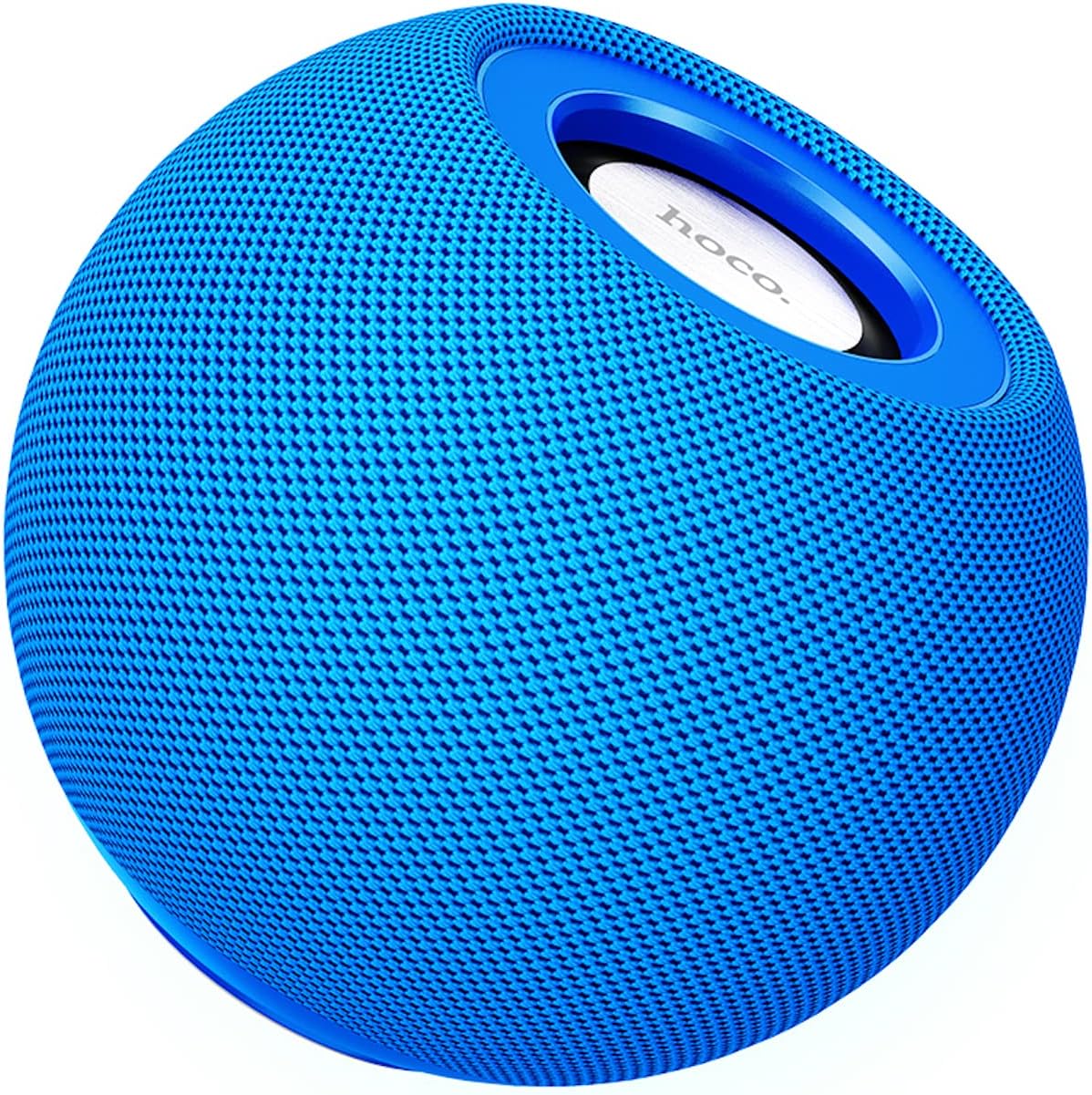
Slika 3.1: Front view of the HOCO BS45 speaker, showcasing its blue mesh exterior and top-mounted control area with the HOCO logo.
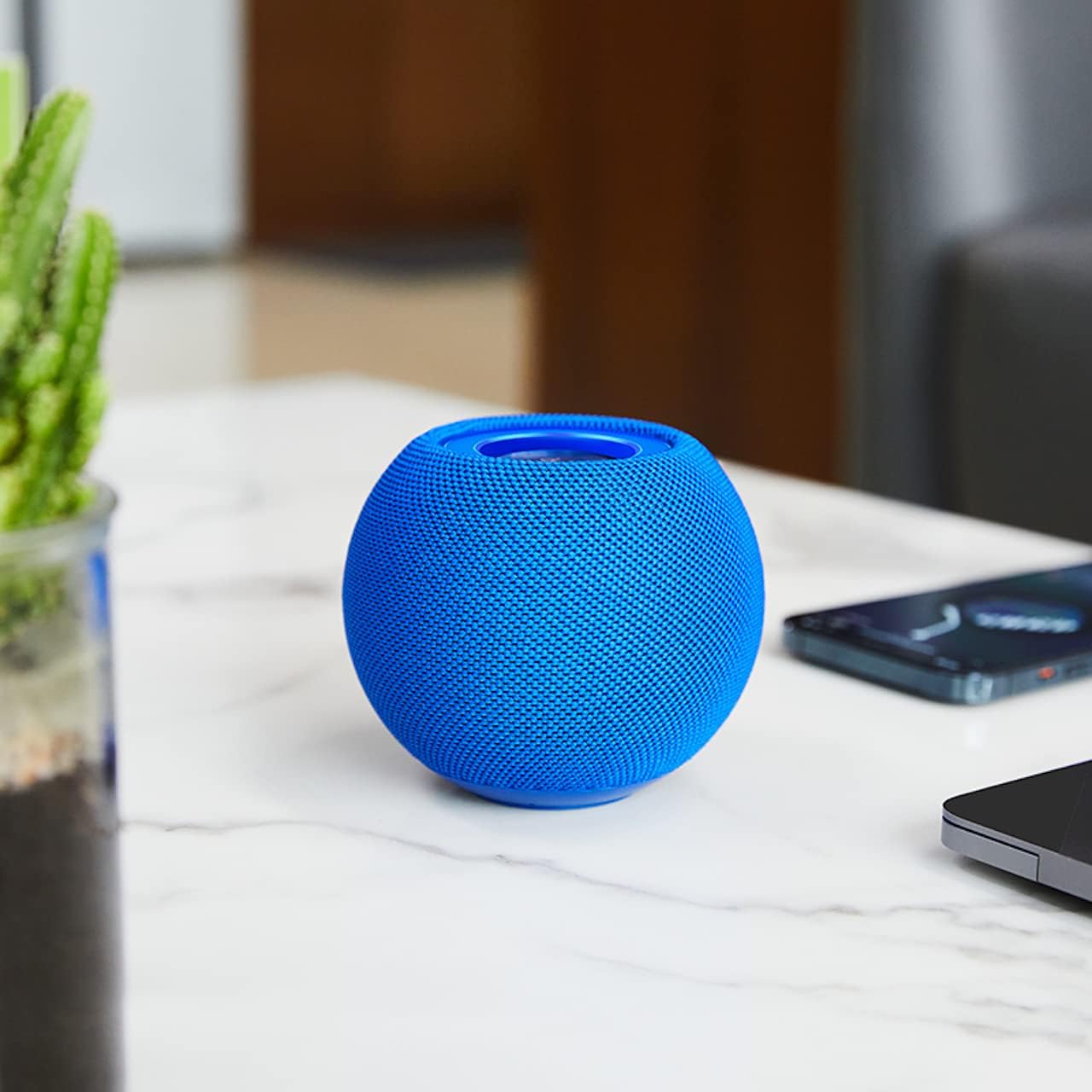
Slika 3.2: The HOCO BS45 speaker positioned on a tabletop, illustrating its compact size relative to a smartphone and a small plant, suitable for various indoor settings.
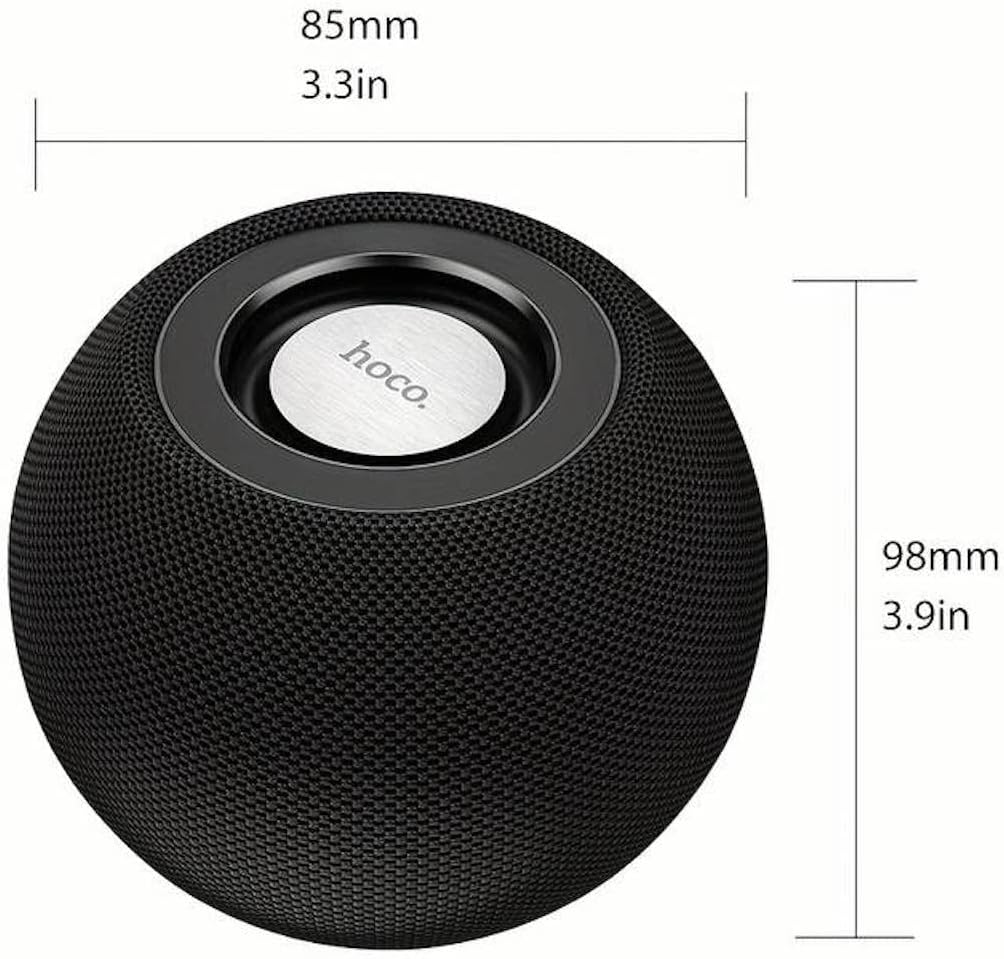
Slika 3.3: Technical diagram indicating the dimensions of the HOCO BS45 speaker: 85mm (3.3 inches) in width and 98mm (3.9 inches) in height.
4. Podešavanje
4.1 Punjenje zvučnika
- Povežite priloženi USB kabl za punjenje na priključak za punjenje na zvučniku.
- Drugi kraj USB kabla priključite na kompatibilni USB adapter za napajanje (nije uključen) ili na USB priključak računara.
- Indikatorska lampica punjenja će svijetliti tokom punjenja.
- Potpuno punjenje traje otprilike 1.5 sata. Indikatorska lampica će se promijeniti ili ugasiti nakon što je punjenje završeno.
The speaker has a built-in 500mAh battery, providing approximately 2 hours of talk or music playback time on a full charge.
4.2 Uključivanje/isključivanje napajanja
- To power on, press and hold the Power button (location not specified, typically a multi-function button) for a few seconds until you hear an audible prompt or see an indicator light.
- To power off, press and hold the Power button again for a few seconds until you hear an audible prompt or the indicator light turns off.
4.3 Bluetooth uparivanje
- Ensure the speaker is powered on and in Bluetooth pairing mode (indicated by a flashing LED light, if present).
- Na svom mobilnom uređaju (pametnom telefonu, tabletu, laptopu) omogućite Bluetooth.
- Traži available Bluetooth devices. The speaker will appear as "HOCO BS45" or similar.
- Select "HOCO BS45" from the list to connect.
- Once successfully paired, you will hear a confirmation sound, and the LED indicator will typically stop flashing and remain solid.
The HOCO BS45 uses Bluetooth 5.0 technology for a stable and reliable connection.
4.4 TWS (Pravi bežični stereo) uparivanje
To achieve a stereo sound experience, you can pair two HOCO BS45 speakers together.
- Ensure both HOCO BS45 speakers are powered on and not connected to any other Bluetooth device.
- On one of the speakers (this will be the primary speaker), press and hold the TWS pairing button (if available, or a multi-function button) until you hear a pairing prompt.
- Dva zvučnika će automatski tražiti i povezati se jedan s drugim. Zvuk potvrde će označiti uspješno TWS uparivanje.
- Once TWS paired, connect your mobile device to the primary speaker via Bluetooth as described in Section 4.3.
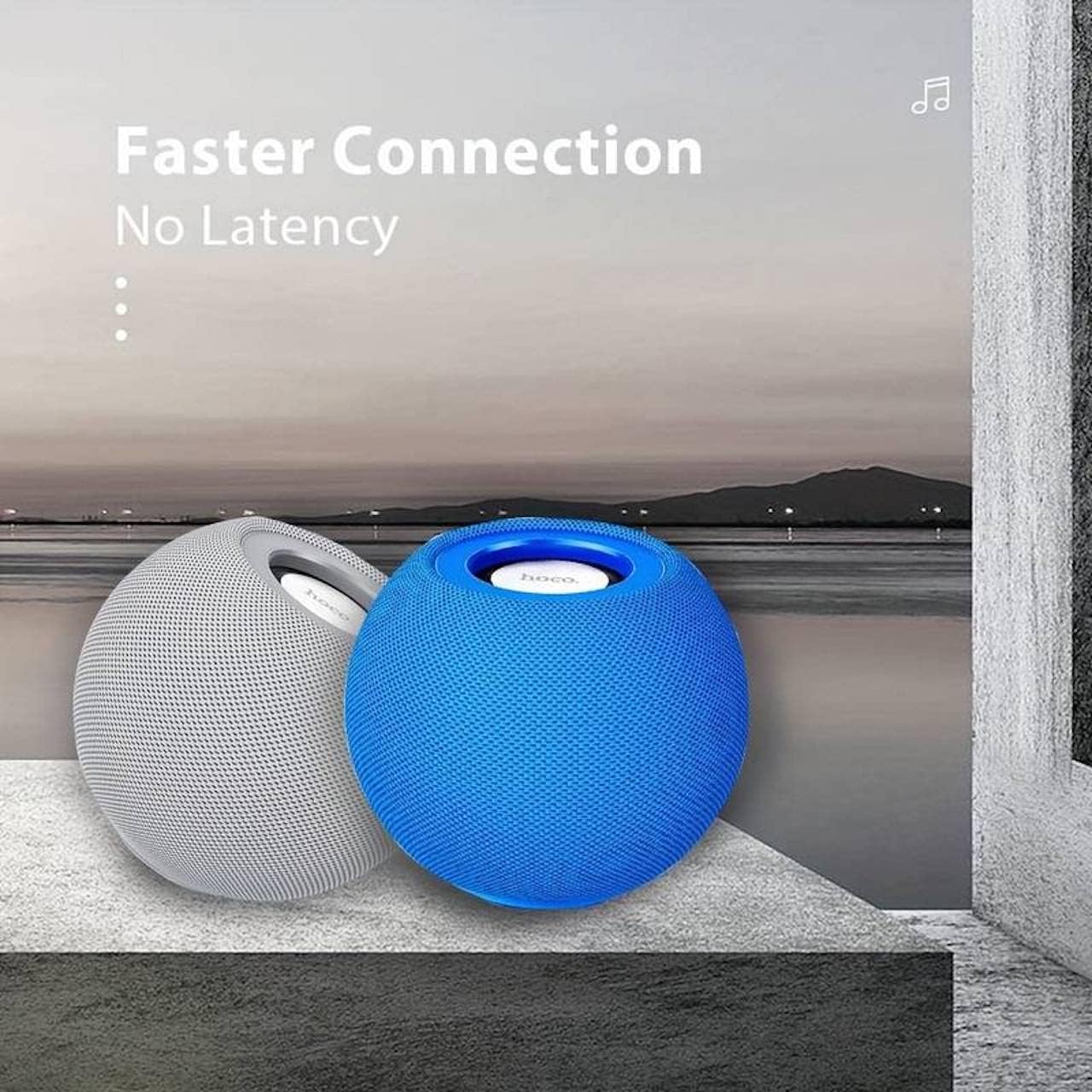
Slika 4.1: Two HOCO BS45 speakers, one grey and one blue, shown together to illustrate the True Wireless Stereo (TWS) pairing capability for enhanced audio.
5. Načini rada
5.1 Bluetooth režim
After successful Bluetooth pairing (Section 4.3), you can play audio from your connected device. Use your device's media player to control playback (play, pause, skip tracks) and volume. Some speaker models may also support these controls directly via integrated buttons.
5.2 Režim FM radija
- Press the Mode button (if available) to switch to FM Radio mode.
- Press the Play/Pause button to initiate an automatic scan for FM stations. The speaker will save available stations.
- Use the Next/Previous track buttons to navigate between saved FM stations.
5.3 Režim TF kartice
- Umetnite TF (microSD) karticu sa zvukom files into the designated TF card slot on the speaker.
- The speaker should automatically switch to TF Card mode and begin playing music. If not, press the Mode button to select TF Card mode.
- Use the speaker's control buttons (e.g., Play/Pause, Next/Previous) to manage playback.
6. Kontrole
The HOCO BS45 speaker features integrated controls for easy operation. While specific button layouts may vary, common functions include:
- Dugme za napajanje: Pritisnite i držite za uključivanje/isključivanje.
- Dugme za reprodukciju/pauzu: Press to play or pause audio. In FM mode, press to auto-scan.
- Pojačavanje/sljedeća pjesma: Kratki pritisak za povećanje jačine zvuka, dugi pritisak za sledeću numeru.
- Smanjivanje zvuka/prethodna pjesma: Kratki pritisak za smanjenje jačine zvuka, dugi pritisak za prethodnu pjesmu.
- Dugme za način rada: Press to switch between Bluetooth, FM Radio, and TF Card modes.
- Call Siri / Voice Assistant: Some models support touch operation to activate voice assistants.

Slika 6.1: A black HOCO BS45 speaker, illustrating its high power capacity and support for various controls including song switching and voice assistant activation via touch operation.
7. Održavanje
- Zvučnik držite suhim. Ne izlažite ga vodi ili prekomjernoj vlazi.
- Očistite zvučnik mekom, suhom krpom. Ne koristite abrazivna sredstva za čišćenje ili rastvarače.
- Avoid extreme temperatures. Store the speaker in a cool, dry place.
- Ne pokušavajte sami rastavljati ili popravljati zvučnik. To će poništiti garanciju.
8. Otkrivanje problema
| Problem | Mogući uzrok | Rješenje |
|---|---|---|
| Zvučnik se ne uključuje. | Niska baterija. | Punite zvučnik najmanje 1.5 sata. |
| Nije moguće uparivanje putem Bluetootha. | Zvučnik nije u načinu uparivanja; Bluetooth uređaja isključen; previše daleko od uređaja. | Ensure speaker is in pairing mode. Enable Bluetooth on your device. Move speaker closer to device (within 10 meters). |
| Nema zvuka. | Volume too low; speaker not connected; incorrect mode. | Increase volume on both speaker and connected device. Re-pair Bluetooth. Ensure correct operating mode (Bluetooth, FM, TF card). |
| Prijem FM radija je slab. | Slab signal; smetnje iz okoline. | Move the speaker to a location with better signal. Avoid obstructions. |
9. Specifikacije
- Model: BS45
- Bluetooth verzija: 5.0 (Chip: JL AC6965)
- Kapacitet baterije: 500mAh
- Vrijeme punjenja: Približno 1.5 sata
- Vrijeme razgovora/muzike: Približno 2 sata
- Jedinica zvučnika: 57 mm * 1
- Izlazna snaga zvučnika: 5 W * 1
- Tehnologija povezivanja: Bluetooth, FM, TF card, TWS
- Način audio izlaza: Surround
- Vrsta montaže: Tabletop
- Vrsta zvučnika: Na otvorenom
- Dimenzije proizvoda: 9.8 x 8.5 x 8.5 cm (3.9 x 3.3 x 3.3 inča)
- Težina proizvoda: 242 g
- Kompatibilni uređaji: Desktop, laptop, MP3 plejer, pametni telefon, tablet
Slika 9.1: A display of four HOCO BS45 speakers in various colors (black, blue, red, grey), emphasizing core specifications such as Bluetooth 5.0, 2 hours of music playback, and a 500mAh battery capacity.
10. Sigurnosne informacije
- Ne izlažite zvučnik ekstremnim temperaturama, direktnoj sunčevoj svjetlosti ili otvorenom plamenu.
- Izbjegavajte ispuštanje ili izlaganje zvučnika jakim udarcima.
- Čuvajte zvučnik dalje od djece i kućnih ljubimaca.
- Use only the provided or a certified charging cable.
- Do not operate the speaker in wet environments or near water.
- Odložite proizvod odgovorno u skladu sa lokalnim propisima.
11. Garancija i podrška
Specific warranty details for the HOCO BS45 speaker may vary by region and retailer. Please refer to your purchase documentation or contact your point of sale for warranty information. For technical support or inquiries, please visit the official HOCO webstranice ili kontaktirajte njihovu korisničku službu.