
iJoy DHP2431
iJoy Disney Nightmare Before Christmas Sally Dress Bluetooth Headphones User Manual
Model: DHP2431 | Brand: iJoy
Uvod

slika: The iJoy Disney Nightmare Before Christmas Sally Dress Bluetooth Headphones, showcasing their unique design.
Thank you for choosing the iJoy Disney Nightmare Before Christmas Sally Dress Bluetooth Headphones. These wireless over-ear headphones are designed to provide a rich audio experience with a unique Sally Dress design. They feature a built-in microphone for hands-free calling, a foldable design for portability, and versatile connectivity options. This manual will guide you through the setup, operation, and maintenance of your new headphones.
Setup
1. Punjenje slušalica
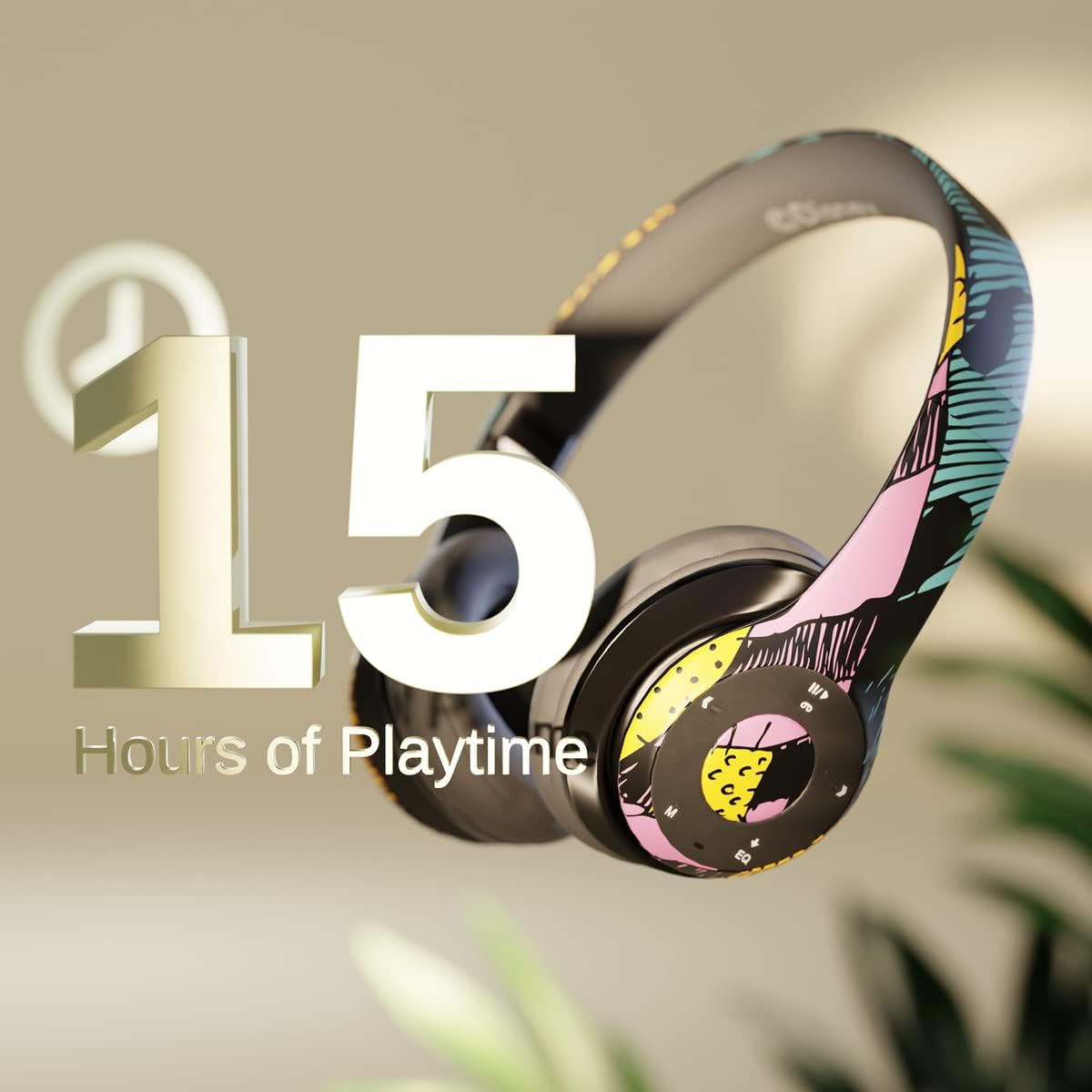
slika: Graphic indicating 15 hours of playtime for the headphones, highlighting battery endurance.
Before first use, fully charge your headphones. Connect the provided charging cable to the charging port on the headphones and a USB power source. The LED indicator will show charging status and turn off when fully charged. A full charge provides approximately 15 hours of battery life.
2. Bluetooth uparivanje

slika: The headphones with a graphic illustrating universal compatibility with both Apple and Android devices.
- Uvjerite se da su slušalice isključene.
- Pritisnite i držite dugme za napajanje dok LED indikator ne zatreperi plavo i crveno, što označava režim uparivanja.
- On your Bluetooth-enabled device (smartphone, tablet, computer), go to Bluetooth settings and search for available devices.
- Select "iJoy DHP2431" (or similar name) from the list.
- Kada se poveže, LED indikator će polako treptati plavo.
3. Using the Auxiliary Cable
For a wired connection, plug one end of the 3.5mm auxiliary cable into the headphone's audio jack and the other end into your audio device. This allows for continued listening even if the battery is depleted.
4. Reprodukcija s Micro SD kartice
Insert a Micro SD card with your favorite music into the designated slot on the headphones. The headphones will automatically switch to Micro SD card playback mode. Use the control buttons to manage your music.
Uputstvo za upotrebu
Uključivanje/isključivanje
- Za uključivanje: Pritisnite i držite dugme za napajanje dok se LED indikator ne upali.
- Za isključivanje: Pritisnite i držite dugme za napajanje dok se LED indikator ne ugasi.
5-Button Control System
The headphones feature a convenient 5-button control system located on the ear cup for easy management of audio and calls.

slika: Detaljno view of the 5-button control panel on the headphone ear cup, indicating functions for volume, track navigation, equalizer, and call management.
- Play/Pause/Answer/Hang-up: Press the center button to play or pause music, or to answer/end a phone call.
- Jačina zvuka / Sljedeća pjesma: Pritisnite dugme '+' da biste povećali jačinu zvuka. Držite dugme '+' da biste prešli na sljedeću pjesmu.
- Utišavanje / prethodna pjesma: Pritisnite dugme '-' da smanjite jačinu zvuka. Držite dugme '-' da pređete na prethodnu numeru.
- Ekvilajzer: Press the 'EQ' button to cycle through different equalizer presets.
- Birač načina rada: Press the 'M' button to switch between Bluetooth, Micro SD card, and FM Radio modes.
Hands-free pozivanje
With the built-in microphone, you can make and receive calls directly through your headphones when connected via Bluetooth to your smartphone. Use the center button to answer or end calls.
Ugrađeni radio prijemnik
Switch to FM Radio mode using the 'M' button. The headphones will automatically scan and tune into available radio stations. Use the track navigation buttons to change stations.
Sklopivi dizajn

slika: The headphones are shown in their folded configuration, highlighting their compact and portable design for easy storage and transport.
The headphones feature a foldable design, allowing for easy storage and portability. Simply fold the ear cups inwards towards the headband to reduce their size for travel or storage in a backpack.
Noise Canceling Design

slika: Eksplodirao je view of the headphone's ear cup, illustrating the internal speaker components and the connection point for the auxiliary cable, emphasizing the noise-canceling technology.
The over-ear cup design helps to isolate audio, providing a more immersive listening experience by reducing external noise interference.
Održavanje
- čišćenje: Za čišćenje slušalica koristite meku, suhu krpu. Ne koristite abrazivna sredstva za čišćenje ili rastvarače.
- Skladištenje: When not in use, store the headphones in a cool, dry place. Utilize the foldable design for compact storage.
- Održavanje baterije: Da biste produžili vijek trajanja baterije, izbjegavajte često potpuno pražnjenje slušalica. Redovno ih punite, čak i ako ih ne koristite stalno.
- Otpornost na vodu: Ove slušalice nisu vodootporne. Izbjegavajte izlaganje tekućinama.
Rješavanje problema
- Nema napajanja: Provjerite jesu li slušalice potpuno napunjene. Spojite ih na izvor napajanja i provjerite indikator punjenja.
- Nije moguće uparivanje putem Bluetootha:
- Provjerite jesu li slušalice u načinu rada za uparivanje (LED treperi plavo i crveno).
- Provjerite je li Bluetooth omogućen na vašem uređaju i je li unutar dometa (obično 10 metara).
- Zaboravite uređaj s Bluetooth liste telefona i pokušajte ponovo upariti uređaj.
- Ponovo pokrenite i slušalice i uređaj.
- Nema zvuka:
- Provjerite nivo jačine zvuka i na slušalicama i na povezanom uređaju.
- Ensure the headphones are properly connected via Bluetooth or auxiliary cable.
- If using an SD card, ensure the audio files su u kompatibilnom formatu.
- Loš kvalitet zvuka:
- Približite se svom Bluetooth uređaju kako biste izbjegli smetnje.
- Provjerite audio izvor da li ima problema s kvalitetom.
- Ensure the ear cups are properly positioned over your ears for optimal sound isolation.
Specifikacije
| Naziv modela | DHP2431 |
| Tehnologija povezivanja | bežični (Bluetooth) |
| Bežična komunikacijska tehnologija | Bluetooth |
| Uključene komponente | Headphones, Charging Cable, Auxiliary Cable |
| Dobni raspon (opis) | Adult (suitable for kids) |
| Materijal | Plastic, Metal, Fabric, Memory Foam |
| Preporučena upotreba za proizvod | Muzika, pozivanje |
| Kompatibilni uređaji | Bluetooth uređaji |
| Tip kontrole | Volume Control, Track Navigation, Equalizer, Mode Selector |
| Cable Feature | Retractable, Without Cable (for wireless use) |
| Težina artikla | 0.26 kilograma (9.1 unci) |
| Nivo vodootpornosti | Nije vodootporan |
| Stil | Sally Dress |
| Kontrolni metod | Dugme |
| Broj stavki | 1 |
| Trajanje baterije | 15 sata |
| Vrsta audio drajvera | Dynamic Driver |
| Oblik slušalice | Preko uha |
| Hardversko sučelje | 3.5 mm audio |
| UPC | 842700197150 |
| Posebna karakteristika | Ugrađeni radio prijemnik, sklopiva i podesiva traka za glavu, priključak za Micro SD karticu, mikrofon uključen |
| Proizvođač | iJoy |
| Dimenzije paketa | 6.57 x 6.1 x 3.19 inča |
| Baterije | Potrebna je 1 litijum-polimerska baterija (uključena) |
Garancija
iJoy provides a 6-mjesečna garancija za zamjenu for these headphones. If your headset breaks or is damaged for any reason within this period, iJoy will provide you with a free replacement.
Podrška
For further assistance, troubleshooting, or warranty claims, please contact iJoy customer support. You can often find contact information on the product packaging or by visiting the official iJoy website.
Video snimci proizvoda
iJoy Disney Nightmare Before Christmas Headphones Overview
video: Zvanična video prezentacija proizvodaasing the iJoy Disney Nightmare Before Christmas Headphones, highlighting their design and features.
Ask a question about this manual
Ask about setup, troubleshooting, compatibility, parts, safety, or missing instructions. Manuals+ will review the question and use this page’s manual context to help answer it.