
Uvod
Thank you for choosing the AODSK AA-05 Digital Guitar Amplifier. This compact and portable 5W amplifier is designed for electric guitar practice and features Bluetooth connectivity for audio playback. This manual provides essential information for safe and effective use of your amplifier.
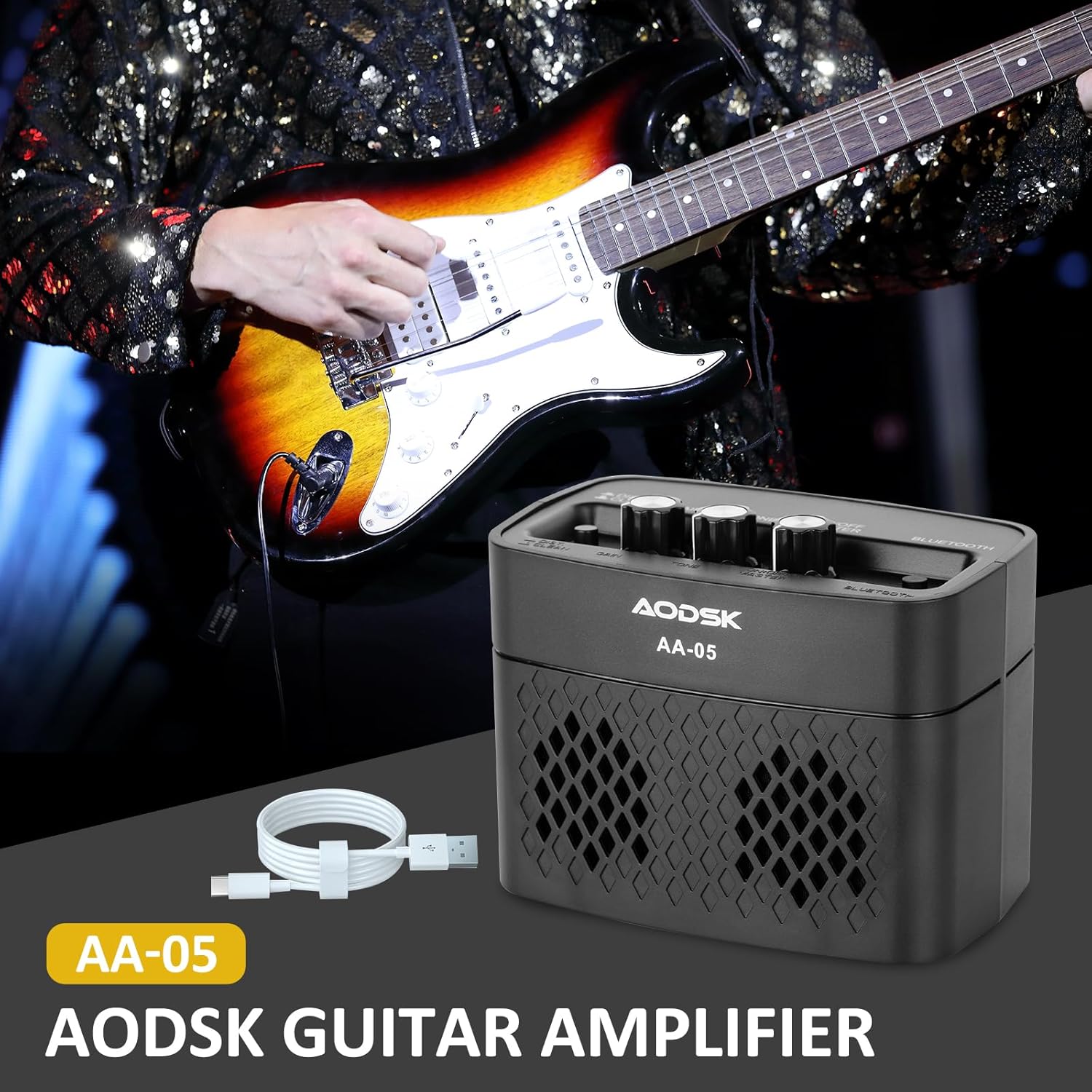
Image: The AODSK AA-05 Digital Guitar Amplifier, a compact black unit, shown with a Type-C charging cable. A guitar player is visible in the background, demonstrating its use.
Sigurnosne informacije
- Nemojte izlagati ampizložen vodi ili prekomjernoj vlazi.
- Izbjegavajte postavljanje ampuređaj u blizini izvora toplote ili na direktnoj sunčevoj svjetlosti.
- Za punjenje koristite samo priloženi kabel za punjenje ili certificirani Type-C kabel.
- Ne pokušavajte rastavljati ili modificirati amplifier. This will void the warranty and may cause damage.
- Čuvati van domašaja djece.
Sadržaj paketa
Provjerite da li su sve stavke prisutne u paketu:
- AODSK AA-05 Digital Guitar Amplifier
- Type-C USB kabel za punjenje
- Uputstvo za upotrebu
Product Overview
Familiarize yourself with the controls and ports of your AA-05 ampdizalica:

Image: A detailed diagram showing the top and rear panels of the AODSK AA-05 amplifier, labeling each button, knob, and port with corresponding numbers and descriptions.
- Effect Switch: Toggles between Clean and Distortion channels.
- Gumb za pojačanje: Adjusts the input signal level, affecting the amount of overdrive/distortion.
- Dugme za ton: Controls the tonal characteristics, from darker to brighter sounds.
- Dugme za napajanje/glasnoću: Okreće amplifier on/off and adjusts the overall output volume.
- Indikator napajanja: Svetli kada je ampLifier je uključen.
- Bluetooth dugme: Aktivira Bluetooth način uparivanja.
- Izlaz za slušalice: For connecting headphones for silent practice.
- Ulaz za gitaru: Ovdje spojite električnu gitaru.
- Pokazatelj punjenja: Prikazuje status punjenja.
- Naplati Jack: Type-C port for charging the amplifier.
Setup
1. Punjenje Amplifier
Prije prve upotrebe, potpuno napunite amplifier. Connect the supplied Type-C USB cable to the amplifier's Charge Jack (10) and the other end to a USB power adapter (not included) or a computer USB port. The Charge Indicator (9) will show the charging status.

Image: An illustration of the AODSK AA-05 amplifier highlighting its battery life, indicating up to 8 hours of use on a full charge.
2. Početna veza
- Osigurajte ampLifier je naplaćen.
- Turn the Power/Volume knob (4) clockwise to power on the amplifier. The Power Indicator (5) will light up.
- Connect your electric guitar to the Guitar Input Jack (8) using a standard 1/4-inch instrument cable.
Uputstvo za upotrebu
1. Adjusting Guitar Sound
- Volumen: Use the Power/Volume knob (4) to adjust the overall output volume.
- Kanali: Press the Effect Switch (1) to toggle between Čisto i Distorzija kanala.
- dobitak: In Distorzija mode, rotate the Gain knob (2) to control the amount of distortion.
- ton: Adjust the Tone knob (3) to shape the frequency response of your guitar sound.

Image: The AODSK AA-05 amplifier with visual cues indicating its two channels: Clean and Distortion, which can be switched with a single button. The image also mentions using all-analog audio processing.
2. Using Bluetooth Function
The AA-05 amplifier features integrated Bluetooth 5.0 for playing music from external devices.
- Uključite amplifier using the Power/Volume knob (4).
- Press the Bluetooth Button (6). The Bluetooth indicator will flash, indicating it's in pairing mode.
- On your Bluetooth-enabled device (phone, tablet, PC), search for "AODSK AA-05" in the Bluetooth settings.
- Select "AODSK AA-05" to pair. Once connected, the Bluetooth indicator will stop flashing and remain solid.
- You can now play music through the amplifier. The amplifier can play both music and electric guitar sounds simultaneously.
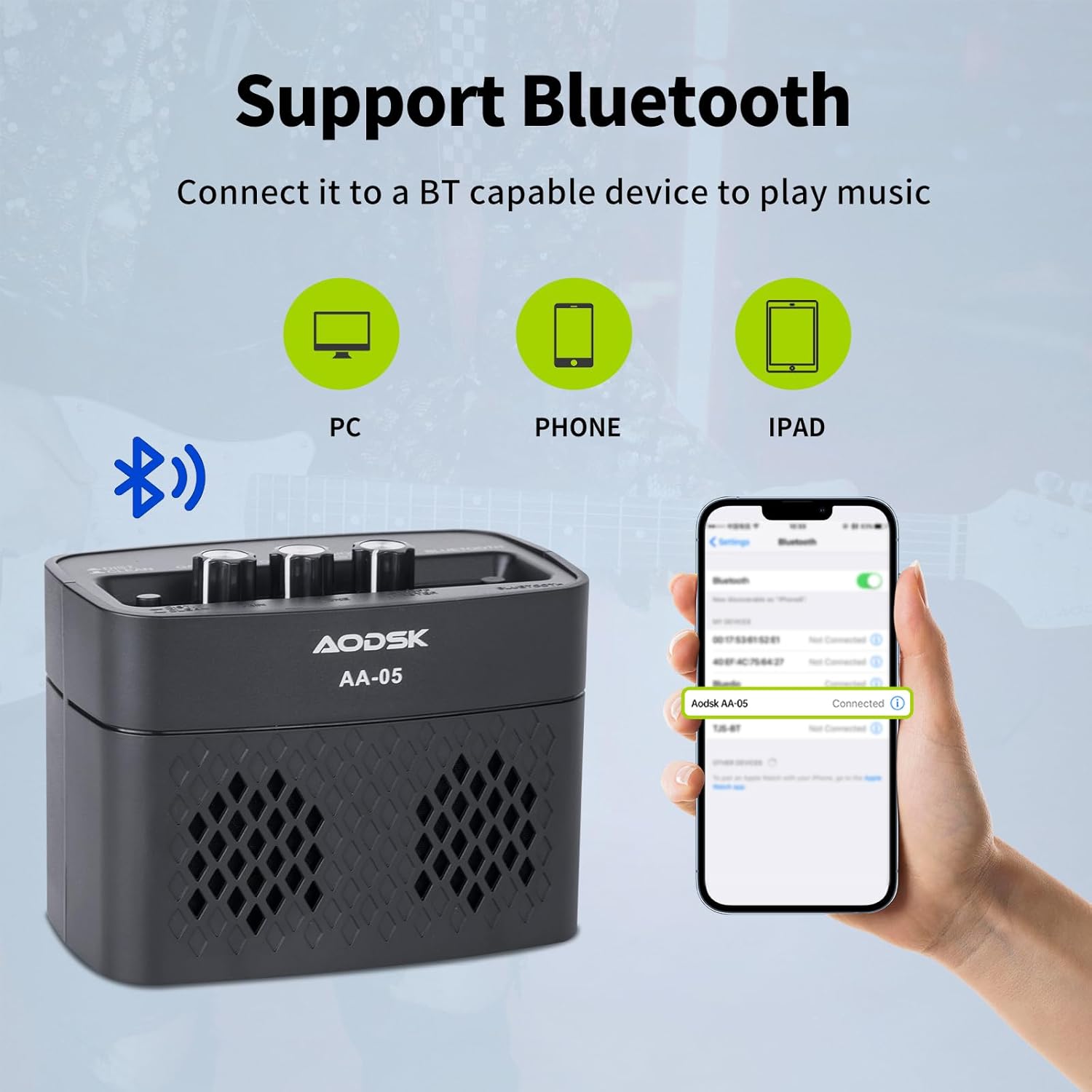
Image: An illustration demonstrating the AODSK AA-05 amplifier's Bluetooth connectivity, showing it can connect to PCs, phones, and iPads to play music.
3. Korištenje slušalica
For private practice, connect standard 3.5mm headphones to the Earphone Output Jack (7). This will mute the main speaker output.
Održavanje
- čišćenje: Obrišite ampObrišite usisivač mekom, suhom krpom. Ne koristite tekuća sredstva za čišćenje ili abrazivne materijale.
- Skladištenje: Čuvajte ampČuvajte na hladnom i suhom mjestu, dalje od direktne sunčeve svjetlosti i ekstremnih temperatura.
- Održavanje baterije: For optimal battery life, avoid fully discharging the battery frequently. Charge the ampRedovno provjeravajte uređaj za čišćenje, čak i ako se ne koristi duži period.
Rješavanje problema
| Problem | Mogući uzrok | Rješenje |
|---|---|---|
| Nema zvuka sa gitare | Amplifier not powered on; Volume too low; Guitar cable faulty; Guitar volume off. | Uključi amplifier and increase volume; Check guitar cable and guitar volume. |
| Nema zvuka sa Bluetooth-a | Bluetooth not paired; Device volume too low; AmpZapremina punilice je preniska. | Ensure Bluetooth is paired (solid indicator); Increase volume on both device and amplifier. |
| Izobličen zvuk (neočekivano) | Gain too high; Effect switch in Distortion mode; Faulty cable. | Reduce Gain; Switch to Clean channel; Try a different guitar cable. |
| Amplifier not charging | Charging cable faulty; Power adapter faulty; Charge port damaged. | Try a different Type-C cable and power adapter. If issue persists, contact support. |
Specifikacije
| Feature | Detalj |
|---|---|
| Naziv modela | AA-05 |
| Brand | AODSK |
| Izlazna snaga | 5 Watts |
| Izlazni kanali | 2 (Čistoća, Distorzija) |
| Izvor napajanja | Napajanje baterijama (punjiva litijum-jonska baterija) |
| Trajanje baterije | Do 8 sati (pri potpunom punjenju) |
| Bluetooth verzija | 5.0 |
| Kompatibilni uređaji | Guitar, Bluetooth-enabled audio devices |
| Materijal | Plastic, Metal, Battery |
| Boja | Crna |
| Dimenzije proizvoda | 20.32 x 10.16 x 11.94 cm (8 x 4 x 4.7 inča) |
| Težina artikla | 567 grama (1.25 lbs) |
Garancija i podrška
AODSK is committed to customer satisfaction. We offer an unconditional refund for quality issues. You can purchase our products with confidence.
For any questions, concerns, or support needs, please refer to your purchase platform or contact AODSK customer service directly. Please have your model number (AA-05) and purchase details ready when contacting support.