
1. Uvod
This manual provides detailed instructions for the setup, operation, and maintenance of your BINNIFA Play 6D Sound Bar. Please read this manual thoroughly before using the product to ensure proper function and to maximize your audio experience. Keep this manual for future reference.

Image 1.1: The BINNIFA Play 6D Sound Bar, a sleek, silver-colored audio device designed to enhance television sound.
2. Sigurnosne informacije
- Ne izlažite zvučnu traku kiši, vlazi ili ekstremnim temperaturama.
- Osigurajte odgovarajuću ventilaciju oko jedinice kako biste spriječili pregrijavanje.
- Ne otvarajte casing; sve servisne radove prepustite kvalifikovanom osoblju.
- Koristite samo isporučeni adapter za napajanje.
- Držite zvučnu traku dalje od jakih magnetskih polja.
3. Sadržaj paketa
Provjerite da li su sve stavke prisutne u paketu:
- BINNIFA Play 6D Sound Bar
- Daljinski upravljač
- Napajanje ispravljač
- Optički kabel
- Setovi za montažu na zid
4. Proizvod je gotovview
4.1 Prednja i gornja strana View
Slika 4.1: Prednja strana view of the sound bar, featuring a silver grille and a subtle BINNIFA logo on the left.
4.2 Priključci stražnje ploče
The rear panel of the sound bar provides various input ports for connecting to your television and other audio sources.

Image 4.2: Close-up of the rear panel showing input ports: Coaxial (COX), Optical (OPT), HDMI ARC, USB, AUX, and DC IN.
5. Podešavanje
5.1 Opcije smještaja
The BINNIFA Play 6D Sound Bar offers flexible placement options:
- Položaj stola: Place the sound bar on a flat, stable surface directly in front of your television. Ensure it does not obstruct the TV's remote sensor.
- Montaža na zid: Use the included wall mounting kits to attach the sound bar to a wall below your television. Refer to the wall mounting template for precise drilling locations.

Image 5.1: The sound bar positioned on a media console beneath a television, demonstrating tabletop placement.
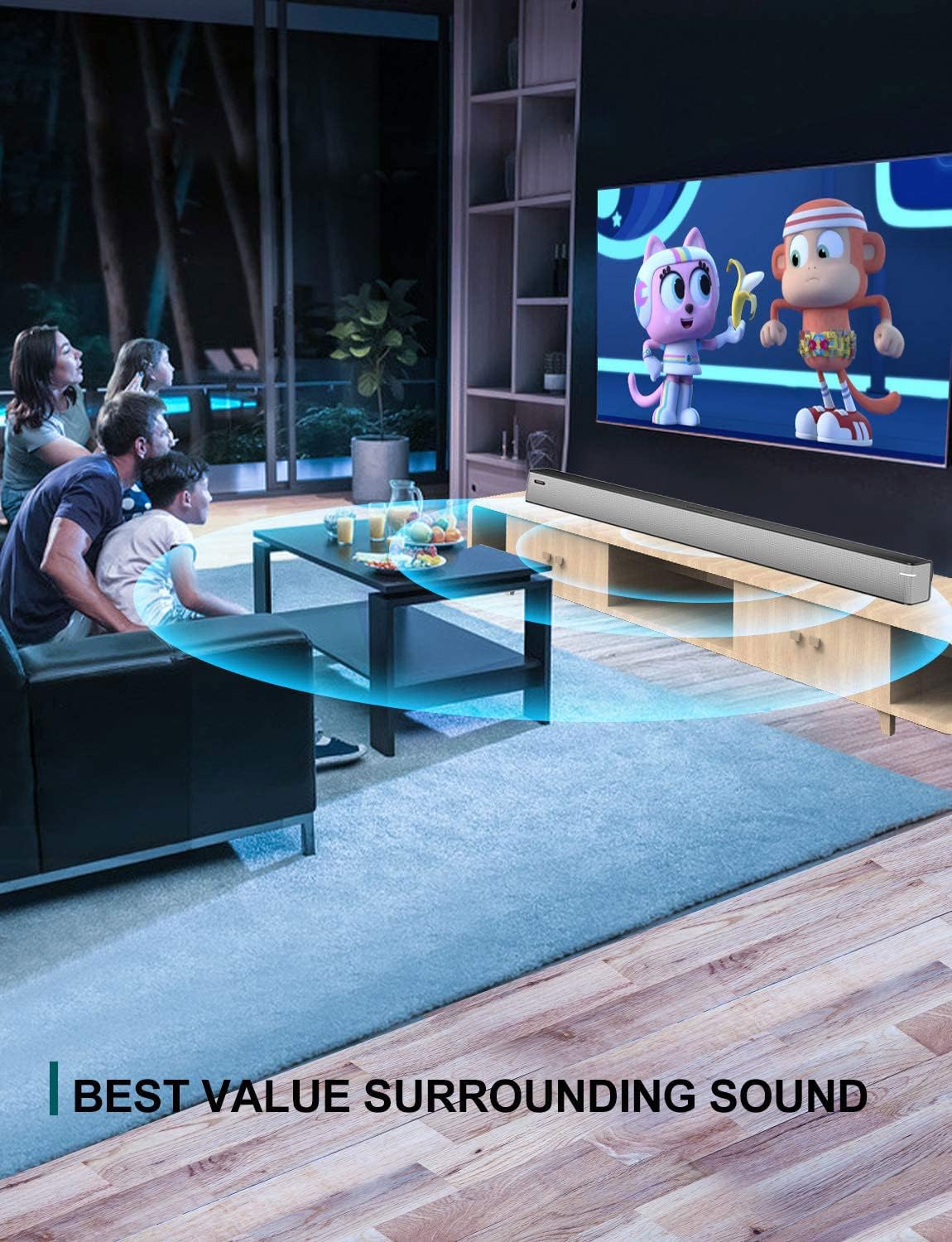
Image 5.2: The sound bar mounted on a wall directly below a television, illustrating wall-mount installation.
5.2 Connecting to Your TV or Audio Source
The sound bar supports multiple connection types. Choose the method that best suits your television or audio device.
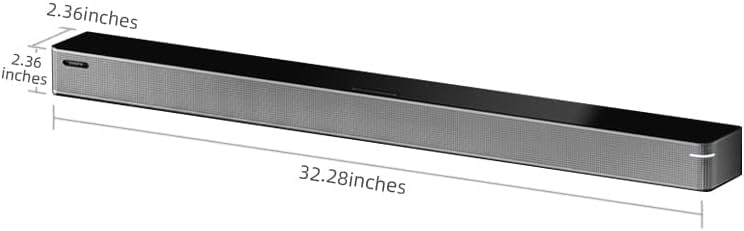
Image 5.3: A diagram illustrating the available connection methods: HDMI ARC, USB Media, and Bluetooth.
- HDMI ARC veza (preporučeno):
- Connect one end of an HDMI cable (not included) to the HDMI ARC port on your TV.
- Spojite drugi kraj na HDMI ARC port na sound baru.
- Provjerite je li funkcija HDMI ARC na vašem televizoru omogućena u njegovim postavkama.
- Optička veza:
- Connect the included optical cable to the OPT port na sound baru.
- Connect the other end to the optical digital audio output port on your TV.
- Set your TV's audio output to 'Optical' or 'PCM'.
- AUX veza:
- Connect a 3.5mm audio cable (not included) to the AUX port na sound baru.
- Connect the other end to the headphone jack or AUX output on your TV or audio device.
- USB veza:
- Umetnite USB fleš disk koji sadrži audio files into the USB port na sound baru.
- The sound bar will automatically switch to USB mode and begin playback.
- Koaksijalni priključak:
- Connect a coaxial cable (not included) to the COX port na sound baru.
- Connect the other end to the coaxial digital audio output port on your TV.
5.3 Priključak za napajanje
Connect the AC power adapter to the DC IN port on the sound bar, then plug the adapter into a wall outlet.
6. Uputstvo za upotrebu
6.1 Uključivanje/isključivanje napajanja
Pritisnite Snaga dugme na daljinskom upravljaču ili na soundbaru da biste uključili ili isključili uređaj.
6.2 Odabir ulaza
Pritisnite Input button on the remote control to cycle through the available input sources: HDMI ARC, Optical, AUX, USB, and Bluetooth.
6.3 Bluetooth uparivanje
Za povezivanje Bluetooth uređaja:
- Uključite soundbar i odaberite Bluetooth način rada pomoću Input button. The indicator light will flash.
- Omogućite Bluetooth na svom mobilnom uređaju (pametnom telefonu, tabletu itd.).
- Traži available devices and select "BINNIFA Play 6D" from the list.
- Once paired, the indicator light on the sound bar will stop flashing and remain solid.
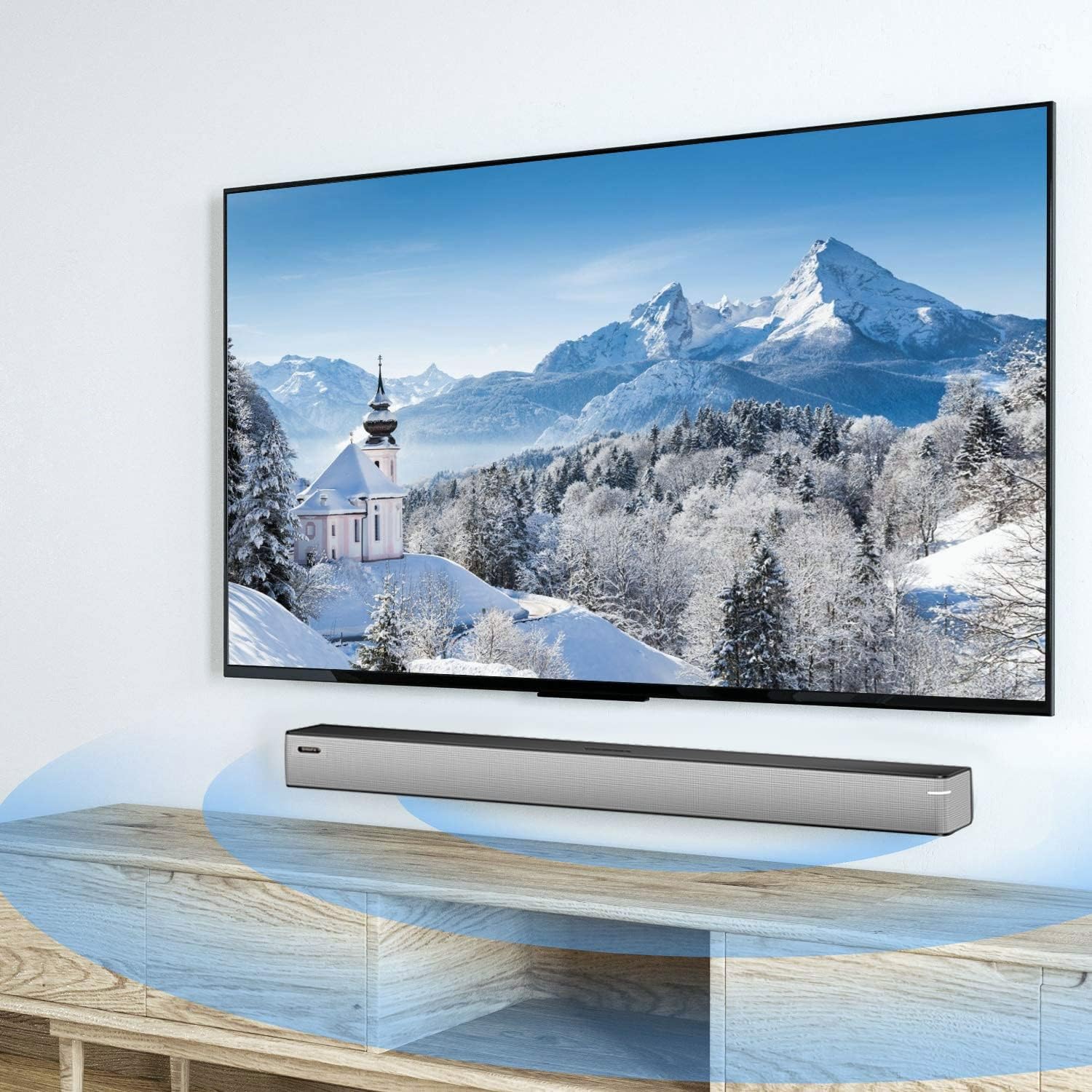
Image 6.1: A smartphone displaying music playback, wirelessly connected to the sound bar via Bluetooth, illustrating simple connectivity.
6.4 režima zvuka
The sound bar features three optimized sound modes:
- Muzički način rada: Ideal for pop music, providing balanced audio.
- Režim filma: Enhances movie and TV show audio with heavy bass for an immersive experience.
- Mod vijesti: Optimizuje jasnoću glasa za informativne emisije i talk show emisije.
Press the corresponding button on the remote control to switch between modes.
6.5 Kontrola jačine zvuka
Koristite Jačina zvuka (+) i Smanjivanje glasnoće (-) buttons on the remote control or on the sound bar to adjust the volume level.
7. Održavanje
To ensure the longevity and performance of your sound bar:
- čišćenje: Wipe the surface of the sound bar with a soft, dry cloth. Do not use liquid cleaners or abrasive materials.
- Skladištenje: Ako uređaj skladištite duži period, isključite ga iz struje i čuvajte ga na hladnom i suhom mjestu.
- ventilacija: Ensure that the vents are not blocked to prevent overheating.
8. Otkrivanje problema
If you encounter issues with your BINNIFA Play 6D Sound Bar, refer to the following common problems and solutions:
| Problem | Mogući uzrok | Rješenje |
|---|---|---|
| Nema zvuka sa soundbara. |
|
|
| Bluetooth uređaj se ne može upariti. |
|
|
| Daljinski upravljač ne radi. |
|
|
9. Specifikacije
Detailed technical specifications for the BINNIFA Play 6D Sound Bar:
- Model: Play 6D
- Brand: BINNIFA
- Dimenzije proizvoda: 82 cm x 6 cm x 6 cm
- Težina artikla: 4.19 funti (1.9 kg)
- Vrsta zvučnika: Soundbar
- Vrsta montaže: Zidni nosač, stolna ploča
- Tehnologija povezivanja: Pomoćni, Bluetooth, Koaksijalni, HDMI ARC, Optički, USB
- Tehnologija bežične komunikacije: Bluetooth 5.0
- Bluetooth opseg: Do 10 metara (33 stope)
- Maksimalna izlazna snaga zvučnika: 30 Watts
- Frekvencijski odziv: 60 Hz
- Odnos signala i šuma: 75 dB
- Izvor napajanja: Corded Electric (AC adapter)
- Metoda kontrole: Daljinski upravljač
- Boja: Srebro
- UPC: 791200396207

Image 9.1: Diagram illustrating the dimensions of the sound bar: approximately 32.28 inches long, 2.36 inches deep, and 2.36 inches high.
10. Garancija i podrška
BINNIFA products are designed for reliability and performance. For warranty information or technical support, please refer to the warranty card included with your product or visit the official BINNIFA webSačuvajte račun kao dokaz o kupovini za reklamacije u slučaju reklamacije.