Uvod
This manual provides essential information for setting up, operating, maintaining, and troubleshooting your iFFALCON 43-inch 4K Ultra HD Smart LED Google TV, model iFF43U62. Please read this manual thoroughly before using your television to ensure proper functionality and safety.
Šta je u kutiji
Prilikom raspakivanja, provjerite da li su uključene sve sljedeće stavke:
- 1 x iFFALCON 43-inch LED TV
- 1 x Postolje za sto
- 1 x Uputstvo za upotrebu
- 1 x Garantni list
- 1 x daljinski upravljač
- 2 x AAA baterije
Setup
1. Instalacija na postolje ili montaža na zid
Carefully place the TV face down on a soft, flat surface to prevent screen damage. Attach the provided table-top stand using the screws, ensuring it is securely fastened. If wall mounting, follow the instructions provided with your wall mount kit (sold separately) and ensure proper ventilation around the TV.

Image: TV dimensions for stand installation or wall mounting.
2. Povezivanje uređaja
Connect your external devices such as set-top boxes, Blu-ray players, or gaming consoles to the HDMI ports. Use the USB port for external storage devices. For wired internet, connect an Ethernet cable to the LAN port. The TV also supports in-built Wi-Fi (2.4GHz/5GHz) for wireless connectivity.

Slika: Sa strane view showing various connectivity ports.
3. Uključivanje i početno podešavanje
Plug the power cord into an electrical outlet. Press the power button on the TV or remote control. Follow the on-screen instructions to complete the initial setup, including language selection, network connection, and Google account sign-in.
Upravljanje televizorom
1. Google TV Interface and Smart Features
Your iFFALCON TV runs on Google TV, offering a personalized experience with content recommendations. Access pre-installed apps like Netflix, Prime Video, Disney+Hotstar, and YouTube. Use Google Assistant for voice control to search for content, control smart home devices, and more.

Image: Google TV interface with streaming apps.
2. Karakteristike ekrana
Experience stunning visuals with 4K Ultra HD resolution (3840 x 2160) and a 60Hz refresh rate. The TV features an A+ Grade Panel, AI Picture Engine 2.0, HDR 10 support, 4K Upscaling, Dynamic Color Enhancement, and Micro Dimming Technology for enhanced contrast and vibrant colors. The Edgeless Design provides an immersive viewing iskustvo.
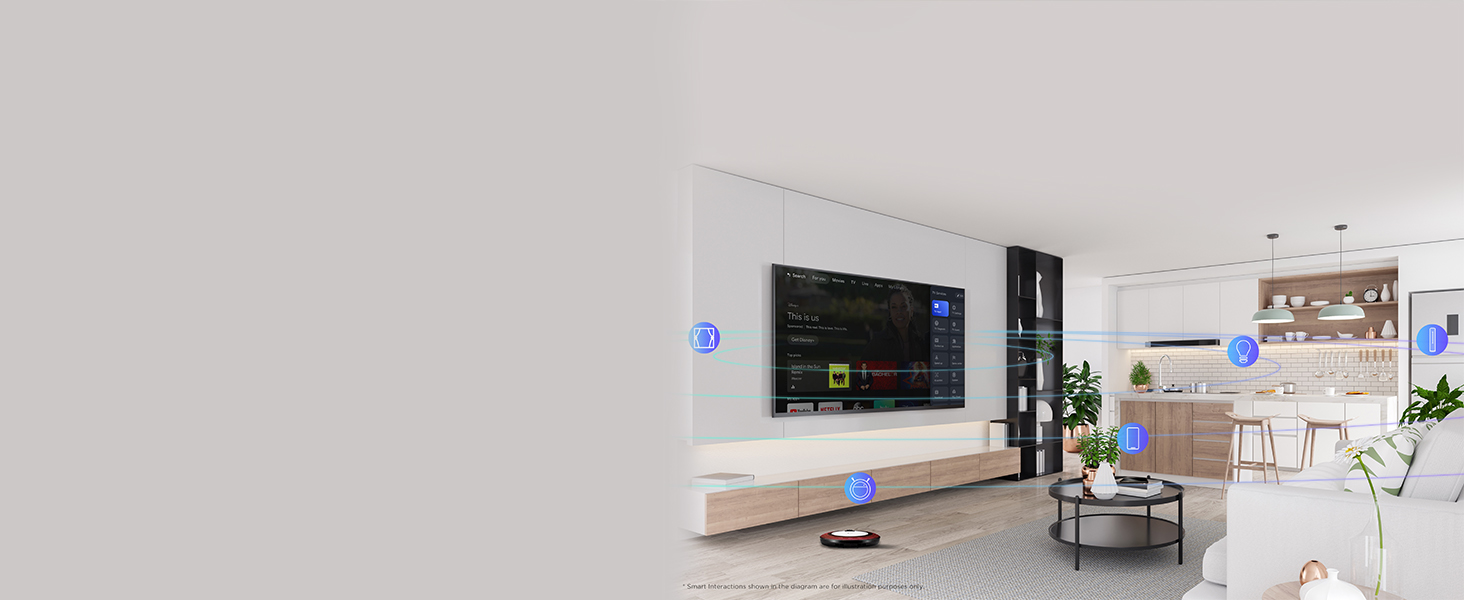
Image: 4K Ultra HD resolution detail.
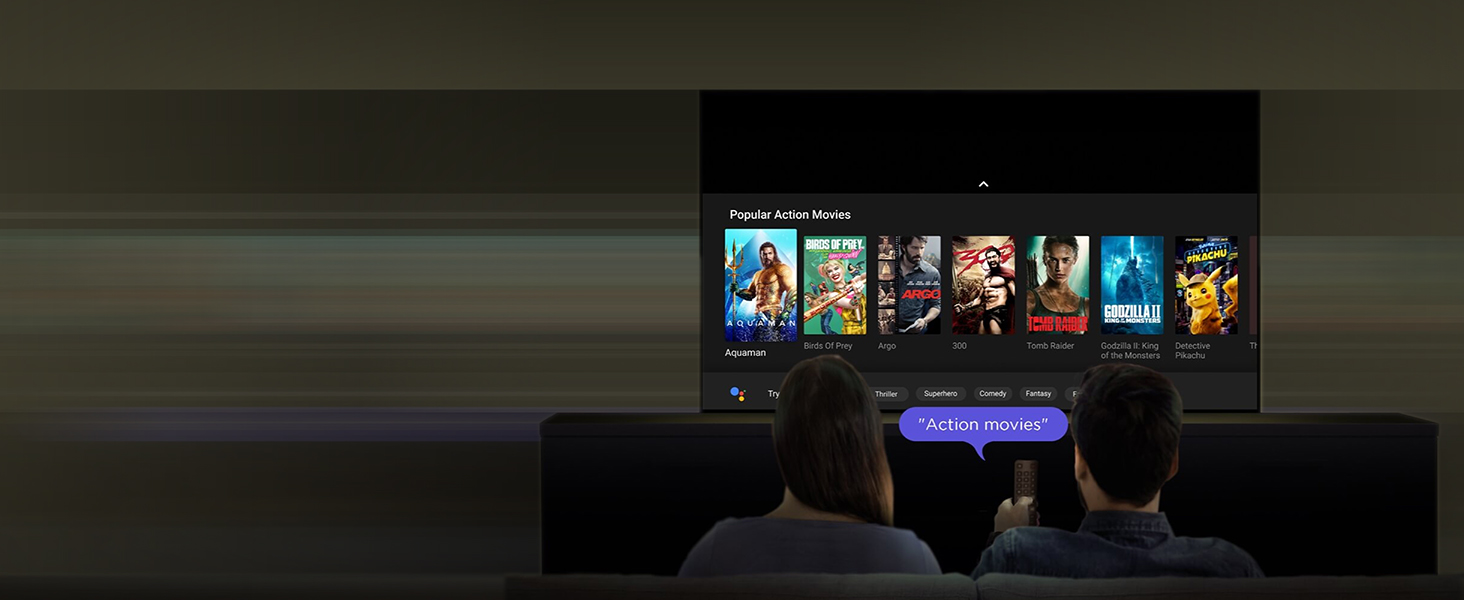
Image: HDR 10 contrast and color enhancement.
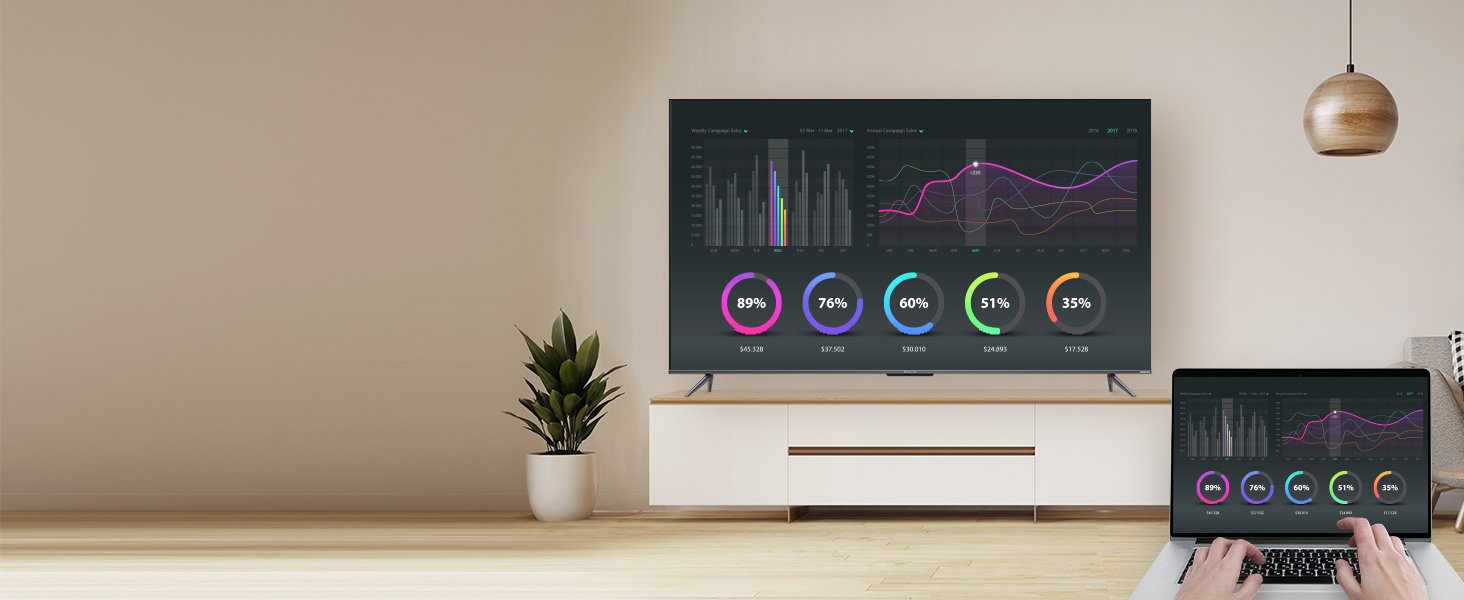
Image: Dynamic Color Enhancement.
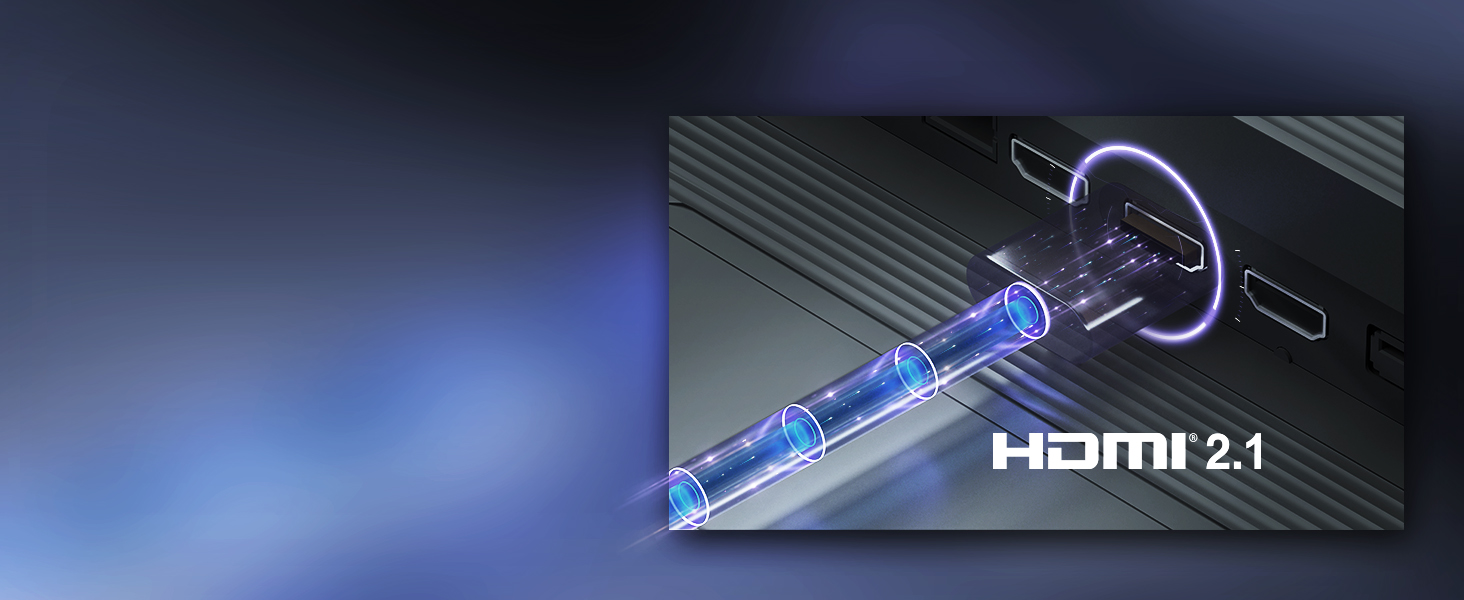
Image: Micro Dimming technology for enhanced contrast.
3. Audio karakteristike
The TV delivers powerful audio with 24 Watts output and Dolby Audio technology, providing rich, clear, and immersive sound for all your entertainment.
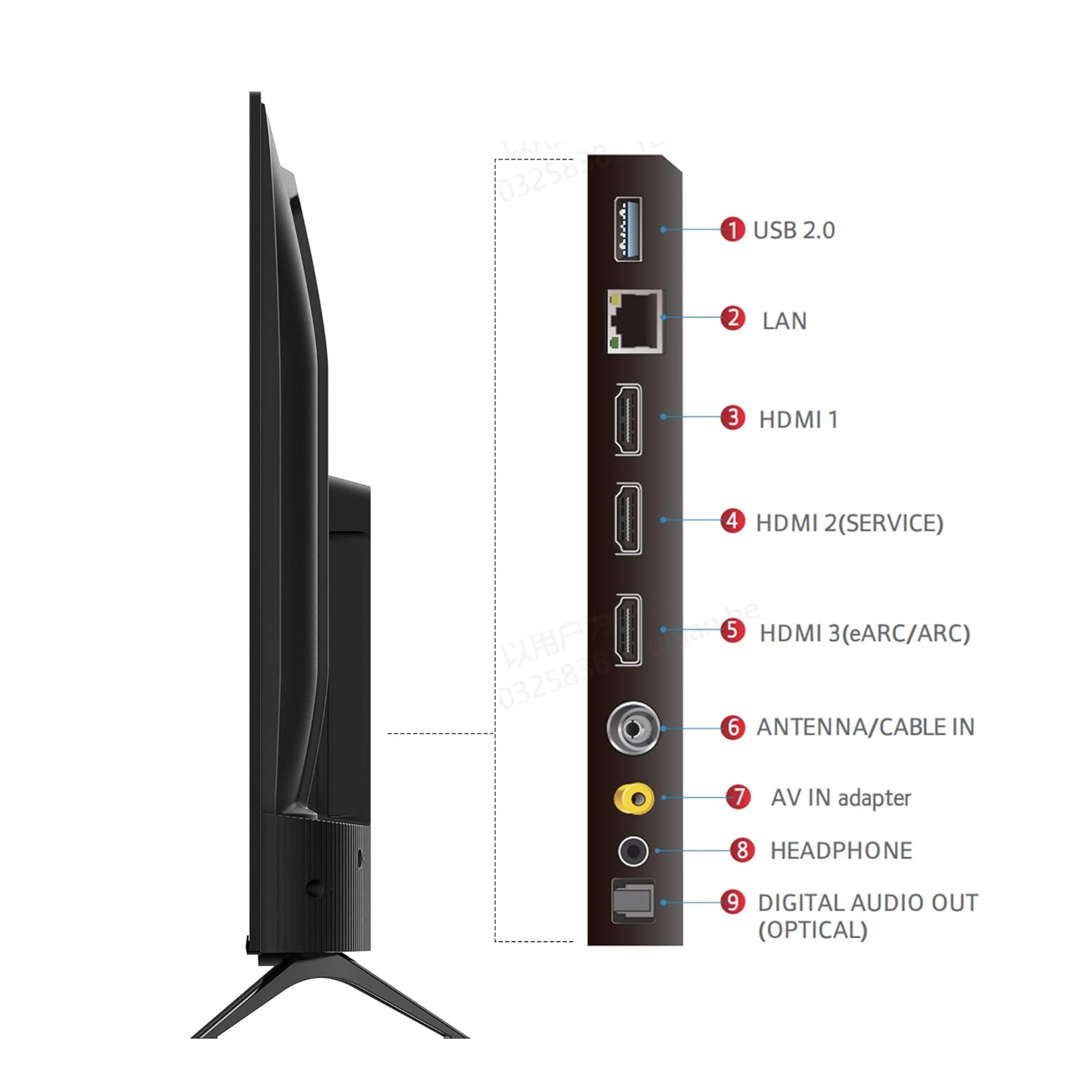
Image: Dolby Audio for immersive sound.
4. Zvanični video proizvoda
Video: Zvanična video prezentacija proizvodaasing the iFFALCON U62 Series 4K HDR TV features, including Dolby Audio, 4K Ultra HD resolution, Micro Dimming, Dynamic Color Enhancement, Google TV, and HDMI 2.1 connectivity.
Održavanje
1. Čišćenje televizora
Da biste očistili ekran, nježno ga obrišite mekom krpom koja ne ostavlja dlačice. Za tvrdokorne mrlje, lagano ga obrišiteampen the cloth with water or a screen cleaner specifically designed for TVs. Avoid using harsh chemicals, abrasive materials, or direct spraying of liquids onto the screen. For the TV body, use a soft, dry cloth.
2. Opća njega
Keep the TV away from direct sunlight, heat sources, and excessive dust. Ensure adequate ventilation around the TV to prevent overheating. Unplug the TV during lightning storms or when it will be unused for extended periods.
Rješavanje problema
Ako imate problema s televizorom, pogledajte sljedeće uobičajene probleme i rješenja:
- Nema napajanja: Ensure the power cord is securely plugged into both the TV and the electrical outlet. Check if the outlet is working by plugging in another device. Try pressing the power button on the TV itself, not just the remote.
- Nema slike/zvuka: Verify that the correct input source is selected (e.g., HDMI 1, HDMI 2). Check all cable connections between the TV and external devices. If using a set-top box, ensure it is powered on.
- Loš kvalitet slike: Adjust picture settings (brightness, contrast, color) in the TV menu. Ensure the input source is providing a high-quality signal. For 4K content, ensure your source device and cables support 4K.
- Nema internetske veze: For Wi-Fi, check your router and ensure the TV is within range. Re-enter the Wi-Fi password. For wired connection, ensure the Ethernet cable is properly connected and your router is working.
- Daljinski upravljač ne radi: Zamijenite AAA baterije u daljinskom upravljaču. Provjerite da nema prepreka između daljinskog upravljača i IR senzora televizora.
Ako problem i dalje postoji nakon što ste isprobali ove korake, obratite se korisničkoj podršci.
Specifikacije
| Feature | Specifikacija |
|---|---|
| Brand | iFFALCON |
| Model | iFF43U62 |
| Veličina ekrana | 43 inča (108 cm) |
| Rezolucija | 4K Ultra HD (3840 x 2160) |
| Refresh Rate | 60 Hertz |
| Operativni sistem | Google TV |
| RAM | 2 GB |
| ROM | 16 GB |
| Procesor | 64-bitni četverojezgreni procesor |
| Povezivanje | 3 HDMI Ports, 1 USB Port, Headphone Output, Wi-Fi (2.4Ghz/5GHz), Ethernet, Bluetooth |
| Izlaz zvuka | 24 Watts |
| Audio tehnologija | Dolby Audio |
| Display Features | A+ Grade Panel, 178 Degree Wide Viewing Angle, AI Picture Engine 2.0, HDR 10, 4K Upscaling, Dynamic Color Enhancement, Micro Dimming Technology, Edgeless Design |
| Dimenzije proizvoda (sa postoljem) | 95.7 x 18.5 x 61 cm |
| Težina artikla | 6.3 kg |
Garancija i podrška
Informacije o garanciji
Your iFFALCON iFF43U62 TV comes with a 1 godine garancije provided by the manufacturer from the date of purchase. Please retain your purchase receipt and warranty card for any warranty claims.
Korisnička podrška
For technical assistance, service requests, or any inquiries regarding your iFFALCON TV, please refer to the contact information provided on your warranty card or visit the official iFFALCON support website. Ensure you have your TV's model number (iFF43U62) and serial number ready when contacting support.