
1. Uvod
Thank you for choosing the MAJORITY Quadriga Internet Radio with CD Player. This device offers a comprehensive audio experience, combining traditional and modern listening options. Enjoy access to thousands of internet radio stations, DAB+ and FM broadcasts, CD playback, Bluetooth streaming, Spotify Connect, and podcasts. With its powerful 120W 2.1 stereo sound and integrated subwoofer, the Quadriga delivers rich and clear audio.

Slika: Front view of the MAJORITY Quadriga Internet Radio with CD Player.
2. Sigurnosna uputstva
- Pažljivo pročitajte sva uputstva prije upotrebe i sačuvajte ih za buduću upotrebu.
- Ne izlažite uređaj kapanju ili prskanju tečnosti.
- Osigurajte odgovarajuću ventilaciju oko uređaja. Ne blokirajte ventilacijske otvore.
- Ne postavljajte uređaj u blizinu izvora toplote kao što su radijatori, grijalice, peći ili drugi uređaji (uključujući ampLifiers) koji proizvode toplotu.
- Zaštitite kabl za napajanje od gaženja ili priklještenja, posebno na utikačima, utičnicama i na mjestu gdje izlaze iz uređaja.
- Koristite samo dodatke/pribor koje je naveo proizvođač.
- Isključite ovaj aparat iz struje tokom grmljavine ili kada ga ne koristite duže vreme.
- Sve servise prepustite kvalificiranom servisnom osoblju. Servisiranje je potrebno ako je aparat na bilo koji način oštećen.
3. Šta se nalazi u kutiji
Carefully unpack your MAJORITY Quadriga and ensure all items listed below are present:
- 1x MAJORITY Quadriga Unit
- 1x kabl za napajanje
- 1x daljinski upravljač
- 1x AUX kabl
- 1x RF antena
- 2x AAA baterije (za daljinski upravljač)
- 1x uputstvo za upotrebu

Image: All components included in the MAJORITY Quadriga package.
4. Proizvod je gotovview
4.1 Prednja ploča
The front panel features the main display, control knob, function buttons, and CD slot.

Slika: Detaljna view of the front panel controls and display.
4.2 Zadnja ploča
The rear panel provides various connectivity options for external devices and the antenna connection.
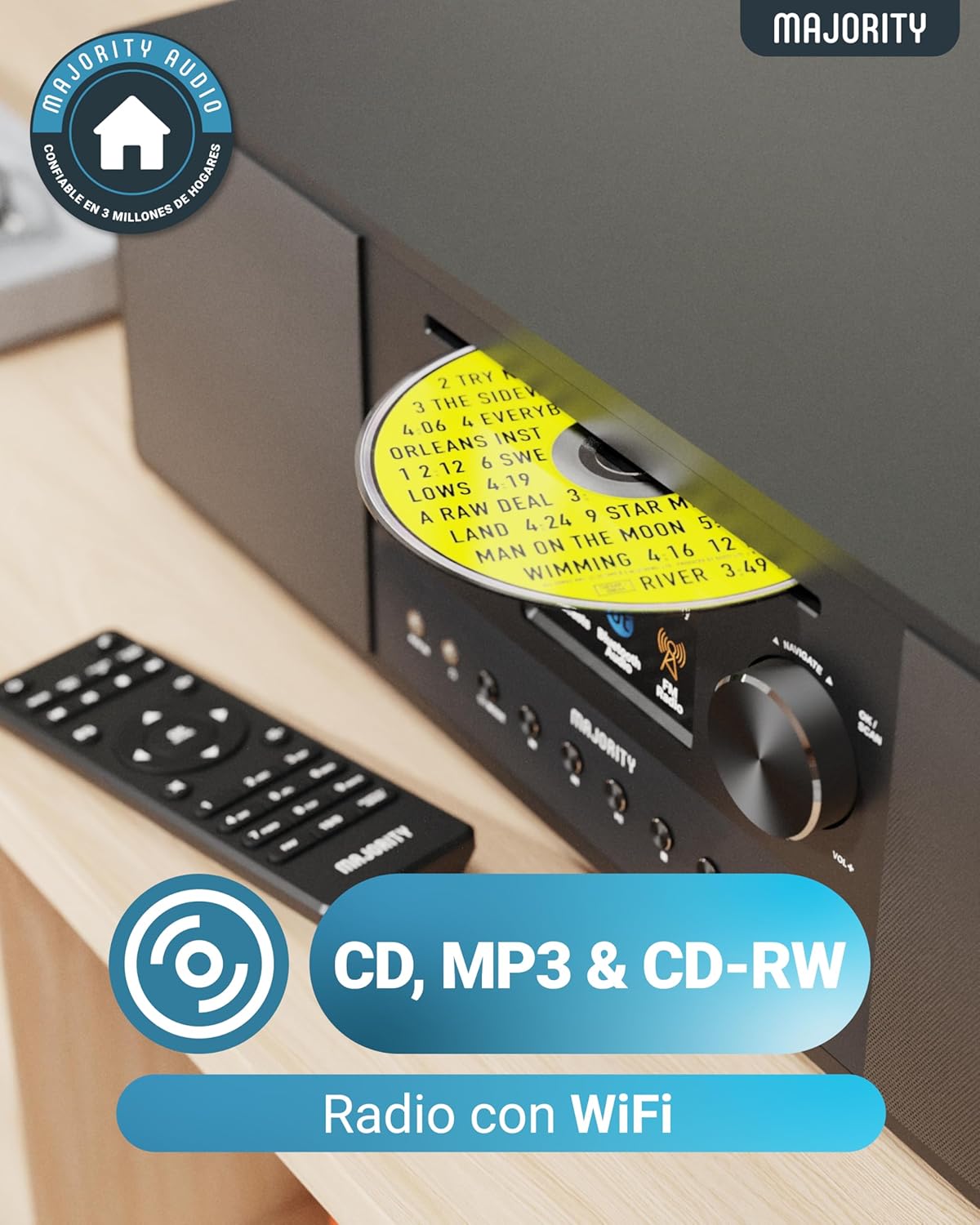
Image: Rear panel with input/output ports and antenna connector.
4.3 Daljinski upravljač
Priloženi daljinski upravljač omogućava praktično upravljanje svim funkcijama na daljinu.

Image: The remote control unit.
5. Podešavanje
5.1 Raspakivanje i postavljanje
Remove the unit from its packaging. Place the Quadriga on a stable, flat surface away from direct sunlight, heat sources, and moisture. Ensure there is sufficient space around the unit for proper ventilation.
5.2 Povezivanje napajanja
Connect the power cable to the DC IN port on the rear of the unit, then plug the other end into a wall socket.
5.3 Connecting Antenna
For optimal DAB+ and FM reception, connect the supplied RF antenna to the DAB/FM ANTENNA port on the rear panel. Extend the antenna fully for best signal.
5.4 Početno podešavanje i mrežna veza
Upon first power-on, the unit will guide you through an initial setup process. This typically includes:
- Odabir jezika: Odaberite željeni jezik iz menija na ekranu.
- Postavljanje mreže: The unit will scan for available Wi-Fi networks. Select your network and enter the password using the control knob and buttons. A stable internet connection is required for Internet Radio, Spotify Connect, and podcast features.
- Vrijeme i datum: Set the correct time and date, or allow the unit to synchronize automatically via the internet.
6. Uputstvo za upotrebu
6.1 Osnovne kontrole
- Dugme za napajanje: Pritisnite da uključite ili isključite jedinicu.
- Kontrolna tipka: Rotate to navigate menus and adjust volume. Press to confirm selections.
- Dugme za način rada: Press to cycle through available modes (Internet Radio, DAB+, FM, CD, Bluetooth, USB, AUX, Optical, RCA).
- Unaprijed postavljena dugmad: Use to save and recall your favorite radio stations.
6.2 Internet radio
Select 'Internet Radio' mode. You can browse stations by location, genre, or search for specific stations. Save your favorite stations to presets for quick access.

Image: The Quadriga unit highlighting its radio capabilities.
6.3 DAB+ radio
Switch to 'DAB+' mode. The unit will automatically scan for available digital radio stations. Use the control knob to select a station from the list.
6.4 FM radio
Select 'FM' mode. You can manually tune to frequencies or perform an auto-scan to find available stations.
6.5 Bluetooth režim
Select 'Bluetooth' mode. The unit will enter pairing mode. On your smartphone or other Bluetooth device, search for 'MAJORITY Quadriga' and connect. Once paired, you can stream audio wirelessly.

Image: The Quadriga unit showcasing Bluetooth and Spotify features.
6.6 Reprodukcija CD-a
Insert a CD into the CD slot on the front panel. The unit will automatically switch to 'CD' mode and begin playback. Supports CD, CD-R, and CD-RW discs.

Image: Close-up of the CD player slot with a disc inserted.
6.7 Reprodukcija s USB-a
Insert a USB drive into the USB port on the rear panel. Select 'USB' mode. The unit will display the contents of the USB drive, allowing you to browse and play audio files.
6.8 AUX, RCA, and Optical Input
Connect external audio devices using the appropriate cables to the AUX IN, RCA IN, or OPTICAL IN ports on the rear panel. Select the corresponding input mode on the Quadriga to play audio from the connected device.
6.9 Spotify Connect
To use Spotify Connect, ensure your Quadriga is connected to the internet and you have a Spotify Premium account. Open the Spotify app on your smartphone or tablet, play music, and select the Quadriga from the 'Devices Available' list. This allows direct streaming over Wi-Fi for superior sound quality.
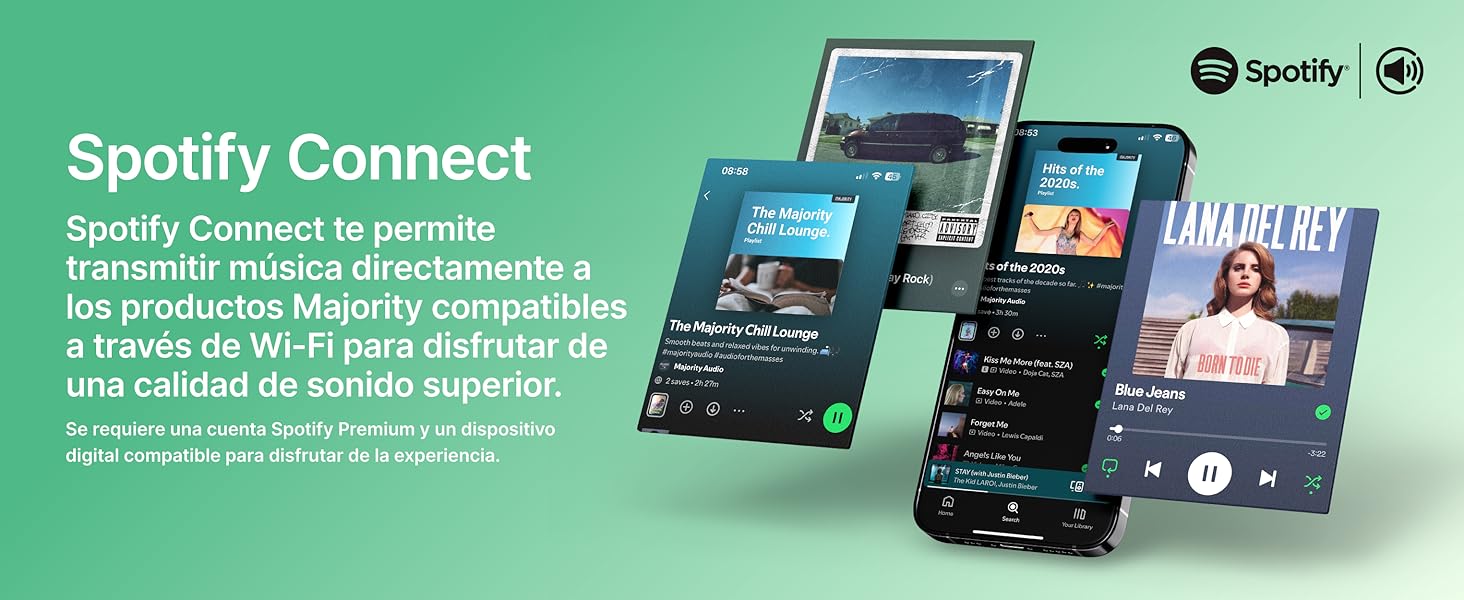
Image: Visual guide to using Spotify Connect with the Quadriga.
6.10 Podcasti
In 'Internet Radio' mode, navigate to the 'Podcasts' section. You can browse and listen to a wide variety of podcasts from around the world.
6.11 OKTIV App Control
The OKTIV app allows wireless control of your Majority product via Wi-Fi, enabling you to adjust settings and manage music from anywhere in your home. The app is compatible with iOS and Android devices.
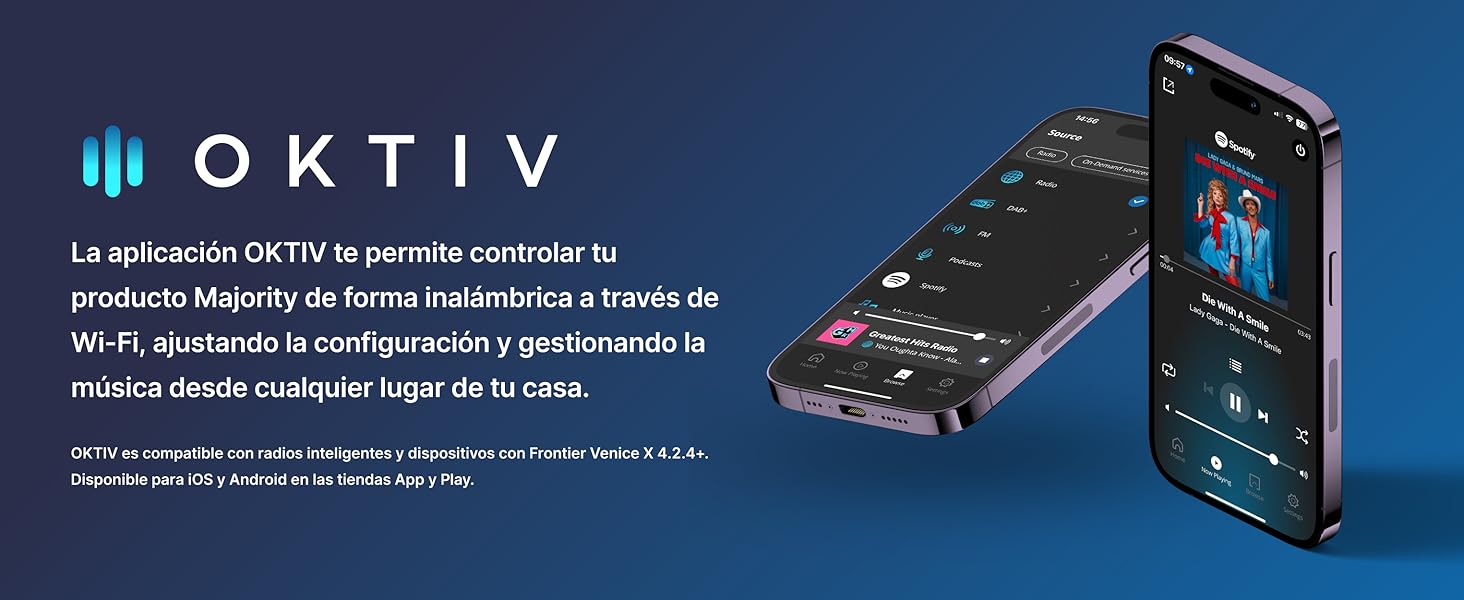
Image: Smartphones displaying the OKTIV app for remote control.
7. Održavanje
- čišćenje: Za čišćenje uređaja koristite meku, suhu krpu. Ne koristite abrazivna sredstva za čišćenje ili rastvarače.
- Održavanje CD plejera: Handle CDs by the edges to avoid fingerprints. If the CD player experiences reading errors, try cleaning the disc with a soft, lint-free cloth.
- ventilacija: Osigurajte da su ventilacijski otvori čisti od prašine i ostataka kako biste spriječili pregrijavanje.
8. Otkrivanje problema
| Problem | Mogući uzrok | Rješenje |
|---|---|---|
| Nema struje | Power cable not connected; Wall socket faulty | Check power cable connection; Try a different wall socket. |
| Nema zvuka | Volume too low; Incorrect input mode selected; Mute activated | Increase volume; Select correct input mode; Deactivate mute. |
| Loš radio prijem | Antena nije izvučena; Slab signal; Smetnje | Extend antenna fully; Reposition the unit; Move away from other electronic devices. |
| Nije moguće povezati se na Wi-Fi | Incorrect password; Router too far; Network issue | Verify Wi-Fi password; Move unit closer to router; Restart router. |
| CD se ne reproducira/čita | Disc dirty/scratched; Disc type not supported | Clean the CD; Ensure it is a supported CD, CD-R, or CD-RW. |
9. Specifikacije
- Model: Quadriga
- Dimenzije (D x Š x V): 43 x 27 x 12.8 cm
- Težina: 5.4 kg
- Audio izlazna snaga: 120W (2.1 Stereo with Subwoofer)
- Povezivanje: Wi-Fi, Bluetooth, Ethernet
- Radio tjuner: Internet radio, DAB+, FM
- Kompatibilnost diskova: CD, CD-R, CD-RW
- Ulazi: AUX (3.5mm), RCA, Optical, USB
- Posebne karakteristike: Spotify Connect, Podcasts
- Izvor napajanja: Wired Electric (240 Volts)
- Vrsta prikaza: LCD
- Materijal: Plastika

slika: View of the integrated subwoofer and 120W audio output.
10. Garancija
The MAJORITY Quadriga comes with a 3 godina produžene garancije. Product registration may be required to activate the full warranty period. Please refer to the warranty card included in your package or visit the official MAJORITY website for detailed terms and conditions regarding warranty claims and registration.
11. Podrška
For further assistance, technical support, or to access additional resources, please visit the official MAJORITY website. You can find FAQs, updated manuals, and contact information for customer service there.
Webstranica: www.majority.co.uk


