
1. Uvod
The REOLINK Video Doorbell PoE Camera with Chime V2 is a comprehensive security solution designed for outdoor use. It features 2K Super HD video, a 4:3 aspect ratio, and a 180-degree diagonal viewing angle to provide a wide and clear view of your doorstep. This manual will guide you through the installation, operation, and maintenance of your new video doorbell system.
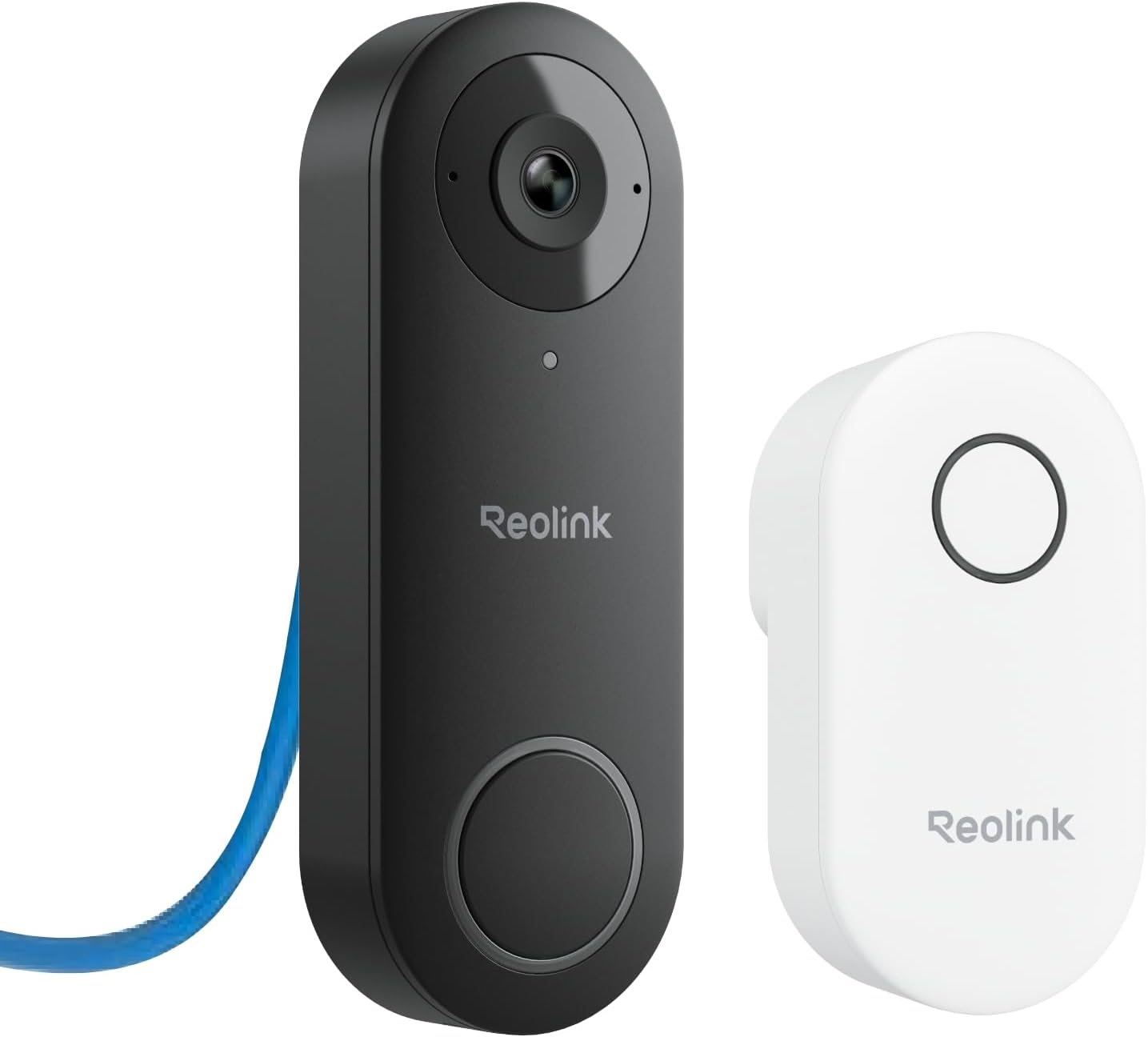
Image: The REOLINK Video Doorbell PoE Camera (black) and its accompanying Chime V2 (white).
2. Šta se nalazi u kutiji
Provjerite da li su sve komponente prisutne u vašem paketu:
- REOLINK Video Doorbell PoE x1
- REOLINK Chime x1
- Montažna ploča x1
- Wedge x1 (for 15-degree angle adjustment)
- Predložak rupe za montažu x1
- Vodič za brzi početak x1
- 1M Ethernet Cable x1
- Jumper Cable x1
- Paket vijaka x1

Slika: Vizualni prikaz svih artikala uključenih u paket proizvoda.
3. Podešavanje
3.1 Fizička instalacija
The REOLINK Video Doorbell PoE requires a Power over Ethernet (PoE) connection for both power and data transmission. A PoE switch or injector (IEEE802.3af) or a Reolink PoE NVR is required. Power supply is not included.
- Pripremite mjesto za montažu: Use the provided mounting hole template to mark the drilling points on your wall. Drill holes as indicated.
- Ugradite montažnu ploču: Pričvrstite montažnu ploču na zid pomoću priloženih vijaka.
- Povežite Ethernet kabel: Route an Ethernet cable (Cat5e or higher) from your PoE source to the doorbell mounting location. Connect the Ethernet cable to the PoE port on the back of the doorbell.
- (Optional) Use the Wedge: If your doorbell needs to be angled for a better view (e.g., 15 degrees), attach the wedge to the mounting plate before securing the doorbell.
- Montirajte zvono na vratima: Attach the doorbell to the mounting plate, ensuring it clicks securely into place.

Image: Step-by-step diagram illustrating the physical installation of the doorbell, including wedge usage and PoE cable connection.

Image: The back of the doorbell showing the PoE port and microSD card slot, connected via an Ethernet cable to a network switch.
3.2 Podešavanje aplikacije
Download the Reolink App from your device's app store. Follow the in-app instructions to add your doorbell camera to the application. This will enable live viewing, two-way talk, and access to settings.
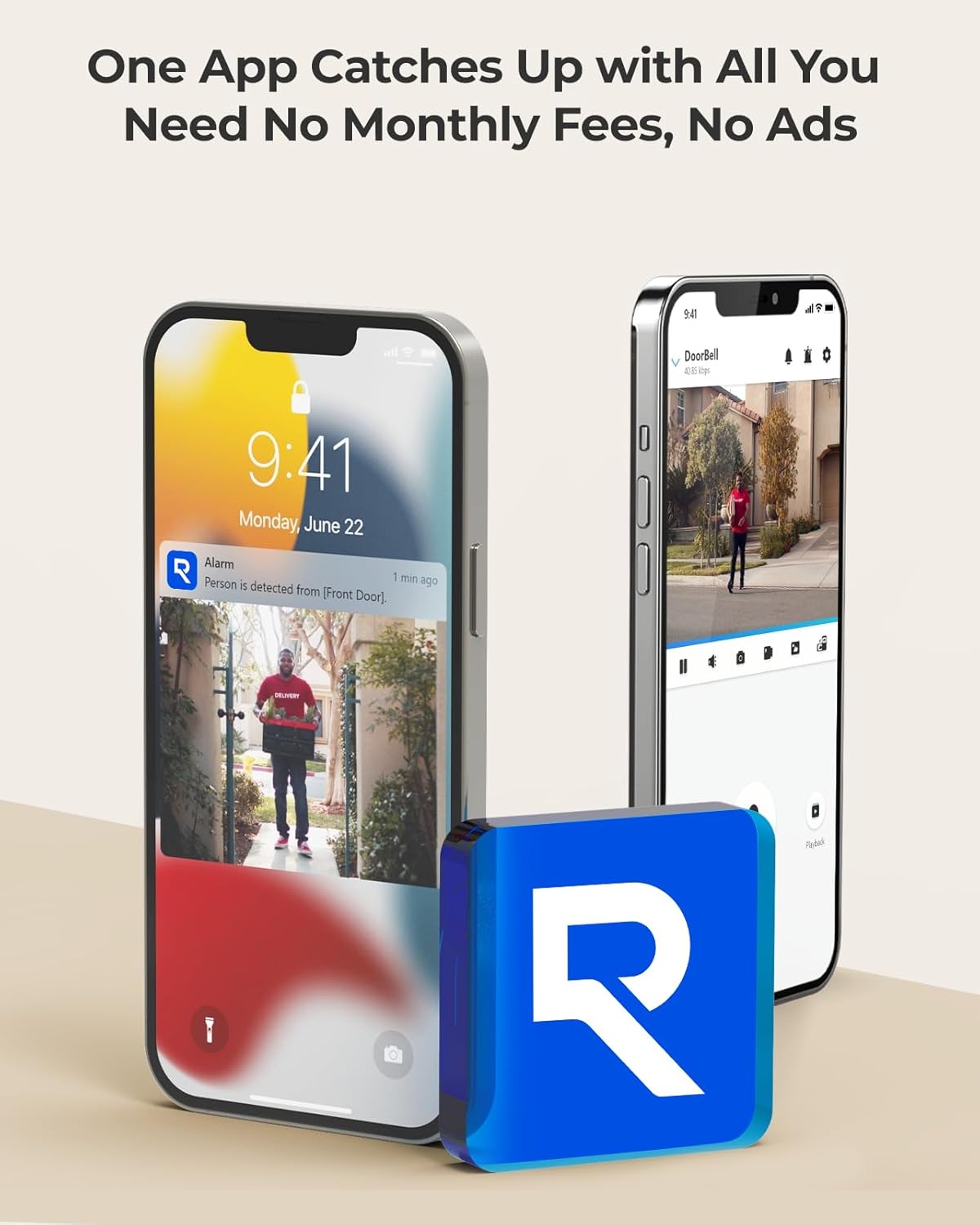
Image: A smartphone displaying the Reolink app interface, showing a live view from the doorbell camera and an alert notification.
3.3 Podešavanje zvona
The included Chime V2 alerts you to visitors. Plug the chime into any standard electrical outlet within your home. It will automatically pair with your doorbell. You can customize the chime tune (10 options) and adjust its volume (0-117 dB) via the Reolink App.

Image: The REOLINK Chime V2 plugged into a wall socket in a kitchen setting.
4. Uputstvo za upotrebu
4.1 Uživo View
Access the live feed from your doorbell camera through the Reolink App on your smartphone or the Reolink Client software on your computer. The camera provides a 2K Super HD resolution with a 4:3 aspect ratio and a 180-degree diagonal viewing kut.

Image: A smartphone showing the wide 2K panorama view captured by the doorbell camera.
4.2 Two-Way Talk and Quick Replies
Engage in real-time conversations with visitors at your door using the two-way talk feature in the Reolink App. You can also set up pre-recorded voice messages or automatic replies for situations when you are unavailable.

Image: A hand pressing the doorbell button, with a speech bubble indicating a pre-recorded message being played.
4.3 Detekcija pokreta i upozorenja
The doorbell features advanced humanoid detection to distinguish people from other moving objects, reducing false alarms. You can define specific motion zones within the camera's view to focus detection on critical areas.
- Detekcija humanoida: Receive alerts only when a human is detected.
- Motion Zone: Customize areas where motion will trigger alerts, ignoring irrelevant movements outside these zones.

Image: A smartphone displaying a push notification indicating a person has been detected at the front door.

Image: An illustration showing how to define a specific motion detection zone, excluding elements like leaves or insects.
4.4 Snimanje i pohranjivanje
The doorbell supports various storage options without monthly fees:
- MicroSD kartica: Insert a microSD card (up to 256GB, not included) into the slot on the back of the doorbell for local storage.
- Relink NVR: Connect to a Reolink NVR for continuous recording and built-in HDD storage (2TB/4TB).
- FTP/NAS: Configure the doorbell to upload recordings to an FTP server or Network Attached Storage (NAS).
- Pre-roll Recording: The system captures 6 seconds of footage before an event is triggered, providing a more complete picture.

Image: A close-up of the back of the doorbell, highlighting the microSD card slot and reset button.
4.5 Napredne funkcije snimanja
- HDR (visoki dinamički raspon): Advanced HDR technology ensures clear images even in challenging lighting conditions, such as strong backlighting.
- 3D DNR (Digital Noise Reduction): Reduces image noise for cleaner video.
- noćni vid: Equipped with IR lights, the doorbell provides clear black-and-white night vision footage.

Image: A side-by-side comparison demonstrating improved image clarity with HDR enabled in harsh lighting.

Slika: Višestruka views demonstrating the doorbell's ability to capture sharp images in low-light conditions using night vision.
5. Održavanje
- čišćenje: Periodically clean the camera lens and the doorbell surface with a soft, damp cloth to ensure optimal image quality and functionality. Avoid abrasive cleaners.
- Ažuriranja firmvera: Regularly check for and install firmware updates via the Reolink App or Client software to ensure your device has the latest features and security enhancements.
- Zaštita od vremenskih prilika: The doorbell has an IP65 international protection rating, indicating it is weatherproof. However, ensure proper installation to prevent water ingress.

Image: The doorbell installed on an exterior wall, demonstrating its weatherproof design during rainfall.
6. Otkrivanje problema
- Q: Can the Video Doorbell PoE camera pair with a third-party chime/my existing chime?
- A: The Video Doorbell PoE camera is designed to work exclusively with Reolink chimes. Reolink Chime V2 or higher versions are compatible. You can connect up to 5 chimes to the Reolink doorbell.
- Q: What to do when added to a Reolink NVR, it shows a black screen on the monitor UI?
- A: If your NVR has hardware versions Hw H3MB18/N2MB02/N3MB01, please upgrade the NVR to the latest firmware version. After the upgrade, reboot your NVR. Contact Reolink support for further assistance if the issue persists.
- Q: Can Reolink Doorbell camera work with a third-party software/NVR?
- A: Reolink Doorbell camera can be added to some third-party software such as Blue Iris or Synology. However, third-party NVR is NOT officially supported. Reolink recommends using Reolink software/NVR for optimal compatibility and performance.
7. Specifikacije
| Feature | Specifikacija |
|---|---|
| Broj modela | Doorbell PoE |
| Rezolucija video snimanja | 2K (efektivna rezolucija fotografija od 5 MP) |
| Viewing Angle | 180 Degrees (Diagonal) |
| Aspect Ratio | 4:3 |
| Izvor napajanja | Napajanje preko Etherneta (PoE) |
| Connectivity Protocol | Ethernet |
| Tip kontrolera | Reolink APP |
| Vrsta montaže | Zidni nosač |
| Noćni vid | 100 stopa |
| Frame Rate | 20fps |
| Voltage | 24 Volts |
| Wattage | 12 vati |
| Dimenzije artikla (D x Š x V) | 3 x 1 x 5 inča |
| Težina artikla | 1.08 funte |
| Međunarodna ocjena zaštite | IP65 |
| Posebne karakteristike | Local Recording, Night Vision, Noise Reduction, Humanoid Detection, Two-Way Talk |
| Kompatibilni uređaji | Reolink Chime V2, Reolink NVR, Smartphone |
8. Garancija i podrška
8.1 Informacije o garanciji
Your REOLINK Video Doorbell PoE Camera is covered by a 2-godišnja ograničena garancija od datuma kupovine. Ova garancija pokriva nedostatke u proizvodnji i izradi pri normalnoj upotrebi. Molimo sačuvajte dokaz o kupovini za reklamacije u slučaju garancije.
8.2 Money Back Guarantee
REOLINK offers a 30-dnevna garancija povrata novca and free returns for products purchased directly from authorized sellers. Refer to the seller's return policy for specific details.
8.3 Korisnička podrška
For technical assistance, troubleshooting, or any inquiries regarding your product, REOLINK provides 24/7 Online podrška. You can typically find support contact information on the official REOLINK website or through the Reolink App.
For additional resources and FAQs, visit the official REOLINK support page: reolink.com/support