
1. Uvod
This manual provides essential information for the proper use and care of your SanDisk Ultra Curve 64GB USB 3.2 Flash Drive. Please read these instructions carefully to ensure optimal performance and longevity of your device.
2. Proizvod je gotovview
Ključne karakteristike:
- Kapacitet: 64GB
- Interfejs: USB 3.2 Gen 2
- Brzina čitanja: Do 100 MB/s
- Brzina pisanja: Do 20 MB/s
- Dizajn: Compact and portable with a curved form factor
- sigurnost: Compatible with SanDisk SecureAccess Software (download required)
Šta je u kutiji:
- 1 x SanDisk Ultra Curve 64GB USB 3.2 Flash Drive
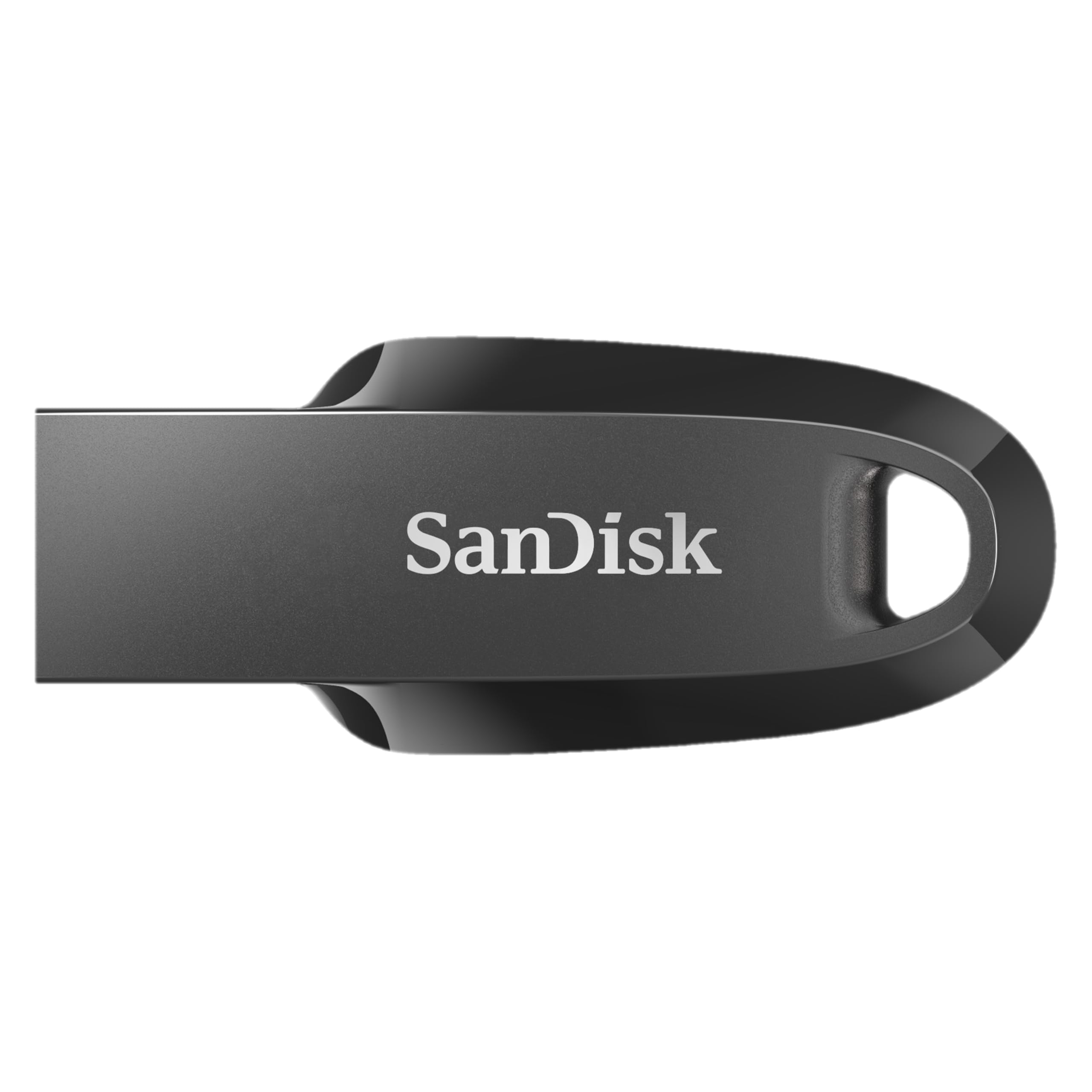
Image 1: The SanDisk Ultra Curve 64GB USB 3.2 Flash Drive in Black.
3. Podešavanje
Connecting the Flash Drive:
- Locate an available USB Type-A port on your computer or compatible device. For optimal performance, use a USB 3.2 compatible port.
- Insert the SanDisk Ultra Curve Flash Drive firmly into the USB port.
- Vaš operativni sistem bi trebao automatski prepoznati i instalirati potrebne upravljačke programe. Disk će se pojaviti kao prenosivi uređaj za pohranu podataka.

Image 2: SanDisk Ultra Curve Flash Drive connected to a laptop's USB port.
Optional: SanDisk SecureAccess Software
For enhanced security, you can download and install SanDisk SecureAccess Software. This software allows you to create a password-protected folder on your drive to keep sensitive files private. Visit the official SanDisk webstranicu za upute za preuzimanje.
4. Uputstvo za upotrebu
Transfering Files:
- Once the flash drive is recognized, open 'File Explorer' (Windows) or 'Finder' (macOS).
- Idite do files or folders you wish to transfer.
- Prevucite i ispustite odabrano files/folders to the SanDisk Ultra Curve drive icon, or copy and paste them into the drive's directory.
Sigurno uklanjanje diska:
Always safely remove the flash drive to prevent data corruption.
- Windows: Click the 'Safely Remove Hardware and Eject Media' icon in the system tray, then select your SanDisk drive. Wait for the 'Safe to Remove Hardware' notification before unplugging.
- macOS: Drag the SanDisk drive icon from the desktop or Finder sidebar to the Trash icon, or right-click (Control-click) the drive icon and select 'Eject'. Wait for the icon to disappear before unplugging.

Image 3: The compact design of the SanDisk Ultra Curve Flash Drive.
5. Održavanje
Fizička njega:
- Keep the flash drive clean and free from dust and debris.
- Avoid exposing the drive to extreme temperatures, direct sunlight, or moisture.
- The drive features a compact design without a cap; take care to protect the USB connector from physical damage when not in use.
- Utilize the integrated loop for attachment to a keychain or lanyard to prevent loss.

Image 4: SanDisk Ultra Curve Flash Drive showing its integrated loop for portability.
Uslovi okoline:
- Radna temperatura: 0ºC do 45ºC (32ºF do 113ºF)
- Temperatura skladištenja: -10ºC do 70ºC (14ºF do 158ºF)
6. Otkrivanje problema
Disk nije prepoznat:
- Provjerite je li pogon potpuno umetnut u USB priključak.
- Pokušajte s drugim USB portom na svom računaru.
- Testirajte disk na drugom računaru kako biste isključili problem specifičan za računar.
- Check your computer's 'Disk Management' (Windows) or 'Disk Utility' (macOS) to see if the drive is detected but not assigned a drive letter or mounted.
Male brzine prijenosa:
- Ensure you are using a USB 3.2 compatible port on your computer. Connecting to a USB 2.0 port will result in slower speeds.
- Prebacivanje mnogih malih filemože biti sporije od prenošenja nekoliko velikih files.
- Other USB devices connected to the same hub or controller may affect performance.
Disk se zagrijava tokom upotrebe:
It is normal for flash drives to generate some heat during active data transfer, especially during prolonged use or when transferring large files. If the drive becomes excessively hot and causes performance issues, ensure it is not obstructed and has adequate ventilation. If concerns persist, discontinue use and contact support.
7. Specifikacije
| Feature | Detalj |
|---|---|
| Brand | SanDisk |
| Naziv modela | Ultra Curve (Cruzer Force) |
| Broj modela | SDCZ550-064G-I35 |
| Kapacitet memorije | 64 GB |
| Hardversko sučelje | USB 3.2 Gen 2 |
| Brzina čitanja | 100 megabajta u sekundi |
| Brzina pisanja | 20 MB u sekundi |
| Kompatibilni uređaji | Devices with USB port |
| Boja | Crna |
| Težina artikla | 3 grama |
| UPC | 619659196134 |
| Zemlja porijekla | Malezija |
8. Garancija i podrška
Informacije o garanciji:
This SanDisk Ultra Curve Flash Drive comes with a 5 godine ograničene garancije. For detailed terms and conditions, please refer to the warranty documentation included with your purchase or visit the official SanDisk website.
Korisnička podrška:
For technical assistance, product inquiries, or warranty claims, please visit the official SanDisk support website or contact their customer service. Contact details can typically be found on the SanDisk weblokacija ili ambalaža proizvoda.
9. Important Notice: SanDisk Logo Transition

Image 5: Notice regarding the SanDisk logo transition.
As part of SanDisk's ongoing commitment to innovation, a new logo is being introduced. During this transition period, products may feature either the original or the new logo. Both logos represent genuine, high-quality SanDisk products.


