
Uvod
Thank you for choosing ACAGET Wireless Earbuds. These lightweight, touch-controlled Bluetooth 5.1 earphones are designed to provide a comfortable and immersive audio experience. This manual will guide you through the setup, operation, and maintenance of your new earbuds to ensure optimal performance.
Šta je u kutiji
- Bežične slušalice (lijeve i desne)
- Kutija za punjenje
- USB kabl za punjenje
- Torbica za pohranu
- Uputstvo za upotrebu
Product Overview
The ACAGET Wireless Earbuds feature a compact and ergonomic design for comfortable wear. The accompanying charging case provides extended battery life and convenient portability.

Each earbud weighs only 4.3g, and the pocket-sized charging case is designed for minimal bulk, making them ideal for on-the-go use.

Equipped with advanced Bluetooth 5.1 technology, these earbuds ensure a stable and fast connection. They are compatible with a wide range of Bluetooth-enabled devices, including various iPhone, iPad, Samsung Galaxy, Google Pixel, and OnePlus models.

Setup
Punjenje slušalica i futrole
Before first use, fully charge the charging case and earbuds. Connect the provided USB charging cable to the USB-C port on the charging case and a power source. The indicator light on the case will show charging status and turn off when fully charged (approximately 1.5 hours for the case).
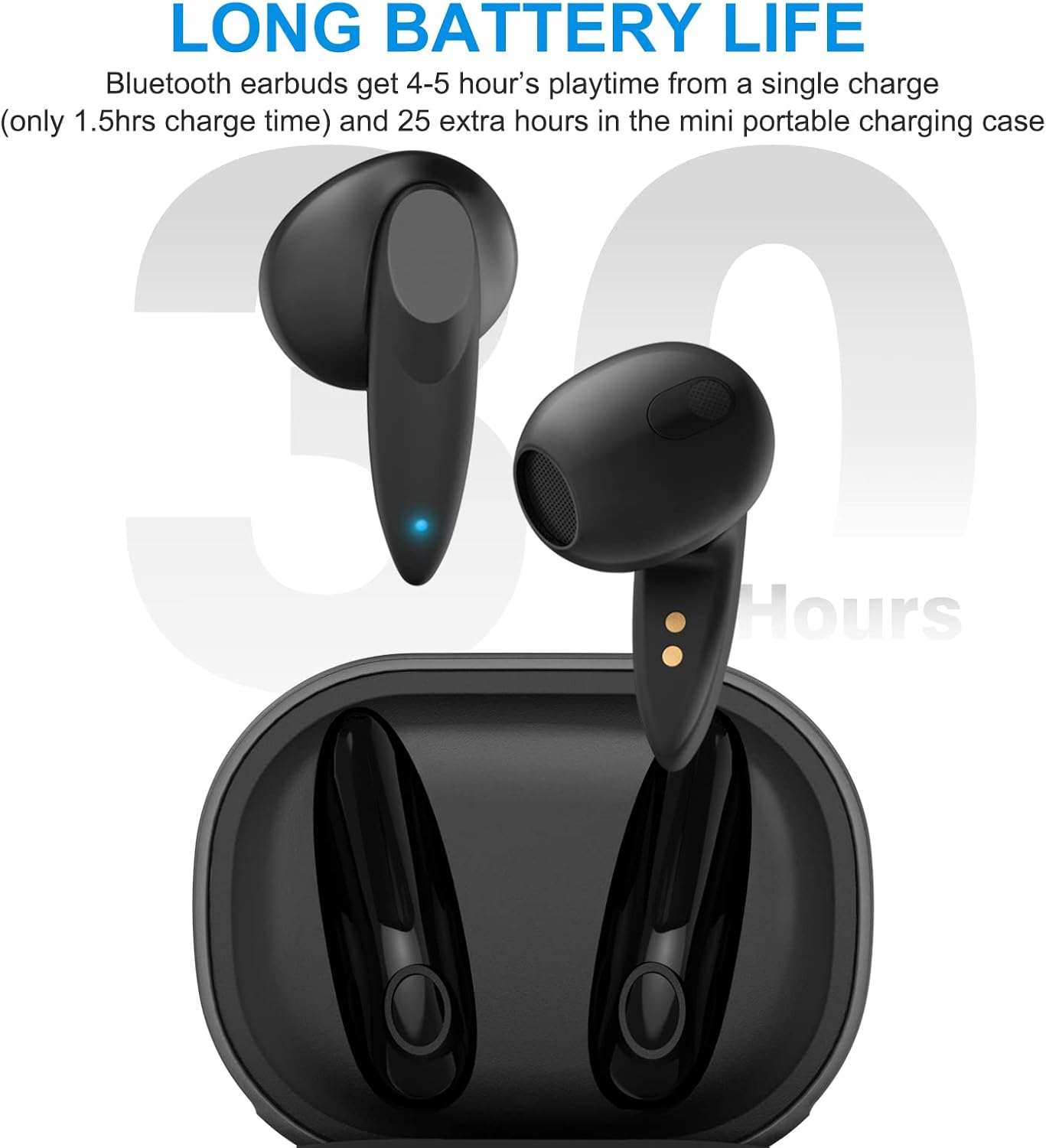
The earbuds provide 4-5 hours of playtime on a single charge, and the portable charging case can recharge them approximately 5 times, extending total playtime up to 30 hours.
Video: This video demonstrates the charging process of the ACAGET Wireless Earbuds and their charging case, highlighting the long battery life.
Uparivanje u jednom koraku
Da uparite slušalice sa svojim uređajem:
- Izvadite obje slušalice iz kućišta za punjenje. One će automatski ući u način rada za uparivanje.
- On your smartphone or Bluetooth-enabled device, open the Bluetooth settings.
- Select "BT-A1" from the list of available devices to complete the pairing process.

Nakon uparivanja, slušalice će se automatski povezati s vašim uređajem kada ih izvadite iz kutijice za buduću upotrebu.
Upravljanje slušalicama
Pametne kontrole na dodir
The ACAGET Wireless Earbuds feature intuitive touch controls on each earbud for easy management of calls, music, and voice assistant functions.

Video: This video demonstrates the various smart touch control functions of the ACAGET Wireless Earbuds, including music playback, call management, and voice assistant activation.
| Akcija | Gest | Funkcija |
|---|---|---|
| Reprodukcija muzike/pauza | Single tap (Left or Right earbud) | Reprodukuje ili pauzira trenutni audio. |
| Next Track | Dvostruki dodir (lijeva slušalica) | Preskače na sljedeću pjesmu. |
| Previous Track | Dvostruki dodir (desna slušalica) | Preskače na prethodnu pjesmu. |
| Volume Up | Triple tap (Right earbud) | Povećava jačinu zvuka. |
| Utišavanje zvuka | Triple tap (Left earbud) | Smanjuje jačinu zvuka. |
| Odgovori/Završi poziv | Single tap (Left or Right earbud) | Answers an incoming call or ends an active call. |
| Odbiti poziv | Long touch for 2 seconds (Left or Right earbud) | Odbija dolazni poziv. |
| Wake Up Voice Assistant (Siri) | Long touch for 2 seconds (Left or Right earbud) | Aktivira glasovnog asistenta na vašem uređaju. |
Održavanje
To ensure the longevity and optimal performance of your ACAGET Wireless Earbuds, follow these maintenance guidelines:
- čišćenje: Regularly clean the earbuds, especially the charging contacts, with a dry, soft cloth. Avoid using abrasive materials or harsh chemicals.
- Otpornost na vodu: The earbuds are IPX4 water-resistant, protecting them from sweat and light rain. They are ne designed for swimming or bathing. Avoid submerging them in water.
- Skladištenje: Kada se ne koriste, slušalice čuvajte u kutijici za punjenje kako biste ih zaštitili od prašine i oštećenja.
- temperatura: Izbjegavajte izlaganje slušalica ekstremnim temperaturama (vrućim ili hladnim) ili direktnoj sunčevoj svjetlosti tokom dužeg perioda.
Rješavanje problema
Ako imate problema sa slušalicama, pogledajte sljedeća uobičajena rješenja:
- Slušalice se ne uparuju: Ensure both earbuds are out of the case and fully charged. Turn off and on your device's Bluetooth, then try pairing again. If issues persist, try resetting the earbuds (refer to manufacturer's webstranicu za konkretne upute za resetiranje ako nisu u priručniku).
- Nema zvuka iz jedne slušalice: Vratite obje slušalice u kutijicu za punjenje, zatvorite poklopac, pričekajte nekoliko sekundi, a zatim ih ponovo izvadite. Ovo ih često ponovo sinhronizuje.
- Problemi s punjenjem: Provjerite je li kabel za punjenje sigurno spojen i na kućište i na izvor napajanja. Osigurajte da su kontakti za punjenje na slušalicama i unutar kućišta čisti i bez nečistoća.
- Loš kvalitet zvuka: Ensure the earbuds are properly seated in your ears. Check your device's volume settings. Move closer to your connected device to avoid interference.
- Kontrole na dodir ne reagiraju: Provjerite jesu li vam prsti čisti i suhi. Pokušajte ponovo pokrenuti slušalice tako što ćete ih vratiti u kutijicu i ponovo ih izvaditi.
For further assistance, please contact ACAGET customer support.
Specifikacije
| Feature | Detalj |
|---|---|
| Naziv modela | ACAGET-0110 |
| Tehnologija povezivanja | Bežično (Bluetooth 5.1) |
| Težina slušalice | 4.3 g (svaki) |
| Trajanje baterije slušalica | 4-5 sati (jedno punjenje) |
| Ukupno vrijeme reprodukcije (sa kutijom) | Do 30 sati |
| Futrola za punjenje Kapacitet baterije | 300 Milliamp Sati |
| Vrijeme punjenja (futrola) | 1.5 sati |
| Nivo vodootpornosti | IPX4 (Otporan na znoj i kišu) |
| Tip kontrole | Touch Control |
| Bluetooth domet | 10 metara |
| Veličina audio drajvera | 13 milimetara |
| Frekvencijski odziv | 20 Hz - 20,000 Hz |
| Impedansa | 32 Ohm |
| Dimenzije proizvoda | 1.96 x 1.53 x 0.97 inča |
Garancija i podrška
ACAGET US provides a 6-month worry-free new replacement service for these wireless earphones. If you encounter any problems with your product, please contact ACAGET directly for support. Do not hesitate to reach out even beyond the standard return window.
For more information or assistance, please visit the official ACAGET webstranice ili kontaktirajte njihov tim za korisničku podršku.