
Uvod
Thank you for choosing the MuveAcoustics Core Wireless On-Ear Headphones. This manual provides essential information for the safe and efficient use of your device. Please read it thoroughly before use and retain it for future reference.
The MuveAcoustics Core headphones offer an immersive audio experience with their stereo sound and noise reduction technology. Designed for comfort and portability, they feature a foldable design, long battery life, and dual wireless/wired connectivity, making them suitable for various activities from gaming to travel.

Image: MuveAcoustics Core headphones, highlighting their suitability for travel.
Sadržaj paketa
- MuveAcoustics Core Wireless On-Ear Headphones
- Kabel za punjenje
- Audio kabel (3.5 mm priključak)
- Uputstvo za upotrebu
Product Overview
Familiarize yourself with the components and key features of your MuveAcoustics Core headphones.
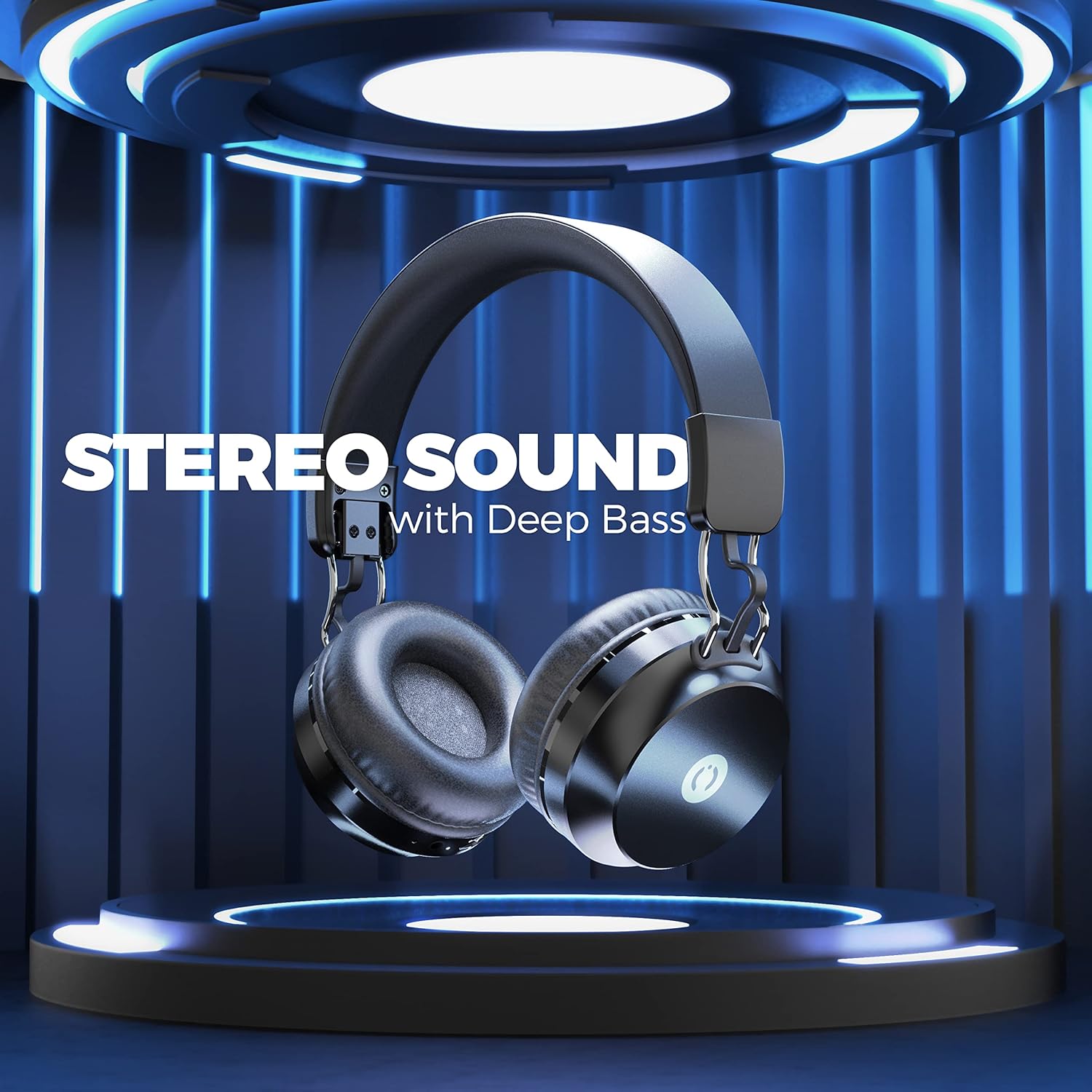
Image: MuveAcoustics Core Wireless On-Ear Headphones, showcasing cjelokupni dizajn.
Ključne karakteristike:
- Incredible Stereo Sound: Designed with noise reduction isolation technology for an immersive audio experience.
- Comfortable On-Ear Fit: Foldable and easily adjustable earcups for extended wear.
- Jednostavna kontrola: Integrated microphone for calls and playback controls.
- Long Battery Life and Dual Mode: Up to 20 hours of wireless playback, with an option to switch to wired mode for continuous audio.
- Prijenosni dizajn: Ergonomic and foldable design for easy transport.
Setup
1. Punjenje slušalica
Before first use, fully charge your headphones. Connect the provided charging cable to the charging port on the headphones and the other end to a USB power source (e.g., computer, wall adapter).
- LED indikator će pokazati status punjenja.
- Potpuno punjenje traje otprilike 2 sati.
- The LED indicator will change color or turn off once charging is complete.
2. Uključivanje / isključivanje napajanja
- Za uključivanje: Press and hold the Power button for a few seconds until the LED indicator lights up.
- Za isključivanje: Press and hold the Power button for a few seconds until the LED indicator turns off.
3. Bluetooth uparivanje
Da biste bežično povezali slušalice s uređajem:
- Provjerite jesu li slušalice napunjene i isključene.
- Pritisnite i držite dugme za napajanje dok LED indikator ne zatreperi, što označava režim uparivanja.
- Na svom uređaju (pametnom telefonu, laptopu, tabletu) omogućite Bluetooth i potražite dostupne uređaje.
- Select "MuveAcoustics Core" from the list of found devices.
- Nakon uparivanja, LED indikator će prestati treptati i ostati stalno svijetliti.

Image: MuveAcoustics Core headphones illustrating wide connectivity with multiple device types.
4. Wired Connection (Dual Mode)
You can use the headphones in wired mode even if the battery is depleted. Connect the provided 3.5mm audio cable to the headphone's audio jack and the other end to your device's audio output.

Image: MuveAcoustics Core headphones illustrating the flexibility of both wireless and wired modes.
Uputstvo za upotrebu
Reprodukcija muzike
- Pusti/pauza: Pritisnite višenamjenski taster jednom.
- Sljedeća pjesma: Pritisnite i držite dugme za pojačavanje jačine zvuka.
- Prethodni zapis: Pritisnite i držite tipku za smanjivanje jačine zvuka.
- Povećavanje glasnoće: Kratko pritisnite dugme za pojačavanje jačine zvuka.
- Smanjivanje jačine zvuka: Kratko pritisnite dugme za smanjenje jačine zvuka.
Upravljanje pozivima
- Odgovori/Završi poziv: Pritisnite višenamjenski taster jednom.
- odbiti poziv: Pritisnite i držite višenamensko dugme 2 sekunde.
- Ponovno biranje zadnjeg broja: Dvaput pritisnite višenamensko dugme.
Glasovni asistent
- Aktivirajte glasovnog asistenta: Triple-press the Multi-function button (if supported by your device).
Održavanje
- čišćenje: Za čišćenje slušalica koristite meku, suhu krpu. Ne koristite abrazivna sredstva za čišćenje ili rastvarače.
- Skladištenje: Kada se ne koriste, slušalice čuvajte na hladnom i suhom mjestu. Sklopivi dizajn omogućava kompaktno skladištenje.
- Održavanje baterije: To prolong battery life, avoid fully discharging the headphones frequently. Charge regularly, even if not used for extended periods.
- Izbjegavajte ekstremne uslove: Ne izlažite slušalice ekstremnim temperaturama, vlazi ili direktnoj sunčevoj svjetlosti.
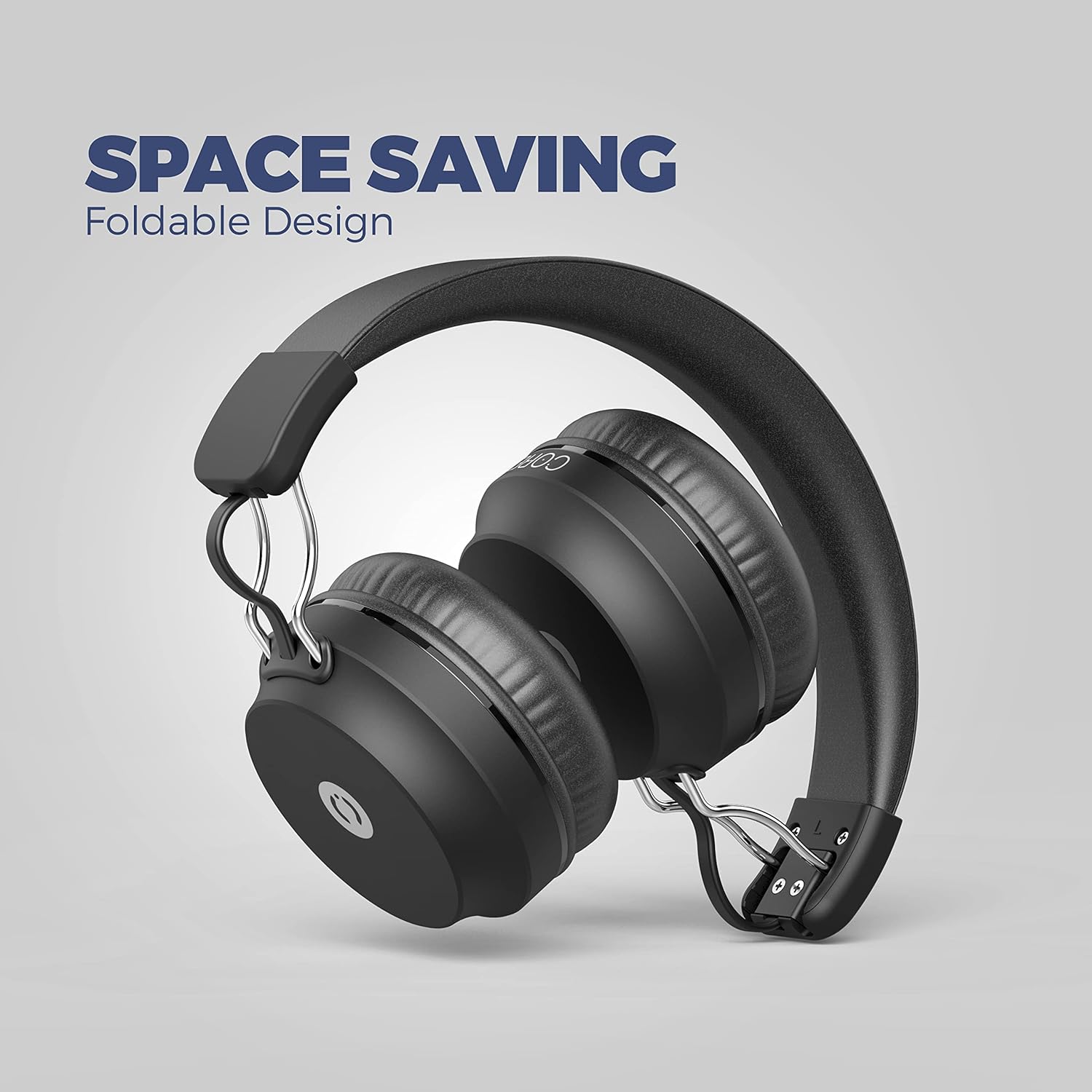
Image: MuveAcoustics Core headphones demonstrating their foldable design for easy storage and portability.
Rješavanje problema
| Problem | Mogući uzrok | Rješenje |
|---|---|---|
| Slušalice se ne uključuju. | Baterija je prazna. | Charge the headphones for at least 30 minutes. |
| Nije moguće uparivanje putem Bluetootha. | Slušalice nisu u načinu rada za uparivanje; Bluetooth je onemogućen na uređaju; uređaj je previše udaljen. | Ensure headphones are in pairing mode (flashing LED). Enable Bluetooth on your device. Move device closer to headphones (within 10 meters). |
| Nema zvuka u bežičnom režimu. | Jačina zvuka je preniska; slušalice nisu povezane; na uređaju je odabran pogrešan audio izlaz. | Povećajte jačinu zvuka na slušalicama i uređaju. Ponovo uparite slušalice. Provjerite postavke audio izlaza uređaja. |
| Mikrofon ne radi. | Microphone muted; incorrect input device selected on computer/app. | Ensure microphone is not muted. Check audio input settings on your connected device or application. |
| Kvalitet zvuka je loš. | Weak Bluetooth signal; audio source quality; headphones not fully charged. | Move closer to the connected device. Try a different audio source. Ensure headphones are fully charged. |
Specifikacije
| Feature | Detalj |
|---|---|
| Brand | MuveAcoustics |
| Naziv modela | Core (Studio) |
| Broj modela stavke | MA-1500ASB |
| Tehnologija povezivanja | bežični (Bluetooth) |
| Bežična komunikacijska tehnologija | Bluetooth |
| Form Factor | Circum-Aural (On-Ear) |
| Postavljanje uha | On-Ear |
| Posebne karakteristike | Mikrofon uključen |
| Tip kontrole | Kontrola jačine zvuka |
| Kontrolni metod | Taktilno |
| Izolacija buke | Akustična izolacija |
| Priključak za slušalice | 3.5 mm Jack |
| Kompatibilni uređaji | Smartphones, Laptops, Tablets, Gaming Consoles, Desktop Computers, Smart Speakers |
| Preporučena upotreba | Calling, Running, Cycling, Recording, Exercise, Video Gaming, DJing, Skateboarding, Snowboarding, Audio Monitoring |
| Specifične upotrebe proizvoda | Gaming, Music, Sport |
| Materijal | Plastika |
| Težina artikla | 200 grama |
| Sastav baterije | Litijum-polimer |
| Punjiva baterija | Da |
| Vrijeme punjenja | 2 sati |
| Uključene komponente | Kabl |
| Proizvođač | Zeeva International |
Garancija i podrška
For warranty information or technical support, please refer to the documentation included with your purchase or visit the official MuveAcoustics webSačuvajte dokaz o kupovini za slučaj reklamacije.
If you encounter any issues not covered in this manual, please contact MuveAcoustics customer service for assistance.
Sigurnosne informacije
- Nemojte rastavljati ili modificirati slušalice.
- Izbjegavajte dugotrajno slušanje muzike na velikoj jačini zvuka kako biste spriječili oštećenje sluha.
- Čuvati van domašaja djece.
- Proizvod i bateriju odložite odgovorno u skladu s lokalnim propisima.