
1. Uvod
This manual provides detailed instructions for the operation and maintenance of your Coby CVR42BK Portable Cassette Player and Recorder. Please read this manual thoroughly before using the device to ensure proper function and longevity.
2. Sadržaj paketa
Provjerite da li se u vašem paketu nalaze sve dolje navedene stavke:
- Coby CVR42BK Portable Cassette Player and Recorder
- Eksterni mikrofon za nosač
- 120V AC adapter
- Korisnički priručnik (ovaj dokument)

Figure 2.1: Included items in the Coby CVR42BK package.
3. Proizvod je gotovview
The Coby CVR42BK is a portable cassette player and recorder designed for both playback and one-touch recording. It features a built-in handle for portability and includes an external boom microphone for enhanced recording quality.

Figure 3.1: Coby CVR42BK Portable Cassette Player and Recorder.
3.1 Kontrole i indikatori
Familiarize yourself with the controls and ports on your device:
- Dugme za reprodukciju: Initiates cassette playback.
- Dugme za snimanje: Activates recording function (requires a blank cassette).
- Fast Forward Button: Brzo premotava traku naprijed.
- Rewind Button: Brzo premotava traku unazad.
- Stop/Eject Button: Zaustavlja reprodukciju/snimanje i otvara pretinac za kasetu.
- Kontrola jačine zvuka: Podešava jačinu zvuka reprodukcije.
- Priključak za slušalice (3.5 mm): Za privatno slušanje.
- Ulaz za eksterni mikrofon: Connects the included boom microphone.
- Priključak za AC adapter: For connecting the 120V AC adapter.
- Pretinac za baterije: Holds 4 C batteries for portable power.
4. Podešavanje
4.1 Napajanje uređaja
The CVR42BK can be powered by either the included AC adapter or 4 C batteries (not included).
- AC napajanje: Connect the 120V AC adapter to the AC adapter port on the device and then plug it into a standard wall outlet.
- Snaga baterije: Open the battery compartment on the underside of the unit. Insert 4 C batteries, ensuring correct polarity (+/-). Close the compartment securely.

Figure 4.1: Power options for the CVR42BK.
4.2 Ubacivanje kasete
- Pritisnite Stop / Eject dugme za otvaranje vrata pretinca za kasetu.
- Insert a cassette tape with the open edge facing upwards and the tape side facing you.
- Pažljivo zatvorite vrata pretinca za kasetu dok ne kliknu.

Figure 4.2: Loading a cassette tape.
5. Uputstvo za upotrebu
5.1 Reprodukcija kasete
- Ensure a cassette tape is loaded (refer to Section 4.2).
- Pritisnite Igraj button. The tape will begin to play.
- Podesite Kontrola jačine zvuka do željenog nivoa slušanja.
- Za premotavanje unaprijed, pritisnite Fast Forward button. To rewind, press the Premotaj unazad dugme.
- Za zaustavljanje reprodukcije pritisnite Stop / Eject dugme.
- Za privatno slušanje, priključite slušalice na 3.5 mm priključak za slušalice.
5.2 Recording Audio (One-Touch Recording)
The CVR42BK features one-touch recording and Automatic Level Control (ALC) to optimize recording levels.
- Load a blank or recordable cassette tape into the device. Note: Re-using older cassettes may affect sound quality. New cassettes are recommended for optimal results.
- Pritisnite Zapis dugme. The Igraj button will also engage simultaneously. The device will begin recording audio from its built-in microphone or the connected external microphone.
- Za zaustavljanje snimanja pritisnite Stop / Eject dugme.
- The device includes an auto-stop feature that will automatically stop recording when the tape reaches its end.
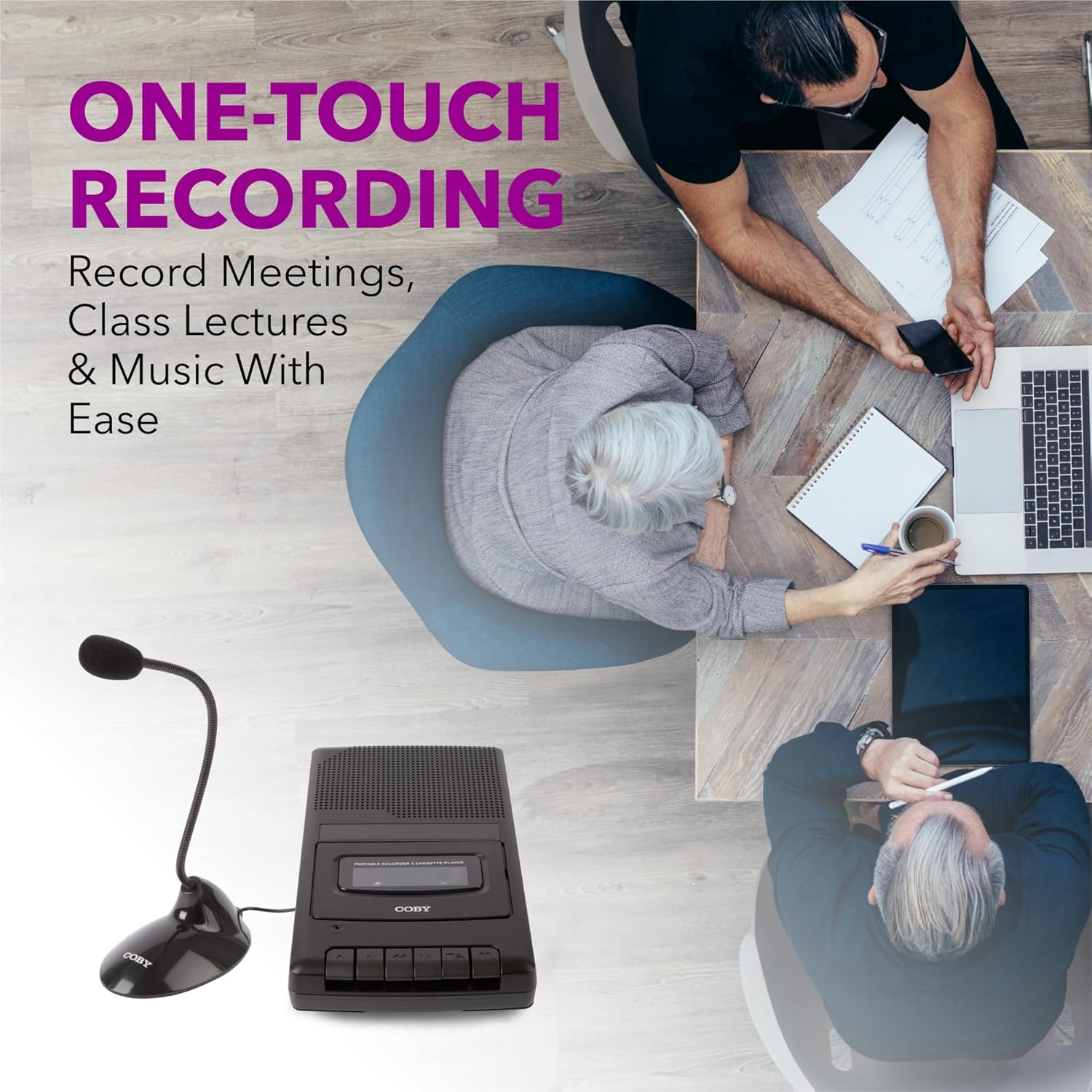
Figure 5.1: Using the CVR42BK for recording.
5.3 Using the External Boom Microphone
For higher quality recordings, especially for lectures or meetings, connect the included external boom microphone.
- Locate the external microphone input port on the CVR42BK.
- Plug the external boom microphone into this port.
- Position the microphone appropriately for the sound source you wish to record.
- Proceed with recording as described in Section 5.2. The device will automatically prioritize the external microphone when connected.

Figure 5.2: External boom microphone in use.
6. Održavanje
- čišćenje: Za čišćenje vanjske strane uređaja koristite meku, suhu krpu. Ne koristite tekuća sredstva za čišćenje ili otapala.
- Tape Head Cleaning: Periodically clean the tape heads with a specialized cassette head cleaning kit to ensure optimal sound quality and prevent tape damage.
- Skladištenje: When not in use for extended periods, remove batteries to prevent leakage. Store the device in a cool, dry place away from direct sunlight and extreme temperatures.
- Održavanje kasete: Store cassette tapes in their cases to protect them from dust and physical damage. Avoid exposing tapes to strong magnetic fields.
7. Otkrivanje problema
| Problem | Mogući uzrok | Rješenje |
|---|---|---|
| Nema struje | AC adapter nije priključen ili je neispravan; baterije su prazne ili nepravilno umetnute. | Check AC adapter connection and power outlet. Replace batteries or ensure correct polarity. |
| Nema zvuka tokom reprodukcije | Volume too low; headphones connected; tape head dirty; tape damaged. | Increase volume. Disconnect headphones. Clean tape heads. Try a different tape. |
| Snimanje ne radi | Tape is write-protected; tape is full; microphone not connected or faulty. | Ensure the write-protect tab on the cassette is intact. Use a blank tape. Check microphone connection. |
| Loš kvalitet zvuka | Dirty tape heads; old or damaged cassette tape; external interference. | Clean tape heads. Use a new or known-good cassette tape. Move away from electronic devices. |
| Tape not moving | Tape jammed; mechanism fault. | Gently open compartment and check for tape jams. If problem persists, contact support. |
8. Specifikacije
| Broj modela | CVR42BK |
| Izvor napajanja | 120V AC Adapter (included) or 4 x 'C' Batteries (not included) |
| Karakteristike | Automatic Level Control (ALC), One-Touch Recording, Fast Forward, Rewind, Volume Control, Auto-Stop |
| Mikrofon | Built-in microphone, External Boom Microphone (included) |
| Priključak za slušalice | 3.5 mm stereo |
| Dimenzije proizvoda (D x Š x V) | 10.2 x 5.83 x 1.97 inča (25.9 x 14.8 x 5 cm) |
| Težina artikla | 1.75 funte (0.79 kg) |
| UPC | 810071491450 |
9. Garancija i podrška
For warranty information or technical support, please refer to the warranty card included with your product or visit the official Coby webSačuvajte račun kao dokaz o kupovini u slučaju bilo kakvih reklamacija.
Proizvođač: Summit Electronics LLC