
Logitech 910-006272
Logitech Signature M650 for Business Wireless Mouse User Manual
Model: M650 (910-006272)
1. Uvod
The Logitech Signature M650 for Business is a versatile wireless mouse designed to enhance productivity and comfort. It offers dual connectivity options, a SmartWheel for adaptive scrolling, and SilentTouch technology for quiet operation. Available in two sizes, it caters to various hand sizes for optimal ergonomic support.
Ključne karakteristike:
- Dvostruko povezivanje: Connect via Logi Bolt USB receiver for secure connections or directly via Bluetooth Low Energy.
- Skrolovanje pomoću SmartWheel-a: Automatically switches between line-by-line precision and free-spin mode.
- SilentTouch tehnologija: Reduces click noise by 90% for a quieter work environment.
- Ergonomski dizajn: Contoured shape and soft thumb area for comfort, available in two sizes (M650 and M650 L).
- Prilagodljiva dugmad: Side buttons can be customized for various functions.
- Dug vijek trajanja baterije: Up to 24 months on a single AA battery.
- Kompatibilnost sa više platformi: Works seamlessly with Windows, macOS, Linux, Chrome OS, iPadOS, and Android.

Image: Logitech Signature M650 for Business Wireless Mouse and its packaging, showcasinproizvod i njegovu kutiju.
2. Podešavanje
2.1. Šta se nalazi u kutiji
Prije nego što počnete, provjerite da li su sve komponente prisutne:
- Logitech Signature M650 bežični miš
- Logi Bolt USB prijemnik
- 1 AA baterija (unaprijed instalirana)

Image: The Logitech M650 mouse, a Logi Bolt USB receiver, and a 1-meter USB cable, representing the items included in the product packaging.
2.2. Instalacija baterije
The mouse comes with one AA battery pre-installed. If you need to replace it:
- Otvorite poklopac pretinca za baterije na donjoj strani miša.
- Umetnite novu AA bateriju, pazeći na ispravan polaritet (+/-).
- Čvrsto zatvorite poklopac odeljka za baterije.
2.3. Povezivanje vašeg miša
The Signature M650 offers two connection methods: Logi Bolt USB Receiver or Bluetooth Low Energy.
Option 1: Logi Bolt USB Receiver (Recommended for Secure Connections)
- Locate the Logi Bolt USB receiver, typically found inside the mouse's battery compartment or packaged separately.
- Uključite Logi Bolt USB prijemnik u dostupan USB priključak na računaru.
- Turn on the mouse using the power switch on its underside. The mouse should automatically connect.

Image: The Logi Bolt USB receiver securely plugged into a laptop's USB port, demonstrating its compact size and integration.
Option 2: Bluetooth Low Energy
- Uključite miš pomoću prekidača za napajanje koji se nalazi na njegovoj donjoj strani.
- Press and hold the connect button on the underside of the mouse until the LED indicator starts blinking rapidly, indicating pairing mode.
- Na računaru ili uređaju otvorite postavke Bluetootha.
- Select "Logitech M650" from the list of available devices and follow the on-screen prompts to complete pairing.

Image: The Logitech M650 mouse positioned on a mousepad, with visual cues for both Bluetooth and Logi Bolt connectivity options.
3. Upravljanje mišem
3.1. SmartWheel Scrolling
The SmartWheel automatically adapts to your scrolling needs:
- Precizni način rada: For detailed, line-by-line scrolling, gently scroll the wheel.
- Režim besplatnih okretaja: For rapid, long document or web page navigation, give the wheel a quick flick. It will spin freely.
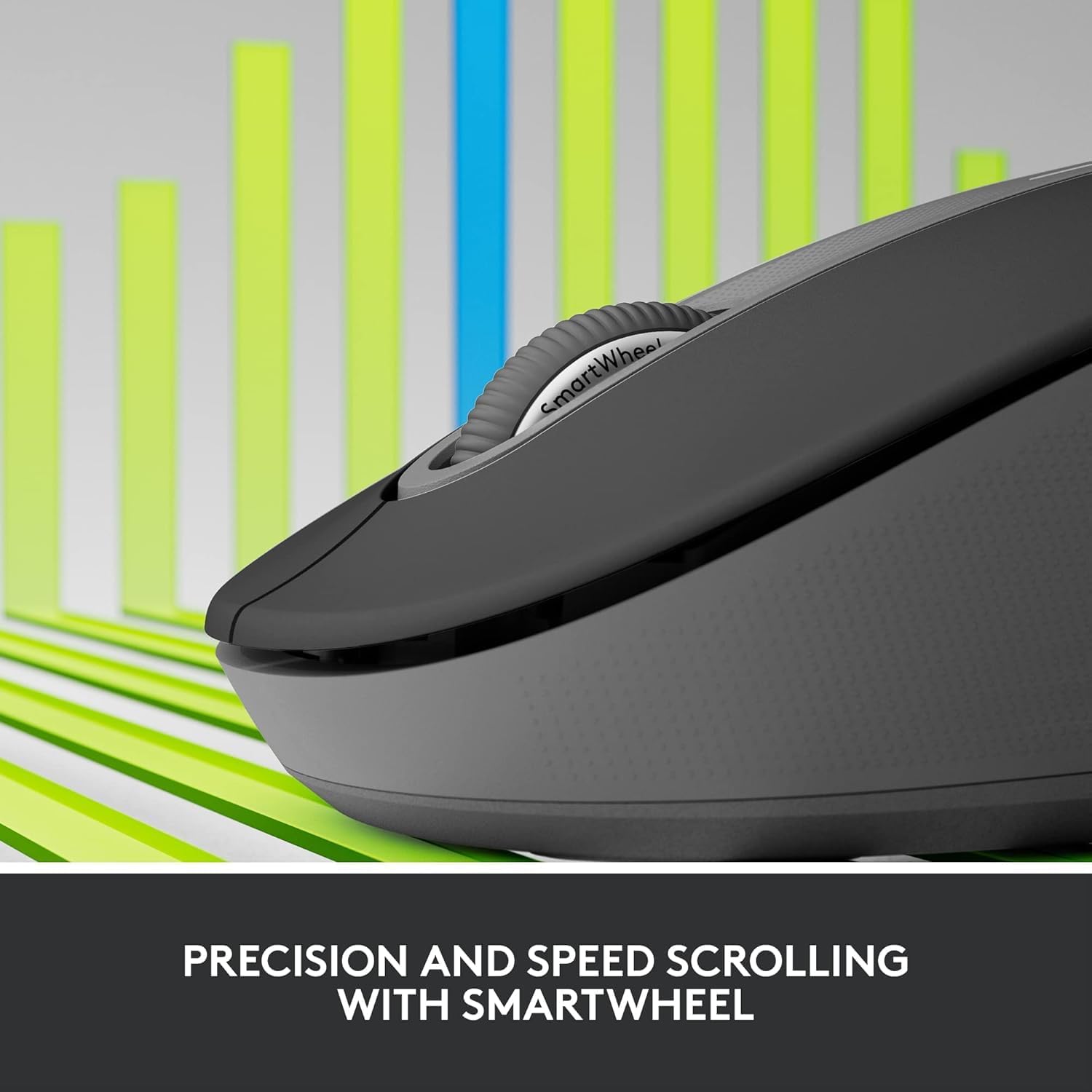
Image: A detailed close-up of the Logitech M650 mouse's SmartWheel, emphasizing its design for both precision and speed scrolling.
3.2. Prilagodljiva bočna dugmad
The Signature M650 features two customizable side buttons. By default, these buttons may perform forward/back navigation in web browsers. To customize their functions, download and install the Logitech Options+ software from the official Logitech website.
3.3. SilentTouch Technology
Experience a quieter workspace with SilentTouch technology, which significantly reduces the sound of clicks without compromising the tactile feel.
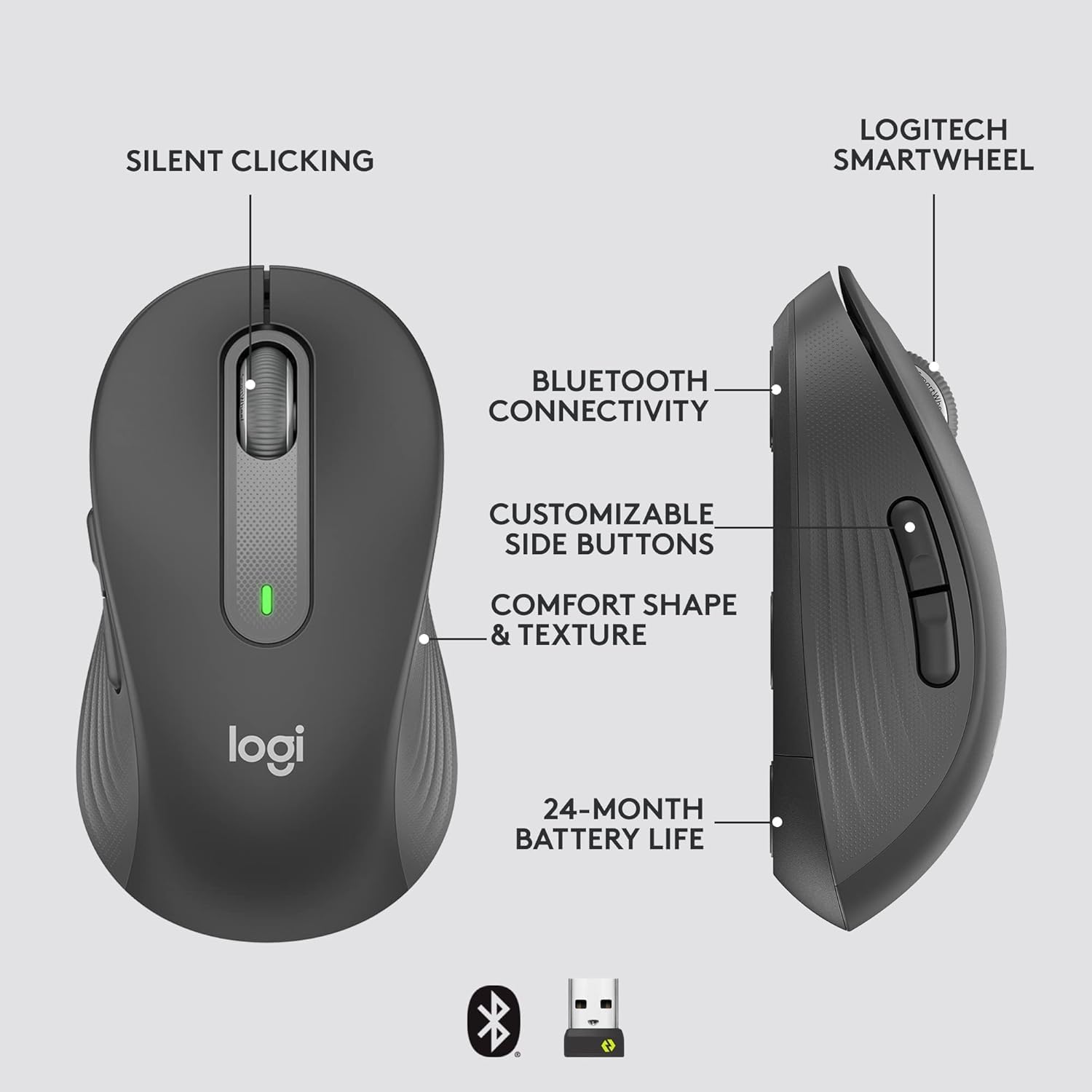
Image: An annotated diagram of the Logitech M650 mouse, highlighting key features such as Silent Clicking, Bluetooth Connectivity, Customizable Side Buttons, Comfort Shape & Texture, 24-Month Battery Life, and the Logitech SmartWheel.
4. Održavanje
4.1. Zamjena baterije
The mouse uses one AA battery. When the battery is low, the LED indicator on the mouse may flash. Replace the battery as described in Section 2.2.
4.2. Čišćenje
Za čišćenje miša koristite meku krpu koja ne ostavlja dlačice. Za tvrdokornu prljavštinu, lagano je obrišite.ampIsperite krpu vodom. Izbjegavajte upotrebu jakih hemikalija ili abrazivnih materijala.
5. Otkrivanje problema
5.1. Miš ne reaguje
- Provjerite bateriju: Provjerite je li baterija pravilno instalirana i dovoljno napunjena. Zamijenite je ako je potrebno.
- Uključeno: Verify the mouse is turned on using the power switch.
- Ponovo uspostavi vezu:
- Logi Bolt: Try plugging the receiver into a different USB port. Ensure no obstructions are between the mouse and receiver.
- Bluetooth: Go to your device's Bluetooth settings, remove the mouse, and re-pair it.
- smetnje: Move the mouse closer to the receiver or device. Avoid using the mouse near other wireless devices that might cause interference.
5.2. Nepravilno kretanje kursora
- Čisti senzor: Provjerite je li optički senzor na donjoj strani miša čist i bez prljavštine.
- Površina: Koristite miš na čistoj, nereflektirajućoj i ujednačenoj površini. Preporučuje se podloga za miša.
6. Tehničke specifikacije
| Feature | Specifikacija |
|---|---|
| Broj modela | 910-006272 |
| Povezivanje | Logi Bolt USB prijemnik, Bluetooth niske potrošnje energije |
| Senzorna tehnologija | Optički |
| Vrsta baterije | 1 x AA baterija (uključena) |
| Trajanje baterije | Do 24 mjeseci |
| Dimenzije (M650) | 4.22 x 2.43 x 1.49 inča (10.7 x 6.17 x 3.78 cm) |
| Težina | 3.57 unci (101.2 g) |
| Boja | Grafit |
| Kompatibilnost operativnog sistema | Windows, macOS, Linux, Chrome OS, iPadOS, Android |

Image: A visual comparison of the Logitech M650 and M650 L mouse sizes, indicating their respective lengths of 10.5cm and 11.5cm.
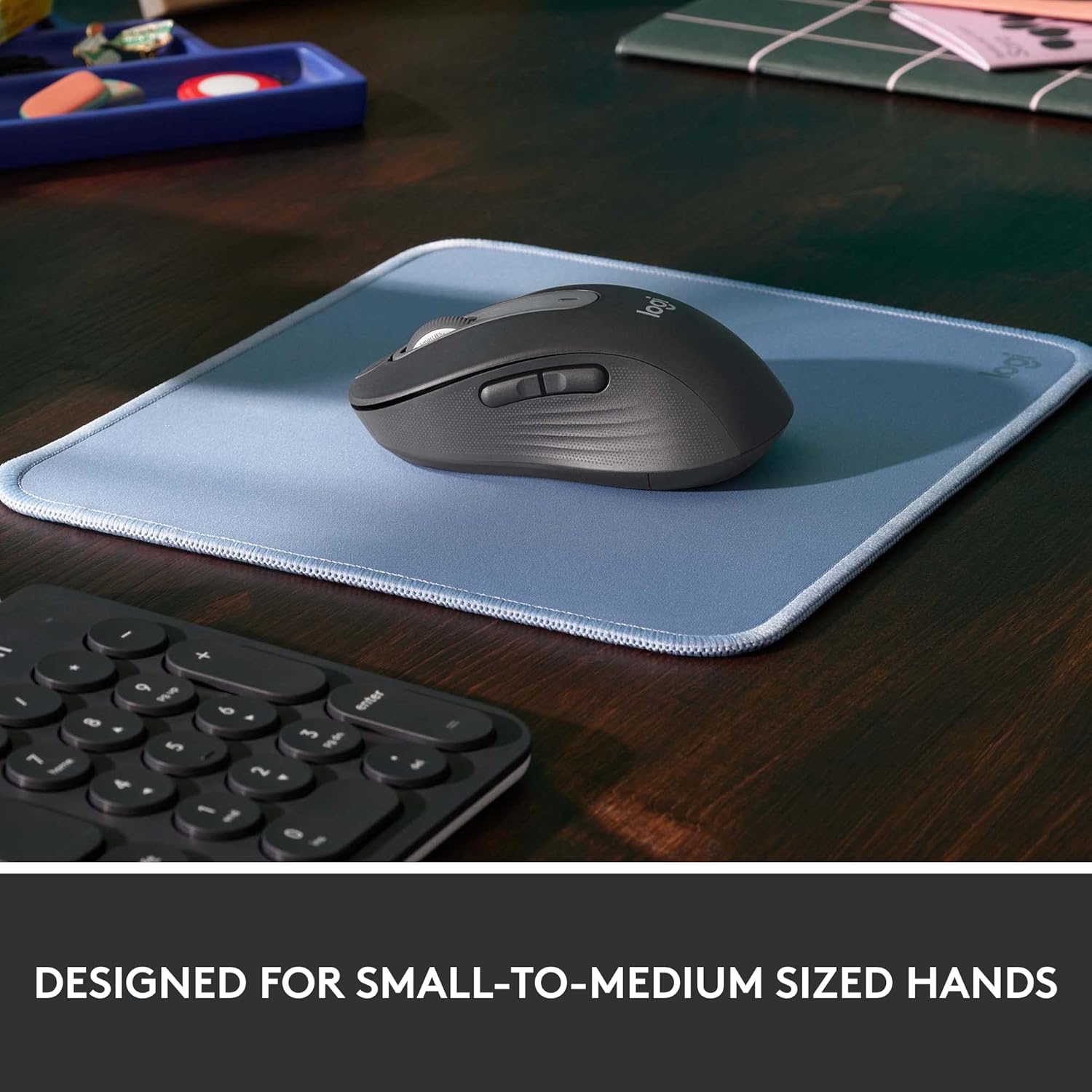
Image: The Logitech M650 mouse resting on a light blue mousepad, illustrating its ergonomic shape designed to fit comfortably in small to medium-sized hands.
7. Garancija i podrška
Logitech proizvodi se proizvode po najvišim standardima kvalitete. Za detaljne informacije o garanciji, molimo pogledajte garantni list koji dolazi uz vaš proizvod ili posjetite službenu Logitech podršku. website.
For technical assistance, troubleshooting, or to download the latest software and drivers, please visit the Logitech Support page: