
LWZCAM EJ-A4
LWZCAM Wired Earbuds User Manual
Model: EJ-A4
Marka: LWZCAM
Uvod
This user manual provides comprehensive instructions for the LWZCAM Wired Earbuds (Model EJ-A4). These in-ear headphones are designed to deliver high-quality stereo sound with heavy bass, featuring an integrated microphone for clear communication. They are compatible with a wide range of 3.5mm jack devices, including smartphones, laptops, and MP3 players. Please read this manual thoroughly to ensure proper use and maintenance of your earbuds.
Šta je uključeno
The LWZCAM Wired Earbuds package includes the following components:
- 5 x Wired Earbuds (White, Pink, Black, Green, Black)
- 1 x Korisnički priručnik (ovaj dokument)

Figure 1: Included LWZCAM Wired Earbuds in various colors.
Ključne karakteristike
- Stereo kvaliteta zvuka: Equipped with a metal composite diaphragm, these earbuds deliver natural acoustic sound with heavy bass and stereo effects for a high-quality music experience.
- HD Call & Gaming Microphone: Features a noise-canceling microphone for clear high-definition calls and gaming.
- Ergonomski dizajn: In-ear silicone tips provide a soft texture for comfortable long-term wear, fitting well for various activities like gaming, sports, and travel.
- Kabl koji se ne zapetljava: The lightweight cable is designed to be tangle-free, making it easy to store and carry in pockets or backpacks.
- Široka kompatibilnost: Compatible with all 3.5mm connector devices, including Android smartphones, MP3 players, laptops, and other audio devices.

Figure 2: Internal structure illustrating premium sound components.
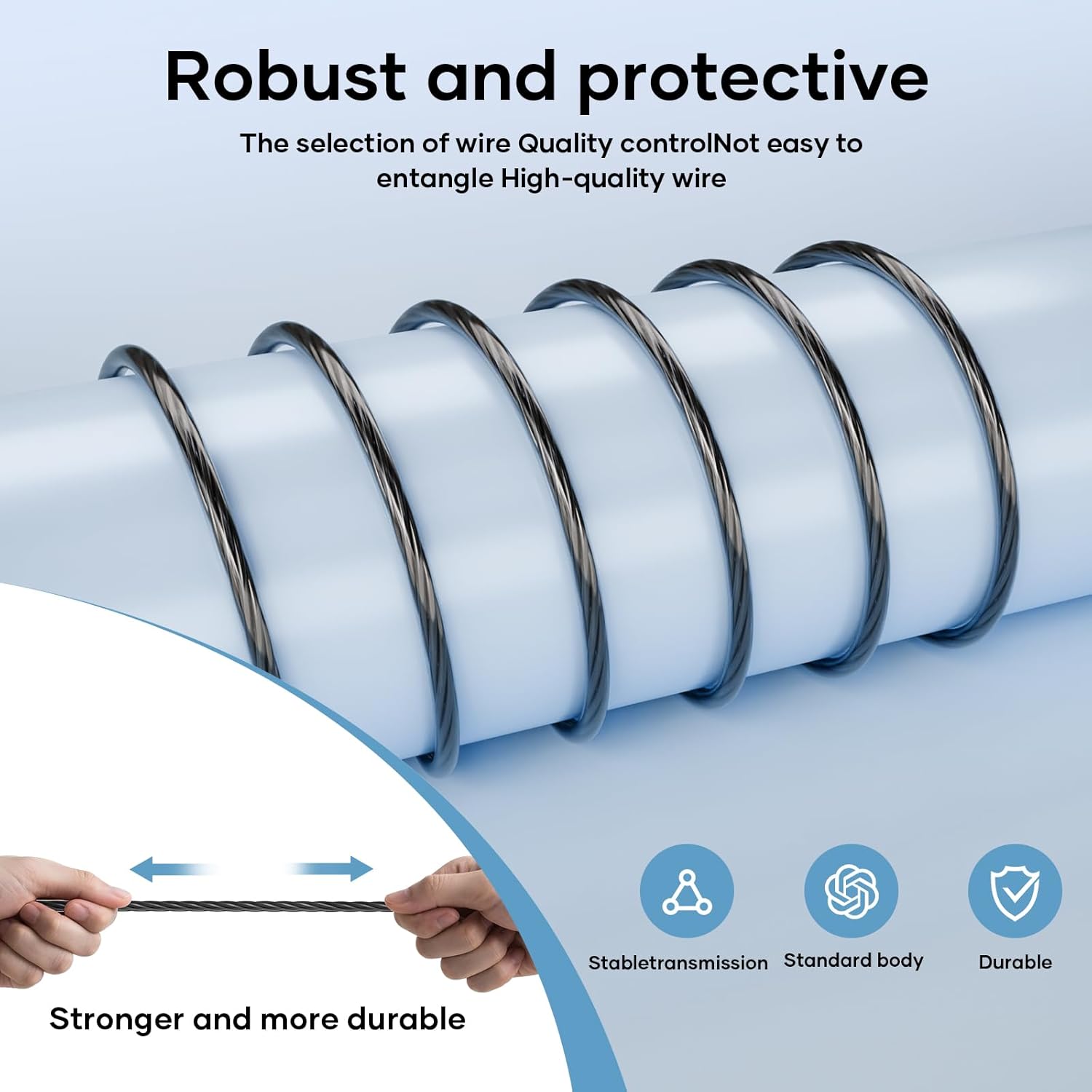
Figure 3: Durable and tangle-free cable design.

Figure 4: Inline remote control for music and calls.
Vodič za postavljanje
- Identifikujte audio priključak: Locate the 3.5mm audio jack on your device (smartphone, tablet, laptop, MP3 player, etc.).
- Umetnite slušalice: Gently insert the 3.5mm plug of the LWZCAM earbuds into your device's audio jack until it clicks into place.
- Podesite glasnoću: Adjust the volume on your device to a comfortable listening level.
- Test funkcionalnost: Play some audio or make a test call to ensure both sound and microphone functions are working correctly.

Figure 5: Compatibility with 3.5mm electronic devices.
Uputstvo za upotrebu
The LWZCAM Wired Earbuds feature a multi-function inline control button for easy management of music and calls:
| Akcija | Funkcija |
|---|---|
| Pritisnite jednom | Play/Pause Music, Answer Call, End Call |
| Pritisnite dvaput | Next Track |
| Pritisnite tri puta | Previous Track |
| Dugi pritisak | Odbiti poziv |

Figure 6: One-button control for music and calls.
Njega i održavanje
- čišćenje: Regularly clean the ear tips with a soft, dry cloth to remove earwax and debris. For deeper cleaning, remove the silicone tips and wash them with mild soap and water, ensuring they are completely dry before reattaching.
- Skladištenje: Store your earbuds in a clean, dry place when not in use. The tangle-free cable design helps prevent knots and damage.
- Otpornost na vodu: These earbuds are rated as waterproof. However, prolonged submersion or exposure to high-pressure water jets is not recommended. Dry thoroughly if exposed to moisture.
- Izbjegavajte ekstremne temperature: Do not expose the earbuds to extreme hot or cold temperatures, as this can affect their performance and lifespan.
Rješavanje problema
| Problem | Moguće rješenje |
|---|---|
| Nema zvuka iz slušalica. |
|
| Mikrofon ne radi. |
|
| Earbuds feel uncomfortable or fall out. |
|
Specifikacije proizvoda
| Specifikacija | Detalj |
|---|---|
| Naziv modela | EJ-A4 |
| Tehnologija povezivanja | Žičani |
| Priključak za slušalice | 3.5 mm Jack |
| Tip kontrole | Kontrola dugmadi |
| Cable Feature | Tangle Free |
| Nivo vodootpornosti | Vodootporan |
| Frekvencijski opseg | 20~20000Hz |
| Materijal | Metal, Plastika, Silikon |
| Težina artikla | 0.07 kilograma (2.39 unci) |
| Proizvođač | LWZCAM |
| UPC | 789844895781 |
Garancija i podrška
For detailed warranty information and customer support, please refer to the official LWZCAM website or contact their customer service directly. A digital version of this user guide is also available for download at https://manuals.plus/m/ccea305337ab2e1129a6794a82ef0f562f36e5b511f240789b9241b0ff4cc327.
Ask a question about this manual
Ask about setup, troubleshooting, compatibility, parts, safety, or missing instructions. Manuals+ will review the question and use this page’s manual context to help answer it.