
1. Proizvod je gotovview
The VNNBBS Wireless CarPlay Adapter (Model CPC200-CP2A) converts your car's existing wired Apple CarPlay system into a wireless connection. This device allows for seamless integration of your iPhone with your car's infotainment system without the need for a physical cable connection after initial setup. Enjoy navigation, music, calls, and more directly on your car's display.

Image: The VNNBBS Wireless CarPlay Adapter, showing its compact design, USB-A to USB-C converter, and how it enables wireless CarPlay on a car's display.
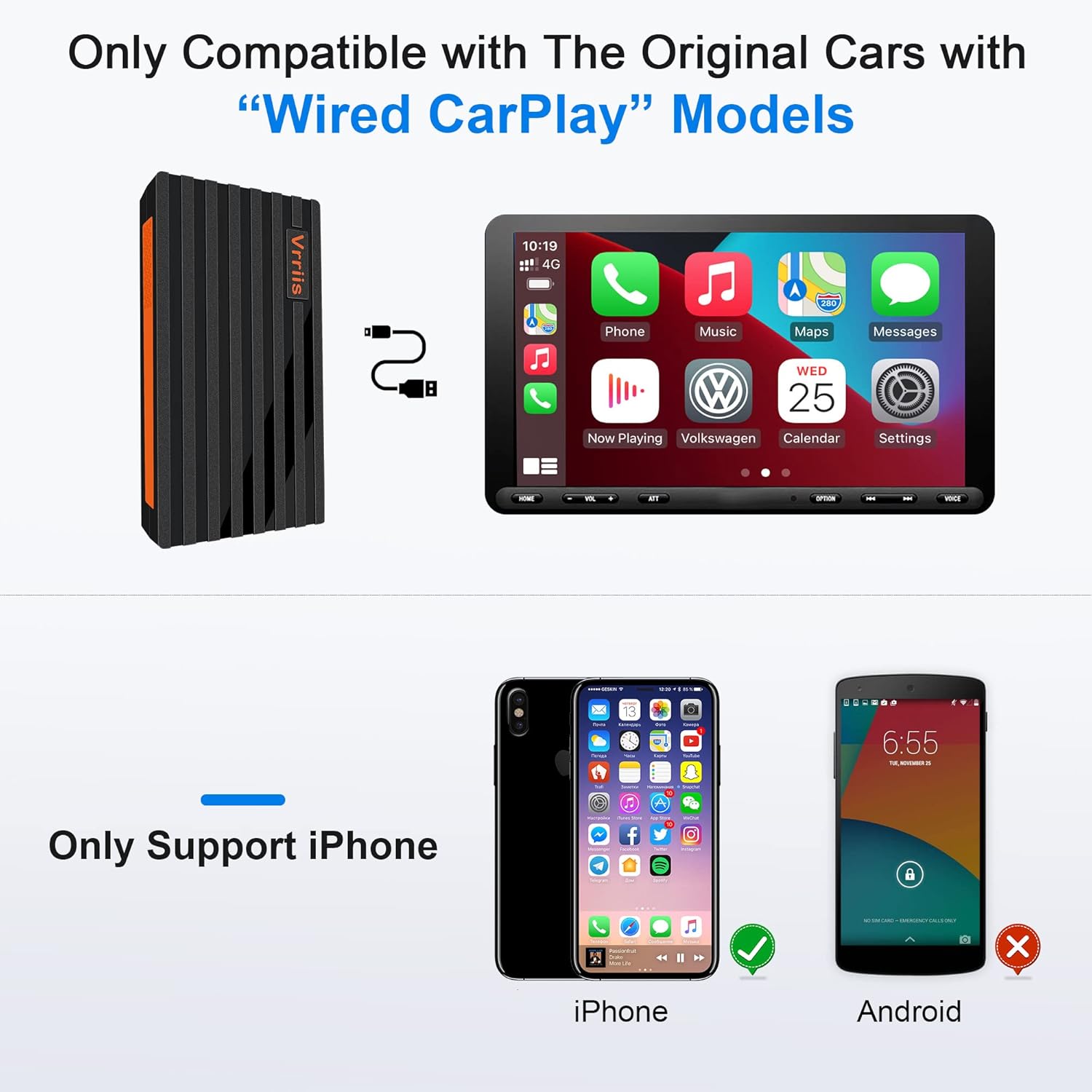
Image: Key features of the Wireless CarPlay Dongle, including Plug and Play, Wifi & Bluetooth connectivity, Fast Transmission, No audio delay, High Compatibility, and Steady Pairing.
2. Upute za postavljanje
Follow these steps to set up your VNNBBS Wireless CarPlay Adapter:
- Povežite adapter: Plug the USB dongle into your car's head unit USB port. If your car stereo only has a Type-C port, use the included USB-A to Type-C converter.
- Activate Bluetooth & Wi-Fi: On your iPhone, turn on both Bluetooth and Wi-Fi.
- Pair with Your Car: On your car's display, click "Search" for Bluetooth devices. Your phone's Bluetooth signal should appear. Select it to connect.
- Confirm CarPlay Connection: On your iPhone, click "Pair" and then "Use CarPlay" to establish the wireless connection.

Image: Visual guide demonstrating the three main steps for connecting the wireless CarPlay adapter: plugging it into the car's USB port, enabling Bluetooth and Wi-Fi on the iPhone, and confirming the pairing on both devices.
Video: An official seller video demonstrating the setup process for the Wireless CarPlay Adapter for Factory Wired Apple CarPlay, showing how to connect the device and pair it with an iPhone.
Video: Zvanična video prezentacija prodavcaasing the upgraded 2022 Wireless CarPlay Adapter and its quick connection capabilities.
Video: An official seller video highlighting the features and ease of use of the 2022 Hot Sell Wireless Apple CarPlay Dongle.
Video: An official seller video demonstrating the USB Wireless CarPlay Dongle Adapter for iPhone, showing its connection and functionality.
3. Uputstvo za upotrebu
Once connected, the VNNBBS Wireless CarPlay Adapter allows you to control your iPhone's CarPlay interface using your car's native controls.
3.1 Metode kontrole
- Original Car Button Operation: Use your car's existing physical buttons to navigate the CarPlay interface.
- Original Car Touchscreen Operation: Interact directly with the CarPlay display if your car has a touchscreen.
- Original Car Knob Operation: Utilize the car's control knob for precise navigation within CarPlay menus.
- Siri glasovna kontrola: Activate Siri for hands-free commands, such as making calls, sending messages, getting directions, or playing music.

Image: Demonstrates how to control CarPlay using the car's original buttons, touchscreen, control knob, and Siri voice commands for a seamless user experience.
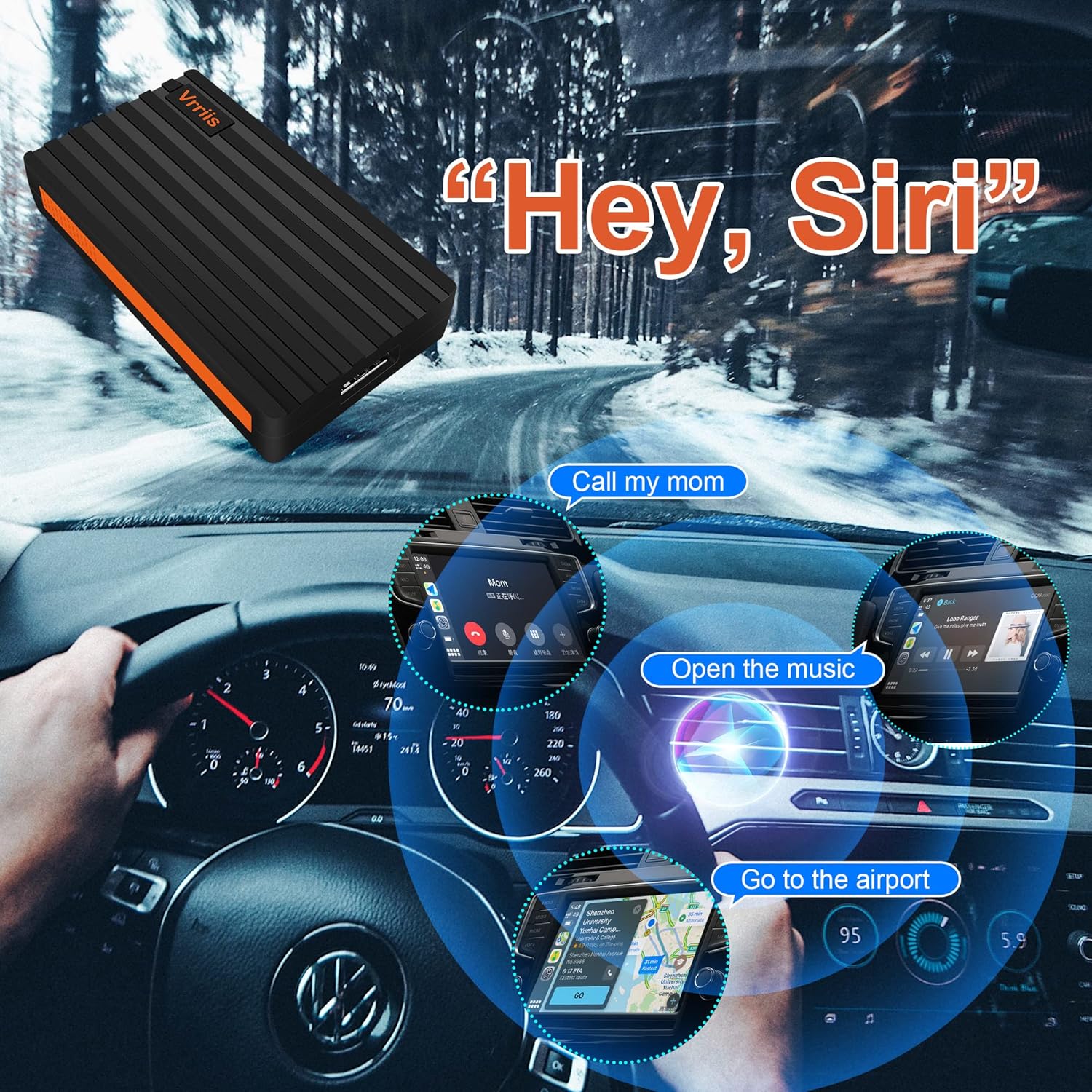
Image: Illustrates the use of Siri Voice Control with CarPlay, showing examples like 'Call my mom', 'Open the music', and 'Go to the airport' for hands-free operation.
3.2 Automatsko povezivanje
After the initial pairing, the adapter will automatically connect to your iPhone when you start your car, providing a hassle-free wireless CarPlay experience.

Image: A visual comparison showing the clutter of a wired CarPlay connection (BEFORE) versus the clean, seamless experience of a wireless CarPlay connection (AFTER) enabled by the adapter.
4. Kompatibilnost
The VNNBBS Wireless CarPlay Adapter is designed for specific car and phone configurations:
- Kompatibilnost automobila: Only compatible with original cars that come with factory-installed wired Apple CarPlay models.
- Kompatibilnost telefona: Only supports iPhone devices. Android phones are not supported.
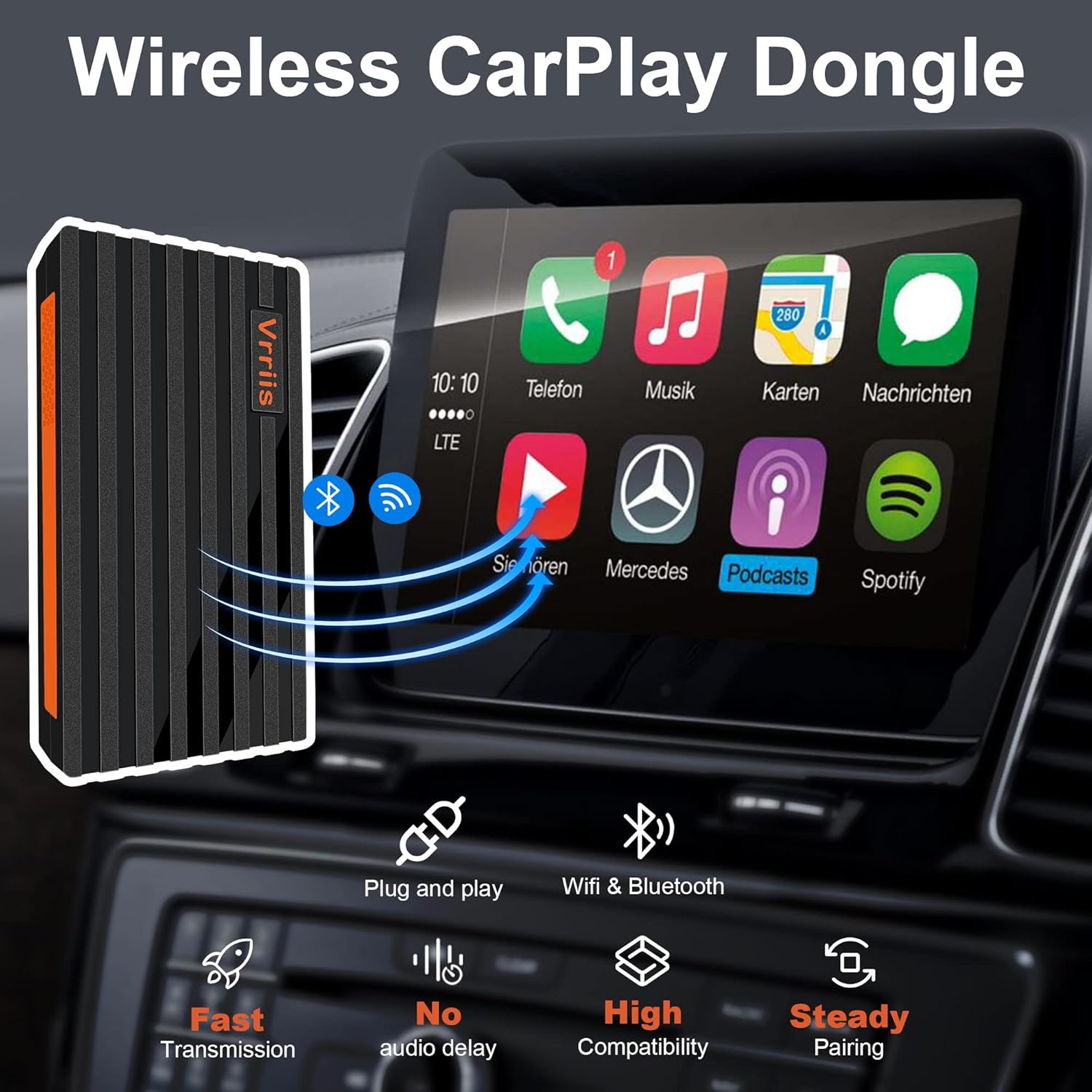
Image: Clearly states that the adapter is only compatible with original cars featuring wired CarPlay and exclusively supports iPhone devices, with Android devices explicitly shown as incompatible.
5. Održavanje
To ensure the longevity and optimal performance of your VNNBBS Wireless CarPlay Adapter, please follow these maintenance guidelines:
- Održavajte čistoću: Redovno brišite adapter mekom, suhom krpom kako biste uklonili prašinu i nečistoće. Izbjegavajte upotrebu tečnih sredstava za čišćenje.
- Izbjegavajte ekstremne temperature: Do not expose the device to extreme heat or cold, as this can affect its internal components.
- Pažljivo rukujte: Izbjegavajte ispuštanje adaptera ili izlaganje jakim udarcima.
- Pravilno skladištenje: Kada se adapter ne koristi duži period, čuvajte ga na hladnom i suhom mjestu, dalje od direktne sunčeve svjetlosti.
6. Otkrivanje problema
If you encounter issues with your VNNBBS Wireless CarPlay Adapter, try the following solutions:
- Nema konekcije:
- Ensure your car supports wired Apple CarPlay.
- Provjerite jesu li Bluetooth i Wi-Fi omogućeni na vašem iPhoneu.
- Unplug the adapter from the car's USB port, wait 10 seconds, and plug it back in.
- Restart your iPhone and your car's infotainment system.
- Check if your iPhone's Bluetooth is paired directly with the car's system. If so, unpair it and try connecting via the adapter again.
- Intermittent Connection/Dropped Connection:
- Ensure the adapter is securely plugged into the USB port.
- Minimize potential interference from other wireless devices in the car.
- Update your iPhone's iOS to the latest version.
- Isključite i ponovo priključite adapter.
- Kašnjenje ili zakašnjenje:
- Ensure your iPhone is not running too many background applications.
- Check for any available firmware updates for the adapter (refer to manufacturer's website if applicable).
7. Specifikacije
| Feature | Detalj |
|---|---|
| Dimenzije proizvoda | 2.6 x 0.4 x 0.31 inča |
| Težina artikla | 3.56 unce |
| ASIN | B09MN4BCWJ |
| Broj modela stavke | CPC200-CP2A |
| Datum prve dostupnosti | 24. decembar 2021 |
| Proizvođač | VNNBBS |
| Kompatibilni uređaji | Smartphone (iPhone only) |
| Specifične upotrebe za proizvod | Cell Phone (CarPlay integration) |
| Tip konektora | USB Type C (with USB-A to USB-C converter included) |
| Boja | Crna |
8. Garancija i podrška
For warranty information and technical support, please refer to the documentation included with your product or visit the official VNNBBS website. Sačuvajte račun o kupovini za reklamacije.