
1. Uvod
The Qilmy 1080P Wireless WiFi Home Security Camera is designed to provide reliable surveillance for your home. This device combines a high-definition camera with motion detection, night vision, and remote viewing capabilities, all integrated into a standard light bulb form factor for easy installation. This manual will guide you through the installation, setup, and operation of your new security camera.
2. Ključne karakteristike
- Full HD 1080P rezolucija: Pruža jasan i detaljan video zapistage.
- Bežična WiFi povezivost: Easy connection to your home network for remote access.
- Motion Detection & Instant Alarm: Automatically detects movement and sends alerts to your connected device.
- Jasan noćni vid: Osigurava vidljivost u uslovima slabog osvjetljenja.
- Daljinski Viewing: Monitor your property from anywhere using a smartphone app.
- Integrated Flood Light: Features 3 built-in flood lights that can activate automatically upon motion detection.
- Jednostavna instalacija: Screws into a standard E27 light socket.
- Utor za mikro SD karticu: Za lokalno pohranjivanje snimaka.

Slika: Prekoview of the Qilmy Home Security Camera's key features, including 1080P resolution, video recording, 360 panoramic viewing, Wi-Fi connection, light function, motion detection, remote viewing, and Micro SD card slot.
3. Šta se nalazi u kutiji
- Qilmy 1080P Wireless WiFi Home Security Camera (Bulb-shaped)
- E27 Light Socket Adapter (for mounting)
- Vijci za montažu i zidni tiplovi
- Vodič za brzi početak

Image: Contents of the Qilmy Home Security Camera package, showing the camera, an E27 socket adapter, mounting hardware, and a quick start guide.
4. Podešavanje
4.1 Fizička instalacija
- Odaberite lokaciju: Select a location with a standard E27 light socket that provides the desired viewing angle and is within range of your 2.4GHz Wi-Fi network.
- Iskljuciti: Prije instalacije provjerite je li napajanje utičnice za svjetlo isključeno osiguračem.
- Instaliraj kameru: Carefully screw the Qilmy security camera into the E27 light socket. If no existing socket is available, use the provided E27 adapter and mounting hardware to install it on a wall or ceiling.
- Uključeno: Restore power to the light socket. The camera will power on and emit a voice prompt indicating it is ready for configuration.

Image: A person's hands installing the Qilmy Home Security Camera into a ceiling light fixture, demonstrating its easy and quick installation process.
4.2 Wi-Fi veza i podešavanje aplikacije
- Preuzmi aplikaciju: Download the recommended mobile application (e.g., "iCSee" or similar as indicated in the Quick Start Guide) from your smartphone's app store.
- Registrirajte račun: Open the app and register a new user account if you don't already have one.
- Dodaj uređaj: Follow the in-app instructions to add a new device. This typically involves scanning a QR code on the camera or selecting the device type and following prompts.
- Povežite se na Wi-Fi: Connect the camera to your 2.4GHz Wi-Fi network. Ensure your smartphone is also connected to the same 2.4GHz network during the setup process.
- Konfiguracija: The camera will confirm successful connection with a voice prompt. Once connected, you can access live video and adjust settings through the app.

Image: A smartphone displaying the live feed from the Qilmy Home Security Camera, illustrating Wi-Fi connection and remote viewing capabilities from anywhere, anytime.
5. Uputstvo za upotrebu
5.1 Uživo Viewing i snimanje
- Open the mobile app to view prijenos uživo s vaše kamere.
- Koristite interfejs aplikacije za ručno snimanje videa ili pravljenje snimaka ekrana.
- Pristup snimljen footage stored on the Micro SD card or cloud storage (if subscribed).
5.2 Detekcija pokreta i upozorenja
- Omogućite detekciju pokreta u postavkama aplikacije.
- Podesite nivoe osjetljivosti kako biste smanjili lažne alarme.
- Primajte trenutna push obavještenja na svoj pametni telefon kada se detektuje kretanje.
- The camera can automatically activate its floodlights and siren alarm upon detecting motion, deterring intruders.
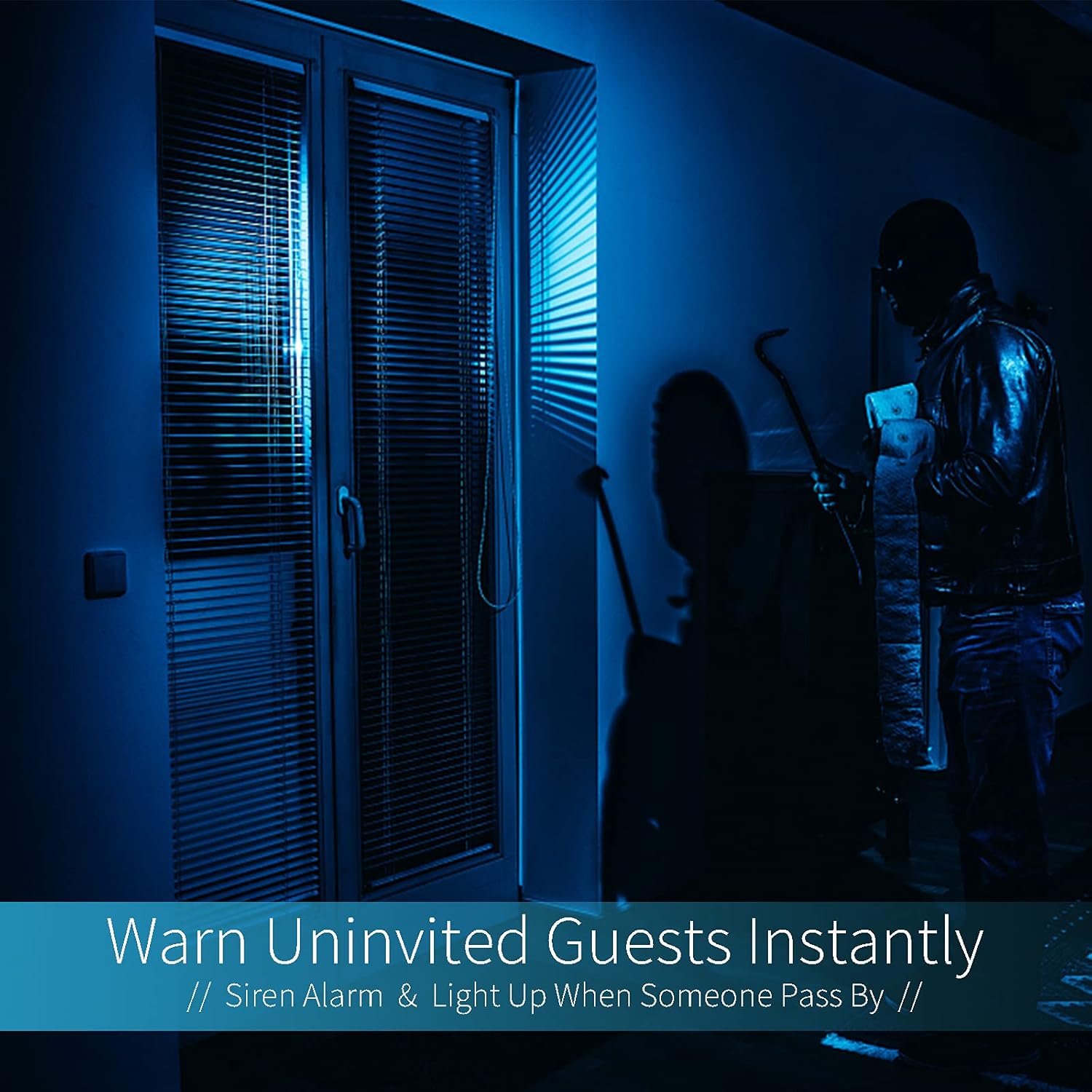
Image: A dark room with a security camera's light illuminating a figure, depicting the camera's ability to warn uninvited guests instantly with a siren alarm and light activation upon motion detection.
5.3 Funkcija svjetla
- The camera features built-in floodlights.
- Control the floodlights manually through the app.
- Configure the floodlights to turn on automatically when motion is detected, especially during nighttime.

Image: A comparison of a standard light bulb and the Qilmy Home Security Camera, highlighting its dual function as both a light bulb and a security camera with 3W consumption.
6. Održavanje
- čišćenje: Pažljivo obrišite objektiv i kućište kamere mekom, suhom krpom. Ne koristite jake hemikalije ili abrazivna sredstva za čišćenje.
- Ažuriranja firmvera: Regularly check the mobile app for available firmware updates to ensure optimal performance and security.
- Upravljanje SD karticama: Ako koristite Micro SD karticu, periodično jeview i obriši stari footage to free up space, or enable loop recording if supported by the app.
- Stabilnost mreže: Osigurajte da je vaša Wi-Fi mreža stabilna i jaka za nesmetan rad kamere.
7. Otkrivanje problema
| Problem | Mogući uzrok | Rješenje |
|---|---|---|
| Kamera se ne uključuje. | No power to the light socket; camera not screwed in properly. | Check the circuit breaker. Ensure the camera is securely screwed into the E27 socket. |
| Nije moguće povezati se na Wi-Fi. | Incorrect Wi-Fi password; camera too far from router; 5GHz Wi-Fi network used. | Potvrdite lozinku za Wi-Fi. Približite kameru ruteru. Provjerite da li se povezujete na Wi-Fi mrežu od 2.4 GHz. |
| Nema upozorenja o detekciji pokreta. | Motion detection disabled; sensitivity too low; app notifications blocked. | Enable motion detection in the app. Increase sensitivity. Check app notification settings on your phone. |
| Loš kvalitet videa. | Slab Wi-Fi signal; prljav objektiv. | Poboljšajte jačinu Wi-Fi signala. Očistite objektiv kamere mekom krpom. |
| Daljinski viewne radi. | Internet connection issue on camera or phone; app not updated. | Check internet connectivity for both camera and phone. Update the app to the latest version. |
8. Specifikacije
- Broj modela: ZXL2023011
- Rezolucija snimanja videa: 1080p full HD
- Tehnologija povezivanja: bežični (Wi-Fi)
- Tehnologija bežične komunikacije: Wi-Fi (samo 2.4 GHz)
- Izvor napajanja: AC/DC (E27 light socket)
- Wattage: 3 vati
- Posebne karakteristike: Motion Sensor, Night Vision, Integrated Flood Light
- Form Faktor: Dome (Bulb-shaped)
- Vrsta montaže: Wall Mount (via E27 adapter)
- Dimenzije artikla (D x Š x V): 6.45 x 4.1 x 3.54 inča
- Težina artikla: 7.8 unci (222 grama)
- Ocjena međunarodne zaštite: IP67
- Kompatibilni uređaji: Smartphone
- UPC: 605660998393
9. Garancija i podrška
Specific warranty information and detailed support contact details are typically provided with the product packaging or on the manufacturer's official website. Please refer to the documentation included with your purchase for the most accurate and up-to-date warranty terms and customer support options.