
Uvod
The Picun Elite P80S Wireless Headset provides a high-definition audio experience with multidimensional surround sound, extra bass, and noise reduction. Designed for comfort and versatility, it features both wireless and wired connectivity options, a detachable microphone, and intuitive controls. This manual provides detailed instructions for setup, operation, maintenance, and troubleshooting to ensure optimal performance of your headset.
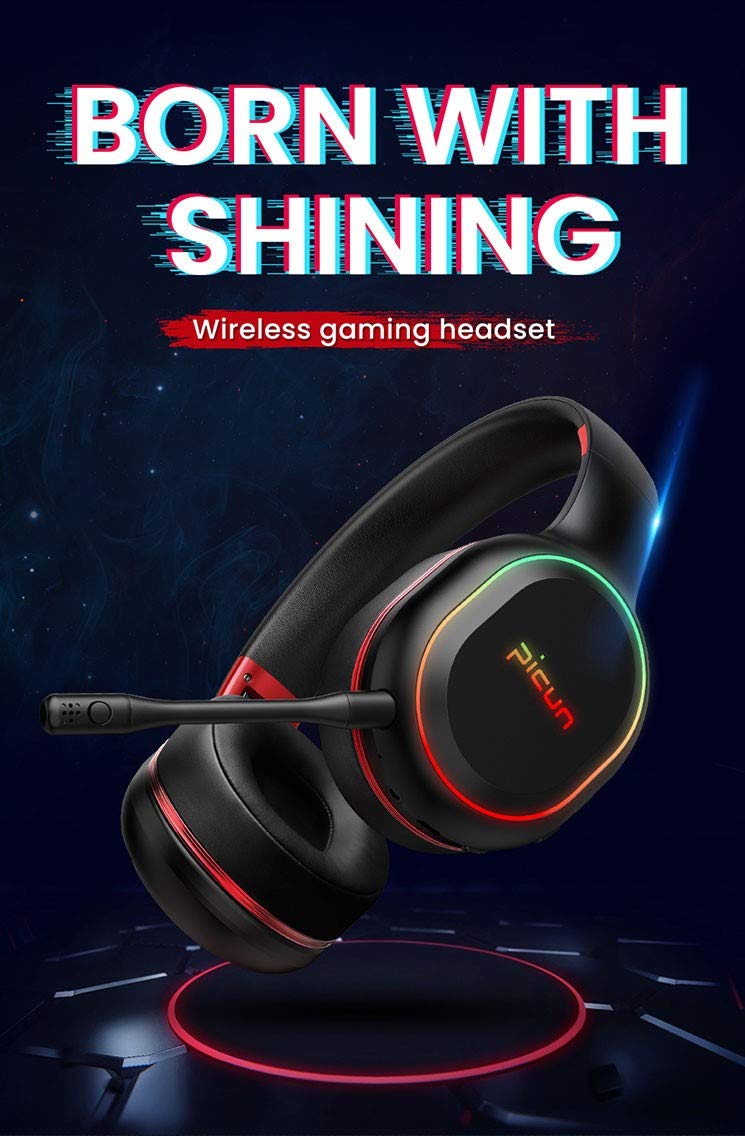
Image: The Picun Elite P80S Wireless Headset, showcasing its design and integrated microphone.
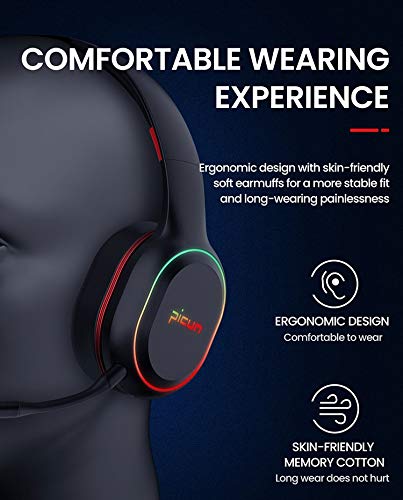
Image: The Picun Elite P80S Headset demonstrating its ergonomic design and comfortable earcups made from skin-friendly memory cotton.
Šta je u kutiji
Molimo Vas da provjerite da li se u paketu nalaze svi artikli:
- Picun Elite P80S Wireless Headset
- Odvojivi mikrofon
- USB kabl za punjenje
- 3.5 mm AUX audio kabel
- Korisnički priručnik (ovaj dokument)
Setup
1. Punjenje slušalica
Before initial use, fully charge the headset. Connect the provided USB charging cable to the headset's charging port and to a compatible USB power source (e.g., computer USB port, USB wall adapter). The LED indicator will show charging status and turn off or change color when fully charged.
A full charge provides approximately 40 hours of game time or 60 hours of music/media playback in wireless mode.
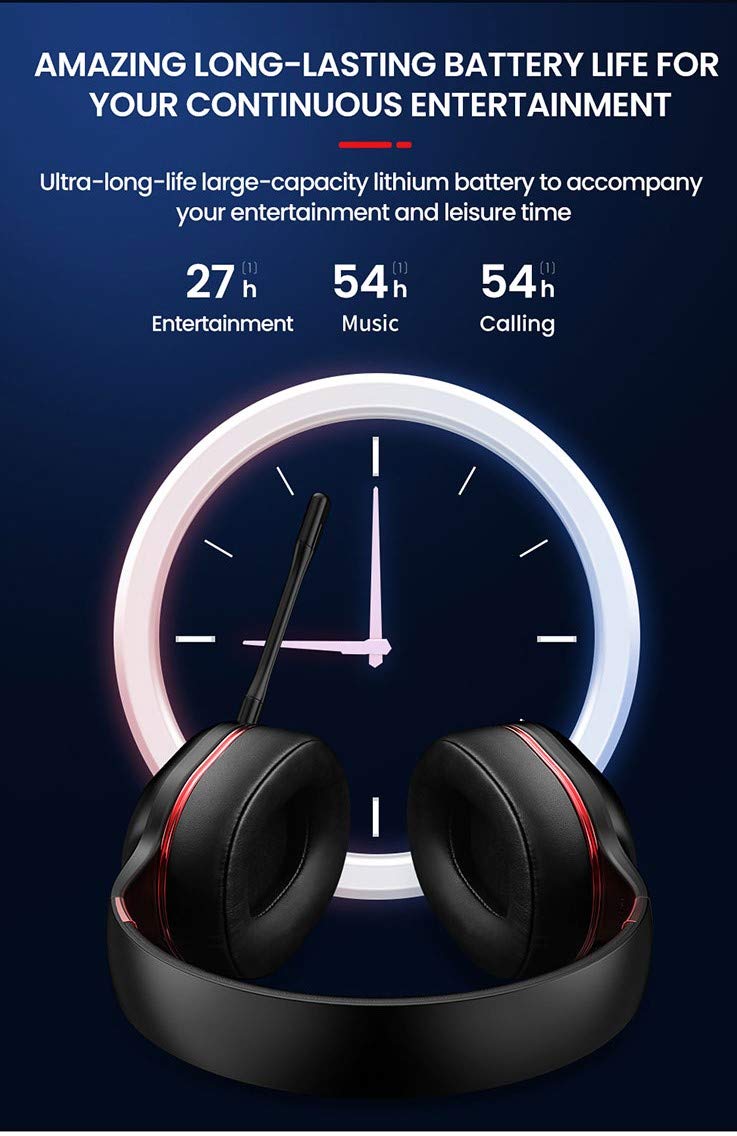
Image: Picun Elite P80S Headset illustrating long battery life for entertainment, music, and calls.
2. Priključivanje mikrofona
The professional detachable microphone can be inserted into the designated port on the left earcup. Ensure it is securely connected for clear voice communication. The microphone can be rotated 360 degrees for optimal positioning.
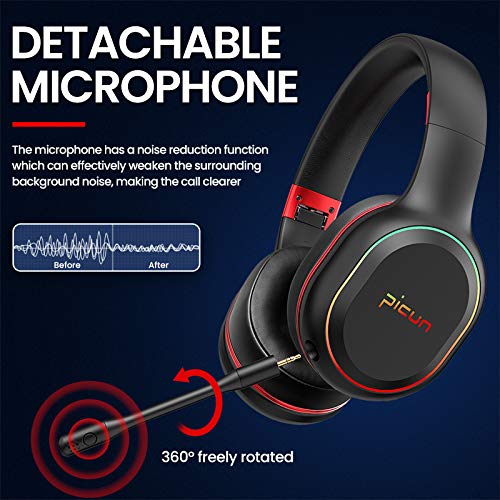
Image: Picun Elite P80S Headset showing the detachable microphone and its 360-degree rotation capability.
Uputstvo za upotrebu
1. Uključivanje/isključivanje
- Uključeno: Pritisnite i držite dugme za napajanje otprilike 3 sekunde dok se LED indikator ne upali.
- Iskljuciti: Pritisnite i držite dugme za napajanje otprilike 3 sekundi dok se LED indikator ne ugasi.
2. Bluetooth uparivanje (bežični način rada)
After powering on, the headset will automatically enter pairing mode (LED indicator will flash). On your device (smartphone, PC, console), enable Bluetooth and search for "Picun Elite P80S". Select it to connect. A voice prompt will confirm successful pairing. The headset maintains a stable connection up to 10 meters.

Image: Diagram illustrating the stable and instant connection features of the Picun Elite P80S headset, highlighting 10-meter transmission, audio/video synchronization, call stability, and no in-game delay.
3. Wired Mode (AUX Connection)
To use the headset in wired mode, connect the provided 3.5mm AUX audio cable to the headset's AUX port and to your audio source. Wired mode allows for indefinite playback regardless of battery charge. The headset functions as a passive headphone in wired mode.
4. Upotreba mikrofona
- Detachable Pro Microphone: Provides high-definition vocals and effectively reduces ambient noise for clear communication during gaming or calls.
- Inbuilt Microphone: An additional microphone is integrated for general use, ensuring seamless communication even without the detachable mic.
5. Audio karakteristike
The Picun Elite P80S provides omnidirectional stereo sound, allowing for an immersive audio experience, especially beneficial for gaming to detect subtle sound cues.
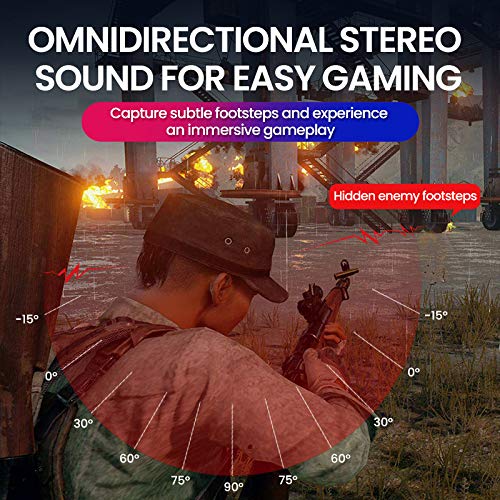
Image: A gaming scenario demonstrating the omnidirectional stereo sound capability, helping users identify sound sources like footsteps from various directions.
6. Kontrole medija
The headset features integrated buttons for easy control:
- Pusti/pauza: Press the Multi-function button once to play or pause music/videos.
- Odgovori/Završi poziv: Press the Multi-function button once to answer an incoming call, and again to end it.
- Kontrola jačine zvuka: Use the Volume Up (+) and Volume Down (-) buttons to adjust the audio level.
- Sljedeći / Prethodni zapis: Long press Volume Up (+) for next track, Long press Volume Down (-) for previous track.
7. Dual Shock / Vibration Mode
Activate the Dual Shock / Vibration Mode for an enhanced immersive experience, particularly for deep bass in music and movies, or realistic vibrations during gaming. This mode can be toggled on or off using the dedicated switch on the headset.
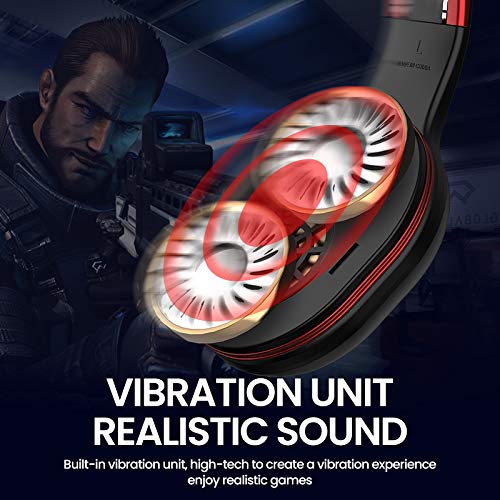
Image: Close-up of the Picun Elite P80S earcup highlighting the built-in vibration unit for realistic sound and gaming experience.
8. LED Light Display
The headset features a gradient colorful breathing light display. To turn the LED lights on or off, press and hold both the Volume Up (+) and Volume Down (-) buttons simultaneously for approximately 3 seconds.

Image: Picun Elite P80S Headset showcasing its gradient colorful breathing light effect, with instructions on how to activate/deactivate it.
Održavanje
- čišćenje: Za čišćenje slušalica koristite meku, suhu krpu. Nemojte koristiti abrazivna sredstva za čišćenje ili rastvarače.
- Skladištenje: Slušalice čuvajte na hladnom i suhom mjestu, dalje od direktne sunčeve svjetlosti i ekstremnih temperatura. Sklopivi dizajn omogućava kompaktno skladištenje.
- Održavanje baterije: Da biste produžili vijek trajanja baterije, izbjegavajte često potpuno pražnjenje slušalica. Redovno ih punite, čak i ako ih ne koristite duži period.
- Održavanje kablova: Pažljivo rukujte kablovima. Izbjegavajte oštre savijanja ili pretjerano povlačenje kako biste spriječili oštećenja.
Rješavanje problema
No Power / Headset Not Turning On
- Ensure the headset is fully charged. Connect it to a power source using the USB charging cable.
- Verify that the power button is pressed and held for the correct duration (approx. 3 seconds).
Nije moguće uparivanje putem Bluetootha
- Make sure the headset is in pairing mode (LED flashing). If not, power it off and on again.
- Provjerite je li Bluetooth omogućen na vašem uređaju i nalazi li se u krugu od 10 metara od slušalica.
- Remove "Picun Elite P80S" from your device's Bluetooth list and attempt to pair again.
- Pokušajte upariti s drugim uređajem kako biste isključili probleme specifične za uređaj.
Nema zvuka / Niska jačina
- Provjerite nivoe jačine zvuka i na slušalicama i na povezanom uređaju.
- If in wired mode, ensure the 3.5mm AUX cable is fully inserted into both the headset and the audio source.
- If in wireless mode, ensure the headset is properly paired and connected.
- Test with different audio sources or applications.
Mikrofon ne radi
- Provjerite je li odvojivi mikrofon sigurno priključen na slušalice.
- Check microphone settings on your connected device (e.g., input device selection, volume levels).
- Test the microphone in different applications or communication platforms.
One Earpiece Not Working
- Provjerite postavke balansa zvuka na povezanom uređaju.
- If using the AUX cable, ensure it is fully inserted and try a different cable if available.
- Ponovo pokrenite slušalice i povezani uređaj.
Specifikacije
| Brand | Picun |
| Naziv modela | Elite P80S |
| Boja | Crna |
| Form Factor | Preko uha |
| Kontrola buke | Aktivno poništavanje buke |
| Priključak za slušalice | 3.5 mm Jack |
| Materijal kućišta | Faux Leather |
| Kompatibilni uređaji | Personal Computers/Laptops, Playstations/ X-box/ Nintendo Switch, Smartphones/Pads |
| Karakteristike kablova | Odvojivi |
| Vrsta bežične tehnologije | Bluetooth |
| Tip kontrole | Kontrola jačine zvuka |
| Kontrolni metod | Touch (for some functions, e.g., Play/Pause, Answer/End Call via Multi-function button) |
Garancija i podrška
For warranty information and technical support, please refer to the warranty card included with your product or contact Picun customer service through their official webMolimo sačuvajte dokaz o kupovini za bilo kakve reklamacije u vezi s garancijom.
For further assistance, please visit the official Picun support page or contact their customer service directly.