
Uvod
Thank you for choosing the GTRACING GT890MF Gaming Chair. This manual provides detailed instructions for the assembly, operation, maintenance, and troubleshooting of your new gaming chair. Please read this manual carefully before use to ensure proper function and longevity of the product. Keep this manual for future reference.
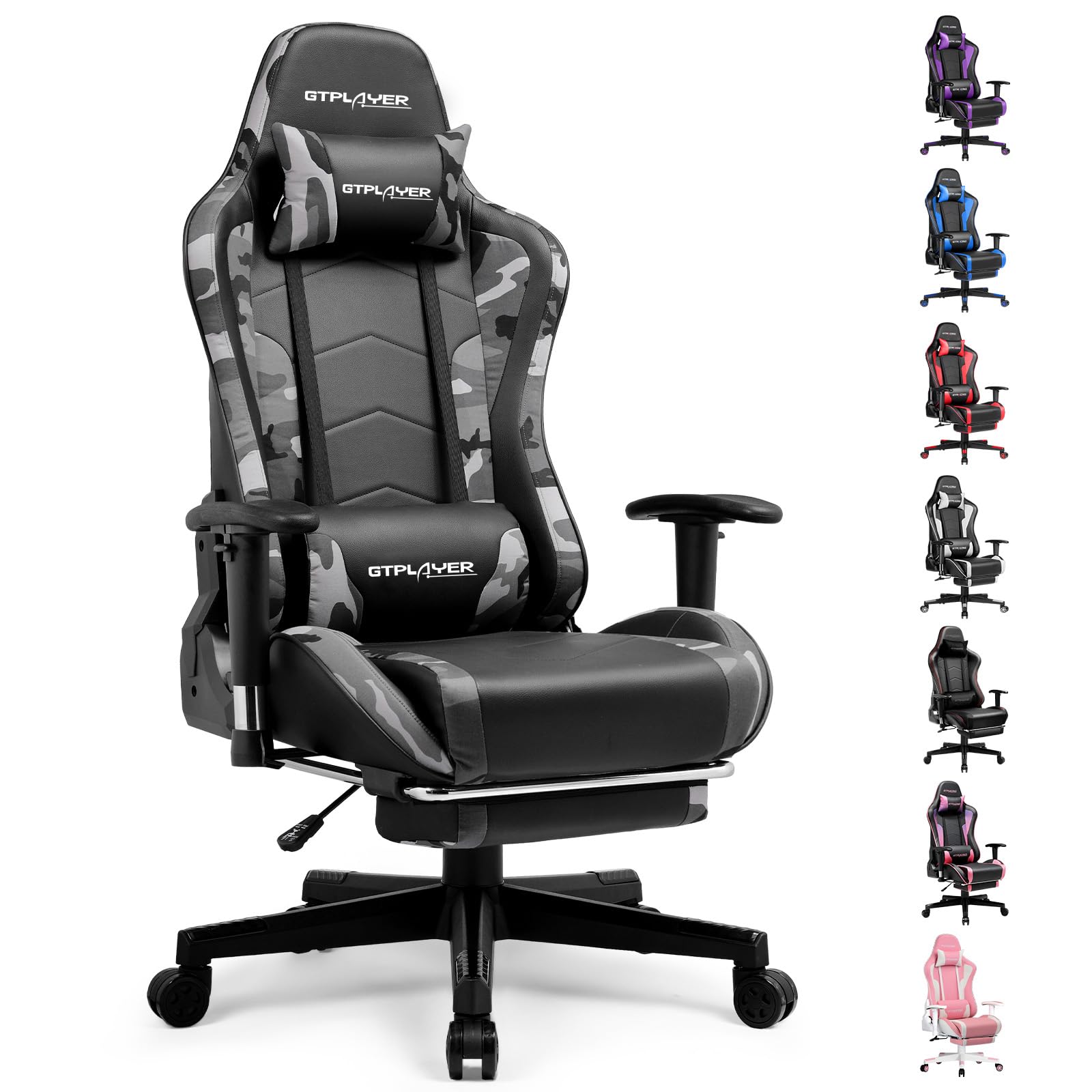
Image: The GTRACING GT890MF Gaming Chair, featuring a camouflage pattern, footrest, and integrated Bluetooth speakers, set up in a gaming environment.
Sigurnosne informacije
- Samo za unutrašnju upotrebu.
- Maximum weight capacity: 300 lbs. Do not exceed this limit.
- Use caution when adjusting chair height and recline to prevent injury.
- Prije upotrebe provjerite jesu li svi vijci i šrafovi čvrsto zategnuti i periodično provjeravajte da li su labavi.
- Držite ruke i prste dalje od pokretnih dijelova tokom podešavanja.
- Nemojte stajati na stolici.
Postavljanje i montaža
Assembly is required for this chair. Please follow the steps below carefully. It is recommended to have two people for assembly.
Sadržaj paketa

Image: An exploded diagram showing all components of the GTRACING GT890MF Gaming Chair, including the backrest, seat, armrests, base, wheels, gas lift, and footrest.
Montažni koraci
- Pričvrstite naslone za ruke: Securely fasten the armrests to the seat base using the provided screws. Ensure they are oriented correctly.
- Spojite naslon sa sjedištem: Align the backrest with the seat mechanism and attach it using the designated bolts.
- Instalirajte oslonac za noge: Slide the footrest into its designated slots under the seat.
- Sastavite bazu: Insert the casters (wheels) into the star base. Place the gas lift cylinder into the center hole of the star base.
- Attach Seat to Base: Carefully place the assembled seat and backrest onto the gas lift cylinder, ensuring it is seated firmly.
- Pričvrstite jastuke za naslon za glavu i lumbalni dio: Position the headrest and lumbar support pillows as desired.
Uputstvo za upotrebu
Podešavanja stolice
- Podešavanje visine sjedišta: Pull the lever located under the right side of the seat upwards to raise or lower the seat. Release the lever at the desired height.
- Naslon naslona: Pull the lever on the right side of the chair upwards to recline the backrest. Lean back to the desired angle (90 to 160 degrees) and release the lever to lock it in place.
- Podešavanje naslona za ruke: The armrests are multi-directional. Use the buttons or levers on the armrests to adjust their height, pivot, and slide forward/backward.
- Produžetak oslonca za noge: Pull the footrest out from under the seat when desired. Push it back in when not in use.
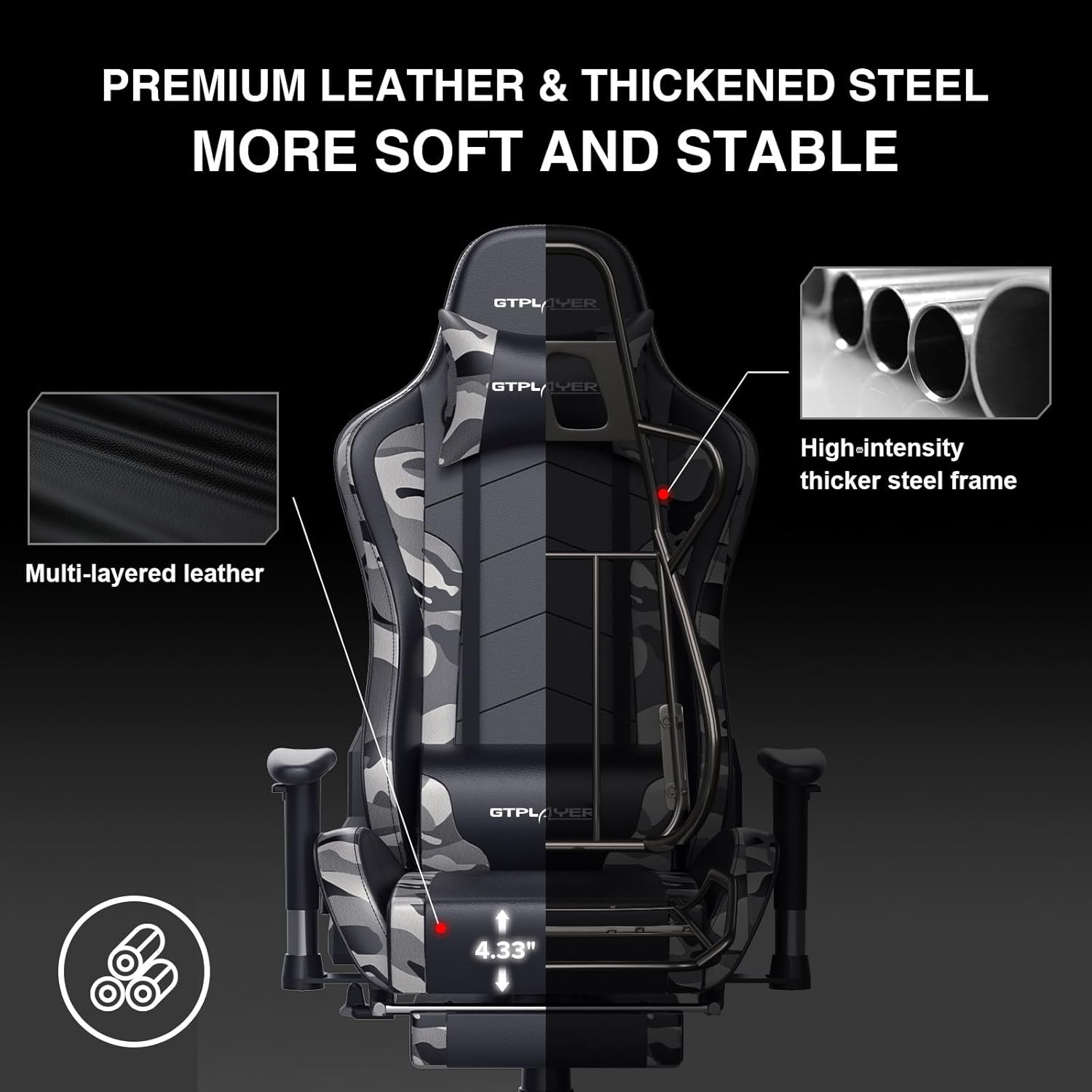
Image: The GTRACING GT890MF Gaming Chair demonstrating its backrest recline function, adjustable from 90 degrees for work to 155 degrees for resting.

Slika: Krupni plan view of the GTRACING GT890MF Gaming Chair's adjustable multi-directional armrests, highlighting their ability to move up, down, and pivot for optimal positioning.
Rad Bluetooth zvučnika
Your GTRACING GT890MF chair is equipped with dual Bluetooth 5.1 speakers for an immersive audio experience.
- Uključeno: Locate the power button for the Bluetooth speakers, typically on the side or back of the chair. Press and hold to power on. A sound or indicator light will confirm activation.
- Način uparivanja: The speakers will automatically enter pairing mode when powered on for the first time, or if no device is connected. An indicator light will usually flash.
- Povežite uređaj: On your smartphone, tablet, or other Bluetooth-enabled device, go to Bluetooth settings and search for available devices. Select "GTPLAYER" or a similar name to connect.
- Audio reprodukcija: Once connected, audio from your device will play through the chair's speakers. Adjust volume from your connected device.
- Iskljuciti: Press and hold the power button again to turn off the speakers.

Image: The GTRACING GT890MF Gaming Chair with a visual representation of sound waves emanating from the integrated Bluetooth speakers in the headrest area.

Image: A detailed diagram illustrating the dual Bluetooth 5.1 speakers within the GTRACING GT890MF Gaming Chair, highlighting features like clear treble, stereo sound, HiFi audio, and dust prevention.

Image: A user seated in the GTRACING GT890MF Gaming Chair, with an illustration showing how the chair's Bluetooth speakers can connect to various devices like PC/TV, PS4/PS5/XBOX, and other Bluetooth 5.1 enabled devices. A separate USB Bluetooth transmitter is shown as an option for non-Bluetooth devices.
Održavanje
- čišćenje: Obrišite oglasomamp krpu. Izbjegavajte jake hemikalije ili abrazivna sredstva za čišćenje koja mogu oštetiti presvlaku od umjetne kože.
- inspekcija: Povremeno provjeravajte sve vijke i šrafove kako biste bili sigurni da su čvrsto zategnuti. Po potrebi ih ponovo zategnite.
- Njega kotačića: Održavajte kotačiće čistim od dlaka i ostataka kako biste osigurali glatko kotrljanje.
- Skladištenje: Store the chair in a dry, cool place away from direct sunlight to prevent material degradation.
Rješavanje problema
| Problem | Mogući uzrok | Rješenje |
|---|---|---|
| Stolica se ne podešava po visini | Gas lift lever not engaged or gas lift faulty. | Ensure the lever is fully pulled. If issue persists, contact support for gas lift replacement. |
| Naslon se ne spušta/zaključava | Recline lever not engaged or mechanism obstructed. | Ensure the recline lever is fully pulled/released. Check for obstructions in the recline mechanism. |
| Bluetooth speakers not pairing | Speakers not powered on, out of range, or already paired to another device. | Ensure speakers are charged and powered on. Move device closer to chair. Disconnect from other devices. Try restarting both chair speakers and your device. |
| Stolica se klima | Labavi vijci ili neravnomjerna montaža. | Check and tighten all assembly bolts. Ensure the chair is on a flat, even surface. |
Specifikacije
- Naziv modela: GT890MF
- Brand: GTRACING
- Boja: Kamuflaža
- Materijal: Faux Leather, Foam Fill, Steel Frame
- Dimenzije proizvoda (D x Š x V): 20.87" x 21.65" x 53.15"
- Visina sjedala: Adjustable, up to 22.04 inches
- Dubina sjedala: 20.87 inča
- Težina artikla: 47 funti
- Preporuka za maksimalnu težinu: 300 funti
- Stil leđa: Solid Back, Reclining (90 to 160 degrees)
- Posebne karakteristike: Adjustable Height, Adjustable Lumbar, Ergonomic Design, Foot Rest, Rolling Casters, Dual Bluetooth 5.1 Speakers
- Montaža: Obavezno

Image: A diagram illustrating the key dimensions of the GTRACING GT890MF Gaming Chair, including overall height, width, and depth.

Image: A detailed diagram showing various dimensions of the GTRACING GT890MF Gaming Chair, including seat height, armrest height, and backrest height, along with maximum load capacity (330 lbs) and recommended user height (6.2 ft).
Garancija i podrška
GTRACING offers a worry-free purchase experience for your gaming chair.
- Politika od 30 dana: Free replacement or refund within 30 days of purchase.
- 1-godišnja garancija: Free replacement or repair within 1 year of purchase for manufacturing defects.
For any questions, suggestions, or support needs, please feel free to contact our customer service team. We are dedicated to ensuring customer satisfaction.

Image: A group of customer service representatives wearing headsets, symbolizing available support.