
Uvod
The Homcloud Mini 8S Wi-Fi Camera is designed to enhance your home security with smart, intuitive features. This camera allows you to monitor, program, and automate your home devices directly from your smartphone, providing control from anywhere. It integrates seamlessly into your smart home ecosystem, offering convenience and peace of mind.
Ključne karakteristike uključuju:
- Full HD 1080p Video Recording
- Night Vision up to 10 meters
- Motion Detection with Live Notifications
- Two-Way Audio and Noise Reduction
- SD Card and Cloud Storage Options
- Wi-Fi povezivanje
- Compatibility with Homcloud App, Amazon Alexa, and Google Home

Image: The Homcloud Mini 8S Wi-Fi Camera on a desk, highlighting its key features such as HD Video, Night Vision, SD Card & Cloud storage, Motion Detection, and Live Notifications.
Komponente proizvoda
The Homcloud Mini 8S Wi-Fi Camera package typically includes the following items:
- Homcloud Mini 8S Wi-Fi Camera
- USB kabel za napajanje
- Adapter za napajanje (može varirati ovisno o regiji)
- Mounting Accessories (for wall mounting)
- Korisnički priručnik (ovaj dokument)

Image: The Homcloud Mini 8S Wi-Fi Camera positioned on a desk, demonstrating its compact design and typical indoor placement.
Vodič za postavljanje
Follow these steps to set up your Homcloud Mini 8S Wi-Fi Camera:
- Download the Homcloud App: Traži "Homcloud" in the Apple App Store or Google Play Store, or scan the QR code below to download the official application.
- Kreirajte račun: Open the Homcloud app and register for a new account or log in if you already have one.
- Uključite kameru: Connect the camera to a power source using the provided USB cable and power adapter. Wait for the indicator light to flash, indicating it's ready for pairing.
- Dodaj uređaj: In the Homcloud app, tap the "+" icon (usually in the top right corner) to add a new device. Select "Security Camera" or "Smart Camera" from the device list.
- Povežite se na Wi-Fi: Follow the in-app instructions to connect the camera to your 2.4GHz Wi-Fi network. You may need to scan a QR code displayed on your phone screen with the camera lens.
- plasman: Position the camera in your desired location. It supports standalone placement or wall mounting. Ensure it has a clear view područja koje želite nadgledati.

Image: Multiple smartphones displaying the Homcloud application interface, along with the Homcloud logo and a QR code for easy app download. The QR code links to https://smartapp.tuya.com/homcloudsmart.
Uputstvo za upotrebu
Once your Homcloud Mini 8S Wi-Fi Camera is set up, you can control and monitor it using the Homcloud app:
- Uživo View: Otvorite aplikaciju i odaberite kameru za view live video feed in Full HD 1080p resolution.
- Dvosmjerni zvuk: Koristite ikone mikrofona i zvučnika u aplikaciji za komunikaciju s ljudima u blizini kamere.
- noćni vid: The camera automatically switches to night vision mode in low-light conditions, providing clear black and white video up to 10 meters.
- Detekcija pokreta: Enable motion detection in the app settings to receive instant notifications on your smartphone when movement is detected. You can adjust sensitivity levels.
- Snimanje i pohrana:
- SD kartica: Insert a microSD card (not included) into the camera's slot for local video storage. The camera supports continuous recording or event-triggered recording.
- Cloud Storage: Subscribe to Homcloud's cloud storage service (if available) for secure off-site video backup.
- Integracija pametnog doma: Connect your Homcloud account with Amazon Alexa or Google Home to control the camera using voice commands (e.g., "Alexa, show me the living room camera").
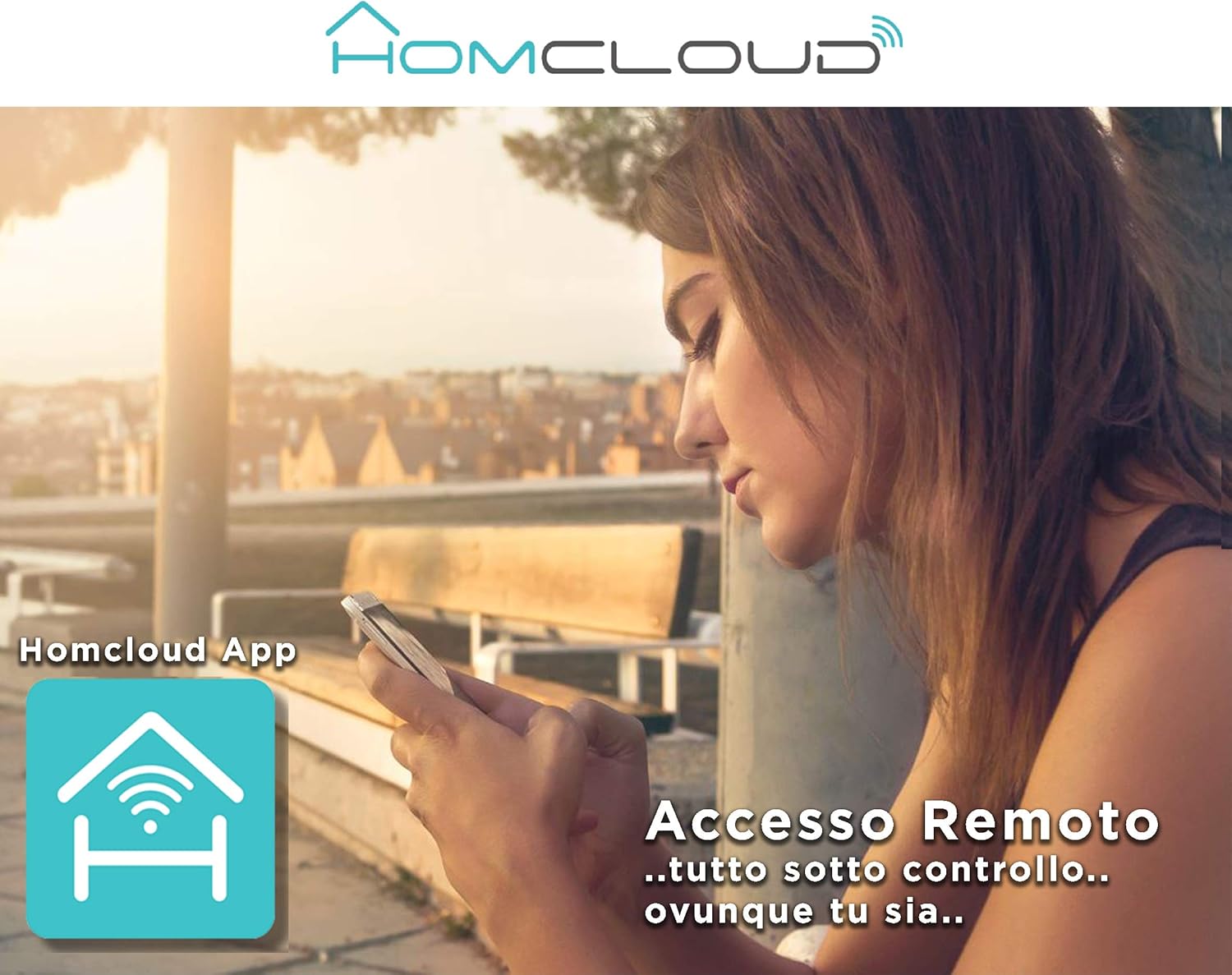
Image: A woman using her smartphone, illustrating the remote access capabilities of the Homcloud App to control and monitor the camera from any location.

Image: A family enjoying their smart home, demonstrating the integration of Homcloud solutions with Amazon Alexa and Google Assistant for convenient control.
Održavanje
Pravilno održavanje osigurava dugotrajnost i optimalne performanse vašeg fotoaparata:
- čišćenje: Pažljivo obrišite objektiv i kućište kamere mekom, suhom krpom. Izbjegavajte upotrebu jakih hemikalija ili abrazivnih materijala koji bi mogli ogrebati objektiv ili oštetiti kameru.asing.
- Ažuriranja firmvera: Regularly check the Homcloud app for available firmware updates. Keeping your camera's firmware up-to-date ensures you have the latest features, security patches, and performance improvements.
- Napajanje: Use only the original power adapter and cable provided with the camera. Ensure the power connection is secure and free from damage.
- Okruženje: The camera is designed for indoor use. Avoid exposing it to extreme temperatures, direct sunlight, high humidity, or water. While it is listed as "waterproof" in some specifications, this typically refers to splash resistance and not full submersion or outdoor exposure.
Rješavanje problema
If you encounter issues with your Homcloud Mini 8S Wi-Fi Camera, refer to the following common solutions:
- Kamera van mreže:
- Check if the camera is powered on and the power cable is securely connected.
- Ensure your Wi-Fi router is working and the internet connection is stable.
- Ponovo pokrenite kameru tako što ćete je isključiti i ponovo uključiti.
- Verify that the camera is within range of your Wi-Fi router.
- If the issue persists, try re-pairing the camera with the Homcloud app.
- Loš kvalitet videa:
- Očistite objektiv fotoaparata mekom krpom.
- Ensure adequate lighting in the monitored area, especially for color video.
- Provjerite jačinu Wi-Fi signala; slab signal može utjecati na kvalitetu streaminga.
- Detekcija pokreta ne radi:
- Verify that motion detection is enabled in the Homcloud app settings for your camera.
- Podesite osjetljivost detekcije pokreta.
- Provjerite da nema prepreka koje blokiraju kameru view.
- Nije moguće povezivanje s aplikacijom:
- Make sure your smartphone is connected to a 2.4GHz Wi-Fi network during the pairing process.
- Confirm that you are entering the correct Wi-Fi password.
- Reset the camera (refer to the app or product for specific reset instructions, usually a small button) and try the pairing process again.
Specifikacije
| Feature | Detalj |
|---|---|
| Brand | Homcloud |
| Broj modela | TY-WCM8S |
| Rezolucija snimanja video zapisa | 1080p full HD |
| Efektivna video rezolucija | 1080 |
| Frame Rate | 25 fps |
| Bežična komunikacijska tehnologija | Wi-Fi |
| Connectivity Protocol | Wi-Fi |
| Viewing Angle | 100 stepeni |
| Noćni vid | 10 metara |
| Posebne karakteristike | Two-Way Audio, Noise Reduction, HD Resolution, Night Vision |
| Preporučena upotreba | Unutrašnja sigurnost |
| Unutarnja/vanjska upotreba | Indoor |
| Kompatibilni uređaji | Homcloud App, Amazon Alexa, Android, Google Home, Smart Life, iOS |
| Izvor napajanja | Električni kabel |
| Voltage | 5 Volts |
| Potrošnja energije | 2.5 Watts |
| Materijal | Plastika |
| Dimenzije (D x Š x V) | 8 x 5 x 9 cm |
| Težina | 350 grama |
| Vrsta montaže | Zidni nosač |
| Nivo vodootpornosti | Waterproof (Note: Typically splash resistant for indoor use) |
Garancija i podrška
For warranty information, please refer to the documentation provided at the time of purchase or visit the official Homcloud website. If you require technical assistance or have questions not covered in this manual, please contact Homcloud customer support through their official channels.
You can find more information and support resources on the Homcloud website or through the Homcloud application.