
1. Uvod
Thank you for choosing the Cshidworld G33Pro-W Wireless Earbuds. This manual provides detailed instructions on how to set up, operate, and maintain your earbuds to ensure optimal performance and longevity. Please read this manual carefully before using the product and keep it for future reference.
2. Sadržaj paketa
- Cshidworld G33Pro-W Wireless Earbuds (Left and Right)
- Prijenosna torbica za punjenje
- USB kabl za punjenje
- Uputstvo za upotrebu
3. Proizvod je gotovview

Image: The Cshidworld G33Pro-W Wireless Earbuds resting inside their open charging case, showcasing njihovim kompaktnim dizajnom i bijelom završnom obradom.
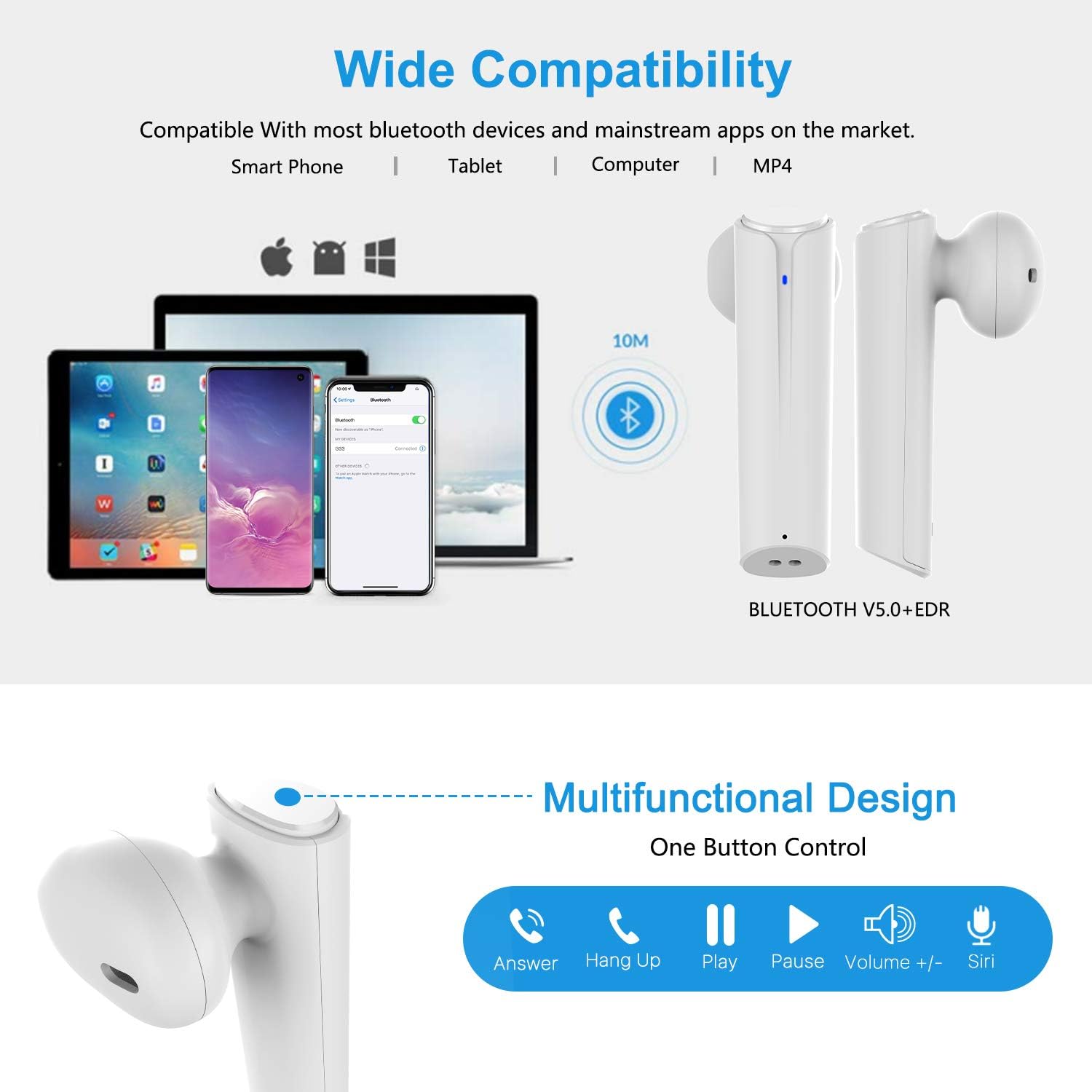
Image: A visual representation of the multi-function button on the earbud, detailing its various controls for answering calls, playing music, and activating voice assistants.
Komponente slušalica:
- Višenamjensko dugme: Kontrolira reprodukciju, pozive i glasovni asistent.
- LED indikator: Prikazuje status uparivanja i nivo baterije.
- mikrofon: Za hands-free pozive.
Komponente kućišta za punjenje:
- Priključci za punjenje: For charging the case and earbuds.
- LED indikatori: Show charging status of the case.
4. Podešavanje
4.1 Punjenje slušalica i kutijice
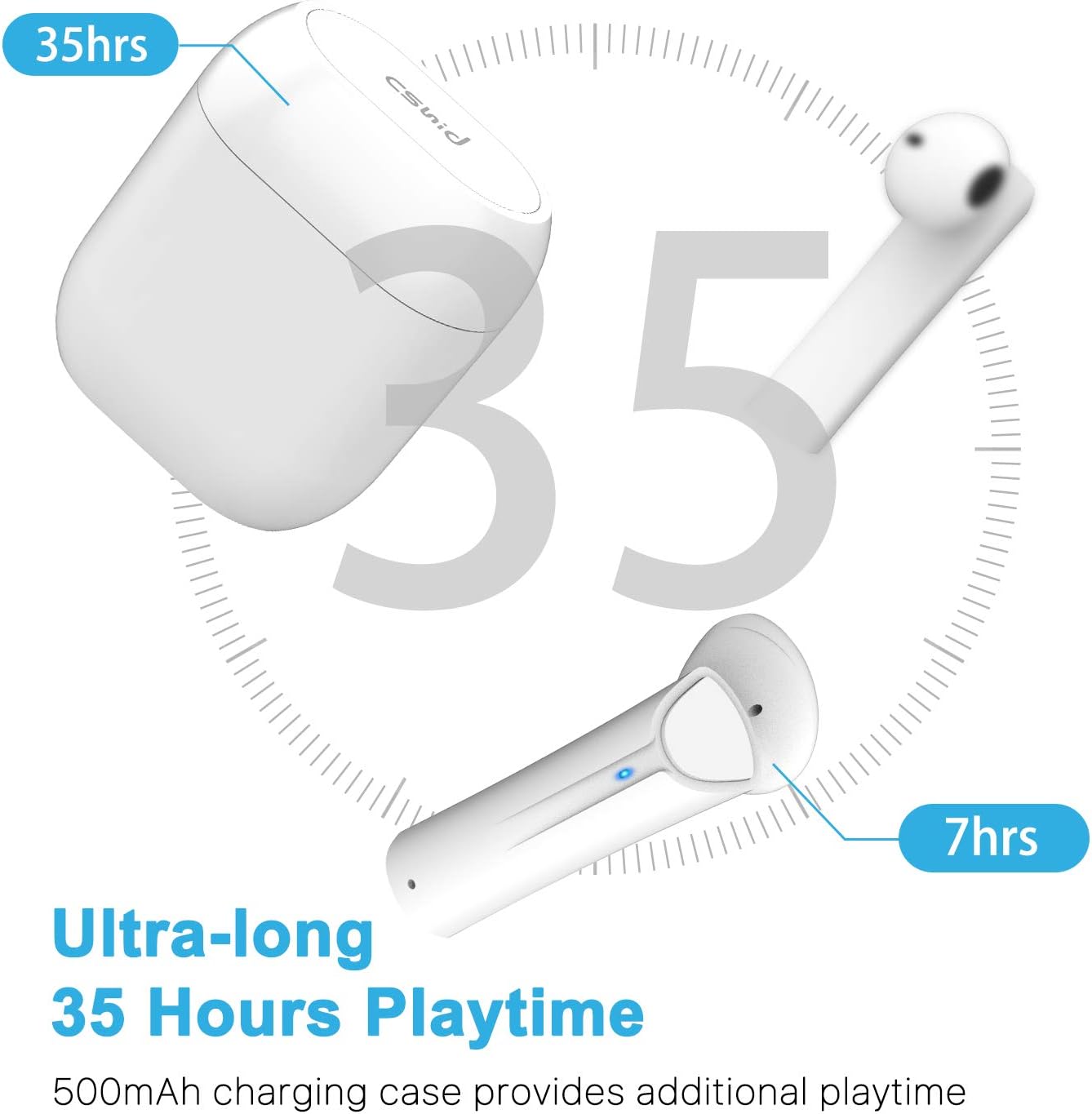
Image: An illustration highlighting the ultra-long 35 hours of total playtime, with 7 hours from a single earbud charge and additional charges from the case.
Before first use, ensure both the earbuds and the charging case are fully charged. The earbuds provide up to 7 hours of playtime on a single charge, and the charging case can provide an additional 5 full charges, extending the total playtime to up to 35 hours.
- Stavite slušalice u kutijicu za punjenje. Provjerite da li su pravilno postavljene.
- Spojite USB kabel za punjenje na priključak za punjenje na kućištu i na izvor napajanja.
- The LED indicators on the case will show the charging status. Once fully charged, the indicators will change or turn off.
4.2 Initial Pairing (One-Step Pairing)

Image: A step-by-step guide showing how to pair the earbuds: simply take them out of the case and select 'G33' on your device's Bluetooth settings.
The G33Pro-W earbuds feature one-step pairing technology for quick and easy connection.
- Take both earbuds out of the charging case. They will automatically power on and enter pairing mode. The LED indicator on one earbud will flash, indicating it's ready to pair.
- Na svom uređaju (pametnom telefonu, tabletu itd.) omogućite Bluetooth.
- Traži "G33" in the list of available Bluetooth devices and select it to connect.
- Once connected, the LED indicators on both earbuds will stop flashing. You are now ready to use your earbuds.
4.3 Upotreba jedne slušalice
You can use either the left or right earbud independently. Simply take one earbud out of the charging case, and it will automatically enter pairing mode. Connect to "G33" on your device. To use both again, take the second earbud out, and they will automatically reconnect.
5. Uputstvo za upotrebu
The G33Pro-W earbuds are controlled via a multi-function button on each earbud.
| Funkcija | Akcija |
|---|---|
| Power On | Take earbuds out of charging case (automatic) |
| Power Off | Place earbuds back into charging case (automatic) |
| Pusti/pauziraj muziku | Press the multi-function button once on either earbud |
| Next Track | Double-press the multi-function button on the Right earbud |
| Previous Track | Double-press the multi-function button on the Left earbud |
| Odgovori/Završi poziv | Press the multi-function button once on either earbud |
| Odbiti poziv | Press and hold the multi-function button for 2 seconds on either earbud |
| Aktivirajte Glasovnog asistenta (Siri/Google Assistant) | Triput pritisnite višefunkcionalno dugme na bilo kojoj slušalici |
| Volume Up | Press and hold the multi-function button on the Right earbud |
| Utišavanje zvuka | Press and hold the multi-function button on the Left earbud |
6. Održavanje

Image: Two scenarios demonstrating earbud use: one person driving safely with hands-free calling, and another person working out, highlighting the sweat-proof and cable-free design.
6.1 Čišćenje
Redovno čišćenje pomaže u održavanju kvalitete zvuka i higijene.
- Koristite meku, suhu krpu koja ne ostavlja dlačice za brisanje slušalica i kućišta za punjenje.
- Za tvrdokornu prljavštinu, lagano dampi krpu vodom ili blagim neabrazivnim sredstvom za čišćenje.
- Nemojte koristiti jake hemikalije ili abrazivne materijale.
- Provjerite jesu li kontakti za punjenje i na slušalicama i na kutijici čisti i suhi.
6.2 Skladištenje
Kada se ne koriste, slušalice čuvajte u njihovoj kutijici za punjenje kako biste ih zaštitili i održali napunjenima. Čuvajte ih na hladnom i suhom mjestu, dalje od ekstremnih temperatura.
6.3 Otpornost na vodu
The earbuds are designed to be waterproof, making them suitable for workouts and light rain. However, they are not intended for swimming or submersion in water. Ensure earbuds are dry before placing them back into the charging case to prevent damage.
7. Otkrivanje problema
If you encounter issues with your earbuds, please refer to the following common problems and solutions:
- Slušalice se ne uparuju s uređajem:
Ensure Bluetooth is enabled on your device. Place earbuds back in the case, then take them out again to re-enter pairing mode. Try forgetting "G33" from your device's Bluetooth list and re-pairing. - Samo jedna slušalica radi:
Place both earbuds back into the charging case. Close the lid for a few seconds, then open it and take both earbuds out simultaneously. They should automatically connect to each other. - Nema zvuka:
Check the volume level on both your device and the earbuds. Ensure the earbuds are properly connected to your device. Try playing different audio sources. - Slušalice se ne pune:
Provjerite je li kabel za punjenje sigurno spojen i na kućište i na izvor napajanja. Provjerite jesu li kontakti za punjenje na slušalicama i unutar kućišta čisti i bez nečistoća. - Loš kvalitet zvuka:
Ensure the earbuds are properly seated in your ears. Check for any obstructions in the earbud speakers. Move closer to your connected device to avoid signal interference.
8. Specifikacije
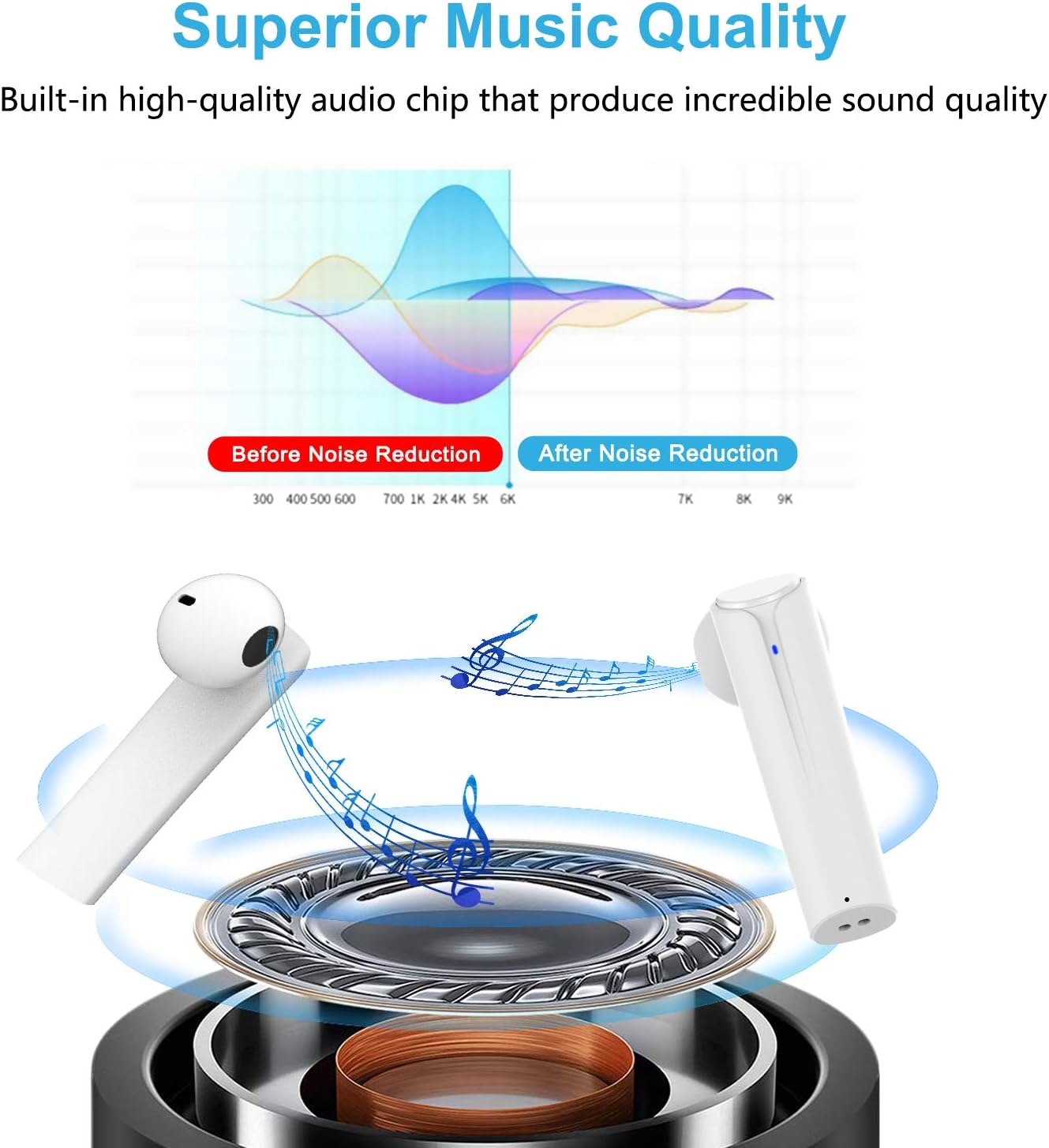
Image: A graph illustrating the effect of noise reduction on sound quality, accompanied by a detailed diagram of the earbud's internal audio components.
- Model: G33Pro-W
- Povezivanje: Bluetooth 5.0
- Vrijeme reprodukcije (slušalice): Do 7 sati po punjenju
- Ukupno vrijeme reprodukcije (s kućištem za punjenje): Do 35 sati
- mikrofon: Built-In Dual Microphones
- Vrsta kontrole: Višenamjensko dugme
- Materijal: Plastika
- Otpornost na vodu: Vodootporan
- Boja: Bijelo
9. Sigurnosne informacije
Please observe the following safety guidelines for safe and proper use of your earbuds:
- Ne izlažite slušalice ili kućište za punjenje ekstremnim temperaturama, direktnoj sunčevoj svjetlosti ili visokoj vlažnosti.
- Avoid dropping, hitting, or disassembling the product.
- Do not use the earbuds at excessively high volumes for prolonged periods, as this may cause hearing damage.
- Držite proizvod dalje od djece i kućnih ljubimaca.
- Proizvod i njegove komponente odložite odgovorno u skladu s lokalnim propisima.
10. Garancija i podrška
Cshidworld provides a 30-dnevna politika povrata bez problema i a jednogodišnja garancija for the G33Pro-W Wireless Earbuds. For any product-related inquiries, technical support, or warranty claims, please contact Cshidworld customer service through the platform where you purchased the product or refer to the contact information provided with your purchase.