
1. Uvod
The Modecom Oberon Pro Midi Tower is a computer case designed for users seeking a functional and spacious interior with a modern aesthetic. This manual provides essential information for the proper installation, operation, and maintenance of your computer case, ensuring optimal performance and longevity of your components.
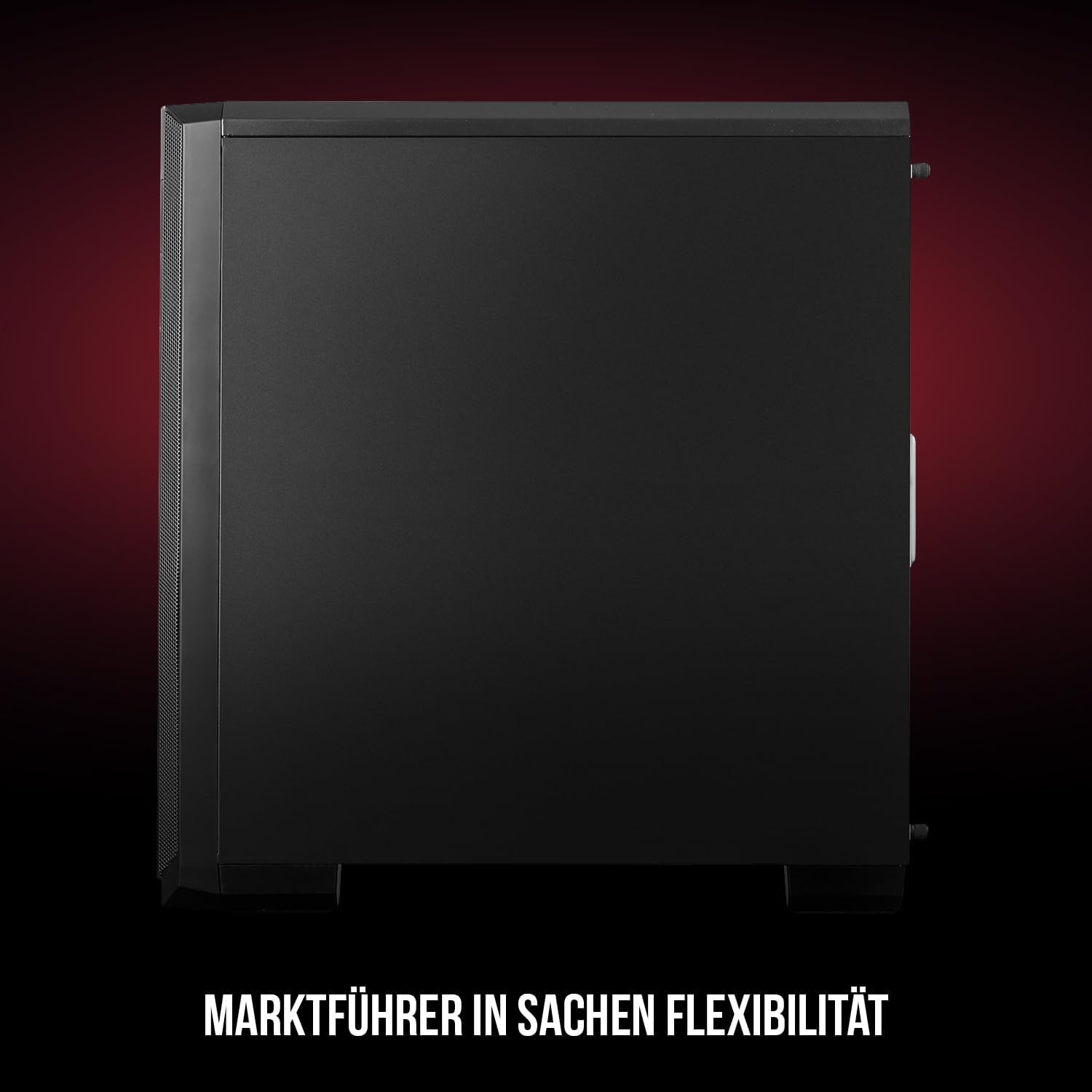
Slika 1: Prednja i bočna strana view of the Modecom Oberon Pro Midi Tower computer case.
2. Sigurnosne informacije
- Uvijek isključite napajanje iz zidne utičnice prije instaliranja ili uklanjanja bilo kakvih komponenti.
- Handle components with care to avoid electrostatic discharge. Consider using an anti-static wrist strap.
- Držite male dijelove i alat podalje od djece.
- Osigurajte odgovarajuću ventilaciju oko kućišta kako biste spriječili pregrijavanje.
- Do not attempt to modify the case structure, as this may void your warranty and pose safety risks.
3. Sadržaj paketa
Provjerite da li se u vašem paketu nalaze sve sljedeće stavke:
- Modecom Oberon Pro Midi Tower Computer Case
- Kutija s priborom (vijci, odstojnici, vezice za kablove)
- Korisnički priručnik (ovaj dokument)
4. Ključne karakteristike
- Prostrani enterijer: Designed to accommodate high-end components and facilitate good airflow.
- Efikasno hlađenje: Includes two pre-mounted 120mm fans (front and rear) to prevent component overheating.
- Instalacija bez alata: Supports tool-free mounting for SSD/HDD drives and expansion cards.
- Filtracija prašine: Features easily dismountable magnetic filters on the top, front, and bottom (under the power supply unit) to keep the interior clean.
- Optimizovano upravljanje kablovima: Provides a system for convenient wiring organization.
- Long PSU Tunnel: Offers a 240mm space for power supplies, simplifying installation and cable arrangement.
5. Postavljanje i instalacija
5.1. Priprema slučaja
Before installation, remove the side panels of the case. The Oberon Pro features sound-dampening mats on the side panels to reduce noise.

Slika 2: Unutrašnjost view showing sound-dampening mats on the side panel.
5.2. Instalacija matične ploče
Install the necessary standoffs for your motherboard form factor (ATX, Micro ATX, ITX). Carefully place your motherboard into the case, aligning it with the standoffs, and secure it with screws.

Figure 3: Interior layout with pre-installed rear fan and motherboard tray.
5.3. Drive Installation (SSD/HDD)
The Oberon Pro supports tool-free installation for three 2.5" SSDs and two 3.5" HDDs. The 3.5" HDD bays are located in the power supply tunnel at the bottom of the case. 2.5" SSDs can be mounted on both sides of the motherboard tray.

Figure 4: Dedicated bays for HDD and SSD storage devices.
5.4. Instalacija napajanja
The case features a long PSU tunnel (240mm) at the bottom. Install your power supply unit into this tunnel and secure it. This design aids in cable management and airflow.
5.5. Expansion Card Installation (PCI/PCIe)
Install your graphics card or other expansion cards into the PCI/PCIe slots. The case supports tool-free mounting for these cards, allowing for easy installation and removal.
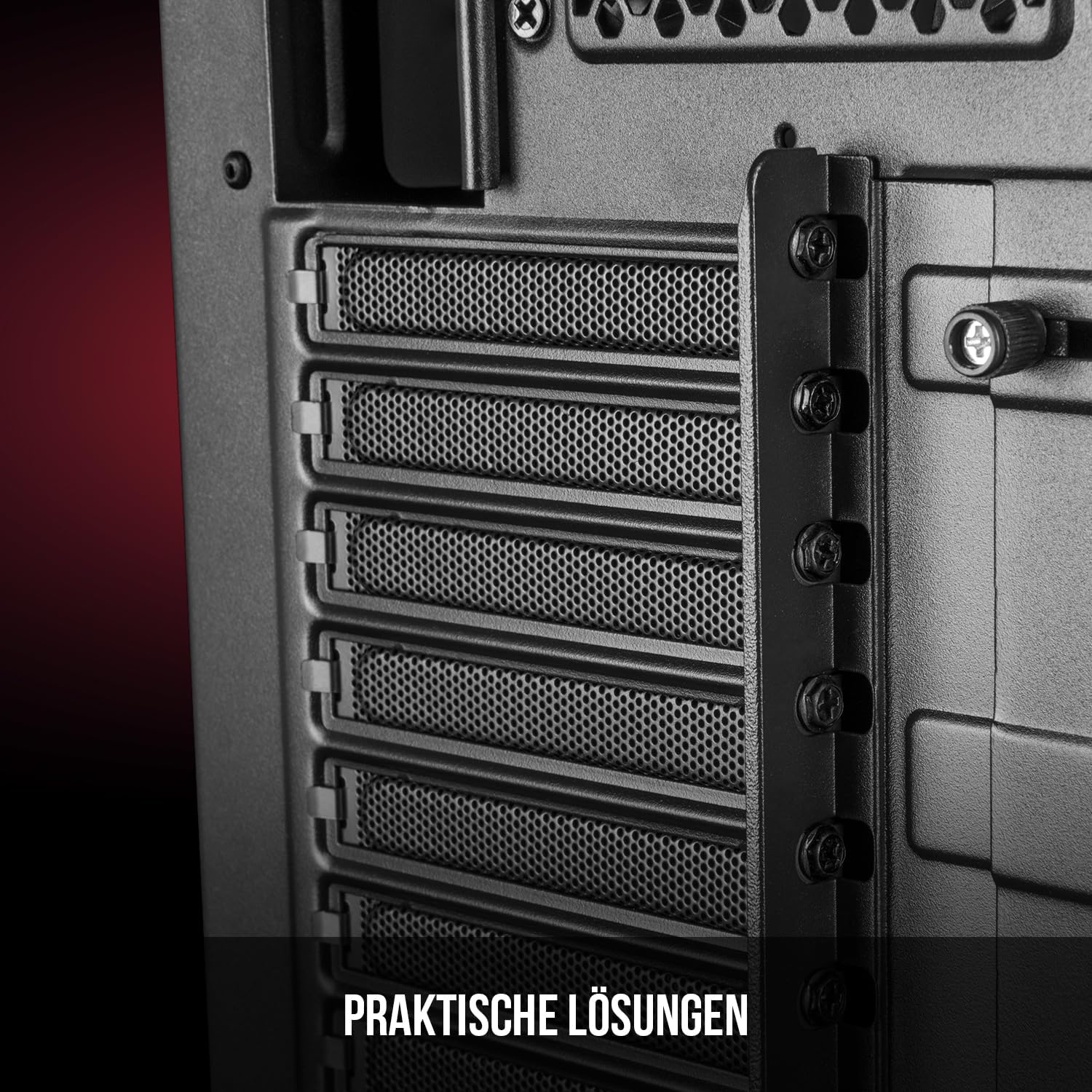
Slika 5: Zadnji unutrašnji dio view highlighting the expansion card slots.
5.6. Upravljanje kablovima
Utilize the provided cable routing options and tie-down points behind the motherboard tray to organize cables. This improves airflow and maintains a tidy interior.
6. Sistem hlađenja
The Oberon Pro comes with two pre-installed 120mm fans, one at the front and one at the rear, to ensure adequate airflow. The maximum height for a CPU cooler is 163mm, and the maximum length for a video card is 395mm, allowing for compatibility with a wide range of components.
7. Održavanje
To maintain optimal performance and prevent dust buildup, regularly clean the dust filters. The magnetic filters on the top, front, and bottom of the case are easily dismountable for cleaning. Use compressed air or a soft brush to remove accumulated dust.
8. Otkrivanje problema
- Nema napajanja: Ensure all power cables are securely connected to the motherboard, power supply, and wall outlet. Check the power button connection to the motherboard.
- pregrijavanje: Verify that all fans are spinning correctly and that dust filters are clean. Ensure proper cable management to avoid obstructing airflow.
- Portovi na prednjoj ploči ne rade: Check that the front panel connectors (USB, audio) are correctly plugged into the motherboard headers.
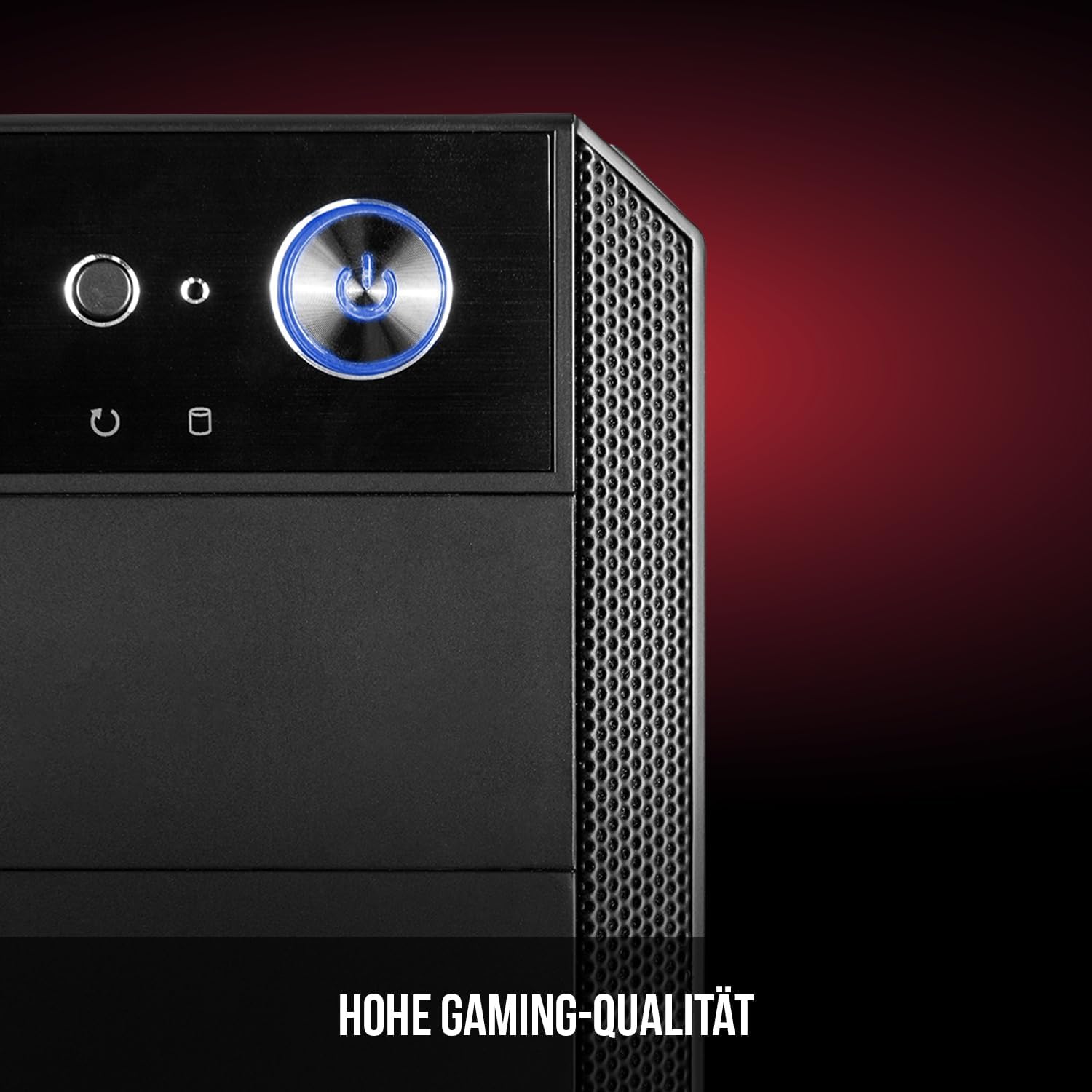
Figure 6: Front panel I/O ports for connectivity.
9. Specifikacije
| Feature | Specifikacija |
|---|---|
| Brand | Modecom |
| Naziv modela | Oberon Pro |
| Broj modela | AT-OBERON-PS-10-000000-0002 |
| Boja | Crna |
| Tip slučaja | Midi Tower |
| Kompatibilnost matične ploče | ATX, Micro ATX, ITX |
| Materijal | legirani čelik |
| Metoda hlađenja | Vazduh |
| Unaprijed instalirani ventilatori | 2 x 120mm (Front, Rear) |
| Maksimalna visina CPU hladnjaka | 163 mm |
| Maksimalna dužina GPU-a | 395 mm |
| Drive Bays | 3 x 2.5" SSD, 2 x 3.5" HDD |
| Ukupni USB portovi | 4 |
| Posebne karakteristike | Reset Button, Dust Filter, LED Indicators, Side Window |
| Težina artikla | 5270 grama |

Figure 7: Rear exterior view of the computer case.
10. Garancija i podrška
For warranty information and technical support, please refer to the official Modecom webweb-mjesto ili kontaktirajte prodavača. Sačuvajte dokaz o kupovini za bilo kakve reklamacije u vezi s garancijom.