
Uvod
This manual provides comprehensive instructions for the setup, operation, and maintenance of your J-Tech Digital V628M-2.4G Wireless Ergonomic Vertical Mouse. This device is designed to enhance user comfort and reduce wrist strain during extended computer use. Please read this manual thoroughly before using the product.
Product Overview
The J-Tech Digital V628M-2.4G is a wireless mouse featuring an ergonomic vertical design. It connects to your computer via a 2.4G USB Nano Transceiver.

Image: The J-Tech Digital V628M-2.4G Wireless Ergonomic Vertical Mouse, showcasing svojim jedinstvenim vertikalnim dizajnom.
Funkcije dugmadi

Image: A diagram illustrating the various buttons on the J-Tech Digital V628M-2.4G mouse and their corresponding functions.
- Lijevi klik: Standardni primarni taster miša.
- Točak za pomicanje: Za vertikalno skrolovanje i funkcionalnost klika srednjim tasterom miša.
- Desni klik: Standardni sekundarni taster miša.
- DPI ciklus: Button to switch between DPI settings.
- Naprijed: Navigira naprijed u web pretraživači ili file istraživači.
- unazad: Navigacija unazad web pretraživači ili file istraživači.
- Dugme za uključivanje/isključivanje: Power switch located on the underside of the mouse.
- USB Receiver and Battery Compartment: Located on the underside of the mouse.
Uputstva za postavljanje
Follow these steps to set up your J-Tech Digital V628M-2.4G Wireless Ergonomic Vertical Mouse:
- Umetnite bateriju: The mouse requires one 1.5V/AA battery. Open the battery compartment on the underside of the mouse and insert the included AA battery, ensuring correct polarity.
- Pronađite USB prijemnik: The 2.4G USB Nano Transceiver is stored inside the battery compartment for convenience. Carefully remove it.
- Povežite prijemnik: Plug the USB Nano Transceiver into an available USB port on your computer. Your operating system should automatically detect and install the necessary drivers.
- Uključeno: Flip the ON/OFF switch on the underside of the mouse to the 'ON' position. The mouse is now ready for use.

Image: The USB receiver is stored within the battery compartment for secure transport and easy access.
Uputstvo za upotrebu
Using your J-Tech Digital V628M-2.4G mouse is similar to a traditional mouse, with added ergonomic benefits.
Basic Operation
- Place your hand over the mouse, allowing your palm to rest naturally on its vertical surface.
- Use your thumb for the forward and backward buttons.
- Use your index and middle fingers for the left and right click buttons, and the scroll wheel.
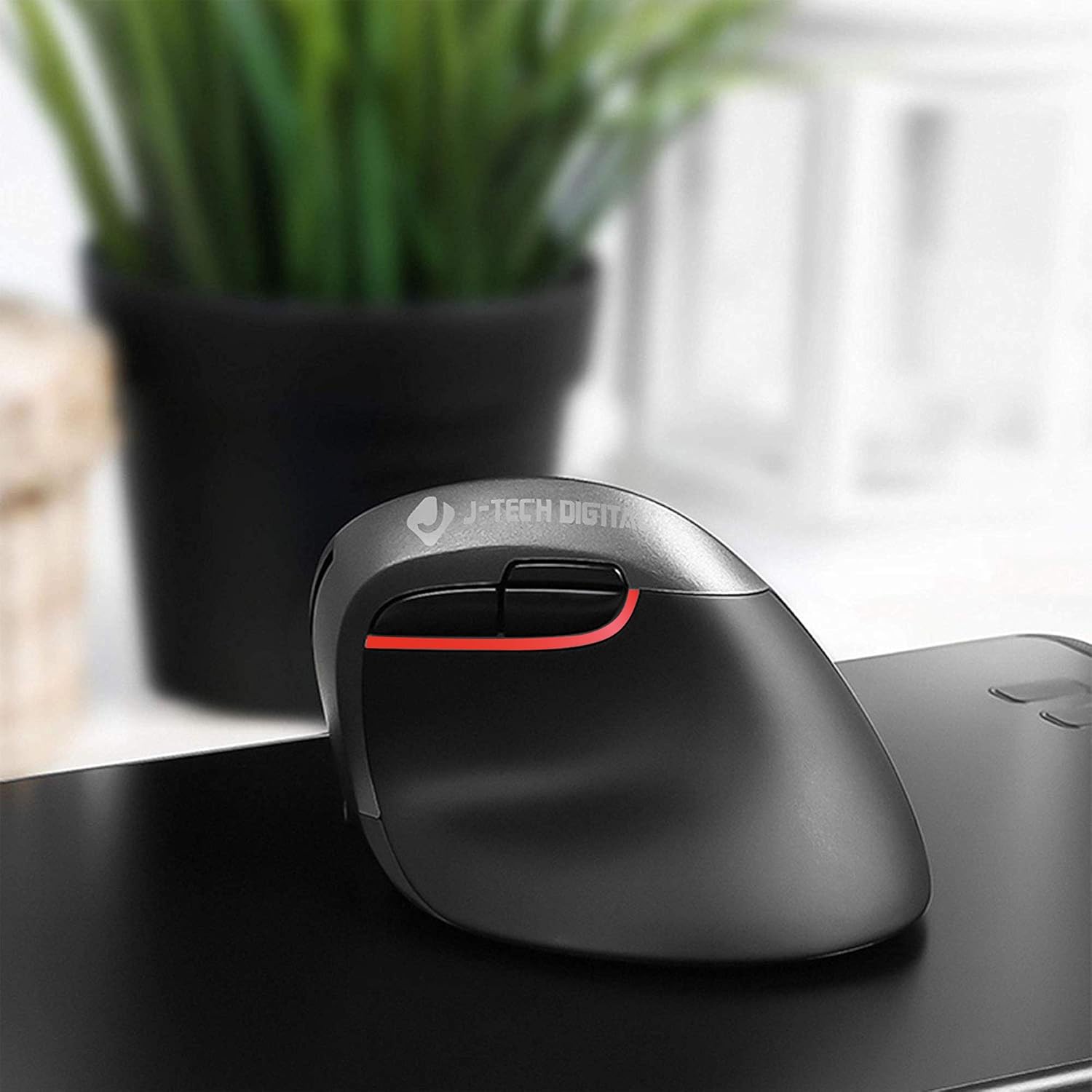
Image: A user's hand comfortably positioned on the vertical ergonomic mouse, demonstrating natural grip.
Podešavanje DPI postavki
The mouse features three adjustable DPI (Dots Per Inch) settings to control cursor sensitivity. You can cycle through these settings using the DPI cycle button located near the forward and backward buttons.
- Press the DPI cycle button to switch between 800, 1200, and 1600 DPI.
- A lower DPI setting results in slower, more precise cursor movement.
- A higher DPI setting results in faster cursor movement, suitable for quick navigation.

Image: Visual representation of the three DPI settings (800, 1200, 1600) available on the mouse.
Ergonomic Design and Benefits
The vertical design of the J-Tech Digital V628M-2.4G mouse promotes a natural handshake position, which can significantly reduce wrist strain and discomfort often associated with traditional horizontal mice.

Image: A comparison demonstrating how a vertical ergonomic mouse supports a natural hand position, reducing pressure on the carpal tunnel area, unlike a traditional mouse.
This mouse is specifically designed for users with smaller hands. For individuals with larger hands, J-Tech Digital offers other models such as the V628 and V628P, which provide a more suitable fit.
Održavanje
Zamjena baterije
The V628M-2.4G mouse operates on one 1.5V/AA battery. When the mouse performance degrades or it stops responding, it is likely time to replace the battery.
- Isključite miš pomoću prekidača ON/OFF na donjoj strani.
- Otvorite odeljak za baterije.
- Remove the old AA battery and dispose of it according to local regulations.
- Insert a new 1.5V/AA battery, ensuring correct polarity.
- Close the battery compartment and turn the mouse back on.
Čišćenje
To maintain optimal performance and hygiene, periodically clean your mouse:
- Prije čišćenja provjerite je li miš isključen.
- Za brisanje vanjskih površina koristite meku, suhu krpu koja ne ostavlja dlačice.
- Za tvrdokornu prljavštinu, lagano dampOperite krpu vodom ili blagim, neabrazivnim sredstvom za čišćenje. Izbjegavajte prekomjernu vlagu.
- Ne koristite jake hemikalije, rastvarače ili abrazivne materijale, jer oni mogu oštetiti završnu obradu miša.
Rješavanje problema
If you encounter issues with your J-Tech Digital V628M-2.4G mouse, refer to the following common solutions:
| Problem | Mogući uzrok | Rješenje |
|---|---|---|
| Miš ne reaguje | Prazan ili prazna baterija | Zamijenite AA bateriju. |
| Miš ne reaguje | USB prijemnik nije povezan ili nije dobro povezan | Provjerite je li USB prijemnik čvrsto priključen u ispravan USB priključak. Pokušajte s drugim USB priključkom. |
| Miš ne reaguje | Miš je isključen | Check the ON/OFF switch on the underside of the mouse and ensure it is in the 'ON' position. |
| Cursor freezes or lags intermittently | Interference or surface issues | Ensure the mouse is used on a suitable, non-reflective surface. Move the mouse closer to the USB receiver or try a different USB port to reduce potential interference. Replace battery if low. |
| DPI postavka se ne mijenja | DPI dugme nije pravilno pritisnuto | Press the DPI cycle button firmly. Ensure the mouse is powered on. |
Specifikacije
- Broj modela: V628M-2.4G
- Dimenzije proizvoda: 3.5 x 4 x 3 inča
- Težina artikla: 0.01 unce
- baterije: Potrebna 1 AA baterija (uključena)
- Tehnologija povezivanja: Wireless (2.4G USB Nano Transceiver)
- Tehnologija detekcije pokreta: Optički
- DPI postavke: 800 / 1200 / 1600
- Posebna karakteristika: Ergonomski vertikalni dizajn
- Kompatibilnost: Mac and PC
Garancija i podrška
All J-Tech Digital products are backed by a 1-godišnja garancija proizvođača. Additionally, customers receive besplatna doživotna tehnička podrška from our dedicated customer support team.
Our support team is based in Sugar Land, Texas, and is available to assist you Monday through Friday, from 9 AM to 6 PM CST.
For technical assistance or warranty claims, please refer to the contact information available on the J-Tech Digital seller page or the official J-Tech Digital website.