
1. Uvod
The Viotek GN32DB is a 32-inch curved gaming monitor designed to deliver an immersive visual experience. It features a WQHD (2560x1440p) resolution, a 144Hz refresh rate, and AMD FreeSync technology, ensuring smooth and responsive gameplay. This manual provides essential information for setting up, operating, maintaining, and troubleshooting your monitor.

Image: The Viotek GN32DB monitor showcasing its 144Hz WQHD display capabilities.
2. Podešavanje
2.1 Otpakivanje i sastavljanje
Carefully remove the monitor and all components from the packaging. Ensure all parts are present before proceeding with assembly. Attach the stand base to the stand neck, then secure the assembled stand to the back of the monitor using the provided screws. The monitor also supports VESA mounting (75x75mm) for alternative installation options.
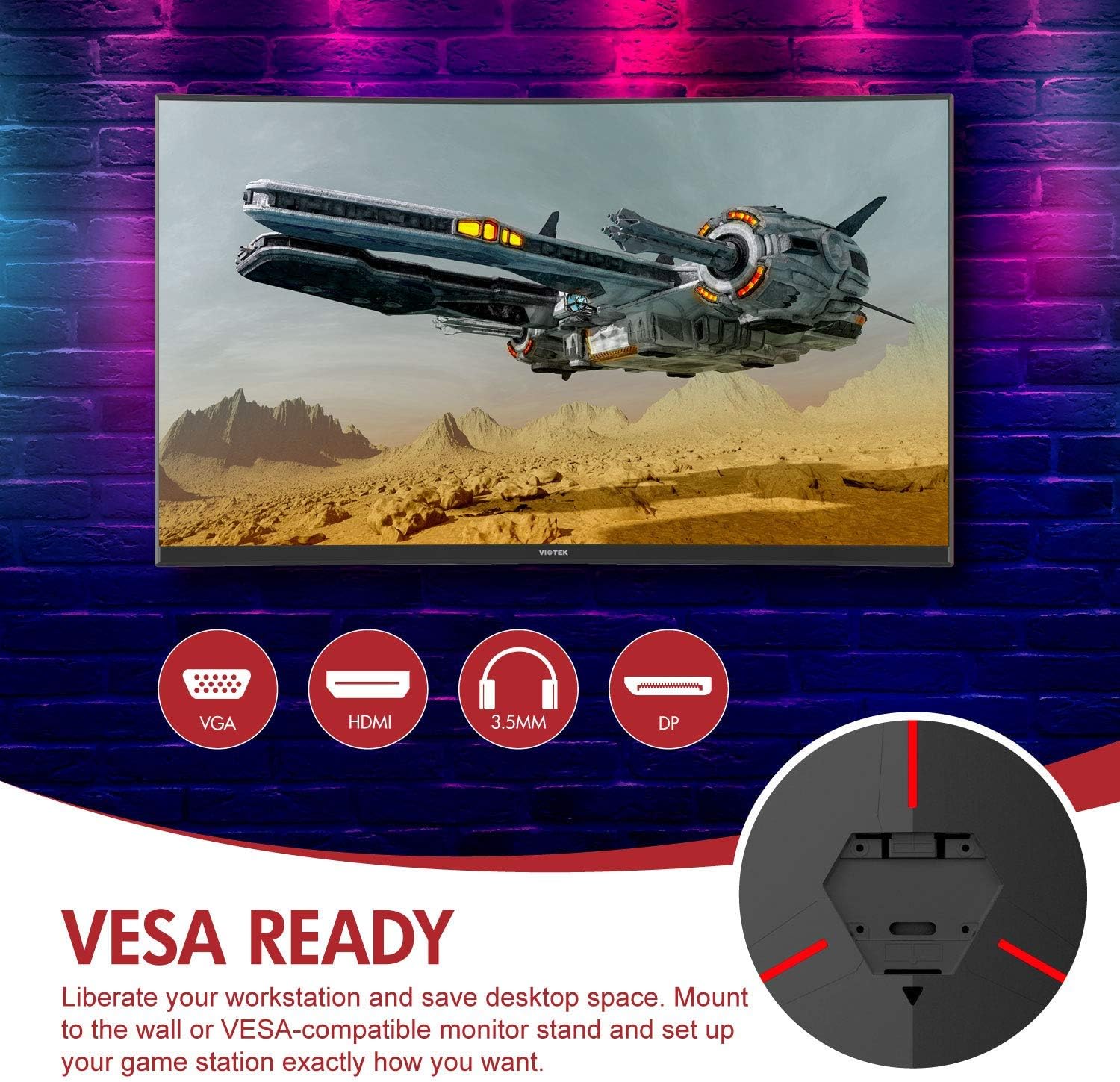
Slika: Stražnja strana view of the monitor highlighting VESA compatibility and available ports.
2.2 Povezivanje na uređaj
Povežite računar ili igraću konzolu sa monitorom koristeći jedan od dostupnih ulaznih portova:
- DisplayPort (DP 1.2): For optimal performance, including 144Hz refresh rate and FreeSync.
- HDMI (HDMI 2.0): Supports high-resolution and refresh rates.
- DVI: For compatible devices.
Connect the power adapter to the monitor and then to a power outlet. The monitor also features a 3.5mm audio output jack for external sound systems.

Slika: Detaljna view of the monitor's rear panel with input ports.
3. Rukovanje monitorom
3.1 Uključivanje/isključivanje napajanja
Pritisnite dugme za napajanje koje se nalazi na monitoru da biste ga uključili ili isključili. Indikator napajanja će prikazivati status monitora.
3.2 On-Screen Display (OSD) meni
Navigate the OSD menu using the buttons or joystick (if present) on the monitor. The OSD allows you to adjust various settings:
- Postavke slike: Podesite svjetlinu, kontrast, oštrinu i temperaturu boje.
- Načini boja: Odaberite iz unaprijed definiranih profesionalnih bojafileili prilagodite svoje.
- Izvor ulaza: Manually select the active input (DP, HDMI, DVI).
- audio: Adjust volume for the 3.5mm audio output.
3.3 Funkcije za igranje
- AMD FreeSync: This technology synchronizes the monitor's refresh rate with your GPU's frame rate to eliminate screen tearing and stuttering. Ensure FreeSync is enabled in both the monitor's OSD and your graphics card settings.
- FPS/RTS režimi: Optimize display settings for specific game genres.
- Igra Plus: Activate on-screen crosshairs for improved aiming accuracy.

Image: Visual demonstration of AMD FreeSync technology in action.
3.4 Low Blue Light Mode
Activate the Low Blue Light mode to reduce blue light emissions, which can help minimize eye strain during extended use.
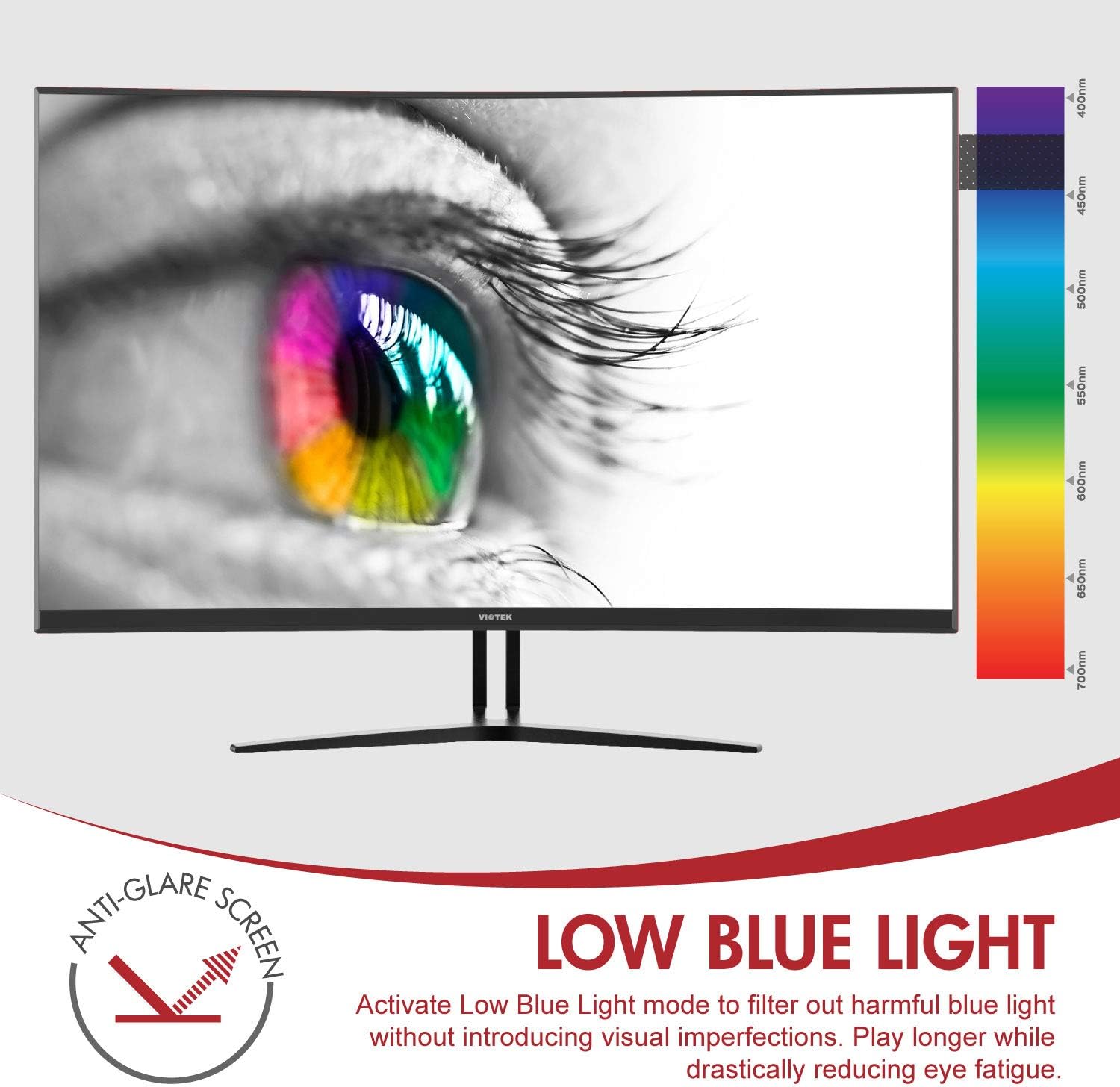
Image: The monitor's Low Blue Light feature for eye comfort.
3.5 Console Compatibility
The GN32DB is compatible with various gaming consoles, including Xbox One S/X and PlayStation 4, via DP 1.2 or HDMI connections. Enjoy FreeSync compatibility with supported Xbox consoles for smoother gameplay.

Image: Monitor compatibility with gaming consoles and adjustable tilt angle.
4. Održavanje
To ensure the longevity and optimal performance of your Viotek GN32DB monitor, follow these maintenance guidelines:
- Čišćenje ekrana: Nježno obrišite ekran mekom krpom koja ne ostavlja dlačice. Za tvrdokorne mrlje, laganoampOperite krpu vodom ili sredstvom za čišćenje ekrana. Izbjegavajte upotrebu jakih hemikalija ili abrazivnih materijala.
- Generalno čišćenje: Koristite meku, suhu krpu za čišćenje monitora casing and stand.
- ventilacija: Pazite da ventilacijski otvori monitora nisu blokirani kako biste spriječili pregrijavanje.
- Skladištenje: Kada se monitor ne koristi duži period, čuvajte ga na hladnom i suhom mjestu, idealno u originalnom pakovanju.
5. Otkrivanje problema
Ako imate problema s monitorom, pogledajte sljedeće uobičajene probleme i rješenja:
| Problem | Mogući uzrok | Rješenje |
|---|---|---|
| Nema slike na ekranu | Power cable disconnected, incorrect input source, faulty video cable. | Check power connections. Select correct input source via OSD. Replace video cable. |
| Treperenje ili iskrivljena slika | Loose video cable, incorrect resolution/refresh rate, FreeSync issue. | Ensure video cable is secure. Adjust display settings on your device. Verify FreeSync settings. |
| No sound from 3.5mm audio out | Volume too low, external speakers not connected, audio source issue. | Increase monitor volume. Connect speakers correctly. Check audio settings on your device. |
| Monitor se ne uključuje | Power supply issue, faulty power button. | Verify power outlet and adapter. Contact support if issue persists. |
If the problem persists after attempting these solutions, please contact Viotek customer support.
6. Specifikacije
| Feature | Detalj |
|---|---|
| Brand | Viotek |
| Broj modela | GN32DB |
| Veličina ekrana | 31.5 inča |
| Rezolucija | QHD Wide 1440p (2560x1440) |
| Aspect Ratio | 16:9 |
| Refresh Rate | 144 Hz |
| Vrijeme odgovora | 4 Milliseconds (with Automatic Overdrive) |
| Display Type | LED (Samsung VA Panel) |
| Zakrivljenost | 1800R |
| Gamut boja | 115% sRGB / 85% NTSC |
| Kontrast Ratio | 3000:1 (Static), 1,000,000:1 (Dynamic) |
| Osvetljenost | 250 cd/m² |
| Viewing Angle | 178 stepeni |
| Adaptive Sync | FreeSync |
| Povezivanje | 1x DisplayPort 1.2, 1x HDMI 2.0, 1x DVI, 1x 3.5mm Audio Output |
| Vrsta montaže | VESA Mount (75x75mm) |
| Dodatne karakteristike | Anti-Glare Screen, Low Blue Light, FPS/RTS Modes, Game Plus |
| Težina artikla | 17.2 funti |
7. Garancija
The Viotek GN32DB monitor is protected by a 3-godišnja ograničena garancija. This warranty includes a Zero-Tolerance Dead Pixel Policy, ensuring that your monitor is free from dead pixels upon purchase. For detailed terms and conditions, please refer to the official Viotek warranty documentation.

Image: Viotek's 3-Year Limited Warranty and Zero-Tolerance Dead Pixel Policy.
8. Podrška
For any questions, technical assistance, or warranty claims, please contact Viotek's customer service. Our 100% U.S.-based customer service team is available 7 days a week to provide support.
Contact information can be found on the official Viotek webweb-mjestu ili u ambalaži vašeg proizvoda.