
1. Uvod
Thank you for choosing the Viotek NB27CB 27-Inch LED Curved Monitor. This monitor is designed to provide a vibrant and immersive visual experience for both work and entertainment. Featuring a bezel-less Samsung VA panel, 75Hz refresh rate, 1080P Full-HD resolution, and FreeSync technology, it offers exceptional clarity and smooth performance. This manual provides detailed instructions for setting up, operating, maintaining, and troubleshooting your new monitor.

2. Podešavanje
2.1. Raspakivanje monitora
Carefully remove all components from the packaging. Ensure all items listed in the 'What's in the Box' section are present. Retain the original packaging for future transport or storage.
2.2. Sastavljanje postolja
- Attach the stand neck to the monitor panel by aligning the grooves and gently pushing until it clicks into place.
- Secure the base to the stand neck using the provided screw.
- Postavite sastavljeni monitor na stabilnu, ravnu površinu.
2.3. Povezivanje s uređajem
The NB27CB monitor supports both VGA and HDMI 1.4 connections. Choose the appropriate cable for your device and connect it to the corresponding port on the monitor. An HDMI cable is included with your purchase.
- HDMI veza: Connect one end of the HDMI cable to the HDMI port on your computer or gaming console, and the other end to the HDMI port on the monitor.
- VGA konekcija: Connect one end of the VGA cable to the VGA port on your computer, and the other end to the VGA port on the monitor.
- Priključak za napajanje: Spojite adapter za napajanje na ulaz za napajanje monitora, a zatim ga uključite u utičnicu.

2.4. VESA montaža (opciono)
The NB27CB is VESA compatible (75x75mm), allowing you to mount it to a wall or a compatible monitor arm. Ensure you use appropriate VESA screws and mounting hardware (not included) that can support the monitor's weight.
3. Rukovanje monitorom
3.1. Uključivanje/isključivanje
Pritisnite dugme za napajanje koje se nalazi na monitoru da biste ga uključili ili isključili. Indikator napajanja će svijetliti kada je monitor aktivan.
3.2. On-Screen Display (OSD) meni
Use the buttons on the monitor's bezel to navigate the OSD menu. This menu allows you to adjust various display settings such as brightness, contrast, color temperature, input source, and more.
3.3. Ključne karakteristike
- Brzina osvježavanja od 75Hz i vrijeme odziva od 5ms: Experience smoother visuals with a 75Hz refresh rate and a rapid 5ms response time, ideal for gaming and fast-paced content.
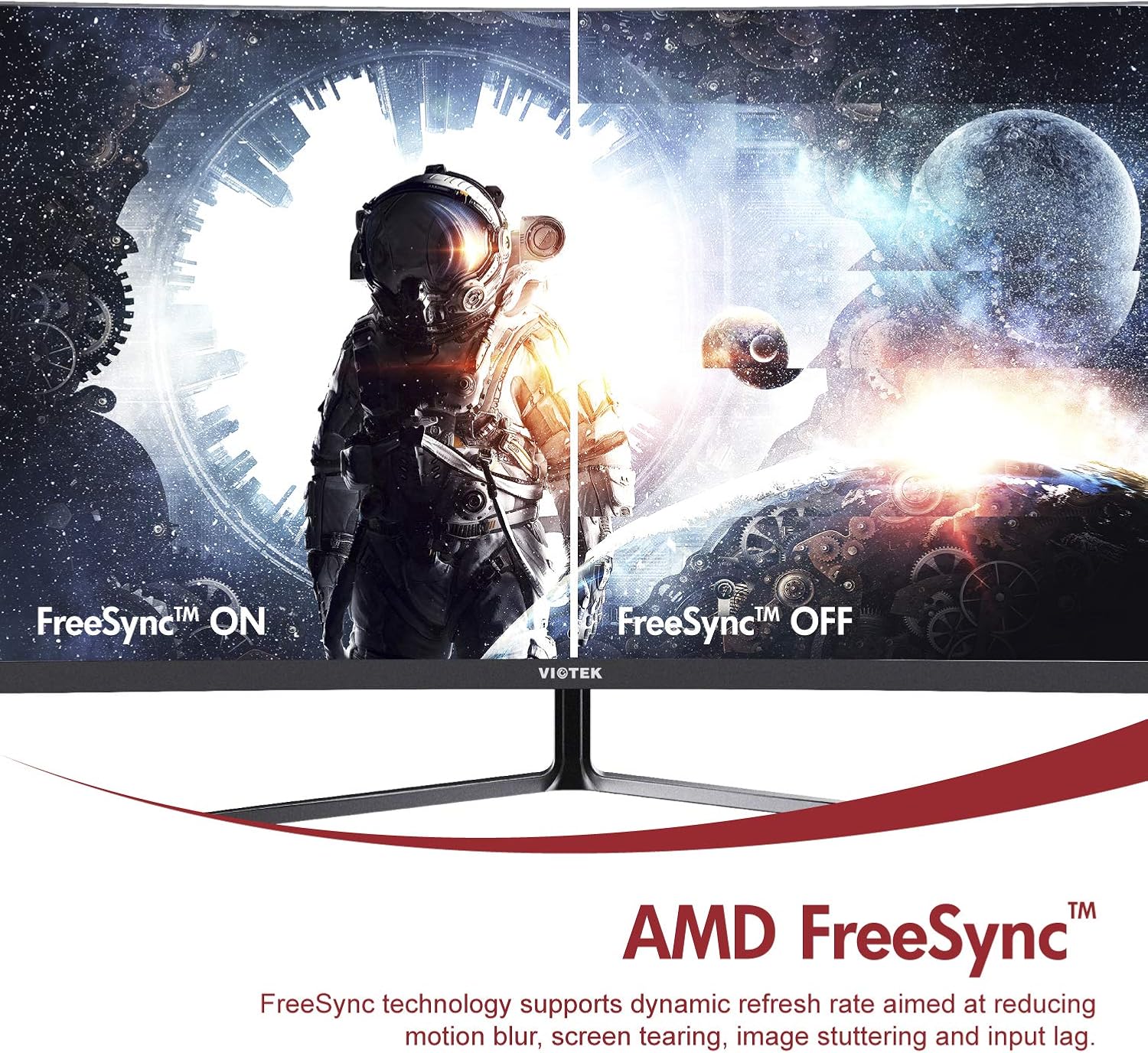
- AMD FreeSync™: Activate FreeSync to synchronize the monitor's refresh rate with your graphics card's frame rate, reducing screen tearing and stuttering for a seamless gaming experience.
- Slabo plavo svjetlo: Reduce eye strain during prolonged use by enabling the Low Blue Light setting in the OSD menu. This filters out harmful blue light emissions.
- GamePlus Crosshair Functionality: For competitive gaming, activate the GamePlus crosshair overlay to improve aiming accuracy in FPS/RTS games.
- Ugrađeni zvučnici: The monitor includes integrated speakers for audio output.



4. Održavanje
Pravilno održavanje osigurava dugotrajnost i optimalne performanse vašeg monitora.
- Čišćenje ekrana: Nježno obrišite ekran mekom krpom koja ne ostavlja dlačice. Za tvrdokorne mrlje koristite sredstvo za čišćenje specifično za monitore naneseno na krpu, a ne direktno na ekran.
- Čišćenje C-aasing: Koristite meku, suhu krpu za čišćenje površine monitoraasing. Izbjegavajte upotrebu abrazivnih sredstava za čišćenje ili rastvarača.
- ventilacija: Pazite da ventilacijski otvori monitora nisu blokirani kako biste spriječili pregrijavanje.
- Skladištenje: Ako monitor skladištite duži period, koristite originalno pakovanje kako biste ga zaštitili od prašine i oštećenja.
5. Otkrivanje problema
Ako imate problema s monitorom, pogledajte sljedeće uobičajene probleme i rješenja:
| Problem | Mogući uzrok | Rješenje |
|---|---|---|
| Nema slike na ekranu | Kabl za napajanje isključen; video kabl isključen; pogrešan ulazni izvor. | Provjerite da li su kablovi za napajanje i video sigurno spojeni. Odaberite ispravan ulazni izvor putem OSD menija. |
| Slika je mutna ili iskrivljena | Netačna rezolucija; Labav video kabl. | Postavite rezoluciju ekrana na 1920x1080. Provjerite priključak video kabla. |
| Nema zvuka iz zvučnika | Volume too low; Audio output not set to monitor; Faulty cable. | Increase monitor volume. Ensure your computer's audio output is set to the monitor. Check HDMI cable. |
| Ekran treperi | FreeSync not enabled (if applicable); Graphics driver issues; Faulty cable. | Enable FreeSync in OSD and graphics card settings. Update graphics drivers. Try a different video cable. |
6. Specifikacije
Detailed technical specifications for the Viotek NB27CB monitor:
| Feature | Specifikacija |
|---|---|
| Veličina ekrana | 27 inča |
| Rezolucija ekrana | 1920x1080 (Puna HD rezolucija) |
| Maksimalna rezolucija ekrana | 1920 x 1080 |
| Refresh Rate | 75Hz Max. |
| Vrijeme odgovora | 5ms |
| Tip panela | VA Panel |
| Zakrivljenost | 1800R |
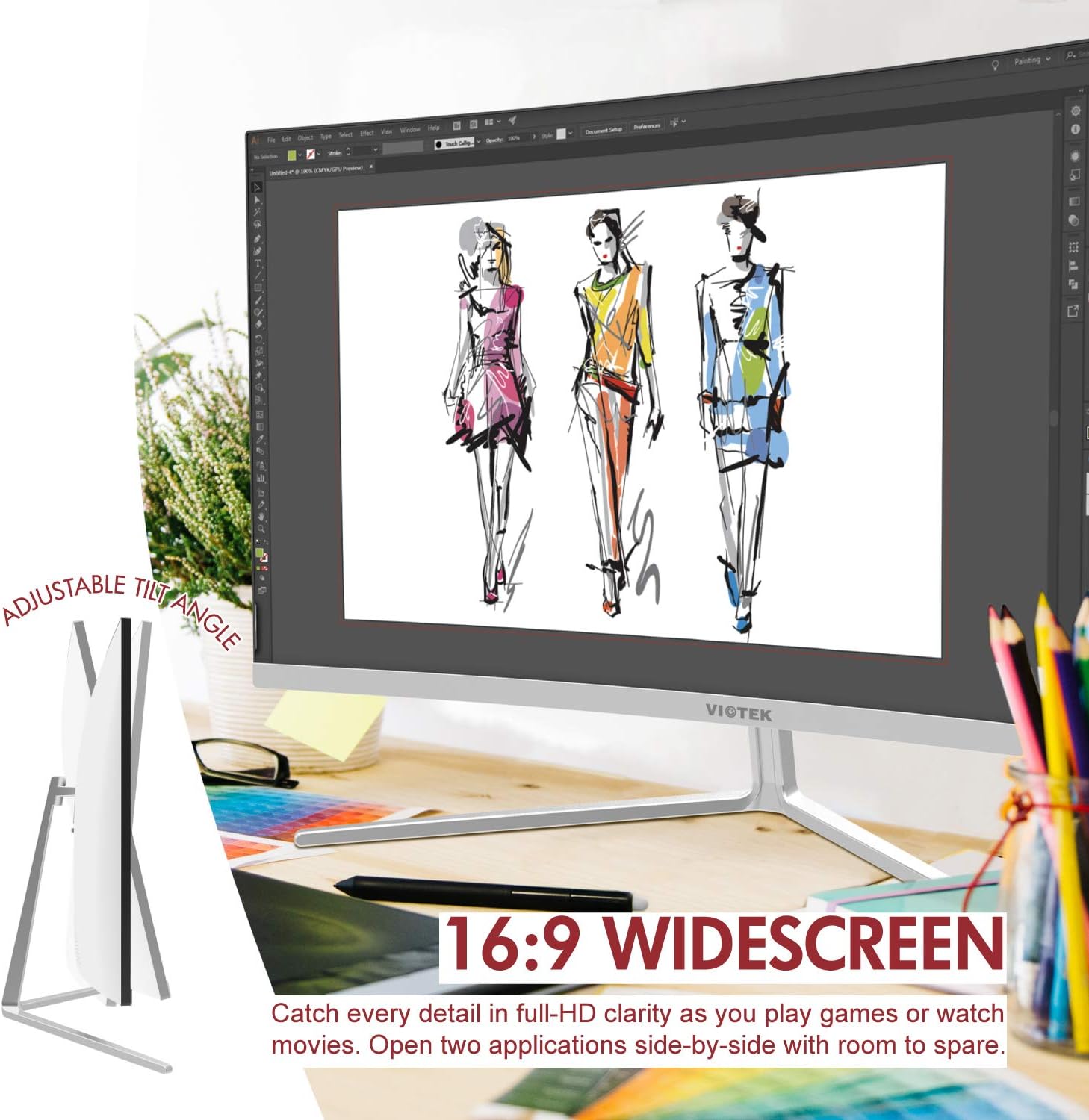
| Aspect Ratio | 16:9 |
| Display Colors | 16.7 miliona boja |
| Dinamički omjer kontrasta | 1000000:1 |
| VESA kompatibilnost | 75x75mm |
| Luke | 1x VGA / 1x HDMI 1.4 |
| Zvučnici | Da, 2x 4Ω/3W |
| Nagib podesiv | Yes, -5° ~ 15° |
| Težina artikla | 10.36 funte |
| Dimenzije proizvoda | 24.13 x 8.38 x 17.67 inča |
7. Jamstvo i podrška
7.1. Garancija na proizvod
The Viotek NB27CB monitor comes with a 3-godišnja garancija covering parts and labor. This includes Viotek's industry-leading Zero-Tolerance Dead Pixel Policy, ensuring a high-quality display experience.

7.2. Korisnička podrška
Viotek provides 100% U.S.-based customer support, available 7 days a week via live-chat, email, and social media. For assistance, please visit the official Viotek webweb-mjesto ili pogledajte kontakt informacije navedene u dokumentaciji proizvoda.