
Viotek NB24CW
Viotek NB24CW 24-Inch Curved Monitor User Manual
Model: NB24CW
Uvod
This manual provides essential information for the safe and efficient operation of your Viotek NB24CW 24-Inch LED Curved Monitor. Please read this guide thoroughly before using the product and retain it for future reference.
The Viotek NB24CW is a 24-inch curved LED monitor featuring a 1920x1080p Full-HD resolution, 75Hz refresh rate, and FreeSync technology. It includes built-in speakers, VGA and HDMI 1.4 ports, and is VESA mount compatible. Its bezel-less design offers an immersive viewing experience for both work and entertainment.
Sigurnosne informacije
Da biste osigurali siguran rad i spriječili oštećenja, pridržavajte se sljedećih mjera opreza:
- Ne izlažite monitor kiši, vlazi ili ekstremnim temperaturama.
- Izbjegavajte postavljanje monitora u blizinu izvora toplote ili na direktnu sunčevu svjetlost.
- Koristite samo adapter za napajanje koji dolazi s monitorom.
- Ne blokirajte otvore za ventilaciju.
- Očistite ekran mekom krpom koja ne ostavlja dlačice. Izbjegavajte abrazivna sredstva za čišćenje.
- If any issues arise, disconnect the power cable and contact customer support.
Sadržaj paketa
Provjerite da li su sve stavke prisutne u paketu:
- Viotek NB24CW Monitor
- Stalak za monitor (baza i vrat)
- Adapter za napajanje
- HDMI kabl
- VESA Adapter (75x75mm)
- Korisnički priručnik (ovaj dokument)
Setup
1. Sastavljanje postolja
- Pažljivo izvadite monitor iz pakovanja.
- Pričvrstite vrat postolja na ploču monitora pomoću priloženih vijaka.
- Pričvrstite bazu postolja na vrat postolja.
- Postavite sastavljeni monitor na stabilnu, ravnu površinu.
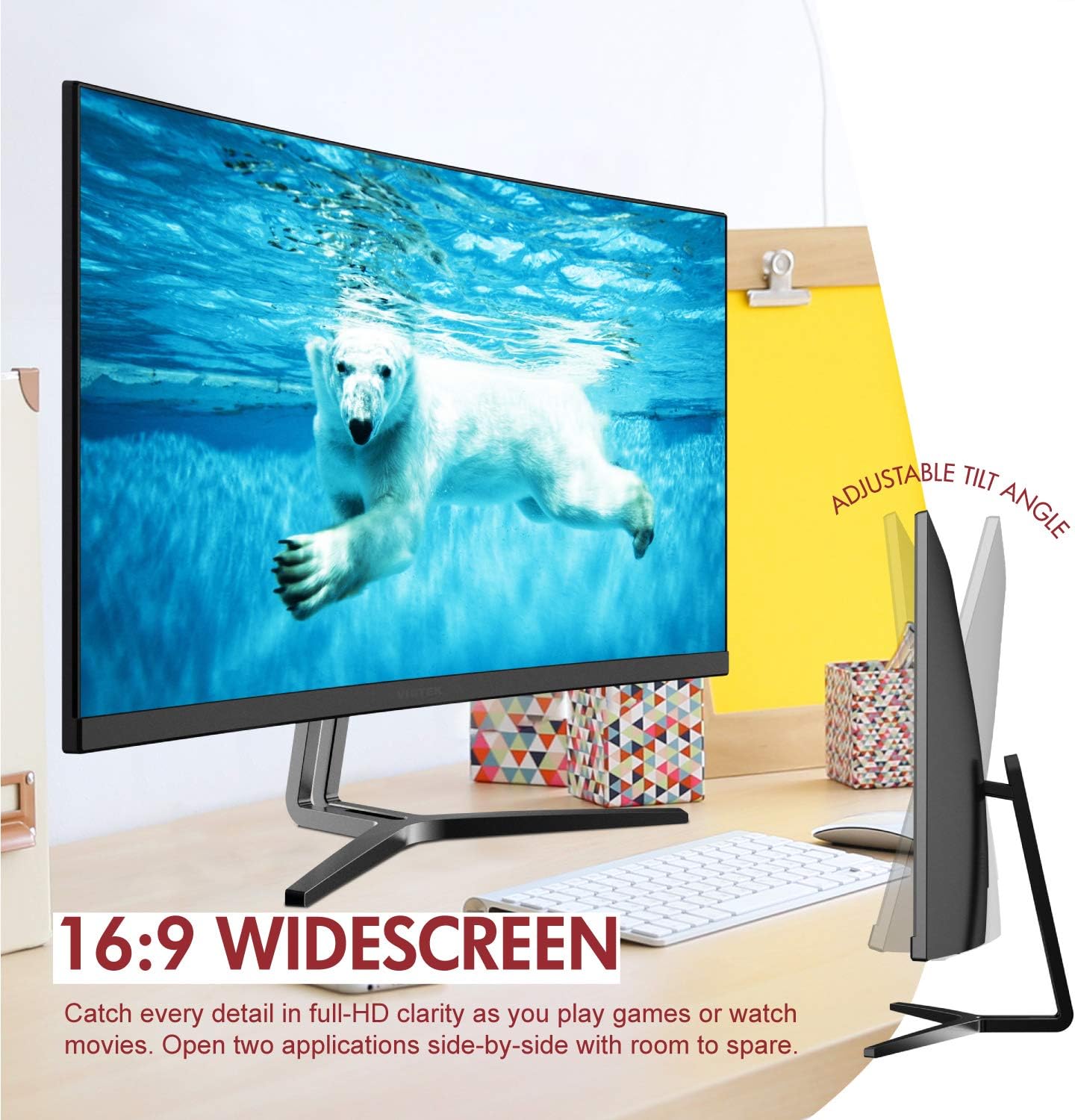
Image: The Viotek NB24CW monitor with its stand, highlighting the 16:9 widescreen aspect ratio and adjustable tilt angle. The monitor is shown displaying a polar bear underwater.
2. Povezivanje s uređajem
The monitor supports HDMI and VGA connections.
- HDMI veza: Connect one end of the HDMI cable (included) to the HDMI port on your computer or gaming console, and the other end to the HDMI 1.4 port on the monitor.
- VGA konekcija: Connect one end of the VGA cable (not included) to the VGA port on your computer, and the other end to the VGA port on the monitor.

Slika: Detaljna view of the monitor's rear panel, illustrating the HDMI 1.4 and VGA input ports for connecting to various devices.
3. Priključak za napajanje
Spojite adapter za napajanje na ulaz za napajanje monitora, a zatim uključite adapter u utičnicu.
4. VESA montaža (opciono)
The monitor is VESA 75x75mm compatible. Use the included VESA adapter to mount the monitor to a wall or compatible monitor arm.

Image: The back of the Viotek NB24CW monitor, highlighting its VESA mounting capability, integrated speakers, and connectivity options including VGA and HDMI.
Uputstvo za upotrebu
1. Uključivanje/isključivanje
Press the power button located on the bottom right side of the monitor to turn it on or off.
2. On-Screen Display (OSD) meni
Use the buttons next to the power button to navigate the OSD menu. This menu allows you to adjust various settings such as brightness, contrast, color temperature, input source, and audio volume.
3. Podešavanje postavki ekrana
- Svjetlina/kontrast: Adjust these settings for optimal visual comfort.
- Postavke boja: Select from preset color modes or customize RGB values.
- Izvor ulaza: Manually select between HDMI and VGA inputs if auto-detection fails.
- Slabo plavo svjetlo: Activate this feature to reduce eye strain during prolonged use.
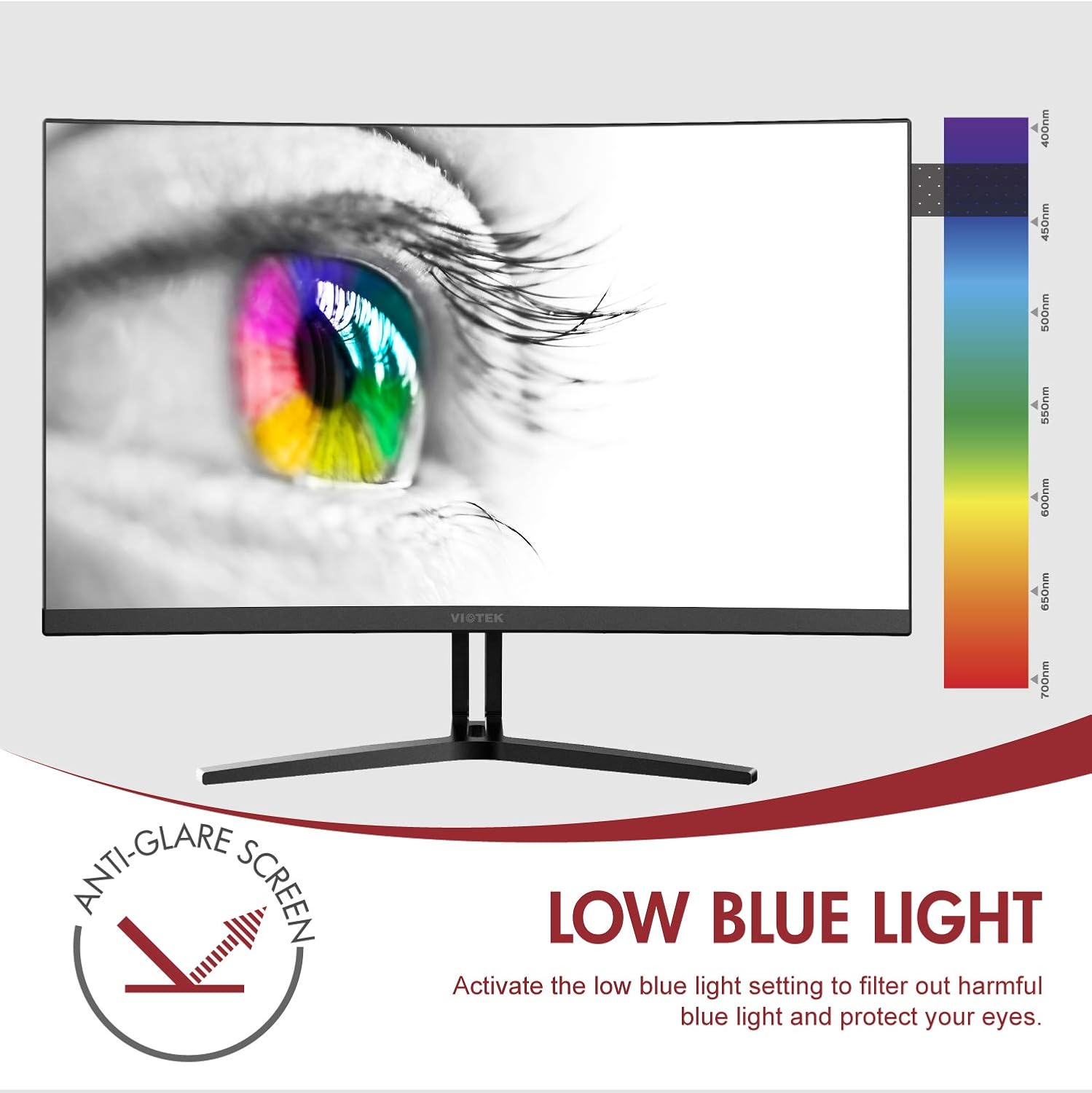
Image: The monitor screen showing an eye with a color spectrum, indicating the Low Blue Light feature designed to protect vision.
4. Karakteristike igranja
The NB24CW monitor includes features optimized for gaming:
- FreeSync: Enable FreeSync in the OSD menu and on your compatible graphics card to eliminate screen tearing and stuttering.
- GamePlus: Access GamePlus features like integrated crosshairs for improved aiming in FPS/RTS games.
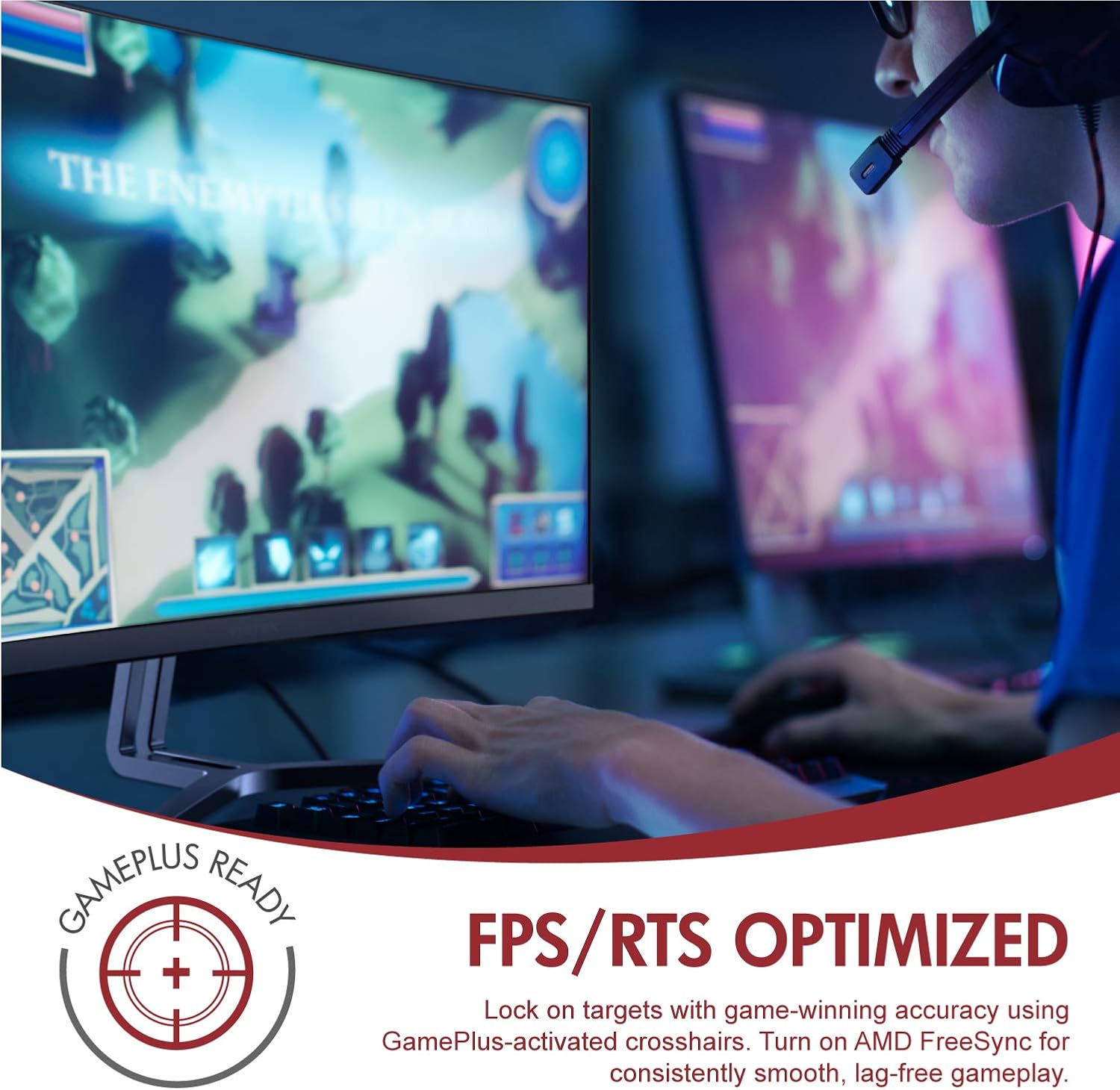
Image: A user engaged in gaming on the Viotek NB24CW monitor, highlighting its FPS/RTS optimized features and GamePlus functionality for enhanced gameplay.
Održavanje
- Čišćenje ekrana: Nježno obrišite ekran mekom, suhom krpom koja ne ostavlja dlačice. Za tvrdokorne mrlje, laganoampOperite krpu vodom ili sredstvom za čišćenje ekrana. Ne prskajte tekućinu direktno na ekran.
- Čišćenje C-aasing: Koristite meku, suhu krpu za čišćenje površine monitoraasing. Izbjegavajte upotrebu jakih hemikalija ili abrazivnih materijala.
- Skladištenje: If storing the monitor for an extended period, disconnect it from power, pack it in its original packaging, and store in a cool, dry place.
Rješavanje problema
| Problem | Mogući uzrok | Rješenje |
|---|---|---|
| Nema slike na ekranu | Kabl za napajanje isključen, pogrešan ulazni izvor, video kabl labav. | Check power connections, select correct input source via OSD, ensure video cable is securely connected. |
| Slika je mutna ili iskrivljena | Netačna rezolucija, neispravan video kabl. | Set display resolution to 1920x1080p, try a different HDMI cable. |
| Nema zvuka iz zvučnika | Volume too low, audio source not selected, external speakers connected. | Increase volume in OSD and computer settings, ensure audio is routed to monitor, disconnect external speakers if not needed. |
| Ekran treperi | Refresh rate mismatch, faulty cable, FreeSync issue. | Ensure refresh rate is set to 75Hz, try a different video cable, disable FreeSync temporarily to diagnose. |
Specifikacije
| Feature | Detalj |
|---|---|
| Model | NB24CW |
| Veličina ekrana | 24 inča |
| Tip panela | LED Curved |
| Zakrivljenost | 1800R |
| Rezolucija | 1920 x 1080 (Full HD) |
| Aspect Ratio | 16:9 |
| Refresh Rate | 75 Hz |
| Vrijeme odgovora | 5ms |
| Viewing Angle | 178° |
| Kontrast Ratio | 1,000,000:1 (dinamički) |
| Podrška bojama | 16.7 Million Colors, 96% sRGB |
| Povezivanje | 1x HDMI 1.4, 1x VGA |
| Audio | Built-in Speakers (2x4Ω/3W) |
| VESA kompatibilnost | 75x75mm (Adapter Included) |
| Adaptive Sync | FreeSync |
| Podešavanje nagiba | -5° do 15° |
| Posebne karakteristike | Bezel-less design, GamePlus, FPS/RTS modes, Low Blue Light, Anti-glare screen |

Image: The Viotek NB24CW monitor showcasing its key performance specifications: 1080p resolution, 1800R curvature, 75Hz refresh rate, and 5ms response time.
Informacije o garanciji
Your Viotek NB24CW monitor is covered by a Dvogodišnja ograničena garancija proizvođača. This warranty covers defects in materials and workmanship under normal use. Additionally, Viotek offers an industry-leading Zero-Tolerance Dead Pixel Policy, ensuring your display is free from dead pixels.
For full warranty terms and conditions, please refer to the official Viotek websajtu ili kontaktirajte korisničku podršku.

Image: A visual representation of Viotek's commitment to quality, featuring a "3 Year Warranty" and "Zero Dead Pixel - Parts & Labor" guarantee.
Korisnička podrška
For technical assistance, warranty claims, or general inquiries, please contact our 100% U.S.-based Customer Support Team. They are available 7 days a week via live-chat, email, and social media support.
- Webstranica: www.viotek.com
- Email: Refer to the Viotek website for specific email contact.
- Live Chat: Available on the official Viotek website.
Product Overview Video
Video: Zvanični proizvod je završenview video for the Viotek NB24CB (similar model to NB24CW) monitor, showcasing its curved display, thin design, connectivity ports, and key features like 75Hz refresh rate, FreeSync, and built-in speakers. This video provides a visual guide to the monitor's design and capabilities.
Ask a question about this manual
Ask about setup, troubleshooting, compatibility, parts, safety, or missing instructions. Manuals+ will review the question and use this page’s manual context to help answer it.