
havit HV-KB558CM
Havit Gaming Keyboard and Mouse Combo User Manual
Model: HV-KB558CM | Brand: havit
Uvod
Welcome to the user manual for your new havit Gaming Keyboard and Mouse Combo (Model: HV-KB558CM). This combo is designed to enhance your gaming and typing experience with its advanced features and ergonomic design. It includes a backlit keyboard and an RGB gaming mouse, offering both functionality and aesthetic appeal.
Ključne karakteristike uključuju:
- Elegant rainbow backlighting for an immersive experience.
- Comfortable and durable keycaps suitable for long-time use.
- 19 non-conflict keys for precise gaming inputs.
- Adjustable DPI settings (800-4800) for the gaming mouse.
- Customizable RGB lighting and programmable functions on the mouse.
- Wide compatibility with various Windows operating systems.
This manual provides detailed instructions on setting up, operating, and maintaining your new gaming peripherals.

Figure 1: Havit Gaming Keyboard and Mouse Combo (Model: HV-KB558CM)
Vodič za postavljanje
Your havit Gaming Keyboard and Mouse Combo is designed for simple plug-and-play functionality, requiring no additional software or firmware installation for basic operation.
Sadržaj paketa
Prije nego što počnete, molimo vas da se uvjerite da su sve stavke prisutne u paketu:
- 1x Gaming Keyboard
- 1x miš za igranje
- 1x Korisnički priručnik (ovaj dokument)
Sistemski zahtjevi
The keyboard and mouse kit supports the following operating systems:
- Windows 2000
- Windows 2003
- Windows XP
- Windows Vista
- Windows 7
- Windows 8
- Windows 10
Note: The multimedia keys on the keyboard are primarily designed for Windows operating systems and may not be fully compatible with Mac OS systems.
Koraci instalacije
- Povežite tastaturu: Locate an available USB port on your computer. Insert the USB connector of the gaming keyboard firmly into the USB port.
- Povežite miša: Locate another available USB port on your computer. Insert the USB connector of the gaming mouse firmly into the USB port.
- Prepoznavanje sistema: Your operating system should automatically detect and install the necessary drivers for both the keyboard and mouse. This process usually takes a few moments.
- Provjerite funkcionalnost: Once installed, test the keyboard and mouse to ensure they are working correctly. The keyboard backlight and mouse RGB lighting should activate automatically.

Slika 2: Gotovoview of Keyboard and Mouse Combo Features
Uputstvo za upotrebu
Karakteristike tastature
The havit gaming keyboard offers a range of features designed for optimal performance and user comfort.
- Rainbow Backlight: The keyboard features a vibrant rainbow backlight that provides an immersive gaming atmosphere. The colors are preset and cannot be individually changed.
- Načini pozadinskog osvjetljenja: You can adjust the backlight brightness and activate a breathing mode. Refer to the keyboard's function keys for specific controls (e.g., Fn + Scroll Lock for mode changes, Fn + Page Up/Down for brightness).
- Anti-ghosting: With 19 non-conflict keys, your commands are registered accurately even during intense gaming sessions, preventing missed key presses.
- WASD and Arrow Key Exchange: Easily switch the functionality of the WASD keys with the arrow keys for different gaming preferences. This is typically done by pressing Fn + W.
- Funkcija zaključavanja pobjede: Prevent accidental interruptions during gameplay by locking the Windows key. Activate this feature by pressing Fn+Win.
- Multimedijalni ključevi: Access common multimedia functions directly using dedicated keys or Fn key combinations (e.g., F5-F8 for media control).

Figure 3: Elegant Keyboard Backlight for Enhanced Visibility
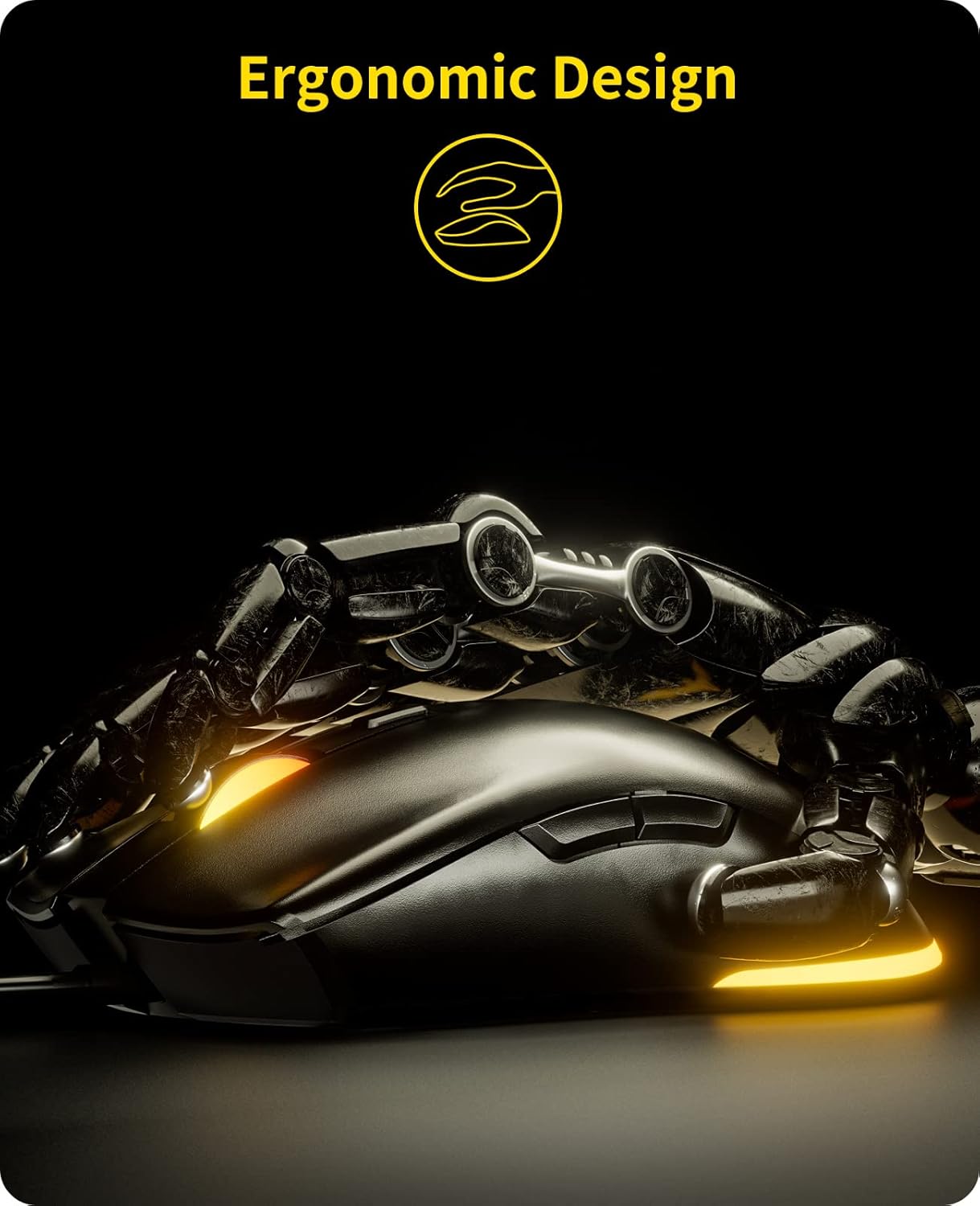
Figure 4: Keyboard Function Keys for Direction Exchange (Fn+W) and Win Lock (Fn+Win)
Karakteristike miša
The havit RGB gaming mouse provides precision and customization for various gaming styles.
- Podesivi DPI: Cycle through DPI settings from 800 to 4800 to match your preferred sensitivity for different games or tasks. This allows for precise cursor control.
- Prilagodljivo RGB osvjetljenje: The mouse features cool adjustable RGB lighting. The light color can be changed by holding and pressing the left-click button simultaneously with the DPI button.
- Programabilne funkcije: The mouse includes extra programmable functions, allowing you to customize all mouse keys to suit your needs.
- 6 Keys and 7 RGB Light Modes: The mouse is equipped with 6 buttons and offers 7 distinct RGB lighting modes for personalized aesthetics.

Figure 5: Adjustable DPI Mouse with RGB Lighting

Figure 6: Mouse Button Layout and Available RGB Light Modes
Zvanični videozapisi proizvoda
Watch these official videos from havit for a closer look at the product's features and functionality:
Video 1: Havit Wired Gaming Keyboard Mouse Combo LED Rainbow Backlit. This video demonstrates the keyboard and mouse in action, highlighting their LED lighting effects.
Video 2: Havit wired gaming keyboard and mouse. This video provides another perspective on the keyboard and mouse, showcasinnjihov dizajn i karakteristike.
Održavanje
Proper care and maintenance will ensure the longevity and optimal performance of your havit Gaming Keyboard and Mouse Combo.
- čišćenje: Regularly clean the keyboard and mouse with a soft, dry cloth. For stubborn dirt, a slightly damp cloth can be used, ensuring no liquid enters the devices. Avoid harsh chemicals or abrasive materials.
- Izdržljivost tipki: The keycaps are made of high-quality ABS plastic, designed for long-term use. However, excessive force or prying can damage them.
- Održavanje kablova: The devices feature durable braided cords. Avoid sharp bends, kinks, or excessive pulling on the cables to prevent internal damage.
- Skladištenje: When not in use, store the keyboard and mouse in a clean, dry environment away from direct sunlight and extreme temperatures.

Figure 7: Comfortable Typing Experience with Durable Keycaps and Wrist Rest
Rješavanje problema
If you encounter any issues with your havit Gaming Keyboard and Mouse Combo, please refer to the following common troubleshooting steps:
- Nema odgovora od tastature/miša:
- Provjerite da li su oba uređaja sigurno priključena na aktivne USB portove na vašem računaru.
- Try connecting the devices to different USB ports to rule out a faulty port.
- Ponovo pokrenite računar.
- Backlight/RGB Lighting Not Working:
- For the keyboard, ensure the backlight is not turned off or set to minimum brightness. Use the designated function keys (e.g., Fn + Scroll Lock, Fn + Page Up/Down) to adjust.
- For the mouse, try pressing the left-click and DPI buttons simultaneously to cycle through lighting modes.
- Verify that the devices are properly connected to your computer.
- Keys Not Responding or Repeating:
- Ensure the keyboard is clean and free from debris that might obstruct key presses.
- Testirajte tastaturu na drugom računaru kako biste utvrdili da li je problem u tastaturi ili u vašem sistemu.
- Kursor miša skače ili ne reaguje:
- Očistite optički senzor na donjoj strani miša.
- Pazite da miš koristite na odgovarajućoj površini (preporučuje se podloga za miša).
- Podesite DPI postavke koristeći DPI dugme na mišu.
Ako ovi koraci ne riješe vaš problem, pogledajte odjeljak "Garancija i podrška" za dodatnu pomoć.
Specifikacije
| Feature | Opis |
|---|---|
| Brand | havit |
| Broj modela | HV-KB558CM |
| Težina artikla | 1.67 funte |
| Dimenzije proizvoda | 17.5 x 7.95 x 1.11 inča |
| Kompatibilnost operativnog sistema | Windows 2000 / 2003 / XP / Vista / Win7 / Win8 / Win10 |
| Tehnologija povezivanja | Žičani |
| Boja | Crna |
| Posebna karakteristika | Backlit Keyboard and RGB Mouse |
| Postavke DPI miša | 800-4800 DPI (podesivo) |
| Zaštita od ghostinga na tastaturi | 19 Non-Conflict Keys |
Garancija i podrška
havit is committed to providing high-quality products and excellent customer service. We sincerely hope you enjoy the convenience and fun of your new gaming combo.
For any questions, concerns, or technical assistance regarding your HV-KB558CM Gaming Keyboard and Mouse Combo, please do not hesitate to contact havit customer support. We are dedicated to replying and solving your concerns as soon as possible.
Please refer to the product packaging or the official havit website for the most up-to-date contact information and details regarding warranty coverage.