
ReTrak ETLTUSBBLK
ReTrak Premier Series ETLTUSBBLK Retractable Lightning to USB Charge and Sync Cable User Manual
Model: ETLTUSBBLK | Brand: ReTrak
Uvod
This manual provides instructions for the ReTrak Premier Series ETLTUSBBLK Retractable Lightning to USB Charge and Sync Cable. This Apple MFi certified cable is designed for charging and syncing compatible Apple devices. It features a retractable design for portability and reinforced connectors for durability.
Setup
Extending the Cable
To extend the cable, gently pull both the Lightning connector end and the USB-A connector end simultaneously until the desired length is reached. The cable can extend up to 3.2 feet (1 meter). Avoid pulling only one end, as this may cause the internal mechanism to jam or tangle.

Figure 1: Extending the Retractable Cable. Pull both ends evenly to extend.
Povezivanje na uređaje
- Insert the USB-A connector into a compatible USB power source (e.g., wall adapter, computer USB port, car charger).
- Insert the Lightning connector into the Lightning port of your Apple device (iPhone, iPad, or iPod).
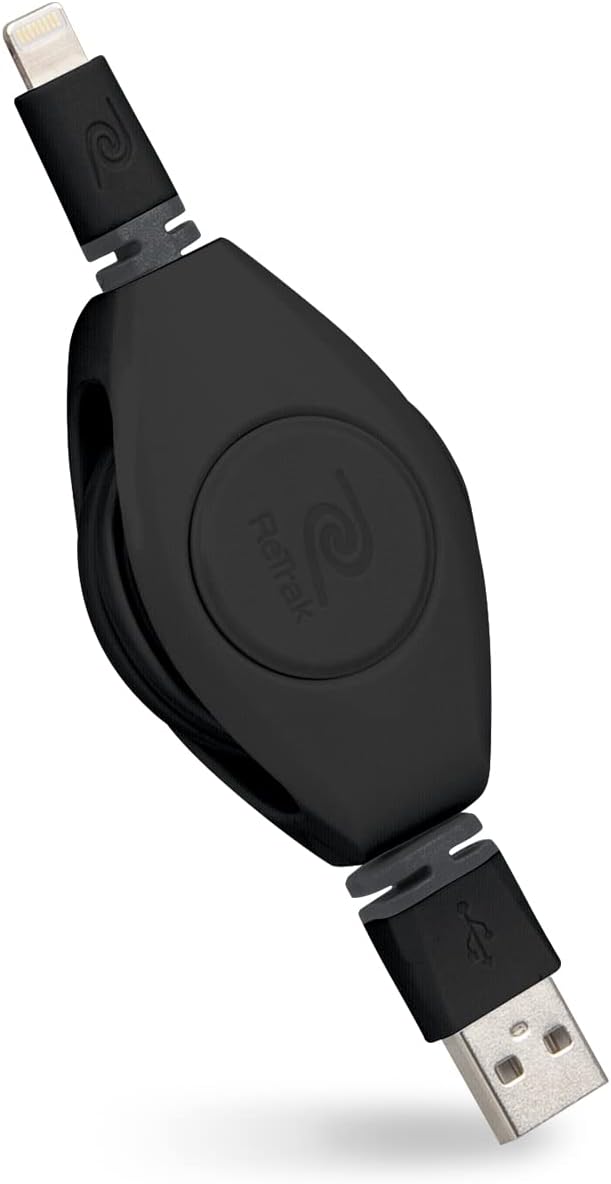
Figure 2: ReTrak Retractable Cable with Connectors.
Uputstvo za upotrebu
Punjenje vašeg uređaja
Once connected to a power source and your Apple device, the cable will initiate charging. This cable supports 2.4 Amp charging for faster power delivery to compatible devices.
Sinkronizacija podataka
Connect the USB-A end to a computer and the Lightning end to your Apple device to sync data, such as photos, videos, and music, with iTunes or Finder (macOS Catalina and later).
Kompatibilnost
This Apple MFi certified cable ensures compatibility with a wide range of Apple devices featuring a Lightning port, including:
- iPhone models: XS Max, XS, XR, X, 8 Plus, 8, 7 Plus, 7, SE, 6s Plus, 6s, 6 Plus, 6, 5s, 5c, 5, 4s
- iPad models: Pro 12.9-inch (2nd gen), Pro 10.5-inch, (6th gen), (5th gen), Pro 9.7-inch, Pro 12.9-inch (1st gen), Air 2, Air, Mini 4, Mini 3, Mini 2, Mini, (4th gen), (3rd gen), 2, iPad
- iPod models: touch (6th gen), touch (5th gen)

Figure 3: Apple MFi Certified for broad device compatibility.
Održavanje
To ensure the longevity and proper function of your retractable cable, follow these maintenance guidelines:
- Pravilno povlačenje: To retract the cable, gently pull both ends slightly further out, then release them slowly. This allows the internal spring mechanism to retract the cable smoothly. Avoid releasing one end abruptly or pulling only one side, as this can cause the cable to tangle or jam inside the housing.
- Skladištenje: When fully retracted, the cable is compact and tangle-free, making it ideal for storage in bags, pockets, or purses.
- čišćenje: Use a soft, dry cloth to wipe the cable and connectors. Avoid using harsh chemicals or abrasive materials.
- Izbjegavajte stres: Do not bend the cable sharply at the connectors or apply excessive force when plugging/unplugging. The cable features reinforced connectors to prevent fraying, but proper handling is still recommended.
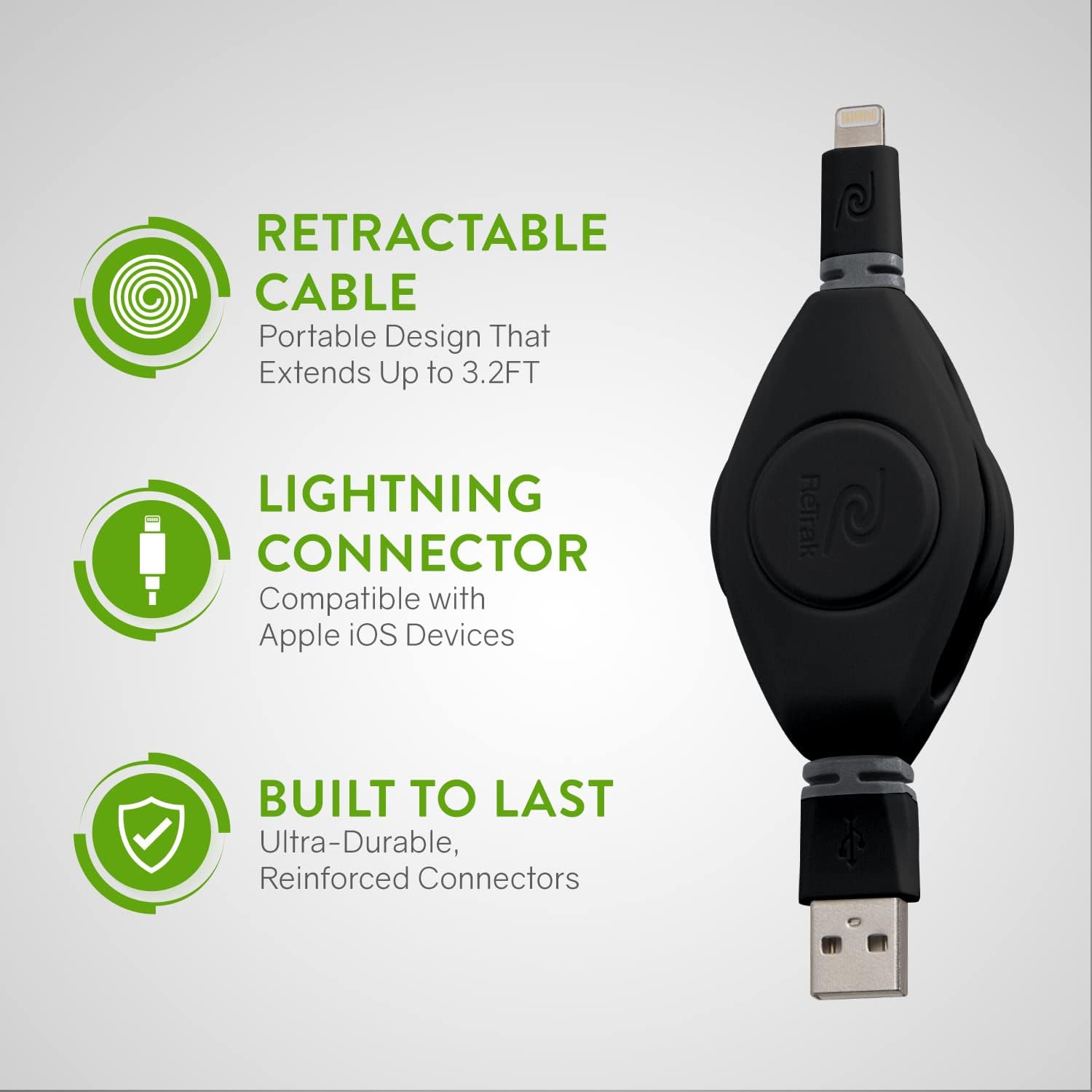
Figure 4: Cable features a retractable design, Lightning connector, and durable construction.
Rješavanje problema
- Cable Not Retracting: If the cable does not retract smoothly or gets stuck, gently pull both ends out a short distance (approximately 1-2 inches) and then release them simultaneously. This often resets the internal mechanism. Ensure you are pulling both ends evenly.
- Device Not Charging/Syncing:
- Verify that both the USB-A and Lightning connectors are fully inserted into their respective ports.
- Try connecting the cable to a different USB power source or computer port.
- Ensure your Apple device's Lightning port is clean and free of debris.
- If using a wall adapter, ensure it is functioning correctly and provides sufficient power (2.4A recommended for fast charging).
- As this is an MFi certified cable, you should not encounter "This accessory may not be supported" messages. If you do, try restarting your device or testing with another MFi certified cable to rule out a device issue.
- Sporo punjenje: Ensure your power source can deliver 2.4 Amps for optimal charging speed. Older USB ports or low-power adapters may result in slower charging.
Video 1: Official product video demonstrating the retractable cable's features, including extension, charging, and durability.
Specifikacije
| Brand | ReTrak |
| Broj modela | ETLTUSBBLK |
| Tip konektora | USB 3.0 (USB-A to Lightning) |
| Vrsta kabla | Lightning na USB kabel |
| Kompatibilni uređaji | iPhone, iPad, iPod (with Lightning port) |
| Posebne karakteristike | Compact, Fast Charging, Portable, Retractable, MFi Certified |
| Boja | Crna |
| Dužina kabla | 3.2 feet (1 meter) |
| Struja AC adaptera | 2.4 Amps |
| Težina artikla | 3.2 unce |
| Dimenzije proizvoda | 2.36 x 0.98 x 6.69 inča |
| Proizvođač | Emerge Tech |
Garancija i podrška
For warranty information or technical support regarding your ReTrak Premier Series ETLTUSBBLK cable, please refer to the product packaging or visit the official ReTrak webstranica. Kontakt informacije za korisničku podršku obično pruža proizvođač.
Proizvođač: Emerge Tech
Brand: ReTrak
Ask a question about this manual
Ask about setup, troubleshooting, compatibility, parts, safety, or missing instructions. Manuals+ will review the question and use this page’s manual context to help answer it.